Instagram Reel Trends Worth Using Now, and How to Spot the Ones That Fit
The Reel formats that outlast any single trend, a five-question test for whether a trend fits your account, and how to post one Reel everywhere and turn comments into clicks.
On this page
Instagram Reel trends come and go in weeks, but the formats underneath them change slowly. The Reels that keep earning views open with a clear hook, belong to a series people recognize, use trending audio only when it fits, and often start as an idea that already worked in another format. This guide covers those formats, gives you a quick test for deciding whether a trend suits your account, and shows how to get one finished Reel onto every network and turn its comments into clicks.
The Reel formats that keep working
Most trends are a new coat of paint on a handful of formats. Know the format and you can join a trend early, skip the ones that do not suit you and still post when nothing is trending.
Hooks that state the payoff
A strong hook tells the viewer what they will get before they decide to scroll. Show the finished result first, then how you got there. Put a short line of text on screen for people watching without sound, but keep it small: Instagram’s guidance on recommendations says Reels where text covers most of the screen, or that carry watermarks or borders, may be shown to fewer people.
Hooks that hold up across niches:
- The result first: “This is the same room, two hours and one paint color later.”
- The specific promise: “Three things I check before signing any lease.”
- The mistake: “I wasted a month doing this wrong. Here is the fix.”
- The direct question: “Do you rinse rice? You probably should not skip it.”
Recurring series
A series gives people a reason to come back and gives you a template to fill. Name it, open each episode the same way and number the episodes. “Client question of the week,” “One ingredient, three dinners” and “Friday fix” are all easier to produce than a new concept every time, and viewers who liked episode four will look for episode five. Keep the opening line, length and layout fixed; change only the content.
Trending audio, used with judgment
Trending audio can carry a Reel into more feeds, but only if the sound fits what you are showing. A popular track over a tutorial that needs voiceover usually hurts more than it helps.
Two practical checks before you use a trending track:
- Your account type and plans. Access to Instagram’s licensed music library depends on account type and country, and a Reel you plan to boost as an ad cannot use licensed music. Business accounts often work from Meta’s Sound Collection or original audio instead.
- The idea without the sound. If the Reel only works because of the audio, it will age as fast as the track does. Make sure the visual idea stands on its own.
Original audio, such as your own voiceover, is also a trend you can start rather than follow, because other accounts can reuse your sound.
Carousel-to-Reel remixes
Look at the carousels that earned the most saves and shares. Each slide is a ready-made beat for a Reel: two to three seconds per point, a voiceover that reads the headline and a final frame that repeats the takeaway. It works in reverse too. A Reel that people kept sharing can become a carousel that people save.
Process and proof
Behind-the-scenes clips, demos and before-and-after reveals have outlasted every dance trend because they answer a real question: how is it made, does it work, what changed? Product unboxings fit here too, as long as you show the product doing its job rather than just the box.
A quick test: does this trend fit your account?
Run any trend through these five questions before you film it. Two or more “no” answers means skip it or change it until the answers flip.
| Question | Why it matters |
|---|---|
| Does it say something your audience cares about? | Reach from people who will never follow you does little for the account. |
| Can you add something only you can add? | A copy of a trend competes with thousands of identical versions. |
| Can you publish it while the trend is still running? | Some trends peak within days. If filming takes a week, choose another one. |
| Would you be comfortable with it on your profile in six months? | Reels stay on your grid long after the trend fades. |
| Does the audio work for your account type and any plan to boost it? | A Reel you cannot promote, or that gets muted, is wasted effort. |
If you are unsure, test the idea first. Instagram’s trial reels, introduced by Meta in late 2024, are shown to non-followers first, so you can see how a format lands before your followers see it.
Repurpose Reels to TikTok and other networks without losing quality
A Reel that works on Instagram usually deserves a place on TikTok, YouTube Shorts and the other short video feeds. How you move it matters. Downloading a video from one app and uploading it to another leaves a watermark, and Instagram says watermarked Reels may be shown to fewer people. A logo from a competing app is also an obvious sign to viewers that they are watching a repost.
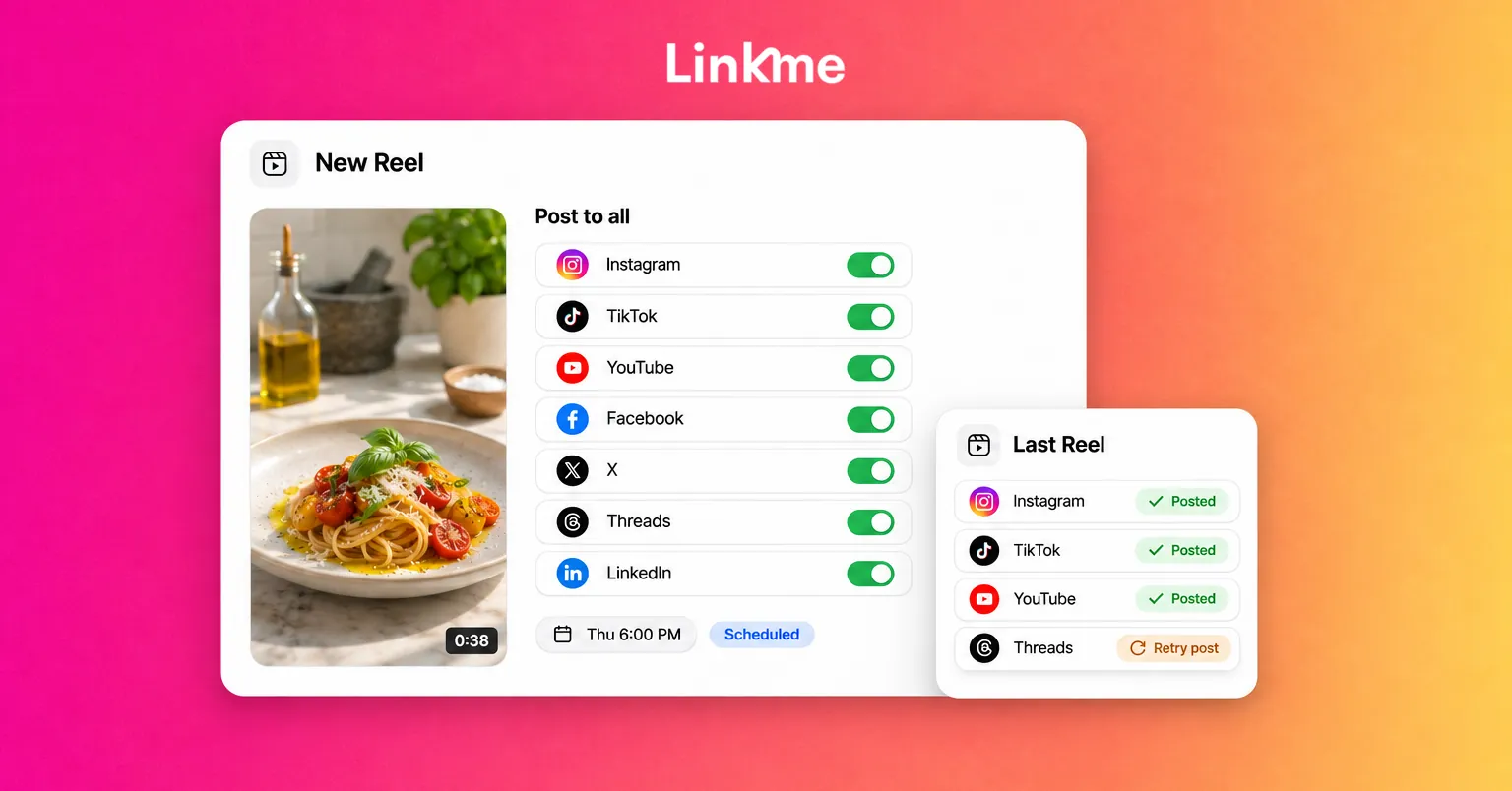
The cleaner route is to export the original file once and upload that file to every network. Linkme’s Post to All does this in one step: you upload the video once, write one caption or one per network, and publish to YouTube, Instagram, TikTok, Facebook, X, Threads and LinkedIn now or on a schedule. Each caption is checked against that network’s limit as you type, from 280 characters on X to 2,200 on Instagram and TikTok. TikTok posts keep their Who can watch, Duet and Stitch settings, and YouTube posts get a title and a visibility setting.
After publishing, every network shows its own status. If one misses, the post is marked Partially posted and Retry failed platforms sends it again to just that network. For a deeper walkthrough of adapting one idea across networks, see the guide to cross-posting on social media.
Turn comments into clicks with a keyword DM
A Reel that promises something, a checklist, a recipe or a booking link, can deliver it by DM. “Comment GUIDE and I’ll send you the checklist” turns a viewer into someone who has your link in their inbox.
With Linkme DM Automations, you pick the Reel (or, on plans that include it, every post and Reel you publish later), set the keyword, and write the DM once with any link. Linkme can post a public reply under each matching comment, rotating up to five variations so the thread does not read like a script, and sends the DM after a delay you choose. The in-app advice is 30 to 90 seconds, which feels natural. Each automation reports its activations, clicks and click-through rate, so you can see which Reel actually sent people somewhere.
Make the keyword ask honest. Promise something useful and send exactly that.
Measure what a trend actually did
Views alone can flatter a trend. Compare each Reel against your own recent Reels, not against someone else’s numbers, and look at:
- Shares and sends: a sign the Reel was useful or funny enough to pass on.
- Saves: a sign people want to come back to it.
- Follows from the Reel: whether reach turned into audience.
- Link clicks: whether the Reel moved anyone to act.
Keep a short log of each Reel’s format, hook and audio. After a month you will know which formats work for your account.
Linkme fits at the end of that process: one upload to every network with Post to All, and one keyword automation that turns the comments into clicks you can count.
Frequently asked questions
What are good Instagram Reels ideas when nothing is trending?
Fall back on formats that do not depend on a trend: a recurring series, a before-and-after, a quick tutorial, a customer question answered on camera, or a carousel that performed well turned into a short video. These keep your posting steady and give you material to adapt when a relevant trend appears.
How long should an Instagram Reel be?
As long as the idea needs and no longer. Instagram says Reels must be three minutes or less to be eligible for recommendations to non-followers. Most hooks, demos and tips work best well under that, while tutorials can use more of the time.
Should I use trending audio on every Reel?
No. Use trending audio when it fits the idea and your account is allowed to use it. Tutorials, reviews and explainers often work better with your own voiceover, which can also become a sound other accounts reuse.
Can I repurpose Reels to TikTok?
Yes. Export the original file without a watermark and upload it to TikTok directly, or publish the same file to Instagram, TikTok and other networks at once with a tool like Post to All. Adjust the caption for each network rather than pasting the same text everywhere.