How to Build a Snapchat Community That Keeps Coming Back
A Snapchat community is the people who open your Stories and reply. Set up a public profile, keep a rhythm, answer Snaps and give fans a way to follow you off Snapchat.
On this page
A Snapchat community is not your subscriber count. It is the group of people who open your Stories, reply to them and come back the next day. Building one takes a public profile people can find, a rhythm of Stories and Spotlight they can rely on, real replies to the Snaps they send, and a way to reach them that does not depend on Snapchat alone. This guide covers each of those, with a weekly rhythm you can copy.
Set up a public profile people can recognize
A Snapchat public profile lets people subscribe to you without being added as a friend, and it is where your public Stories, Spotlight videos and Lenses live. Snap’s own description of the profile is a place to show off public Stories, Spotlights and Lenses alongside your other information.
Who can have one depends on age. In June 2026 Snap set out its current approach: Snapchatters 18 and over get full access to public profiles, 16 and 17 year olds get an optional introduction to public sharing with extra safeguards, and under-16s get a profile visible only to accepted friends. If you manage a younger creator, plan around those rules rather than looking for ways past them.
Once the profile is live:
- Write a bio that says what people will see. “Daily kitchen experiments and Sunday Q&As” tells a visitor what to expect better than a list of adjectives.
- Use a clear photo or Bitmoji that matches your other accounts, so people recognize you across networks.
- Save your best Stories to the profile. Regular Stories disappear after 24 hours. Saved Stories stay, so a first-time visitor can see your best work before deciding to subscribe.
- Share your Snapcode. Snapchat lets you make a Snapcode for your public profile that people can scan to find you.
Keep a rhythm of Stories and Spotlight
Stories and Spotlight do different jobs. Stories are for the people who already subscribe: day-to-day moments, behind the scenes and conversations. Spotlight is where original short videos reach people who have never seen you before. A community needs both, but it is built mostly in Stories.
Build recurring Story segments
People come back for things they can expect. A few recurring segments give your Stories a shape:
- A daily check-in at roughly the same time.
- A weekly Q&A answering questions people sent you.
- A behind-the-scenes series on whatever you make, train for or sell.
- A “you decide” moment where you ask subscribers to choose what happens next.
A simple weekly rhythm
| Day | Stories | Spotlight |
|---|---|---|
| Monday | Week ahead, ask what people want to see | |
| Tuesday | Behind the scenes | One original video |
| Wednesday | Daily check-in | |
| Thursday | Behind the scenes | One original video |
| Friday | Q&A answering the week’s replies | |
| Weekend | Something casual, or a rest day | Optional |
Adjust it to what you can keep up. A rhythm you hold for three months beats a burst of daily posting that stops after two weeks.
Reply to Snaps and make replies part of the show
The reason Snapchat feels personal is that people can reply to your Stories directly. A community grows when those replies get answered.
- Answer as many replies as you can, quickly. Even a short answer tells someone you saw them.
- End Stories with a question. “Which one should I try tomorrow?” gets more replies than a Story that just ends.
- Feature replies, with permission. Answering a fan’s question in your next Story shows everyone else that replying is worth it. Ask before showing someone’s name or message, and never feature anyone who seems to be under 18.
- Recognize regulars. Thank the people who reply often. They are the core of the community, and others notice.
- Set boundaries early. Decide what you will not answer and block or report anyone who breaks Snapchat’s rules. A community stays welcoming when the creator protects it.
Move fans off Snapchat to a page and list you own
Snapchat decides who sees your Stories and Spotlight, and Stories expire. If your only way to reach fans is Snapchat, a change in the app or your account can cut you off from the people you spent months building a relationship with. Give fans a reason and a way to follow you somewhere you control.
Attach your page to your Snaps
Snapchat lets you attach a link to a Snap from the preview screen with the paper clip icon, and viewers swipe up to open it. Use that link for one page that holds everything, rather than a different destination each time.
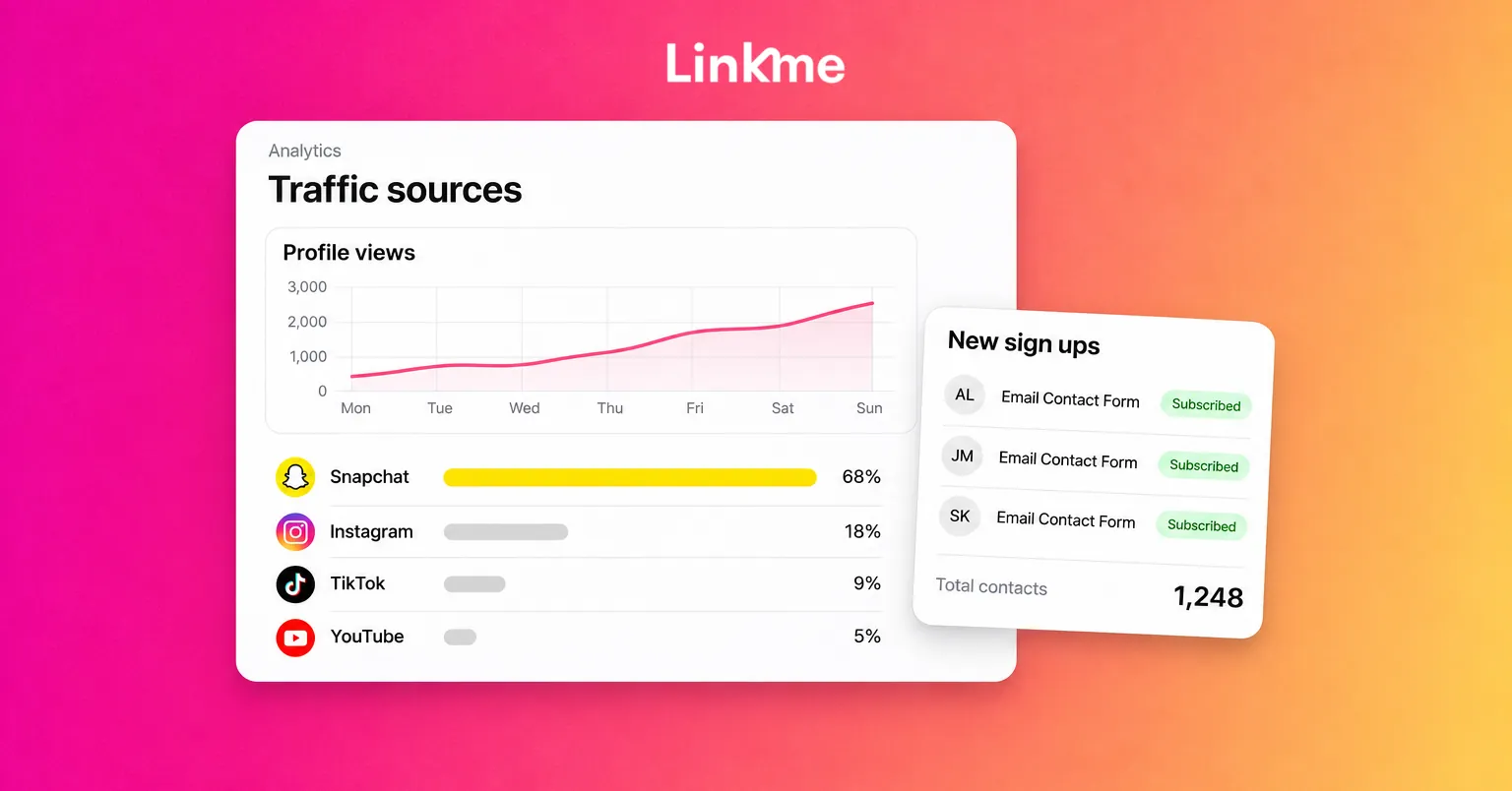
A Linkme page works well as that destination. Creators on Linkme usually lay out the page with an email sign up first, then their channels, latest videos and anything they sell. The Linkme setup for creators and athletes follows that order: fans who tap the “Connect with” email field land in Leads, where you can see total contacts and who is subscribed, and export a CSV.
Give people a reason to join
Nobody signs up for “updates.” They sign up for something specific:
- First access to a drop, a ticket sale or merch.
- The full version of something you previewed in a Story.
- A weekly note with the behind-the-scenes you do not post publicly.
Then send what you promised. On Linkme Pro, the email campaigns feature sends an email to everyone subscribed in Leads, so a Snapchat Story and an email can announce the same drop on the same day.
A note on publishing
Post your Snaps natively in Snapchat. Linkme’s Post to All does not publish to Snapchat on the web. It covers YouTube, Instagram, TikTok, Facebook, X, Threads and LinkedIn, so it helps with the rest of your channels while Snapchat stays hands-on.
Measure community, not only reach
Views tell you how many people saw a Story. Community shows up in other numbers:
- Replies per Story and how many of them come from people who have replied before.
- Return viewers: whether the people who watched Monday’s Story also watched Friday’s.
- Subscribers who stay after a Spotlight video brings a spike.
- Sign ups off Snapchat: new contacts in your list after you attach your page to a Snap.
On Linkme, Analytics shows profile views, link clicks and traffic sources for your page, so you can see whether Snapchat is sending people to it. Those numbers describe your Linkme page, not your Snapchat account; use Snapchat’s own insights for in-app performance.
Frequently asked questions
How do I make a public profile on Snapchat?
Open your profile in the Snapchat app and look for the option to create a public profile in your settings. Availability depends on your age and region: Snap gives full access to people 18 and over, an introductory version with extra safeguards to 16 and 17 year olds, and a friends-only profile to under-16s.
What is the difference between Snapchat Stories and Spotlight?
Stories are shown to your friends and subscribers and expire after 24 hours unless you save them to your profile. Spotlight is Snapchat’s feed of original short videos, where your content can reach people who do not follow you. Use Stories to keep your community engaged and Spotlight to bring new people in.
How often should I post on Snapchat?
Often enough that subscribers know when to expect you. Daily Stories and a few Spotlight videos a week is a common target, but a smaller rhythm you can keep up builds more trust than a schedule you abandon.
Can I schedule Snapchat posts with Linkme?
No. Linkme’s Post to All publishes to YouTube, Instagram, TikTok, Facebook, X, Threads and LinkedIn, and Snapchat is not available for posting on the web. You can still attach your Linkme page to your Snaps so fans can sign up for your list and find everything else you do.


