Linkme Shouts: What Happened to Them and What Replaced Them
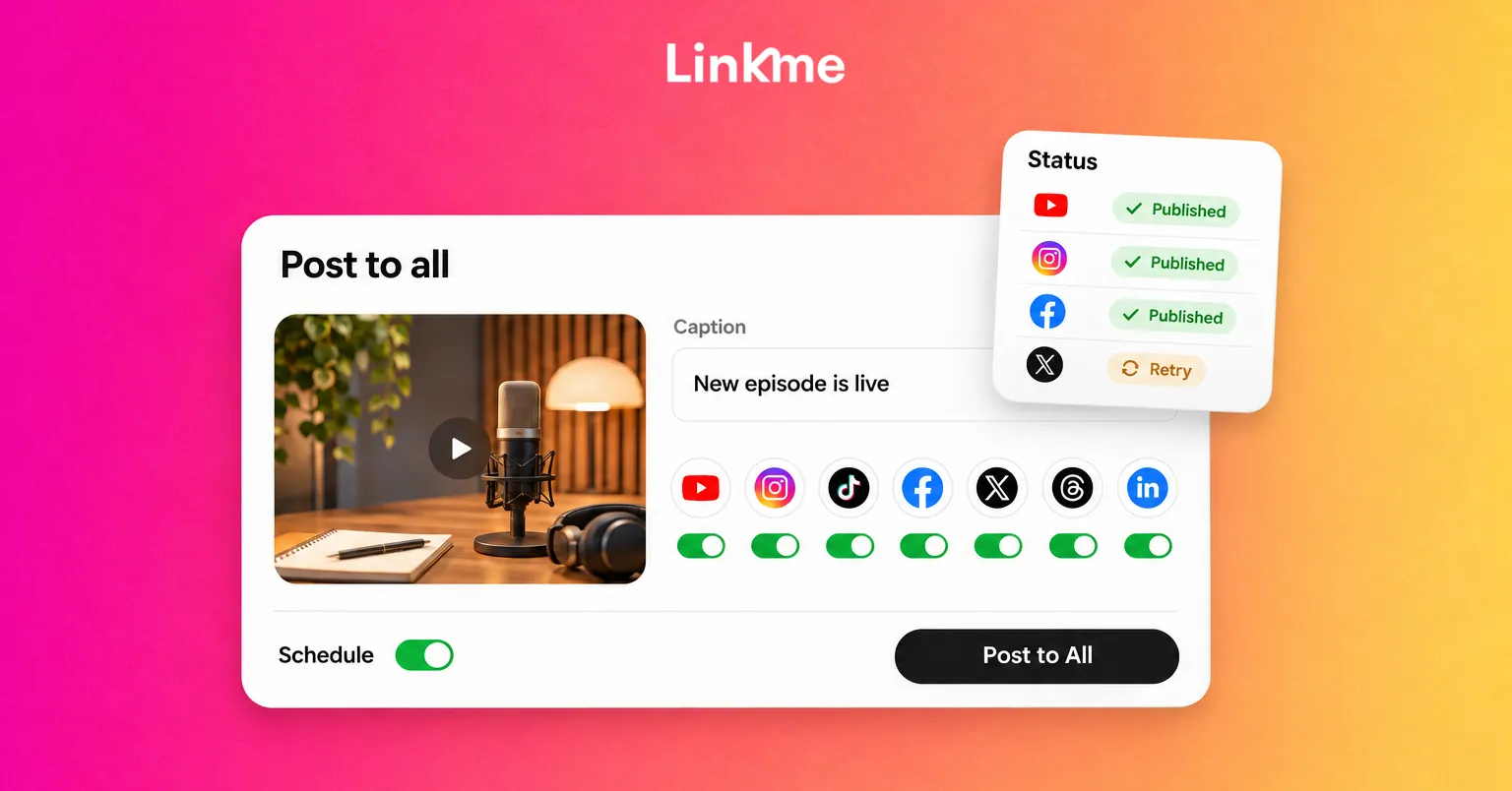
Shouts, the old in-app broadcast, have been retired. Post to All does the same job, sending one post to seven networks with a caption per network, now or on a schedule.
On this page
Linkme Shouts were the in-app broadcasts of the original Linkme app: a message, image or video sent to the people who followed you on Linkme. Shouts have been retired, along with the in-app network they ran on. The job they did, sending one update to everyone who follows you, is now done by Post to All, which publishes a single post to your accounts on seven social networks, now or on a schedule.
What Linkme Shouts were
When Linkme launched as a mobile app, it included its own social network. Shouts were the way to talk to that network: you wrote a short update, attached a photo or video, and it appeared for people who followed you inside the app. Older Linkme blog posts described Shouts as a megaphone for reaching a wider audience.
The limitation was that a Shout only reached people inside Linkme. Your audience on Instagram, TikTok or YouTube never saw it unless you posted there too.
What replaced Shouts
Linkme today is a platform for running your social media, not a separate network to build an audience on. Your followers stay on the networks they already use, and Linkme helps you reach them there. Two features cover what Shouts used to do:
| What you wanted from a Shout | How it works now |
|---|---|
| Tell all your followers something at once | Post to All publishes one post to seven networks |
| Share a photo or video update | Upload a video, an image, a carousel or text once |
| Reach people when it suits them | Publish now or schedule a date and time |
| Give people somewhere to go next | Point every post to your link.me page |
The difference is reach. A Shout went to followers on one app. A post to all broadcasts to every social network you connect, where your audience already is.
How Post to All works
Upload once
Pick a format: video, image, carousel or text. Upload it or choose it from your asset library, frame photos square, portrait or landscape, and pick a cover frame for a video. You add the media one time for every network.
One caption, or one per network
Write a single caption for all platforms. When a network needs something different, open its tab and give it its own caption. Limits are checked as you type: 280 characters on X, 500 on Threads, 2,200 on Instagram, TikTok and Facebook, 3,000 on LinkedIn and 5,000 on YouTube. Carousel sizes differ too, from 4 images on X to 35 on TikTok, and YouTube takes video only.
Schedule or post now
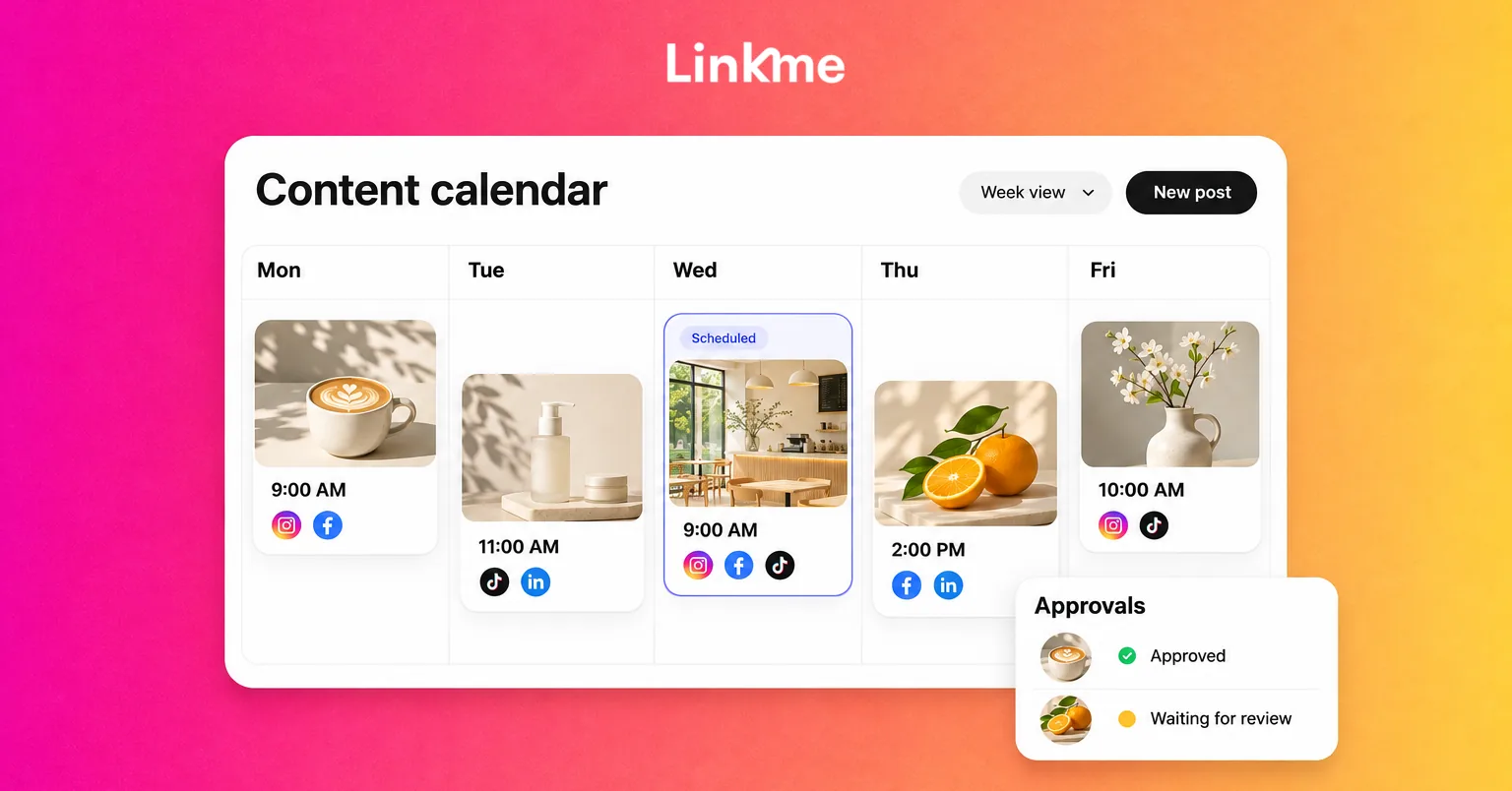
Leave Schedule off to publish right away, or set a date and time. The calendar shows every scheduled post by day, week or month, and you can edit a post before it goes out.
See where it went live
Each network gets its own status: Scheduled, Processing, Published or Failed. If one network misses, the post is marked Partially posted and Retry failed platforms sends it again to just that network. If an account needs reconnecting, reconnect it first.
Send your first post to all
The Post to All guide walks through the steps. In short:
- Connect your accounts. Open Post to All, press Connect on each network and sign in once. Free and Plus connect one account per network; Pro connects up to 10.
- Prepare your media. Have the video or photos ready before you start.
- Write the caption. Start with one caption, then adjust it on any network where it runs long or reads oddly.
- Pick your networks. Select all, or only the ones this post suits.
- Publish or schedule. Press Post to All, or turn on Schedule and pick the time.
- Check the result. Confirm every network shows Published, and retry any that failed.
The free plan includes 10 posts in total, on every network. Plus and Pro are unlimited. Linkme Business adds six more networks: Pinterest, Reddit, Bluesky, Telegram, Discord and Google Business Profile.
Make a broadcast work on every network
A Shout was written for one audience. A post to all reaches several, so a few habits help:
- Lead with the news. Put the point in the first line, since feeds often show only the start of a caption.
- Send people to one place. Point every version to your link.me page instead of a different link on each network.
- Adjust, do not rewrite. Most posts need a shorter X version and perhaps a more formal LinkedIn one, not seven different posts.
- Leave out networks that do not fit. A behind-the-scenes clip may suit TikTok and Instagram but not LinkedIn.
- Check the comments. A broadcast starts conversations on every network, so plan time to reply.
For a fuller look at adapting format, length and timing for each network, see how to cross-post on social media.
If you used Shouts before
Shouts belonged to the retired in-app network, so there is nothing to rebuild. The place to make the same kind of announcement now is the networks your followers use. If you have a link.me page, keep it current so that every post has somewhere useful to point: your channels, your latest video, an email sign-up and anything you sell. Then connect your accounts and send your next update with Post to All.
Shouts were a way to speak to one app. Post to All does the same job across the networks where your audience already follows you. Try Post to All with your next update.
Frequently asked questions
Does Linkme still have Shouts?
No. Shouts, and the in-app network they were shared on, have been retired. Linkme no longer has an in-app feed for broadcasting updates.
What replaced Linkme Shouts?
Post to All. It publishes one post to your connected accounts on YouTube, Instagram, TikTok, Facebook, X, Threads and LinkedIn, with one caption or a caption per network, now or on a schedule.
Can I schedule posts everywhere at once?
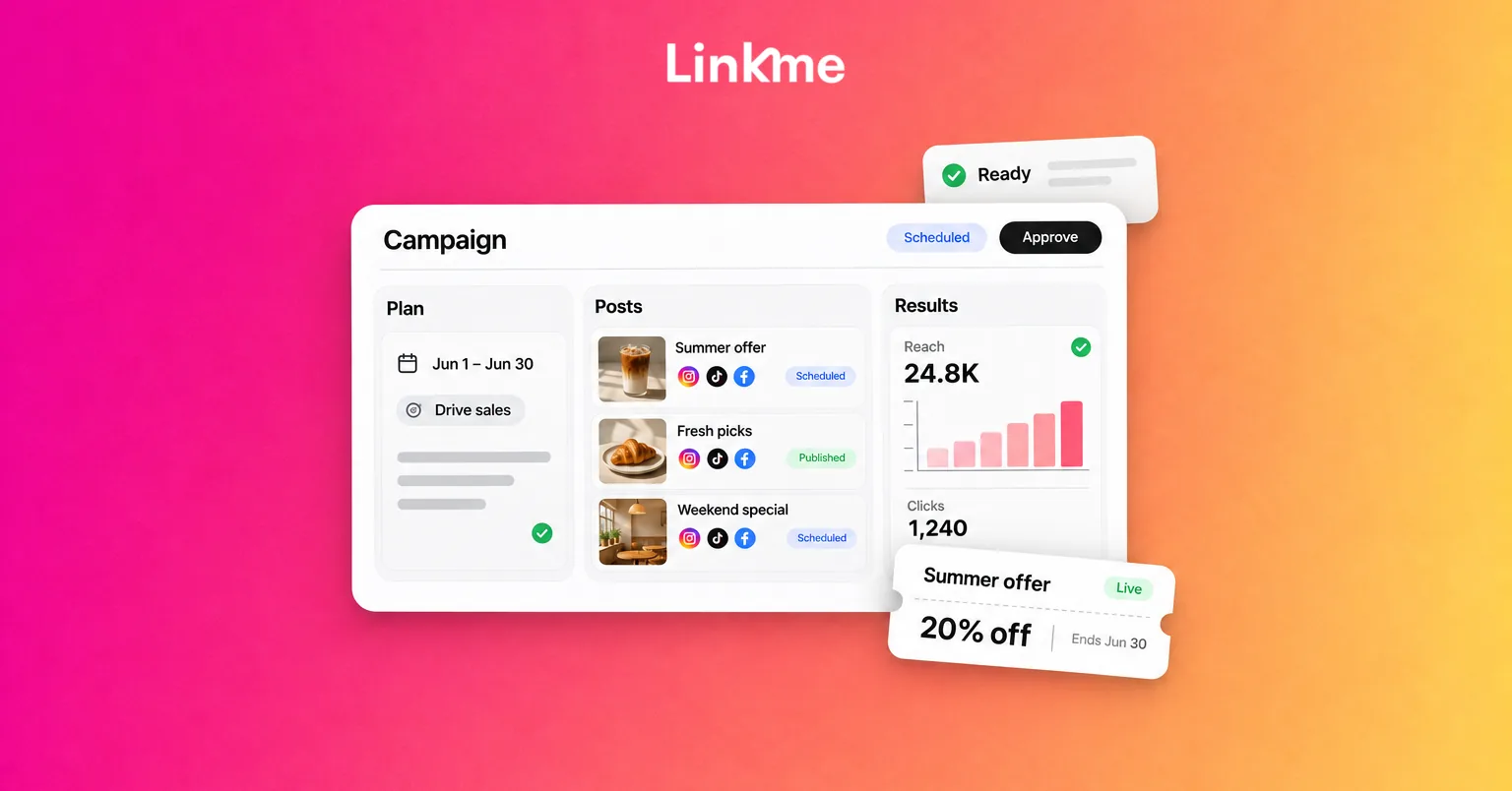
Yes. Pick the accounts, set a date and time, and the post goes out on every selected network at that time. The calendar shows each scheduled post, and you can edit it before it publishes.
Is Post to All free?
The free plan includes 10 posts in total, with one account per network. Linkme Plus and Linkme Pro include unlimited posts, and every Linkme Business package includes publishing to 13 networks.