Personal Branding for Professionals: LinkedIn, One Page and a QR Code
For consultants, job seekers and executives: a sharper LinkedIn profile, one page with your portfolio, contact form and booking link, and a QR code for slides and cards.
On this page
Personal branding for professionals has a narrower job than a creator’s brand: help the right people trust your expertise quickly and make it easy for them to contact you. For most consultants, job seekers and executives, that comes down to a strong LinkedIn profile, one page that holds your portfolio, a contact form and a booking link, and a QR code that puts that page on your slides and business cards. This guide shows how to set up each piece and keep it current.
Start with the action you want people to take
A professional brand is useful only if it leads somewhere. Before you edit any profile, decide who you want to reach and what you want them to do.
| You are | Who you want to reach | Strongest proof | Main call to action |
|---|---|---|---|
| Consultant or freelancer | Buyers with a specific problem | Case studies, client results, a clear service list | Book a call |
| Job seeker | Hiring managers and recruiters | Portfolio, work samples, references | Get in touch or download a résumé |
| Executive or founder | Partners, investors, press, future hires | Talks, interviews, articles, company news | Contact or speaking inquiry |
Write your answer as one line, for example: “Operations consultant for mid-size logistics firms. Book a 20-minute call.” Every profile and page you build should support that line.
Make LinkedIn your proof of expertise
For most professionals, LinkedIn is where people look first. Treat it as the place that establishes credibility, and your own page as the place that turns interest into action.
Fix the parts people read first
- Headline. Say who you help and how, not just your job title. “Helping logistics firms cut delivery delays | Operations consultant” says more than “Consultant”.
- About section. Three short paragraphs: the problem you solve, how you solve it, and what to do next. End with your page link.
- Featured section. LinkedIn lets you feature posts, articles, external links and uploaded media near the top of your profile. Use it for your best case study, a talk and your page.
- Custom profile URL. Set a clean public URL with your name so it looks right on cards and email signatures.
- Experience. Under each role, list two or three results with numbers you can stand behind.
Post a little, regularly
You do not need to post daily. One to three posts a week is enough for most professionals:
- A lesson from a recent project, with client details removed
- Your view on news in your industry
- A short breakdown of a common mistake you see
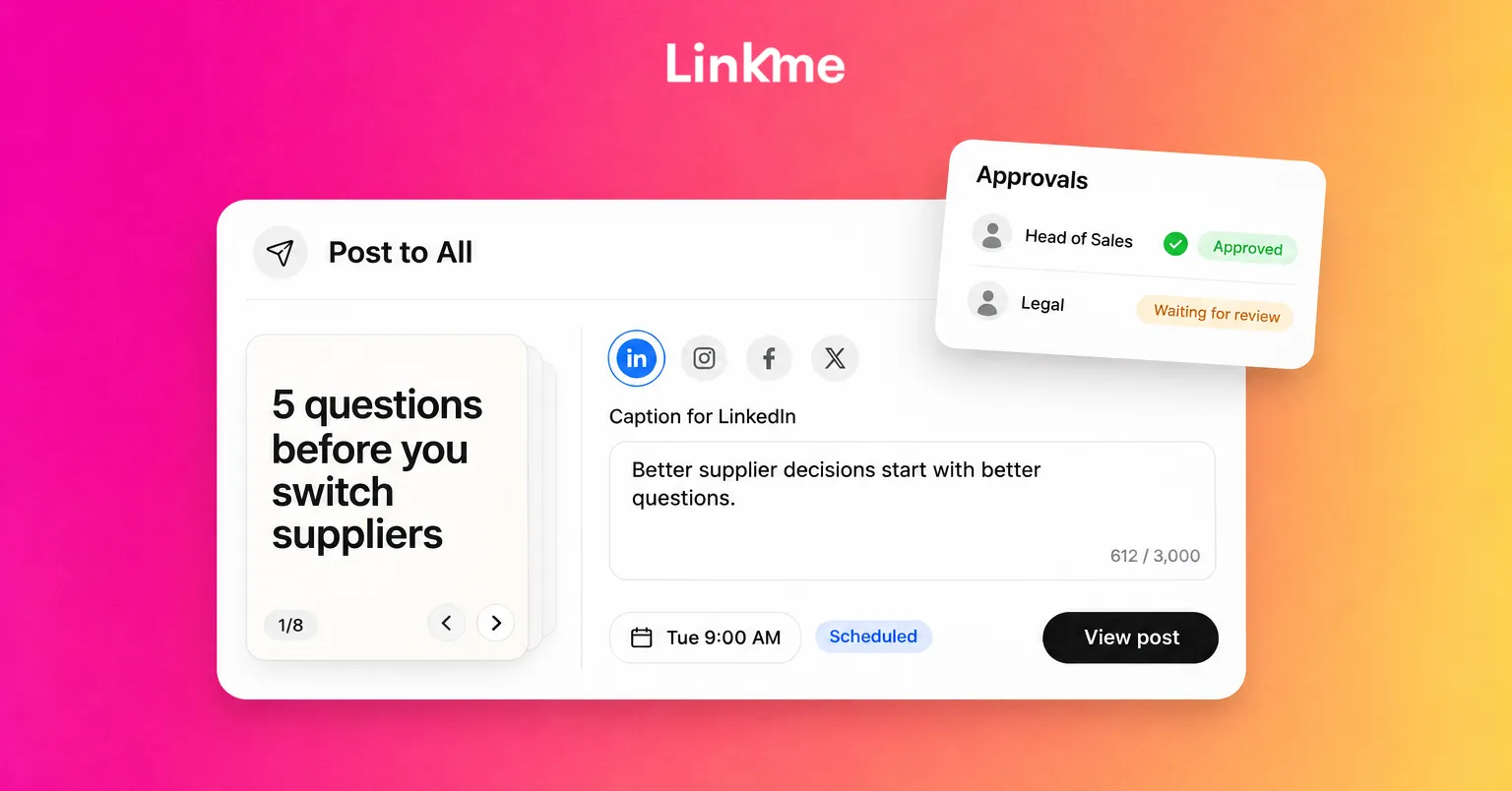
Writing in batches and scheduling ahead keeps this manageable. Linkme’s Post to All supports LinkedIn posts of up to 3,000 characters, alongside other networks. The guide to scheduling LinkedIn posts covers formats and timing.
Build one page that holds everything else
LinkedIn is good for credibility but limited as a portfolio. You cannot easily put a contact form, a booking link, a video and ten work samples in one tidy place. A single page can.
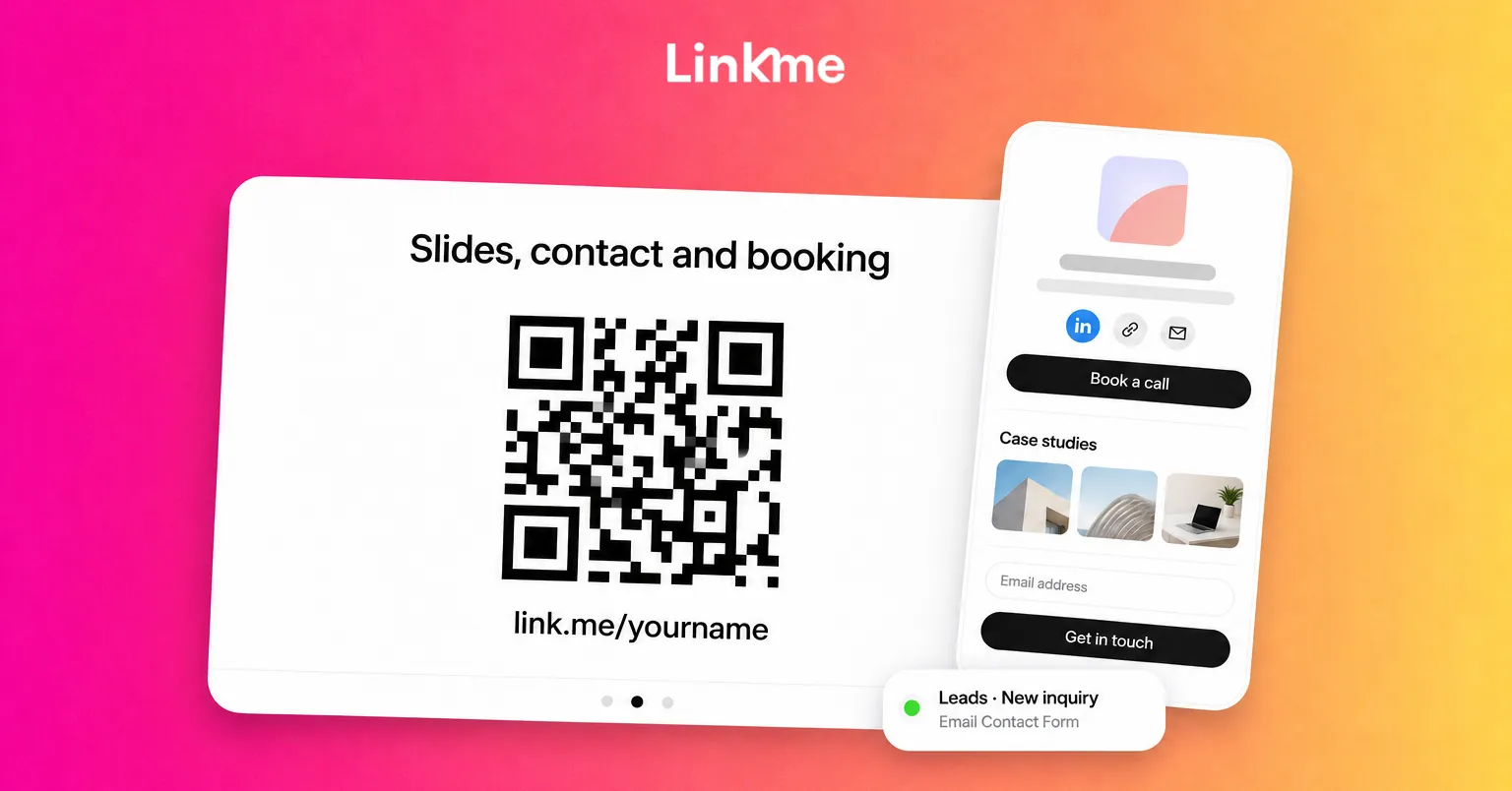
On a Linkme page you can combine featured links in different sizes, video feeds from YouTube, a gallery, contact info, an email contact form and headers to group sections. A professional layout often looks like this:
- One line under your name that repeats your positioning.
- Your main call to action, as a large link: “Book a call”, “View my portfolio” or “Speaking inquiries”.
- Your portfolio, grouped under headers: case studies, published articles, press features, talks.
- A video, such as a talk or a short introduction, from your YouTube channel.
- A contact form for people who would rather write than book.
- Links to LinkedIn and any other networks you use.
Contact forms and booking links
On People plans, data capture forms start on Linkme Plus, and on Linkme Pro every contact lands in Leads with the form it came from, ready to export as a CSV. That gives you a simple record of inquiries from talks, events and your profile.
Linkme does not have its own booking feature. Add a link to the calendar tool you already use, and visitors book there.
Examples by role
- Consultant: Book a call at the top, three case studies, a short services list in the bio, contact form.
- Job seeker: Portfolio first, résumé link, two or three work samples with context, contact form.
- Executive: Recent talks and interviews first, company link, speaking inquiries form, press kit link.
Put your QR code where people meet you
Most professional relationships still start in person: a meeting, a conference, a panel, a coffee. A QR code bridges that moment to your page.
Every Linkme page has one QR code that always opens the live page. Download it as an image from your dashboard and use it on:
- The last slide of every presentation, next to “Slides, contact and booking”
- Printed business cards, so people get your whole portfolio, not just a phone number
- Conference badges and name tents
- A one-page résumé or capabilities sheet
- Email signatures, as a plain link
Because the code opens your live page, you can change what is on the page without reprinting anything. Scans are not counted as a separate number; each scan is a page visit that shows up in your profile views, and taps on links count as link clicks.
Keep your brand current every quarter
A professional brand goes stale quietly. Every three months, spend an hour on this checklist:
- Swap in your newest proof. Replace older case studies and talks with recent ones.
- Check every link. Remove dead links and update anything that moved.
- Review your page analytics. Profile views and link clicks show whether people find your page and which links they open. If nobody opens your case studies, rename them or move them up.
- Update LinkedIn to match. Headline, Featured section and About should tell the same story as your page.
- Refresh your photo if it is more than a few years old.
Frequently asked questions
Do I need a personal website as well as LinkedIn?
Not necessarily. Many professionals do well with LinkedIn plus one page that holds their portfolio, contact form and booking link. A full website makes sense when you need detailed service pages, articles or search visibility for your name and business.
What should a job seeker put on a portfolio page?
Lead with your strongest work samples, each with a sentence of context about the problem and your role. Add your résumé, a contact form and a link to LinkedIn. Keep it focused on the kind of role you want next.
Can I see who scans my QR code?
You cannot see individual people. Each scan opens your page and counts as a profile view, and the links people tap count as link clicks. If someone fills in your contact form, you get their details.
How often should professionals post on LinkedIn?
One to three thoughtful posts a week is enough for most consultants, job seekers and executives. Consistency over months matters more than frequency in any one week.
A strong professional brand makes the next step obvious: read your LinkedIn, open your page, get in touch. Set up your page and QR code with Linkme Pages & QR and put it everywhere you meet people.