Creating Buzz for a Launch: Teasers, Waitlists and the Launch Email
A four-to-six-week pre-launch plan: teaser posts, a waitlist or presale sign up that lands in Leads, a scheduled link with a countdown and the launch-day email.
On this page
Creating buzz for a launch means giving people a reason to care before the product exists, a simple way to raise their hand and a reliable way to hear from you on the day it goes live. Teaser posts build curiosity, a waitlist or presale sign up captures it, and a launch-day email turns that interest into the first orders or bookings. Without the middle step, most of the attention you create disappears the moment people scroll on.
This guide walks through a four-to-six-week pre-launch plan for a product, drop, event or service, with the posts, sign up and email it needs.
A note for readers of older Linkme posts: the invite rewards program they described no longer exists. This guide is about building buzz for your own launch.
Start with the launch-day action
Buzz is only useful if it points somewhere. Before writing teasers, write down three things:
- What goes live. A product drop, ticket on-sale, course opening, new menu or booking calendar.
- What you want people to do. Buy, book, reserve, register or claim early access.
- Who should hear first. Everyone on the waitlist, presale sign ups only, or existing customers.
That last answer shapes the whole plan. If waitlist members get access an hour early, the sign up has a real reason to exist, and your teasers can say so.
Build pre-launch buzz in three phases
Phase 1: Tease the problem or the moment (weeks 1-2)
Early posts should create curiosity without giving everything away. Useful formats:
- Behind the scenes. Sketches, samples, the kitchen test, the rehearsal.
- The problem it solves. A short video on the frustration your product fixes, without naming the product yet.
- A question to your audience. “Which color should we make first?” Replies tell you what people care about.
Keep the call to action light in this phase: follow, turn on notifications or reply.
Phase 2: Open the waitlist or presale (weeks 2-4)
Now give people a concrete next step. A waitlist works when you want to gauge demand or reward early fans. A presale works when you are ready to take orders or have a limited allocation, such as early tickets.
Make the offer specific:
- “Join the list and get the link one hour before everyone else.”
- “Presale sign ups get first access to tickets on Friday at 10 a.m.”
- “The first 100 on the list get the launch price.” (Only promise what you will deliver.)
Repeat the sign up in several posts and formats. One announcement is easy to miss.
Phase 3: Count down (final week)
The last week is about timing and reminders. Share the date and time clearly, with a time zone if your audience is spread out. Show the finished product. Post a final reminder the day before and a short “it’s live” post at launch.
On Instagram, viewers can subscribe to a Story countdown sticker and get a notification when time is up. Pair it with your link so people who missed the Story still have somewhere to go.
Capture sign ups you own
Followers are not a list. A launch post may reach only part of your audience, and you cannot message every follower directly. A waitlist sign up gives you a contact you can reach on launch day.
On a Linkme page, you have two ways to collect that interest, both covered on the lead capture page:
- The Email Contact Form puts an email field with a “Connect with” button under your bio.
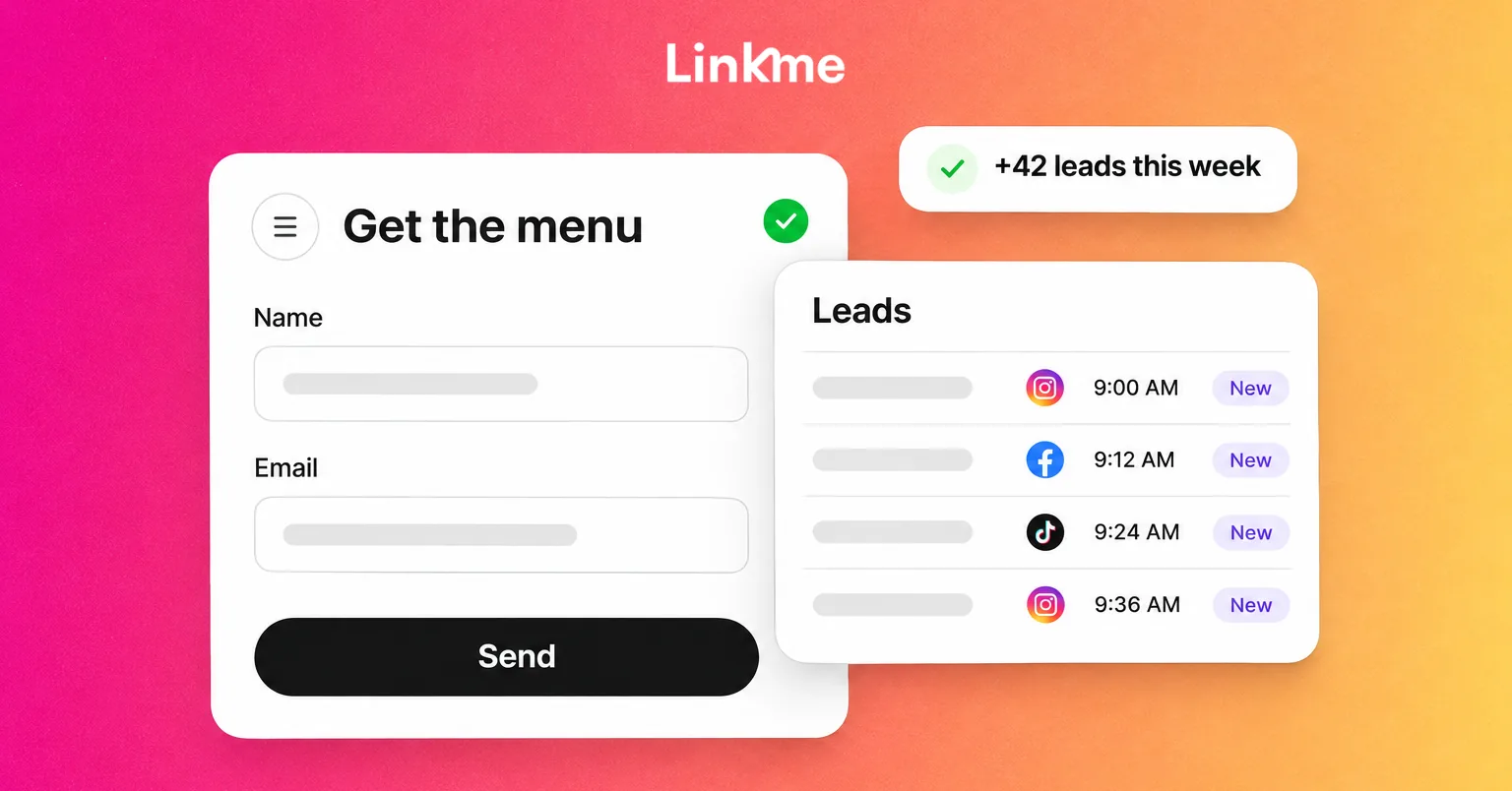
- A form lets you add Text, Email and Mobile fields, mark each one required or optional and choose whether submitters join your Leads.
For a launch, a named form such as “Fall drop waitlist” is the cleaner choice. Every contact in Leads carries its source, including each form by name, so you can filter to exactly the people who joined the waitlist. You can also export the list as a CSV at any time.
A practical form for a launch waitlist:
| Field | Required | Why |
|---|---|---|
| Yes | How you reach them on launch day | |
| First name | No | Lets you personalize the launch email |
| Mobile | No | Useful for event presales if you plan to text, with consent |
| “What are you most interested in?” (Text) | No | Tells you which product or option to lead with |
Keep it short: every extra required field costs sign ups.
Send comment interest to the sign up
Teaser posts draw comments like “when?” and “how do I get one?” A DM automation can answer them for you: pick the teaser post, set a keyword such as WAITLIST, and Linkme posts a public reply and sends the commenter a DM with your link. Point that link at your page with the sign up form. Note that people your automation messages are not added to Leads on their own. They join your list when they fill in the form or the email field on your page.
Schedule the launch link with a countdown
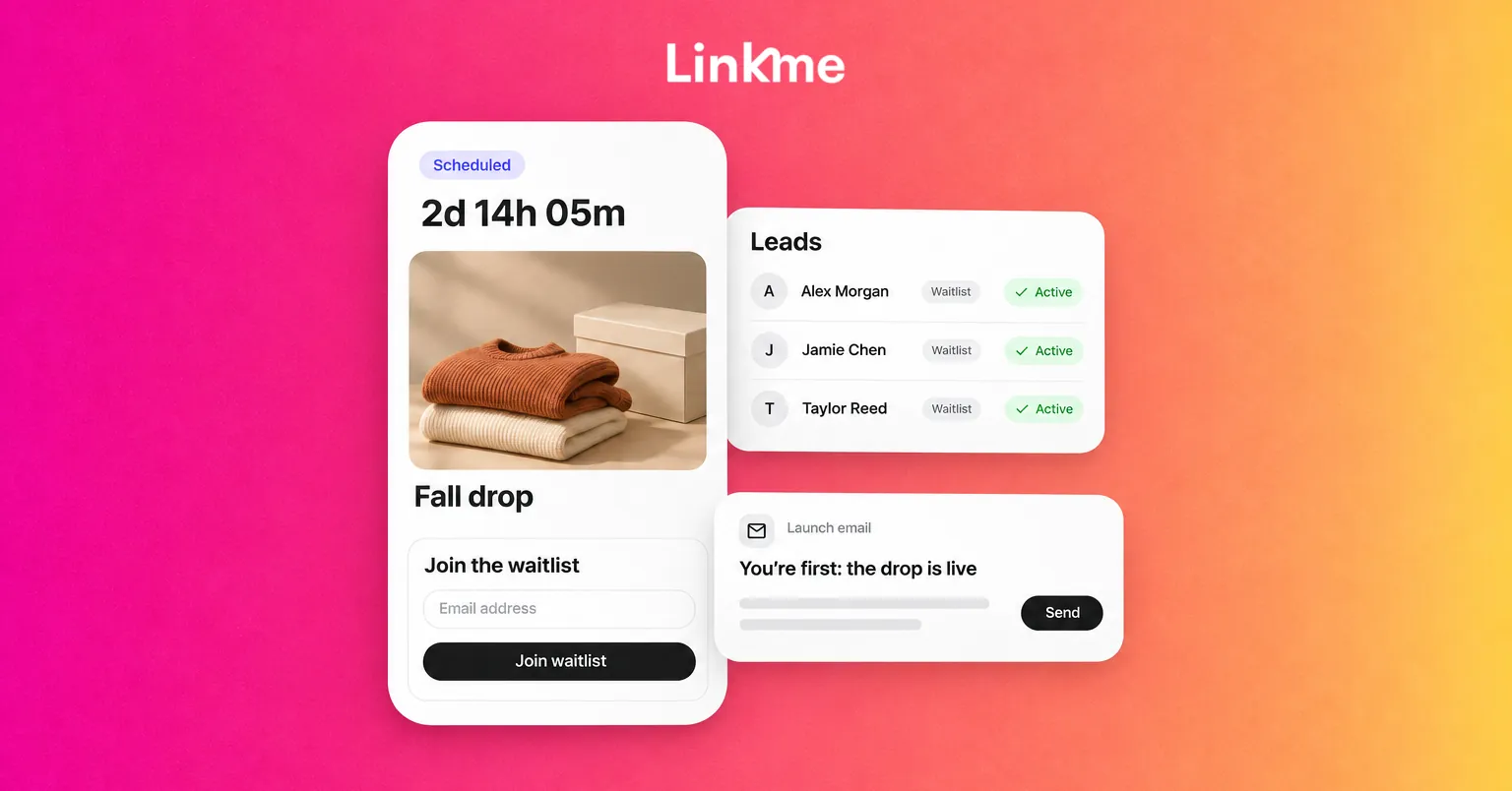
The worst launch moment is a link that goes live late, or early, because someone forgot to swap it. With the Link Scheduler, you give a link a start and end date and time. Before it goes live, the link waits on your page under a countdown, then switches on by itself at the start time and comes off at the end time.
That gives you a clean sequence on one page:
- Before launch: the waitlist form near the top, with the scheduled launch link showing its countdown.
- At launch: the launch link goes live automatically.
- After a limited offer ends: the link comes off, so nobody lands on an expired deal.
Link scheduling is included on Plus and Pro, and on every Business seat.
Send the launch email
Launch day is when the list pays off. Write the email in advance and send it when the product is actually available.
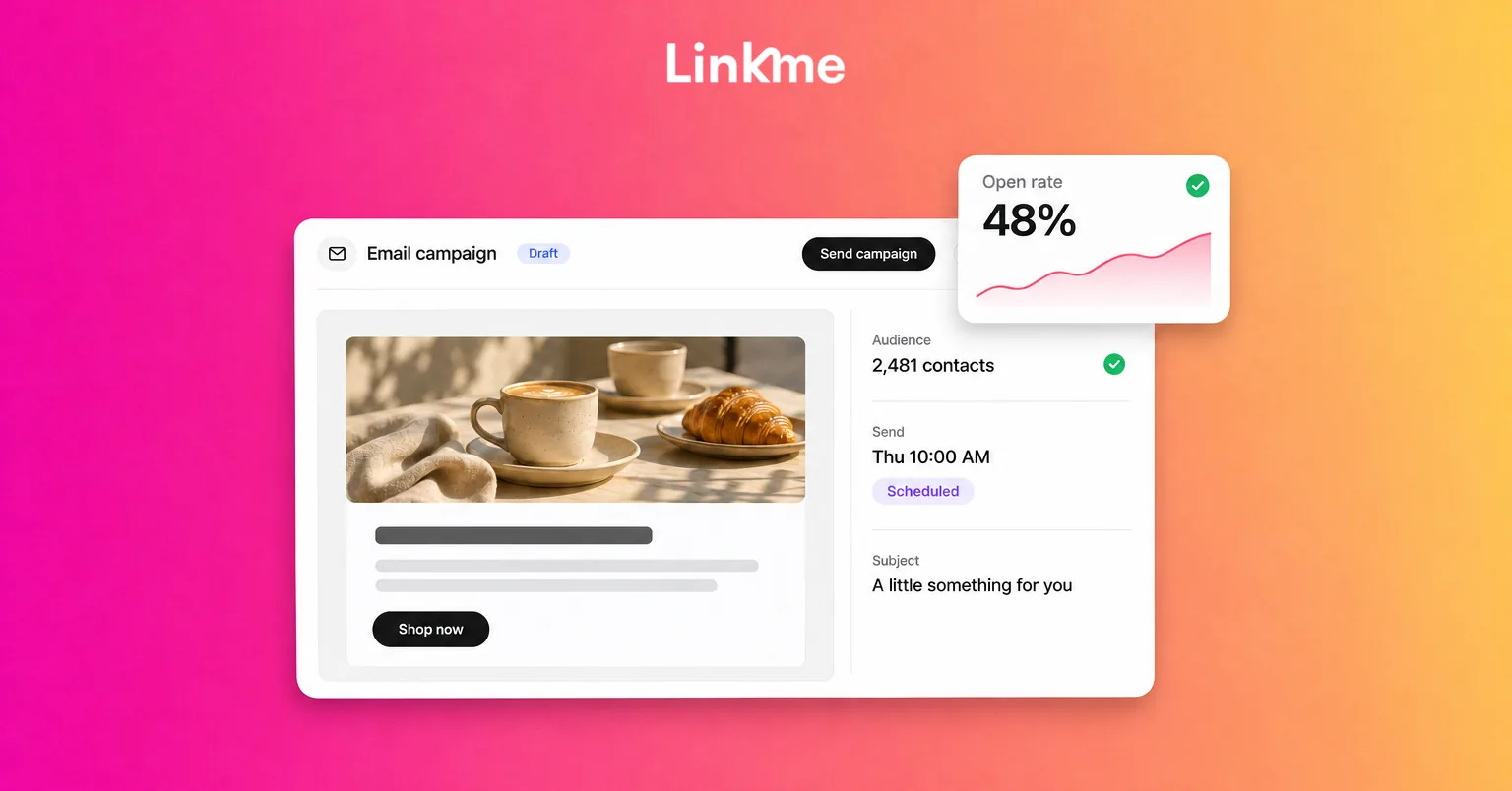
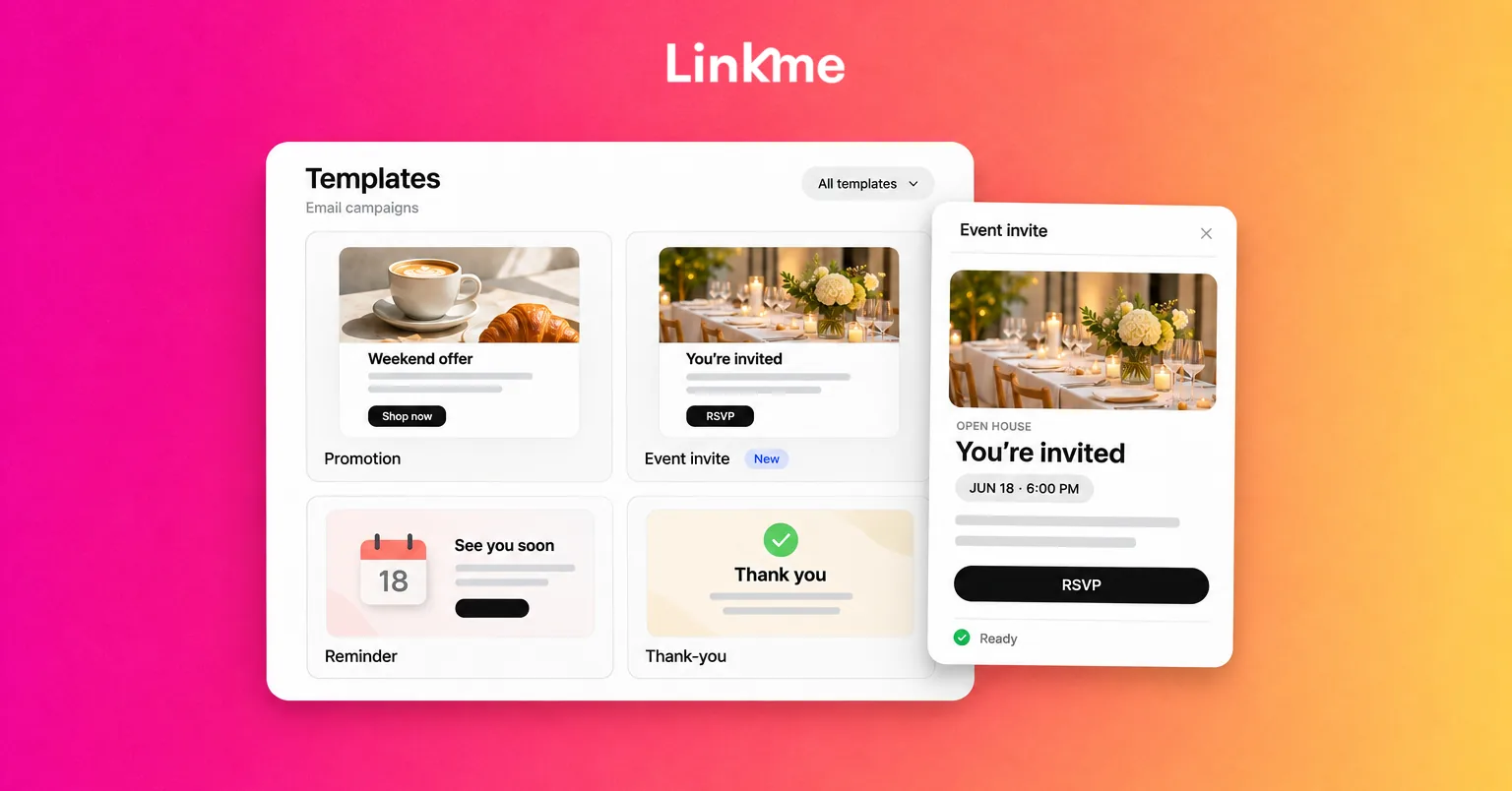
With email campaigns in Linkme, you can start from a template such as Early access, add each contact’s first name and send to everyone subscribed or to a filtered group, such as the people who joined through your waitlist form. Campaigns go out as soon as you send them, so press send at the moment the link goes live. Sending needs Linkme Pro or a Business plan.
A simple launch email structure:
- Subject: What is live and that they are first. “You’re first: the fall drop is live.”
- Opening line: Thank them for signing up and confirm the promised benefit.
- One clear button: Straight to the product, booking or ticket page.
- Practical details: Price, sizes, dates, quantity limits or when early access ends.
- Sign off: A short, human note.
Consider a second, shorter email near the end of the early-access window to people who have not clicked. Every campaign carries an unsubscribe link, and people who unsubscribe are not emailed again.
Measure the launch
After launch, look at the full path rather than teaser views alone:
- Waitlist sign ups, and which posts or automations drove them
- Launch email opens and clicks
- Clicks on the launch link on your page
- Sales, bookings or registrations in your own records
Note what worked for next time, such as which teaser format drew the most replies.
Frequently asked questions
How far in advance should I start building buzz for a launch?
Four to six weeks suits most product drops and events: time for teasers, a waitlist phase of at least two weeks and a countdown week. Smaller updates can work with one or two weeks.
Is a waitlist or a presale better?
A waitlist is better when you want to gauge demand or reward early fans with first access. A presale suits launches with limited inventory or tickets, where taking orders or reservations early helps you plan. Some launches use both: a waitlist first, then presale access for people on the list.
Does Linkme still offer invite rewards?
No. The invite rewards program described in older posts no longer exists, and inviting people does not earn rewards. Creators who want to represent Linkme can apply to the invite-only Ambassador program at ambassador.link.me.
What should a launch email include?
What is live, why the reader is getting it first, one clear button to the product or booking page and the practical details, such as price, dates and limits. Send it when the link actually works.
A launch runs smoothly when the teaser, the sign up, the scheduled link and the email all point to the same page. Linkme keeps those pieces in one place, so the list you build before launch is the list you email when it goes live.