Engaging Social Media Stories: Tips and Best Practices
How to make Stories people watch to the end and answer: a hook frame, a simple arc, the right sticker, a cadence you can keep and fast replies to every DM.
On this page
Engaging social media stories are short sequences people tap through to the end, and ideally reply to. They work because they feel informal and temporary: on Instagram, Facebook and Snapchat, a Story usually disappears from view after 24 hours, so viewers check in often and creators can post without the polish a feed post needs. The Stories that get watched and answered share a few habits: a clear opening frame, a simple arc, one interactive element and a reason to reply.
This guide covers how to structure a Story, which stickers to use, how often to post and how to turn replies into real conversations.
Why Stories behave differently from feed posts
Stories sit at the top of the app, are ranked mostly by relationships and are viewed one tap at a time. Instagram has said its Stories ranking leans on viewing history, engagement history and how close a viewer is to the author, and predicts whether someone will tap into a Story, reply or move on.
That has three consequences:
- Stories mainly reach people who already know you. They are less about discovery and more about keeping your audience close.
- Every frame is a decision point. Viewers tap forward, swipe away or stay. Weak frames end the sequence.
- Replies matter. A reply is a signal of closeness and opens a direct message thread with that person.
Plan Stories as relationship content: the day-to-day, the behind the scenes, the quick question and the reminder.
Structure a Story people watch to the end
Open with a hook frame
The first frame decides whether people stay. Make it clear what the sequence is about and why it is worth a few taps:
- “Three things we changed on the menu this week”
- “Packing 400 orders before Friday’s drop”
- “Which cover do you prefer? Vote at the end”
Use large on-screen text. Many people watch with the sound off.
Use a simple arc
A reliable structure for 4-7 frames:
| Frame | Job | Example (a bakery) |
|---|---|---|
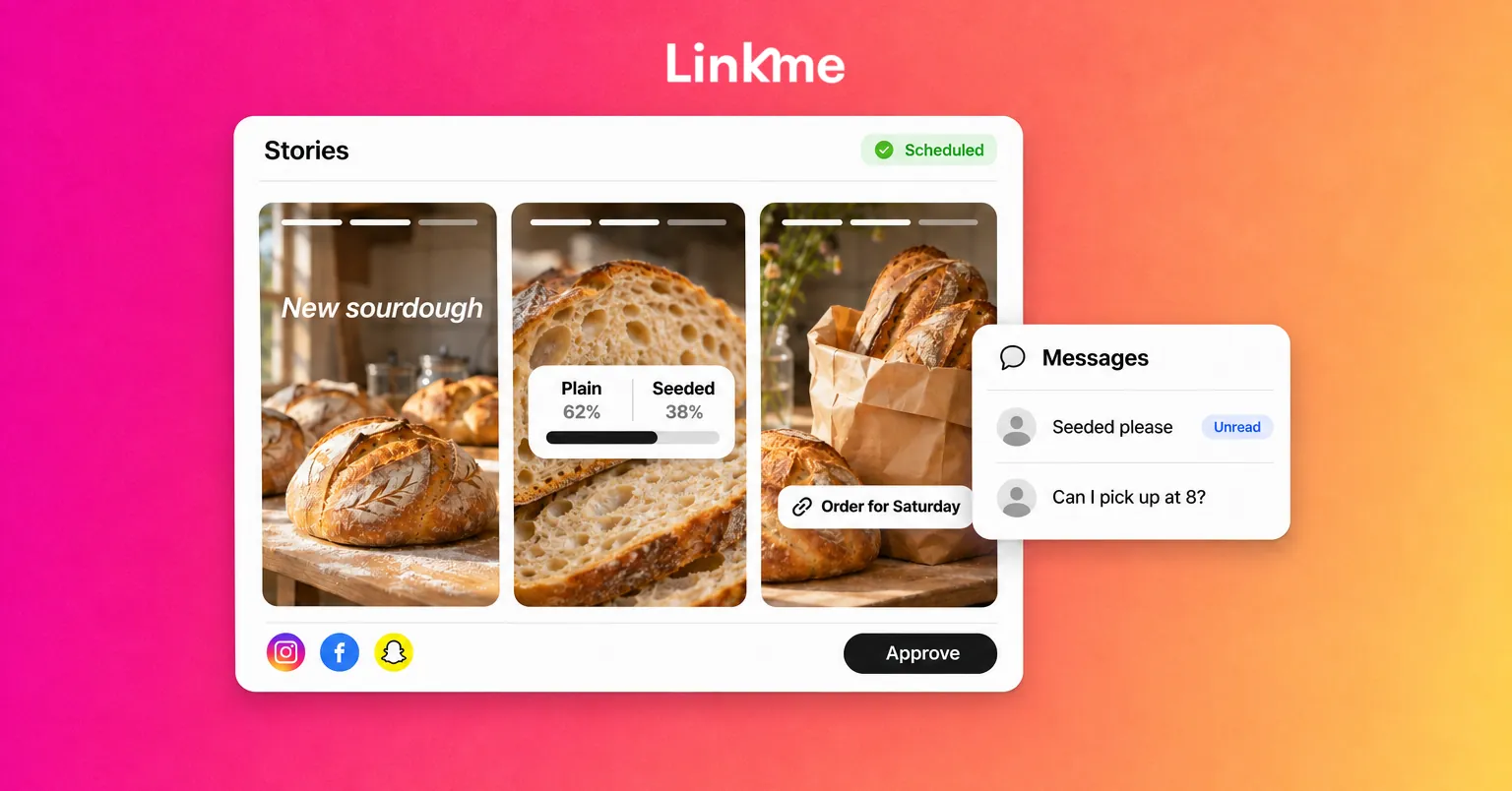
| 1 | Hook | “Our new sourdough is almost ready” |
| 2-3 | Context or process | Shaping the dough, the oven door opening |
| 4 | Payoff | The finished loaf, cut open |
| 5 | Interaction | Poll: “Plain or seeded for the weekend?” |
| 6 | Next step | “Available Saturday from 8 a.m.”, with a link to the order page |
Not every Story needs a call to action. A quick behind-the-scenes set can end on the payoff.
Keep frames readable
- Hold text frames long enough to read, or split long text across two frames.
- Keep text and stickers out of the top and bottom edges, where app controls can cover them.
- Use one font style and color set so your Stories are recognizable at a glance.
- Mix photo, short video and text frames so the sequence does not feel static.
Choose stickers with a purpose
Interactive stickers give viewers a reason to stay and tap. Instagram’s sticker tray includes options such as polls, quizzes, questions, emoji sliders, countdowns and links; availability can vary by account, region and app version. Facebook and Snapchat have their own interactive tools.
Pick the sticker for the job:
| Goal | Sticker | Tip |
|---|---|---|
| Quick feedback | Poll | Two clear options; share the result in a later frame |
| Learn what people want to know | Questions | Answer the best ones in a follow-up Story |
| Teach or entertain | Quiz | Use it to explain a product feature or a fact about your work |
| Measure feeling | Emoji slider | Good for “how excited are you” moments before a launch |
| Build anticipation | Countdown | Viewers can set a reminder for when it ends |
| Send traffic | Link | Use sparingly and make the destination obvious |
One interactive sticker per sequence usually works better than several. Too many choices slow people down.
The link sticker deserves its own walkthrough, so we keep this brief: make the sticker text say exactly where the link goes, and point it at a page that works well on a phone, such as your link in bio page.
Find a cadence you can keep
There is no ideal number of Stories per day. What matters is that your audience sees you regularly and each set earns its frames.
- Post most days, in smaller sets. Three to seven frames a day is easier to keep up than twenty once a week.
- Spread them out. A set in the morning and one in the evening reaches people at different times.
- Plan a few recurring formats. “Monday menu,” “Friday order count” or a weekly Q&A reduces daily decision-making.
- Save the best to Highlights. Instagram lets you keep Stories on your profile past 24 hours by adding them to Highlights. Use Highlights for evergreen information: how to order, FAQs, reviews and location details.
Stories work best next to a steady feed. Many teams plan feed posts and videos ahead in a calendar and keep Stories for the live, day-to-day layer. With Linkme’s Post to All, you can schedule those feed posts and videos to Instagram, Facebook, TikTok and other networks from one composer, which frees your attention for Stories that need to feel immediate.
Turn replies into conversations
A Story reply goes to your direct messages. That is the most valuable part of Stories for many businesses and creators, because the person has already chosen to talk to you.
Reply fast and personally
Answer within the same day if you can. Use the person’s name and refer to what they replied to. A one-word “thanks” ends the conversation; a question keeps it going.
Invite the reply
End some sequences with an open prompt: “Reply with the city you want us to visit next” or “DM us ‘MENU’ for this week’s specials.” A direct prompt gets more replies than a generic “let us know.”
Handle the common questions at scale
If the same question arrives dozens of times, automate the answer. A DM automation in Linkme can reply to Instagram and Messenger messages that contain a keyword, or to any message, and on Instagram it can add up to three links as buttons. Asking people to send a keyword such as “MENU” lets the automation send the right link while your team handles the conversations that need a person.
Keep messages in one place
When replies come from several accounts, it is easy to miss them. Linkme’s Social Inbox brings Instagram and Facebook messages and comments together, with internal notes and saved replies for a team. Our guide to managing Instagram DMs and comments as a team covers who should own which conversations.
Check what worked
Each network’s Story insights show views, taps forward and back, exits and replies. Look at where people drop off in a sequence. A frame with many exits is the one to fix next time. Track sticker responses and replies across a few weeks rather than judging a single day.
Frequently asked questions
How long should a social media Story be?
Long enough to tell one small story, usually three to seven frames. Shorter sets are easier to finish, and viewers who reach the end are more likely to reply or tap your link. If you have more to say, split it into two sets at different times of day.
How often should I post Stories?
Most days, if you can keep it up. Smaller daily sets keep you visible at the top of your followers’ apps without overwhelming them. A predictable rhythm matters more than a high number.
Which Story stickers get the most engagement?
Polls and question stickers ask the least of viewers, so they are a good place to start, but results vary by audience. Choose based on your goal: polls for quick feedback, questions for ideas, countdowns for launches and links when you want a visit.
Can I schedule Instagram Stories in Linkme?
Post to All lists images, carousels and videos as its Instagram formats, and Stories are not among them. Plan your feed content there and create Stories in the Instagram app, where stickers and other interactive features are available.
Stories keep your audience close; your feed and your page do the rest. Linkme helps you schedule the feed, answer the messages Stories bring in and send people to one page that has everything they need.