How to Run a Hybrid Social Media Team: On-Site Capture, Remote Publishing
Capture on site, edit and publish remotely. How a hybrid social media team splits the work, hands off footage and keeps approvals moving without being in one room.
On this page
- Key takeaways
- What a hybrid social media team looks like
- Roles and handoffs
- Use a capture brief for every shoot
- Make the shared content calendar the meeting point
- Approvals that don’t need everyone in the room
- A game day example
- Cover replies during live moments
- How Linkme fits a hybrid team
- Frequently asked questions
A hybrid social media team splits its work by where it has to happen. The people at the venue, the store or the stadium capture what only exists in that moment, and the people working remotely turn that material into finished posts, schedule them, and answer the replies. The split works when everyone plans from one shared content calendar, handoffs are clear and approvals don’t depend on being in the same room.
This guide shows how to organize that split: who does what, how footage gets from the venue to the editor, and how to keep publishing on time when half the team is somewhere else.
What a hybrid social media team looks like
A hybrid team is not just a remote team that sometimes visits the office. For venues, retailers, restaurants, events and sports teams, a lot of the best content can only be captured in person: a match-day tunnel walk, a new menu coming out of the kitchen, a queue at a store opening, a performer’s sound check.
That creates two kinds of work with different needs:
| Work | Best done | Why |
|---|---|---|
| Photo and video capture | On site | The moment only happens there |
| Live stories and quick reactions | On site, or on site plus remote | Needs access and speed |
| Staff, customer and behind-the-scenes content | On site | Needs relationships and permission on the ground |
| Editing and captions | Remote | Needs focus time and the right software |
| Scheduling and publishing | Remote | Can happen from anywhere with the calendar |
| Comments and DMs | Remote, with on-site support during live moments | Needs coverage, not location |
| Reporting | Remote | Needs data, not presence |
Roles and handoffs
On a small team one person may hold several of these roles. What matters is that each handoff has a named owner.
- Capture lead (on site): works from the capture brief, shoots, labels and uploads the raw material, and gets permission from anyone featured.
- Editor (remote): turns raw footage and photos into finished assets for each network’s formats.
- Social media manager (remote or hybrid): writes captions, builds posts, schedules them on the calendar and submits them for approval.
- Approver: checks the final version before it goes out. This can be anyone with authority over the brand, wherever they sit.
- Community manager (remote): answers comments and DMs, especially during and after live moments.
Write the handoffs down as your hybrid team workflow: who uploads by when, who edits by when, who approves by when. A clear deadline replaces the hallway conversation a fully in-office team would have.
Use a capture brief for every shoot
The most common hybrid problem is footage that arrives incomplete: shot horizontally when the plan was Reels, no close-ups, no clean audio, nothing the editor can use for the opening second. A short capture brief prevents most of it.
A useful capture brief includes:
- The posts it feeds. For example, “Saturday recap Reel, Sunday carousel, two stories during the event.”
- The shot list. Wide establishing shot, three close-ups, one person talking to camera, crowd reaction.
- Formats. Vertical video for short-form, a few horizontal clips for YouTube or LinkedIn, stills for carousels.
- Must-haves. Sponsor signage, the product, the opening moment.
- Upload instructions. Where to upload, how to name files (date, location, subject) and the deadline.
- Permissions. Who has agreed to appear, and anything that must not be filmed.
The remote editor should be able to start work without a phone call.
Make the shared content calendar the meeting point
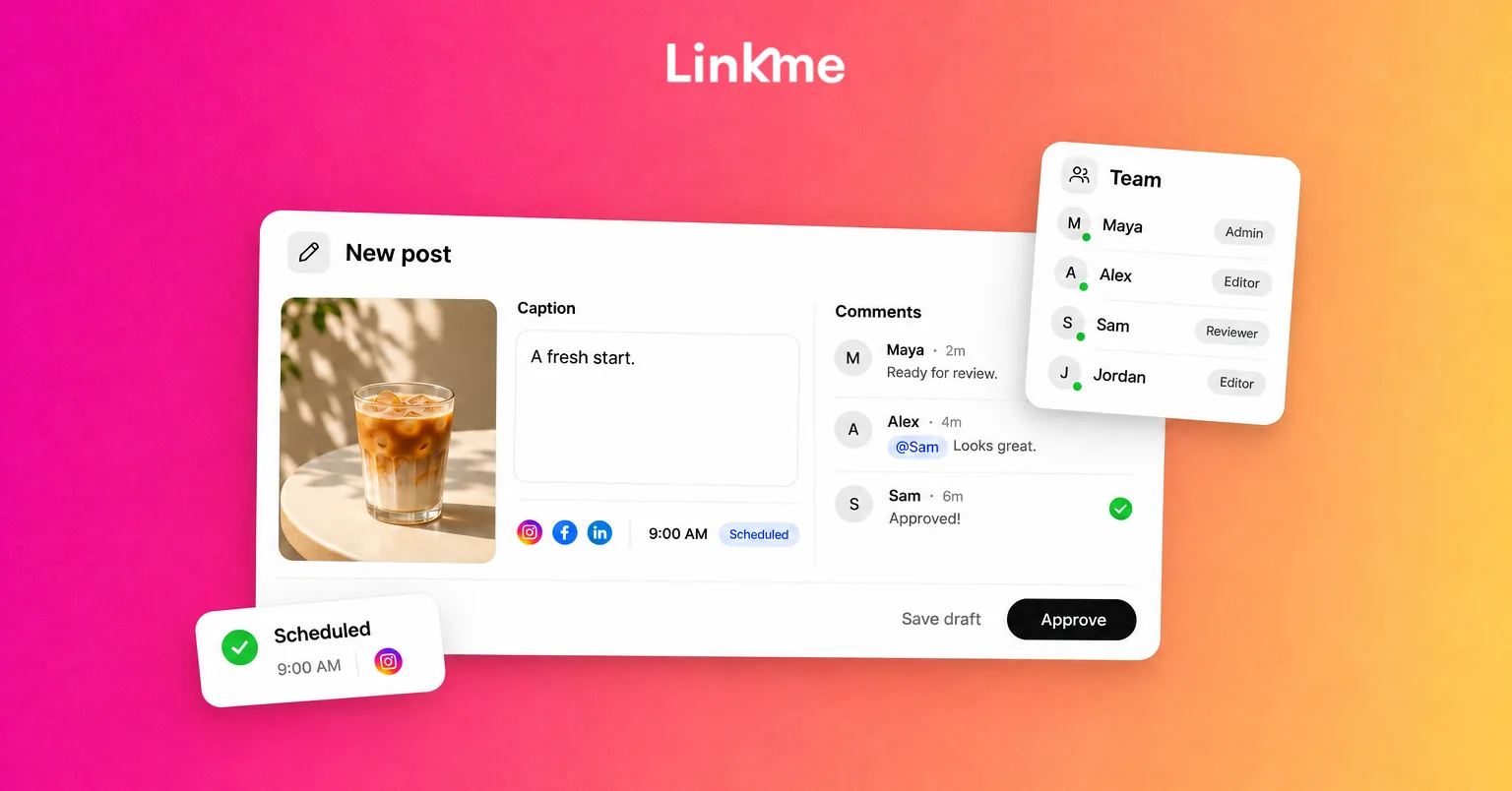
When people are not in the same room, the content calendar replaces the whiteboard. Every planned post should show the date and time, the networks and account, the owner, and its status from draft to published. Our guide to building a social media calendar includes a template you can adapt.
For a hybrid team, add two details to each entry:
- Capture dependency: whether the post needs new material from on site, and the shoot it comes from.
- Live or scheduled: whether it is published in the moment or scheduled ahead.
Schedule everything that can be scheduled, such as previews, announcements and evergreen posts, so the on-site team can focus on the moments that can’t be planned.
Approvals that don’t need everyone in the room
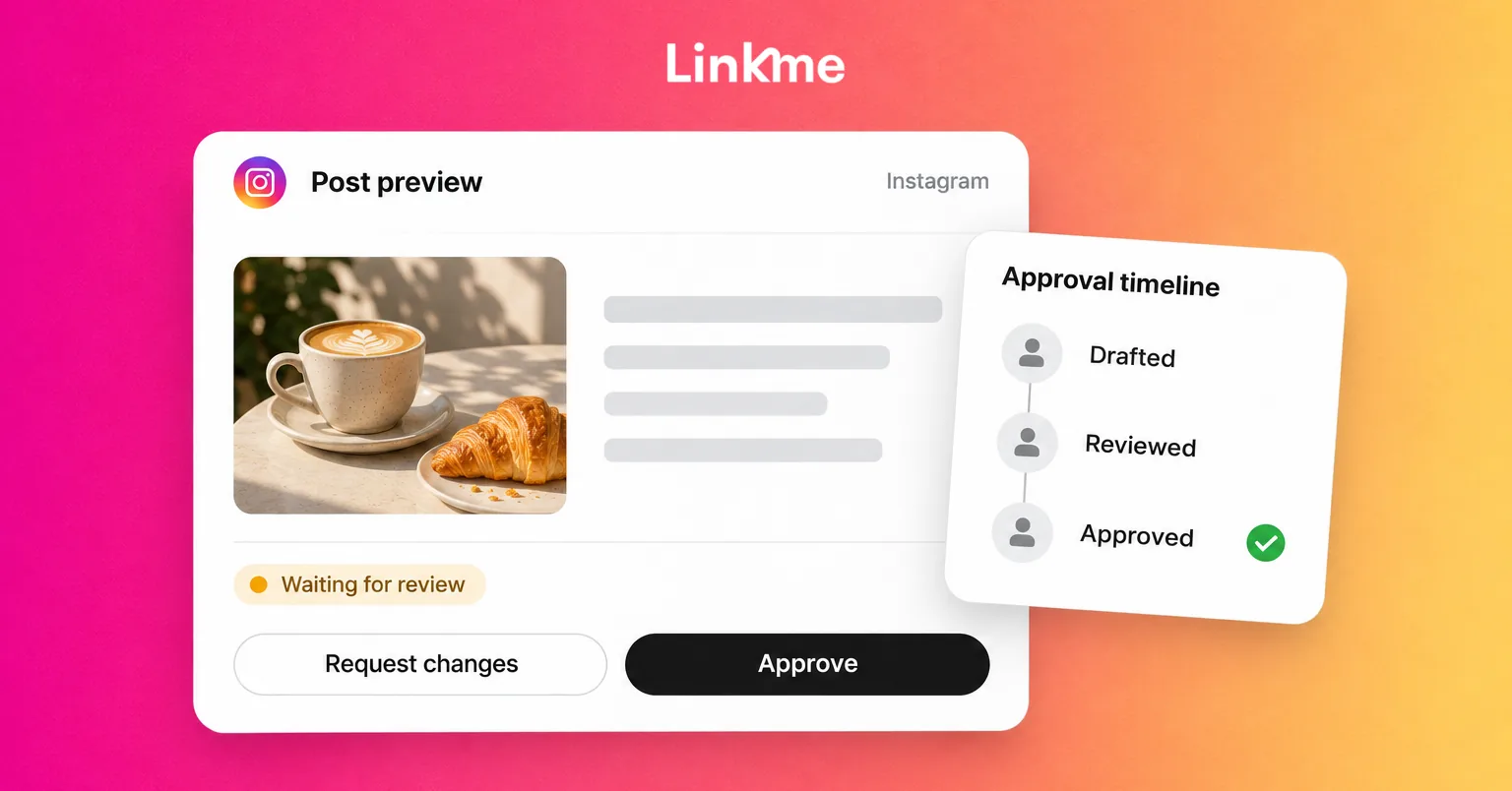
In an office, approval often happens over a shoulder. In a hybrid team, it needs a system:
- Name the approver for each type of post, and a backup.
- Set an approval deadline that leaves time for changes before the scheduled time.
- Approve the final version, with the actual media attached, not a caption in a chat.
- Decide what happens when a post changes after approval. It should go back for review.
For live content that cannot wait, agree on rules in advance: what the on-site team can post without review (for example, stories from the event), and what always needs approval.
A game day example
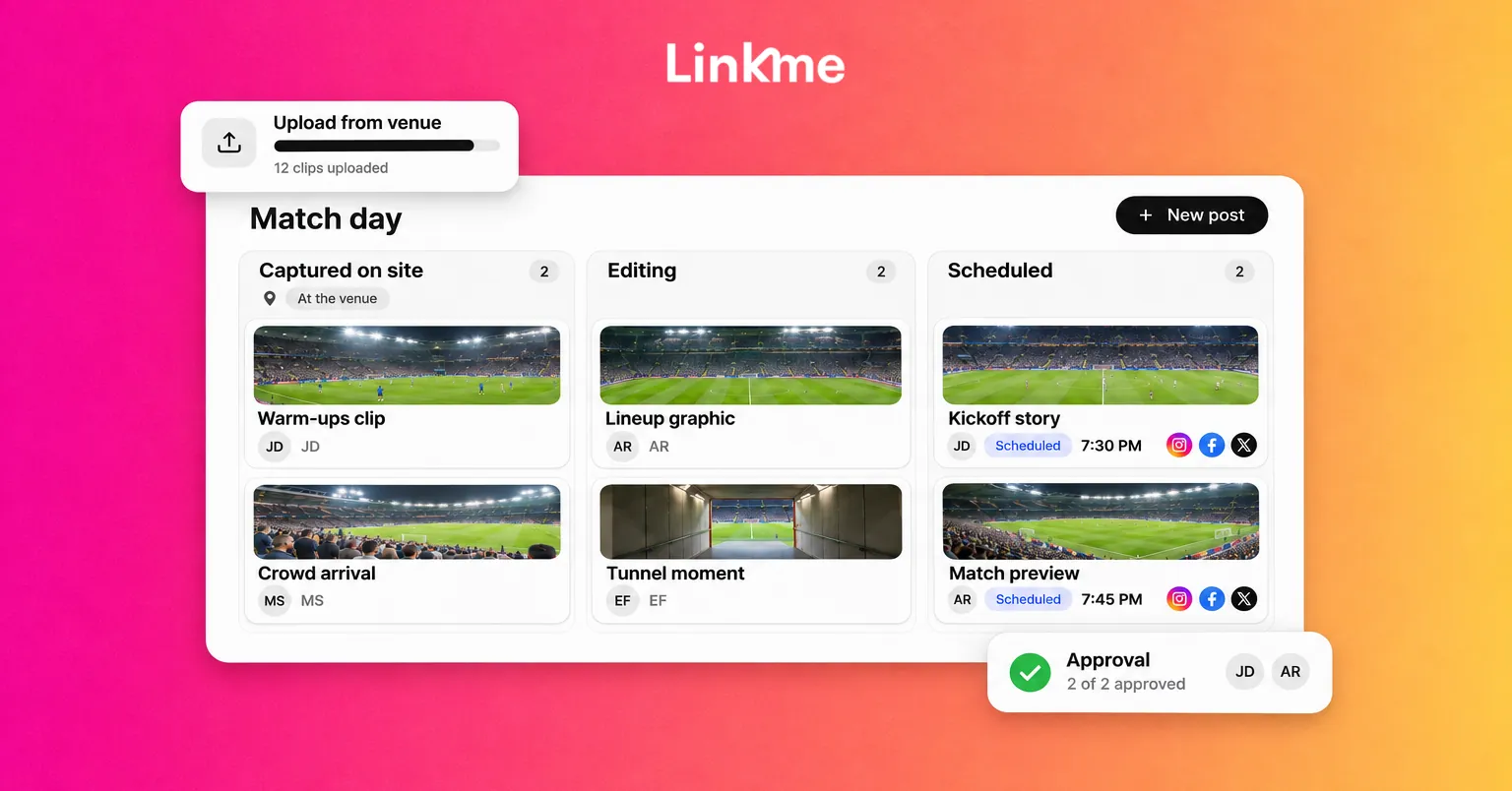
Here is how a hybrid team at a sports club might run a home match:
| When | On site | Remote |
|---|---|---|
| Two days before | Confirms access and shot list | Schedules the match preview to every network; sets up approvals |
| Match day, before kickoff | Films arrivals and warm-ups; uploads in batches | Edits a lineup graphic and arrivals clip; submits for approval |
| During the match | Shoots goals and reactions; posts approved live stories | Answers comments and DMs; publishes the goal clip after approval |
| After the final whistle | Uploads all raw footage with labels | Edits the recap; schedules it for the next morning |
| Next day | Off | Reviews results and notes what to capture next time |
The same pattern works for a store launch, a concert or a restaurant’s new menu: capture on site, finish and publish remotely, and agree in advance who answers the public while the team is filming.
Cover replies during live moments
Live moments bring a spike in comments and messages exactly when the on-site team has its hands full. Give reply coverage to a remote teammate, prepare saved answers for the questions you can predict (tickets, opening hours, where to buy), and let automations send the link to repeat questions.
How Linkme fits a hybrid team
Linkme is built around the same plan, review, publish, answer and report steps. On the Linkme solution for social media teams, the social media manager writes posts and puts them on the calendar, an owner or admin approves them, and each approved post goes out to the chosen networks at its scheduled time.
A few details matter for hybrid work. With Post to All, one upload goes to every connected account you pick, with one caption or one per network. The calendar shows every post by day, week or month. With post approvals, managers submit posts for an owner or admin to approve, the post keeps its scheduled time, and changing the caption or time sends it back for approval. The Social Inbox brings Instagram and Facebook comments and DMs into one place with internal notes and saved replies, and DM automations can send the link to repeat questions while the on-site team is filming.
Frequently asked questions
What is a hybrid social media team?
A team where some members work on site, capturing content at venues, stores or events, while others edit, schedule, publish and answer replies remotely. The work is split by where it needs to happen rather than by fixed office days.
How should a hybrid social media team be structured?
Define roles for capture, editing, publishing, approval and community management, even if one person holds several. Name an owner for each handoff and set deadlines for uploads, edits and approvals.
How do you get usable footage from the on-site team?
Send a capture brief before every shoot with the posts it feeds, a shot list, formats, must-haves, upload instructions and permissions. Ask for files to be labeled and uploaded in batches during the day.
How do approvals work when the team is not together?
Use a tool where posts wait for a named approver, with the final media attached and a deadline before the scheduled time. Agree in advance which live content can go out without review.
A hybrid team gets the best of both: content that only exists on site, and the focus time to finish it well. If you want the calendar, approvals and inbox in one place, book a demo to see how Linkme runs for social media teams.