Remote Social Media Team Productivity: An Async Workflow That Works
Remote social teams lose time to waiting, not work. Written briefs, batch production, bulk approvals, saved replies and scheduled reports keep posts moving.
On this page
- Key takeaways
- Where remote social teams lose time
- Write briefs that work across time zones
- Batch production on a weekly rhythm
- Approve in batches, not one at a time
- Use saved replies and notes for community work
- Replace status meetings with a scheduled report
- Measure productivity without micromanaging
- Bringing it together
- Frequently asked questions
Remote social media team productivity depends less on how many hours people work and more on how much waiting is built into the process. A post that sits for a day because the approver is asleep, a caption rewritten three times because the brief was vague, a weekly status call that could have been a report: those are the hours remote teams lose. The fix is an async workflow, where the work moves forward in writing and nobody needs to be online at the same time.
This guide covers the five habits that make the biggest difference: written briefs, batch production, approving in batches, saved replies, and scheduled reports instead of status meetings.
Where remote social teams lose time
Before changing tools or rules, look at where work stalls. The usual suspects:
- Unclear requests. “Can we do something for the launch?” leads to drafts nobody wanted.
- Serial handoffs across time zones. One question and one answer can cost a full day.
- One-at-a-time approvals. An approver checking each post as it arrives is constantly interrupted, and posts wait in between.
- Re-typing the same reply. Community managers answer the same ten questions by hand.
- Meetings to share status. People spend an hour hearing what a dashboard could have shown.
Pick the two that hurt most and fix those first.
Write briefs that work across time zones
An async content workflow starts with a brief that answers the questions people would otherwise ask. Keep it short and use the same format every time:
| Field | Example |
|---|---|
| Goal | Drive sign-ups for the spring class schedule |
| Audience | Existing members and people who follow but haven’t joined |
| Key message | New early-morning classes start March 3 |
| Networks and formats | Instagram Reel and carousel, Facebook post, LinkedIn image |
| Must include | Class times, the sign-up link, coach names |
| Must avoid | Pricing (it varies by location) |
| Assets | Folder with coach photos and last season’s class footage |
| Deadline | Drafts by Tuesday 5 p.m. ET, publish Thursday |
| Approver | Marketing lead; backup is the brand manager |
The deadline names a time zone. The approver has a backup. The writer has everything they need to start, whatever time it is where they are.
Batch production on a weekly rhythm
Context switching is expensive. A writer who drafts one post, then edits a video, then answers DMs, then drafts another post does all of it more slowly. Batching groups similar work together.
A simple weekly rhythm for a remote team:
| Day | Focus |
|---|---|
| Monday | Briefs for next week are final; production starts |
| Tuesday | Drafts and edits; everything submitted for approval by end of day |
| Wednesday | Approvals in one block; changes made the same day |
| Thursday | Scheduling and checks; next week’s briefs drafted |
| Friday | Reporting, learning notes and planning |
Community management runs every day alongside this, but production, review and scheduling each get their own block. Adjust the days to your team’s overlap hours, the window when most people are online at once.
Approve in batches, not one at a time
Approvals are where remote teams lose the most time. Make them predictable:
- Set approval windows. For example, the approver reviews at 10 a.m. and 4 p.m. in their own time zone. Writers know when to expect a decision.
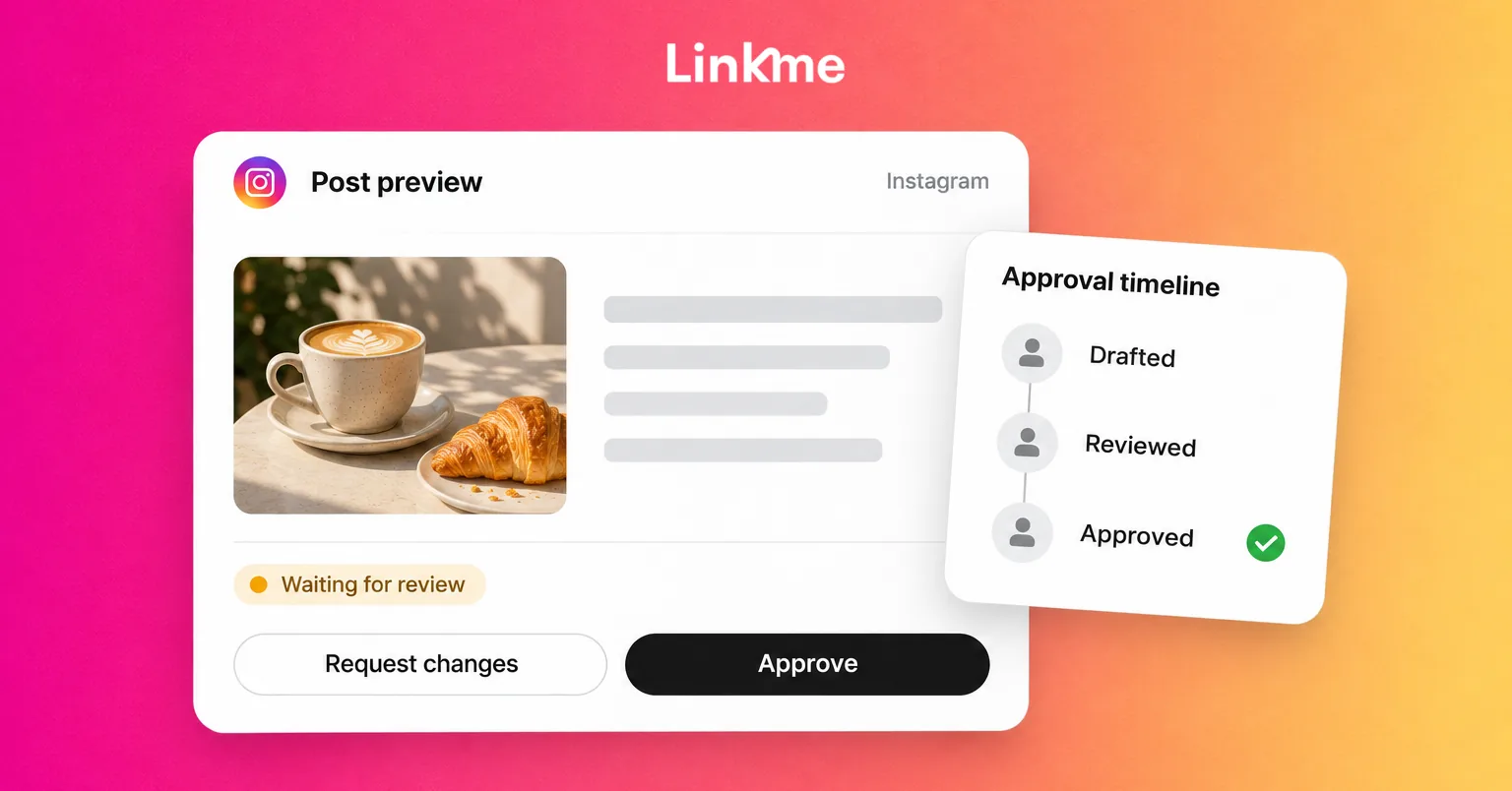
- Bulk approve posts that are ready. Review the week’s posts together, approve the ones that are ready in one go, and request changes on the rest with a specific note.
- Approve the final version. The approver should see the real media and caption, not a description.
- Agree on what sends a post back. A changed caption or a new publish time should go back for approval, so nobody publishes something different from what was signed off.
Our guide to building a social media approval workflow goes deeper on roles and states.
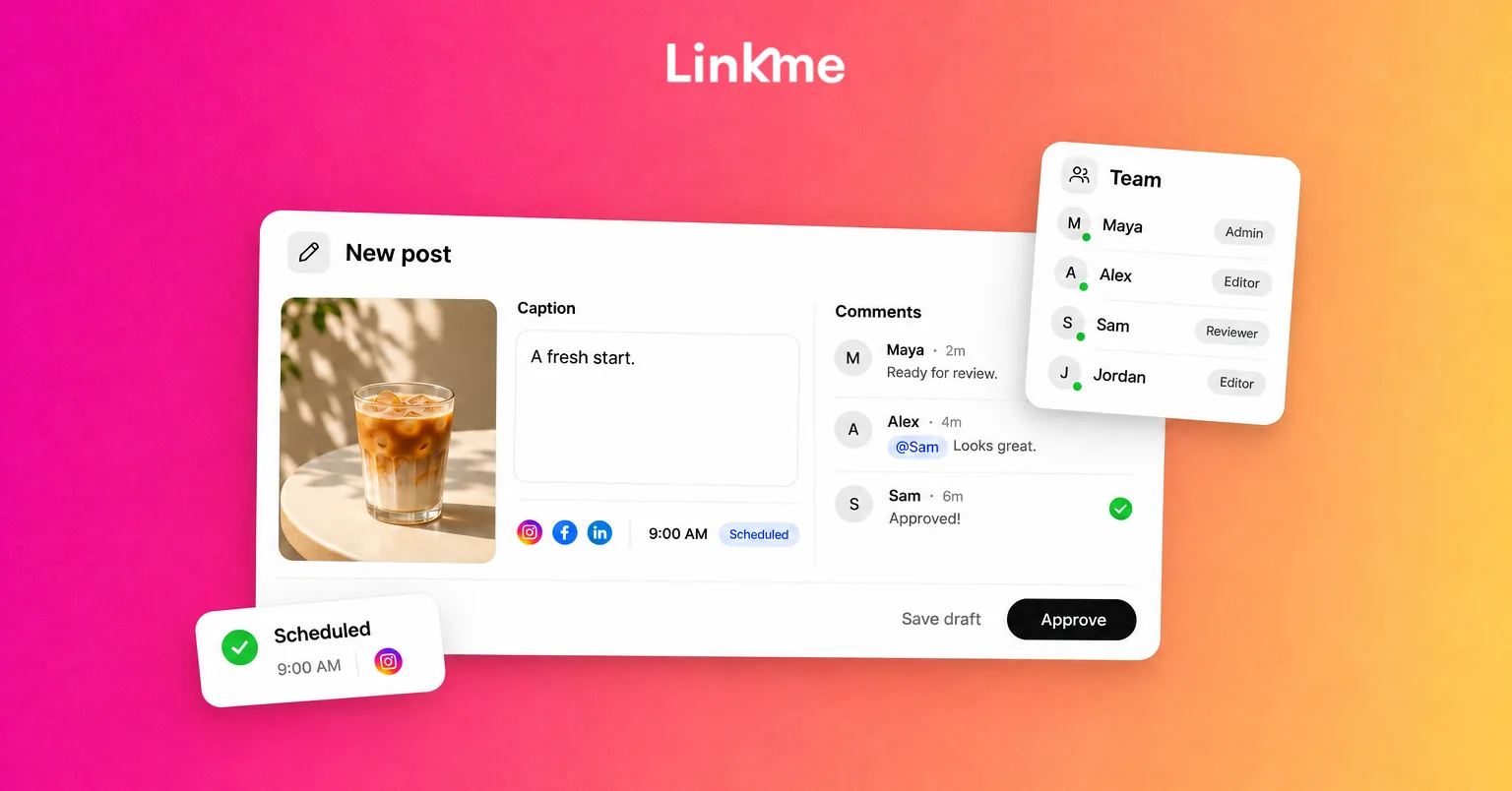
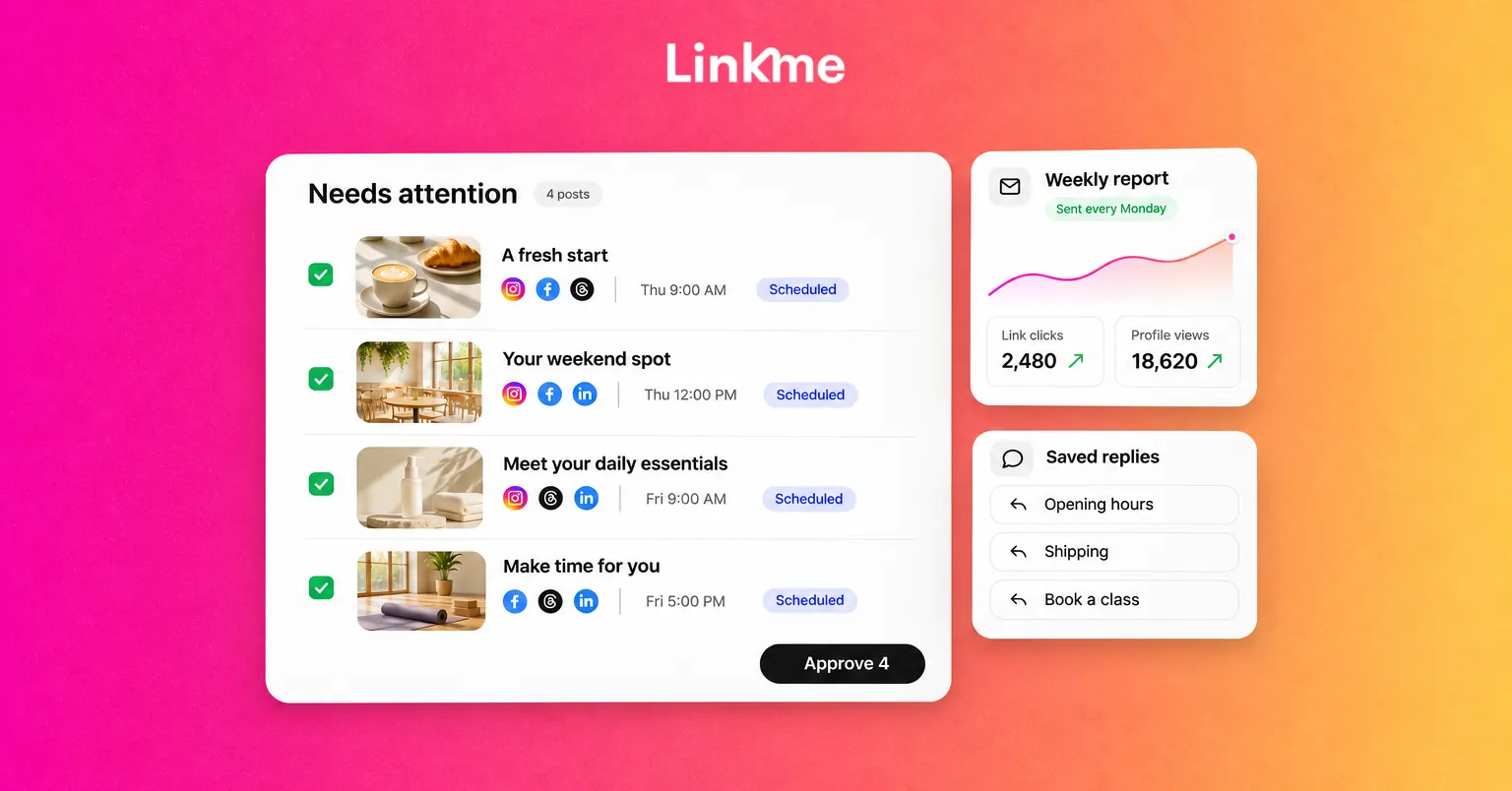
In Linkme, posts waiting for review collect in Needs attention, and an owner or admin can approve one or several at once. Approval keeps the scheduled time, so a post signed off in time goes out as planned, and changing the caption or the time sends it back for approval. Team Activity shows who submitted, approved and published what.
Use saved replies and notes for community work
Community managers on a remote team need two things: fast answers to repeat questions, and context that survives a shift change.
- Saved replies. Write the answers you give every day once (opening hours, shipping, how to book, where the link is), each with a clear title, and insert them into replies. Review them monthly so they stay accurate.
- Internal notes. When a conversation needs follow-up, leave a note in the thread itself, not in a separate chat, so whoever picks it up next sees it.
- Resolve when done. A clear “resolved” state stops two people answering the same message.
Linkme’s Social Inbox brings Instagram and Facebook comments and DMs into one place, with saved replies, internal notes the customer never sees, and a Resolve button that moves a conversation out of Open for everyone. DM automations can send the link to the most common questions so people only handle what needs a person.
Replace status meetings with a scheduled report
A weekly status meeting often exists because nobody has a shared view of what happened. Replace it with:
- A scheduled report that lands in inboxes on the same day every week or month, showing what was published and how it performed.
- A short written update from the team lead with three parts: what worked, what didn’t, what changes next week.
- One live meeting a week or less, for decisions and planning that genuinely need discussion.
Linkme’s Reports show how each page did this period against the last one, with an executive summary and a by-page view you can export as a CSV. Owners can receive weekly or monthly report emails on a schedule, and reports can be saved as a PDF.
Measure productivity without micromanaging
Remote productivity is easy to measure badly, by counting messages sent or hours online. Measure the flow of work instead:
- How long a post takes from brief to scheduled.
- How many posts are approved on first review.
- How often posts miss their planned time.
- How long messages wait for a first reply.
Watch these over a few weeks. If posts keep missing their time, look at the approval step. If drafts keep coming back, look at the briefs.
Bringing it together
The Linkme setup for social media teams follows the same steps this guide describes: the social media manager plans the week’s posts on the calendar, an owner or admin approves them, Post to All publishes each approved post to the chosen networks at its scheduled time, the team answers comments and DMs in one inbox, and the team lead reports results by brand.
Frequently asked questions
How do you keep a remote social media team productive?
Cut waiting time. Use clear written briefs, batch production into weekly blocks, approve posts in set windows, give community managers saved replies, and swap status meetings for a scheduled report.
What is an async content workflow?
A way of working where each step moves forward in writing, so the next person can pick it up without a meeting or a real-time conversation. Briefs, drafts, approvals and notes all live where the whole team can see them.
How do you handle approvals across time zones?
Name an approver and a backup, set approval windows in the approver’s time zone, and give deadlines a time zone. Approve posts in batches with the final media attached, and send any changed post back for review.
How many meetings does a remote social team need?
Usually one short planning meeting a week, plus anything urgent. Status updates work better as a scheduled report and a short written summary.
Remote teams don’t need more hours, they need fewer handoffs that wait. Start with briefs and batch approvals, then let reports replace the status call. To see the calendar, approvals, inbox and reports working together, book a demo.