How to Turn Likes Into Link Clicks on Social Media
Why engagement rarely becomes clicks, and how to fix it with a specific call to action, comment-keyword DMs that send the link, and a page that leads with one link.
On this page
- Key takeaways
- Why engagement does not turn into clicks
- Write a social media call to action that earns the click
- Comment for link: send the link by DM
- Build the destination around one action
- Use every link placement each format offers
- Measure clicks per link and per automation
- A one-week test to turn likes into link clicks
- Frequently asked questions
A post with thousands of likes and almost no link clicks is common. People enjoyed it, but nothing told them what to do next, or the path to the link took too many taps. To turn likes into link clicks, you need three things: a call to action that gives a reason to click, a link people can reach in one tap, and a destination built around a single action.
This guide covers each one, with comment-for-link DMs as the most direct route on Instagram and Facebook, then shows how to read click counts so you know which posts and links actually worked.
Why engagement does not turn into clicks
A like costs nothing. A click asks people to leave the app, which they only do when the reason is clear and the path is short. The usual blockers are:
- No call to action. The post entertains or informs, then ends.
- A vague call to action. “Check out the link in bio” gives no reason to go.
- Too many taps. Visit profile, find bio, tap link, find the right link on a busy page. Each step loses people.
- Links that do not work in captions. On Instagram, a URL in a feed post caption usually shows as plain text rather than a tappable link, so people have to copy it or give up.
- The in-app browser. Links open inside the Instagram or Threads browser, where people are signed out of their other accounts and checkout or sign-in can fail.
Fix the step where you lose the most people first.
Write a social media call to action that earns the click
A strong call to action has three parts: the action, the reason and the path.
| Weak | Strong |
|---|---|
| Link in bio | Comment MENU and we’ll DM you this week’s menu |
| New video out now | The full 12-minute breakdown is the first link on our page |
| Tickets available | Comment TICKETS for the presale link before it closes Friday |
| Shop the look | Comment SHOP and we’ll send every item from this post |
Some rules that hold across networks:
- Put the call to action in the post itself, spoken in the video or shown on screen, not only in the caption.
- Make the reason specific: a price, a date, a free download, a limited window.
- Ask for one action per post. “Comment, share, save and click” spreads attention too thin.
- Repeat it in the first line of the caption, since many people never expand the rest.
Comment for link: send the link by DM
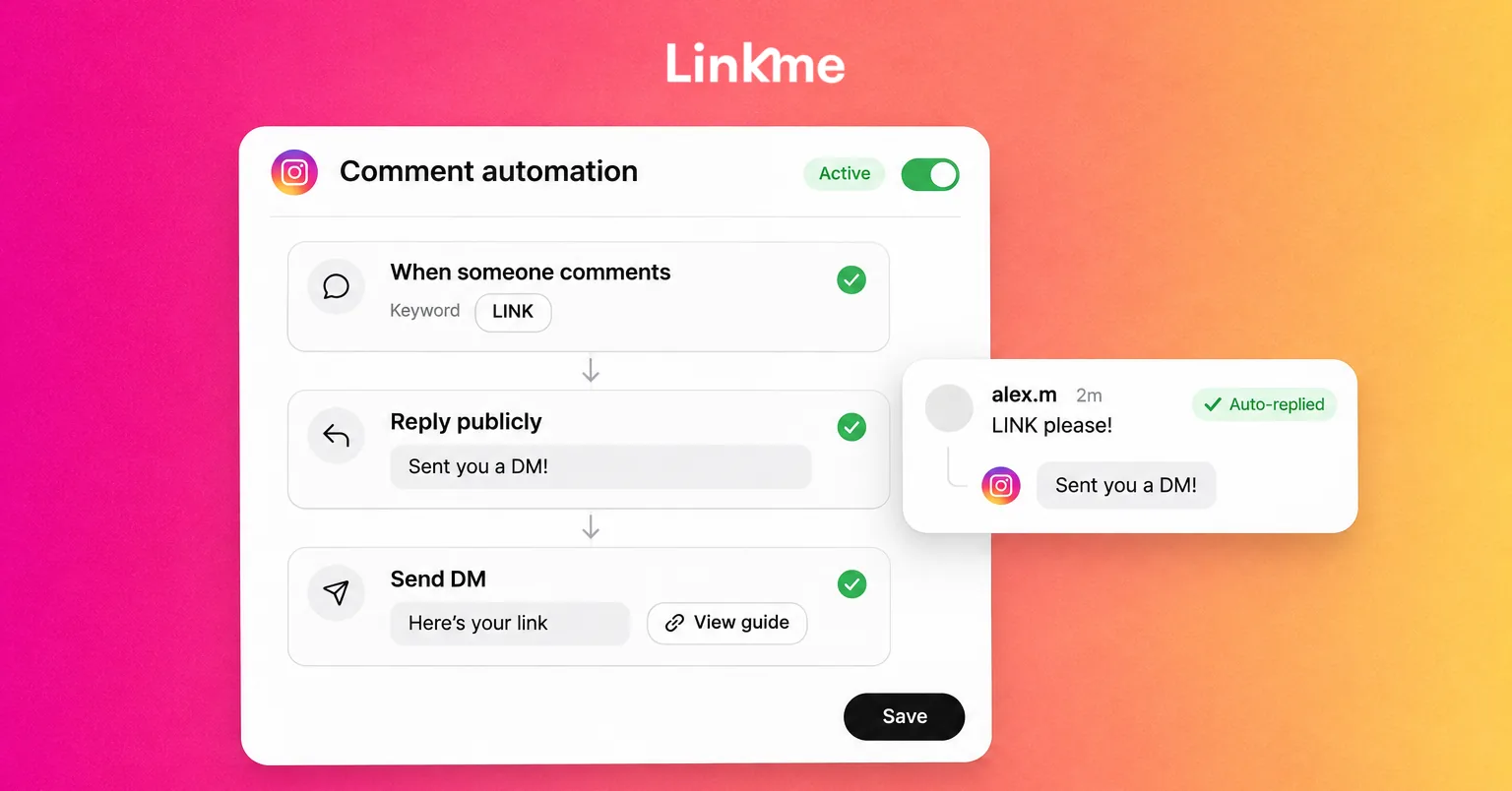
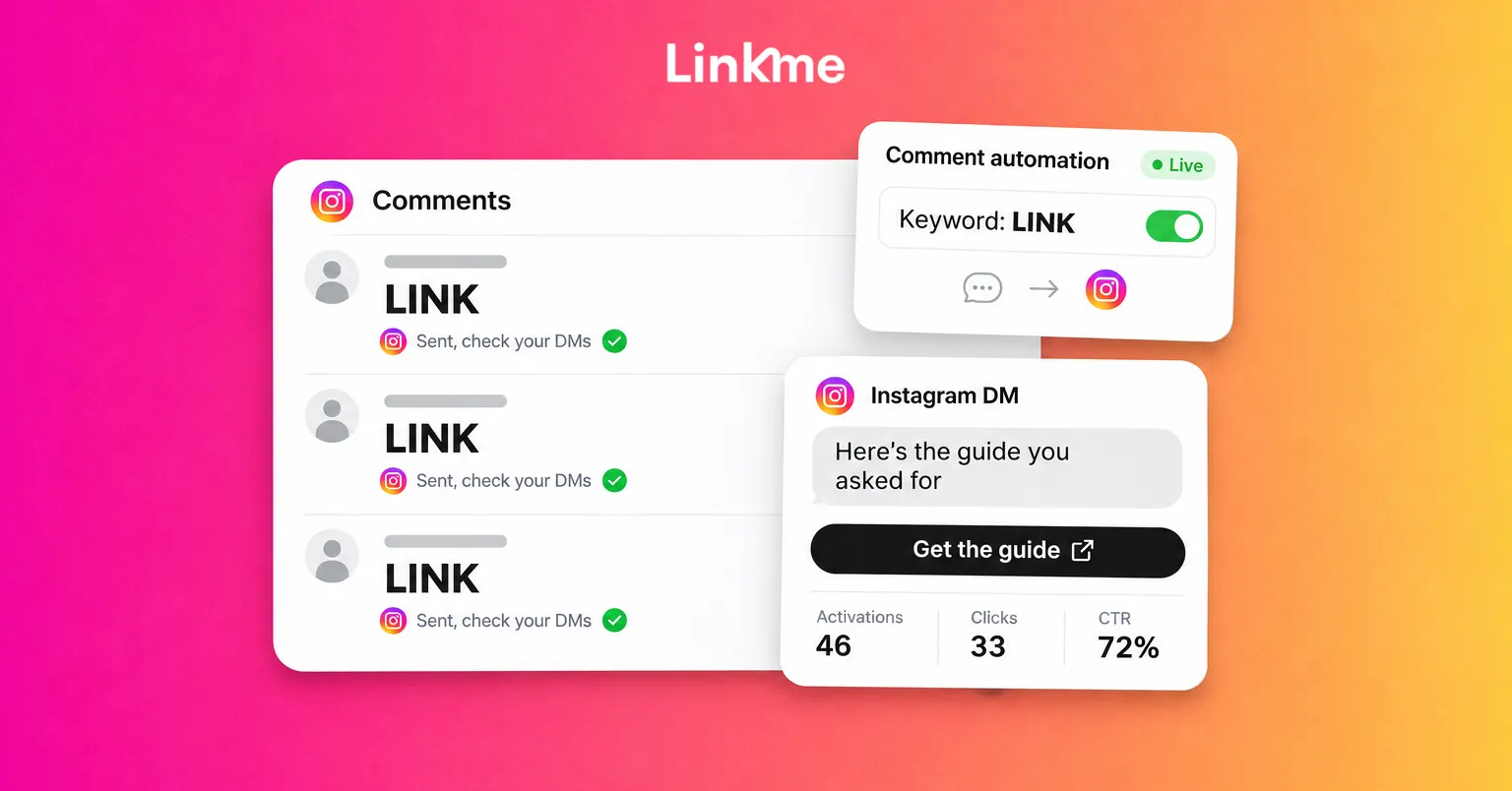
The most effective way to turn engagement into clicks on Instagram is to make the engagement itself the request. Someone comments a keyword, gets a public reply, and receives a DM with the link. The comment boosts the post, and the link arrives in a place where it is clickable.
To set it up well:
- Choose one keyword that matches the offer, such as GUIDE, RESERVE or TICKETS. Short, all caps and easy to spell.
- Say it plainly in the post: “Comment GUIDE and I’ll send it to you.”
- Write the DM like a person would. One or two sentences, the link, and what they get when they tap it.
- Post a public reply under each comment, so others see that commenting works.
- Add a short delay before the reply and the DM, so the conversation feels natural.
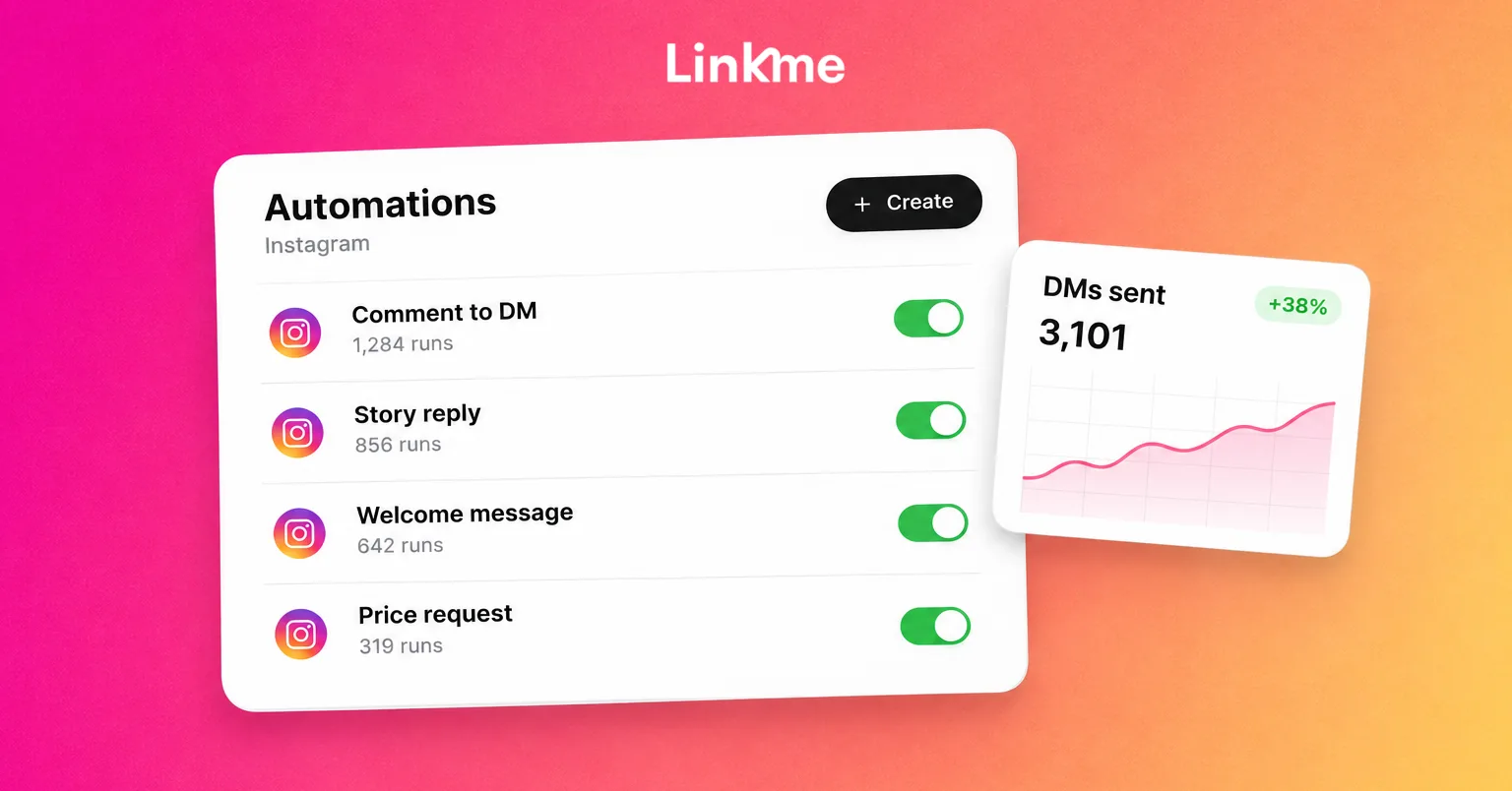
With Linkme DM Automations, you pick the post or reel (or every post you publish), set keywords, emoji or any comment as the trigger, and write the DM once with any link: a booking page, a store or your Linkme page. Linkme posts a public reply in up to five variations, sends the DM after the Comment Reply Delay and DM Reply Delay you set, and counts activations, clicks and CTR for every automation. It runs on Instagram business and creator accounts and on Facebook Pages.
For a full setup walkthrough, including keyword choice and what to write in the DM, read our guide to Instagram comment automation.
Build the destination around one action
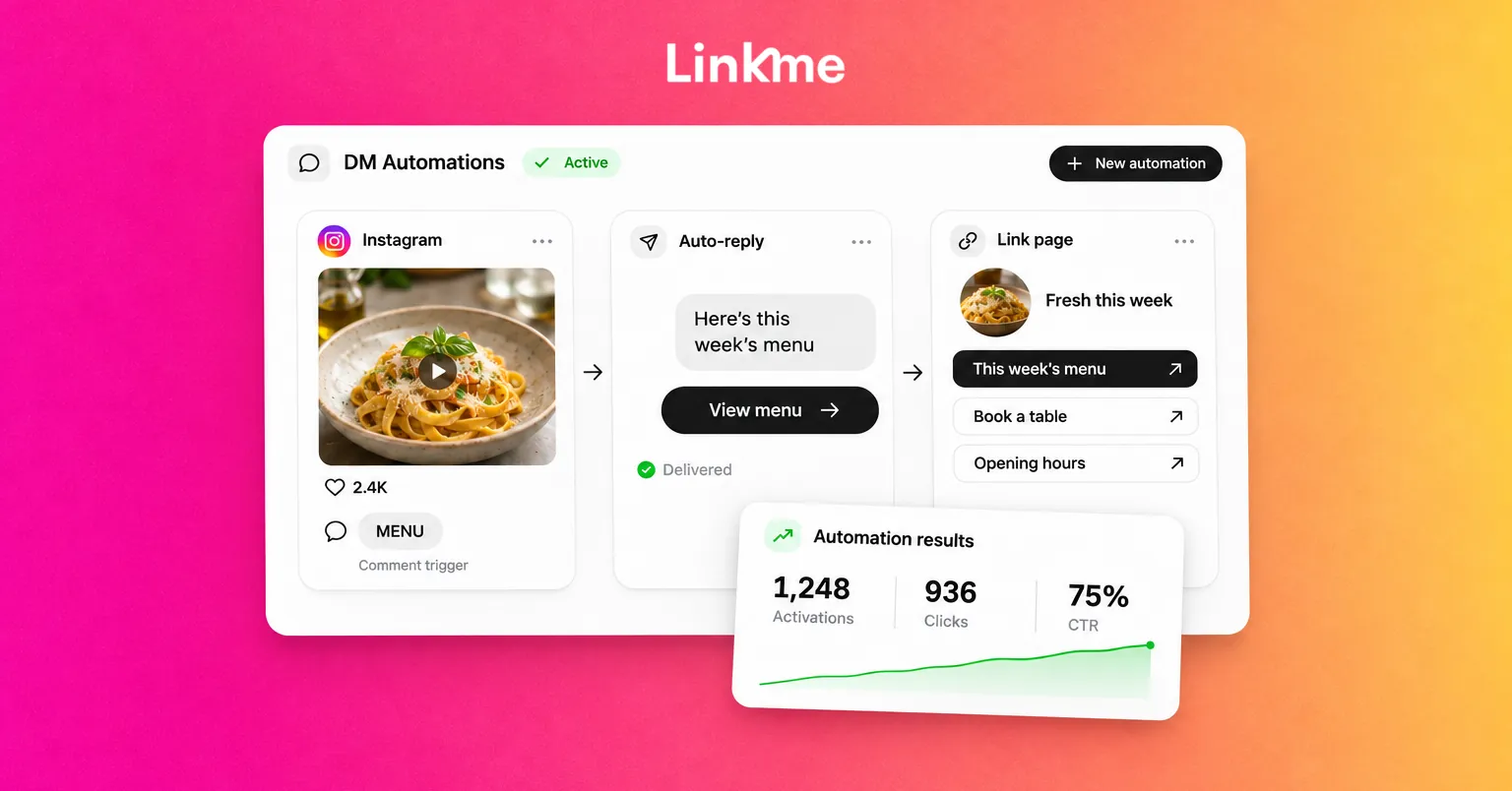
When someone taps through, the page should match what the post promised in the first second. If the post said “this week’s menu,” the menu should be the first and biggest link.
- Lead with the campaign link. Move the link the post promotes to the top, and make it bigger than the rest.
- Remove what competes with it. Keep evergreen links below, not beside, the priority link.
- Time-limit campaign links. A link that goes live with the post and comes off when the offer ends keeps the page honest.
- Get people out of the in-app browser when the next step needs a sign-in or a checkout.
A Linkme page handles each of these. Featured links come in Big, Medium, Small or Button sizes, the Link Scheduler gives any link a start and end time with a countdown on the page (on Business, Plus and Pro), and the Deeplink Banner (on Business and Pro) puts one button on the page that opens it in Safari on iPhone or Chrome on Android.
Use every link placement each format offers
Different formats give you different link spots. Match the call to action to where the link actually is:
| Placement | Best for | Call to action |
|---|---|---|
| Comment-keyword DM | Reels, feed posts and carousels with a clear offer | “Comment WORD for the link” |
| Story link sticker | Time-sensitive offers, drops, reminders | “Tap the link” |
| Bio link | Evergreen destination and everything else | “First link on our page” |
| Video description | Longer YouTube videos | “Link in the description” |
| DM reply to inbound messages | People who ask without commenting | Automatic reply with link buttons |
On Instagram, a DM automation can also answer the messages people send you, on keywords or any message, with up to three links as buttons under the reply.
Measure clicks per link and per automation
Likes tell you a post was seen. Clicks tell you it worked. Track two numbers for each campaign:
- Automation clicks and CTR: how many people commented the keyword and how many of them tapped the link in the DM.
- Link clicks on your page: which link people tapped after landing, and from which traffic source.
Linkme’s Analytics shows profile views, link clicks, traffic sources and top links for your page, and the DM Automations dashboard shows total activations, total clicks, overall CTR and your top automations.
What happens after the click, such as sign ups, sales or bookings, needs its own tracking. Getting the click is the step this guide covers.
A one-week test to turn likes into link clicks
- Pick your three best-performing posts by engagement from the last month.
- Write one specific offer for each and one keyword per offer.
- Republish or adapt them with the call to action spoken, on screen and in the first caption line.
- Turn on a comment-keyword DM for each, sending to a page that leads with that offer.
- After seven days, compare activations, clicks and CTR. Keep the best keyword and offer pattern, and drop the weakest.
Frequently asked questions
How do I get more link clicks from Instagram?
Give each post one specific call to action with a reason to click, send the link by DM when people comment a keyword, use story link stickers for time-sensitive offers, and make sure the link the post promises is the first thing on your link in bio page.
What is “comment for link” on Instagram?
It is a post that asks people to comment a keyword to receive a link. An automation replies publicly and sends the link by DM, where people can tap it. It removes the steps of visiting the profile and finding the right link.
Does sending links by DM automation get accounts flagged?
Replying the way a person would lowers the risk. Use short delays before the public reply and the DM, vary the public reply text and keep messages relevant to what people asked for. Follow each network’s messaging rules.
What is a good call to action for social media?
One that names the action, the reason and the path, such as “Comment TICKETS for the presale link before Friday.” Keep it to one action per post and put it in the video or image as well as the caption.