How to Build an Instagram Community, Not Just a Follower Count
Followers watch. A community talks back. The habits and Instagram features that turn an audience into regulars, and how to keep every reply on time.
On this page
- Key takeaways
- Community vs. audience
- Decide who the community is for
- Reply to Instagram comments like a conversation
- Use the spaces Instagram gives you
- Repost user content the right way
- Answer comments and DMs in one inbox
- Rituals that bring people back
- Signs your community is growing
- Frequently asked questions
To build an Instagram community, you have to give people reasons to talk back: to you, and to each other. Followers watch your posts. A community replies, sends your content to friends, shows up in your Stories polls, makes its own posts about you and returns because it feels noticed. This guide covers the habits and Instagram features that turn an audience into a community, from replying to comments and using broadcast channels to reposting fan content and keeping every comment and DM answered.
Community vs. audience
You can have a large audience with no community. The difference shows up in behavior:
| Audience | Community |
|---|---|
| Likes and scrolls on | Comments, often more than once |
| Rarely messages you | Sends DMs, questions and ideas |
| Sees your content | Shares it, tags friends, makes its own |
| Leaves when posting slows | Comes back, and talks to other members |
A small account where the same fifty people comment every week has a community. A large account where nobody replies has reach. Both are useful, but only one gives you loyal customers, honest feedback and people who defend you in the comments.
Decide who the community is for
Communities form around a shared interest, not around a brand. A bakery’s community is people who love baking. A running coach’s community is people training for their first race. Before you change tactics, write one sentence: “This is a place for people who…”
That sentence decides what you post, which questions you ask and which conversations you encourage. It also tells new followers quickly whether they belong.
Reply to Instagram comments like a conversation
Replies are the most underused community tool on Instagram, and the cheapest one.
- Reply early. The first hour after posting is when most commenters are still around to see your answer.
- Ask something back. “Which flavor would you try first?” turns a compliment into a conversation.
- Use names and remember people. Regulars notice when you recognize them.
- Pin a comment that adds context or starts a discussion.
- Reply with a Reel to a great question. The commenter feels heard and you get a new post.
- Hide or restrict abuse quickly. A welcoming comment section is part of the product.
Do not reply with the same emoji to everyone. Generic replies read as automated, even when they are not.
Use the spaces Instagram gives you
Instagram has several features for engaging followers in smaller, closer settings. Each suits a different job.
Broadcast channels
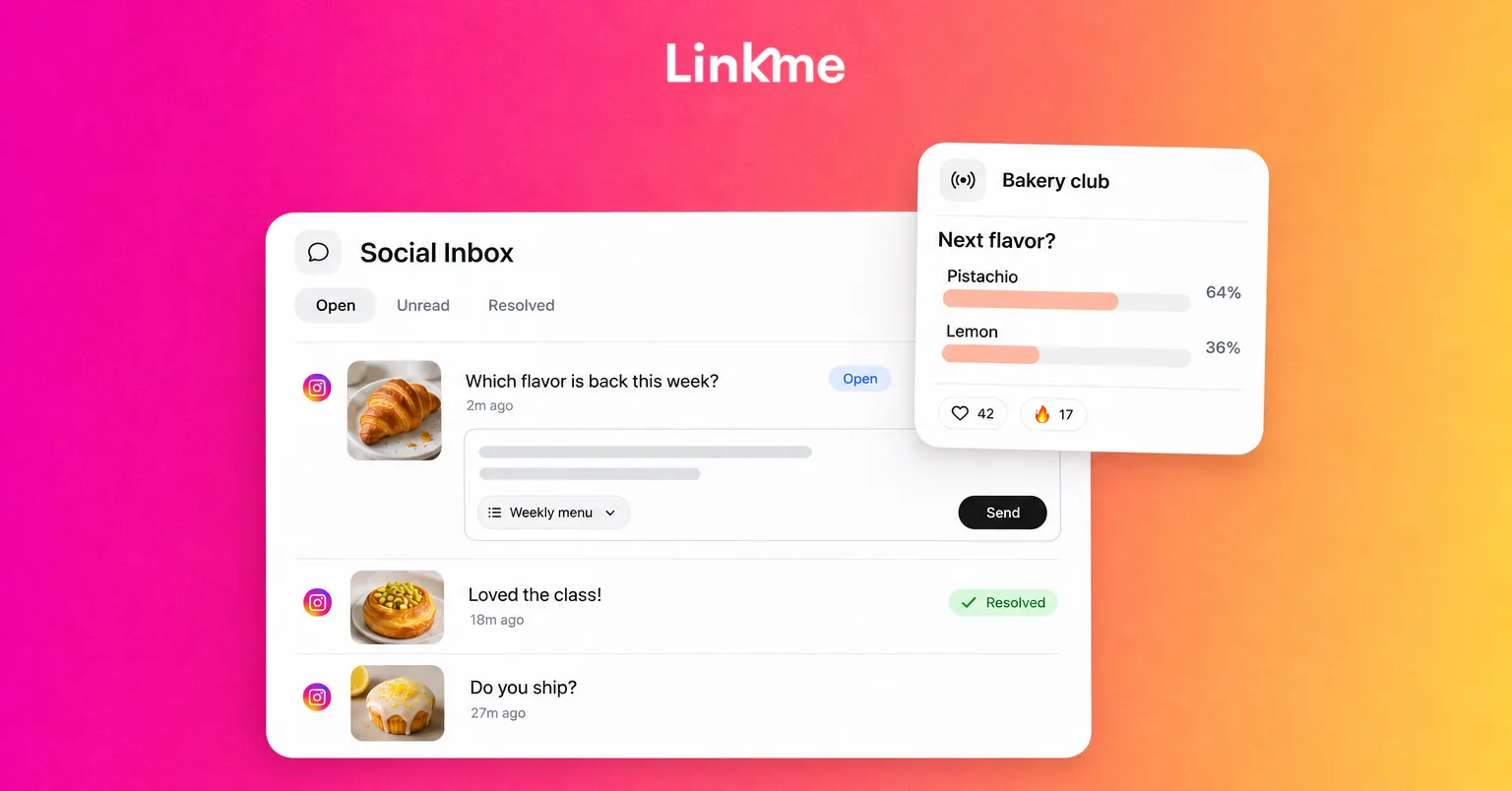
A broadcast channel is a one-to-many chat you run from your account. When Instagram introduced channels, it described them as a way for creators to engage followers at scale: the creator sends the messages, while followers react and vote in polls. Anyone can find a channel, but people have to follow you to join.
Use a broadcast channel for:
- Behind-the-scenes updates and works in progress.
- Early news, before you post it publicly.
- Quick polls on what to make next.
Keep it lighter and more personal than your feed. If the channel just repeats your posts, people mute it. If you do not see the option to create one, it may not be available for your account type yet.
Close Friends
Close Friends lets you share Stories, and also feed posts and Reels, with a smaller list you choose. Viewers see a green star. Creators use it for superfans or paying members; small businesses use it for regular customers or a VIP list. Tell people how to get on the list, and post there often enough that it feels worth being on.
Story stickers
Questions, polls, quizzes and Add Yours stickers are low-effort ways for followers to respond. Share the best answers in a follow-up Story, credited, so people see that taking part gets noticed.
Collab posts and reposts
Collab posts appear on both accounts, putting your content in front of a partner’s community. Instagram also has native reposts, which share a public post or Reel to your followers with credit to the original creator.
Repost user content the right way
When followers make something with or about you, such as a photo with your product, a recipe they tried or fan art, reposting it is the strongest signal that the community matters.
- Ask first, in a comment or DM, even when the content is public.
- Credit clearly with an @mention.
- Add your own words. Say what you liked about it.
- Make it a habit. A weekly “community picks” Story or post gives people something to aim for.
Answer comments and DMs in one inbox
As a community grows, the problem shifts from getting comments to keeping up with them. Questions sit in comments on a two-week-old Reel, DMs pile up in requests, and two teammates answer the same person while another waits.
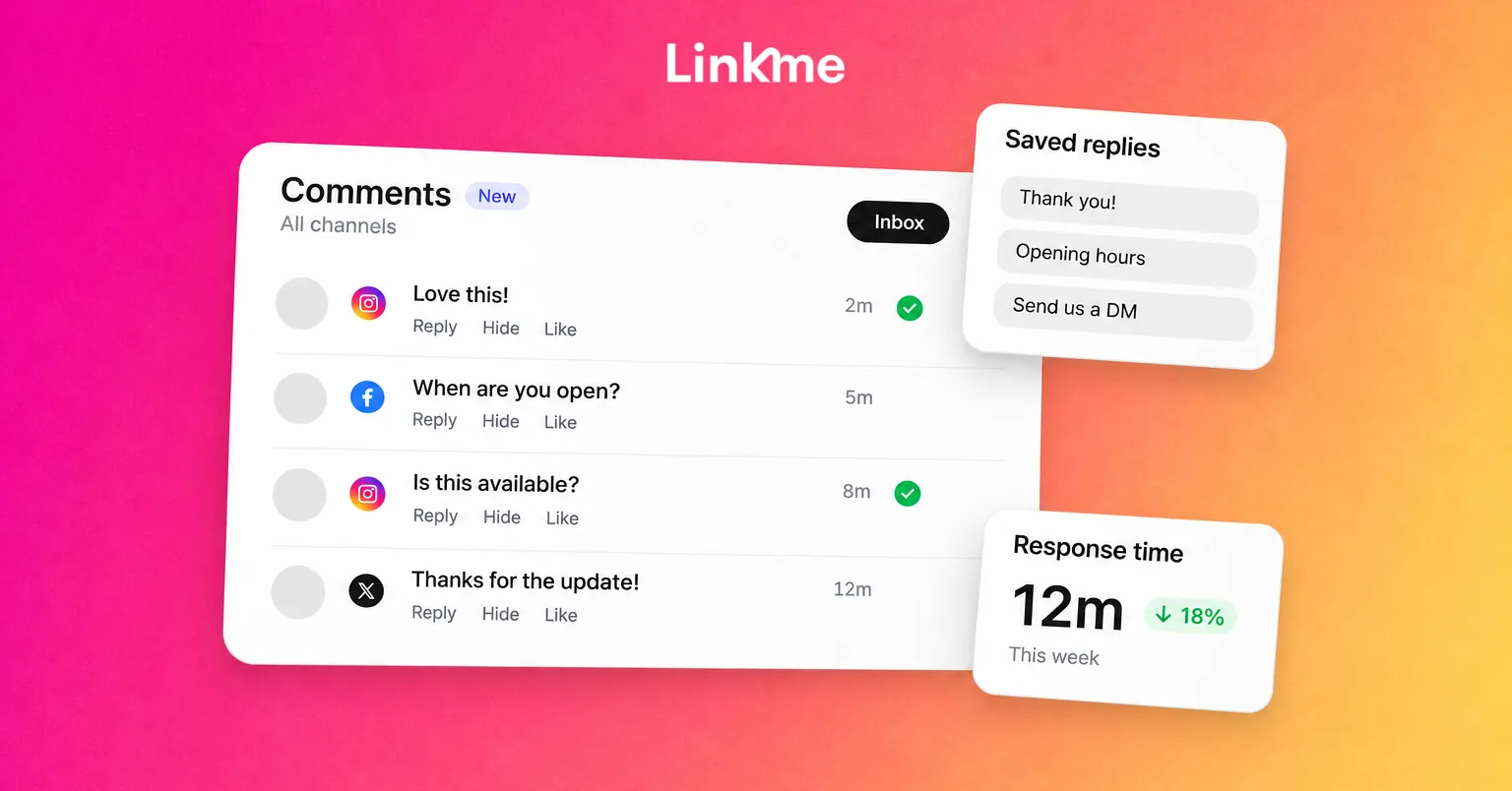
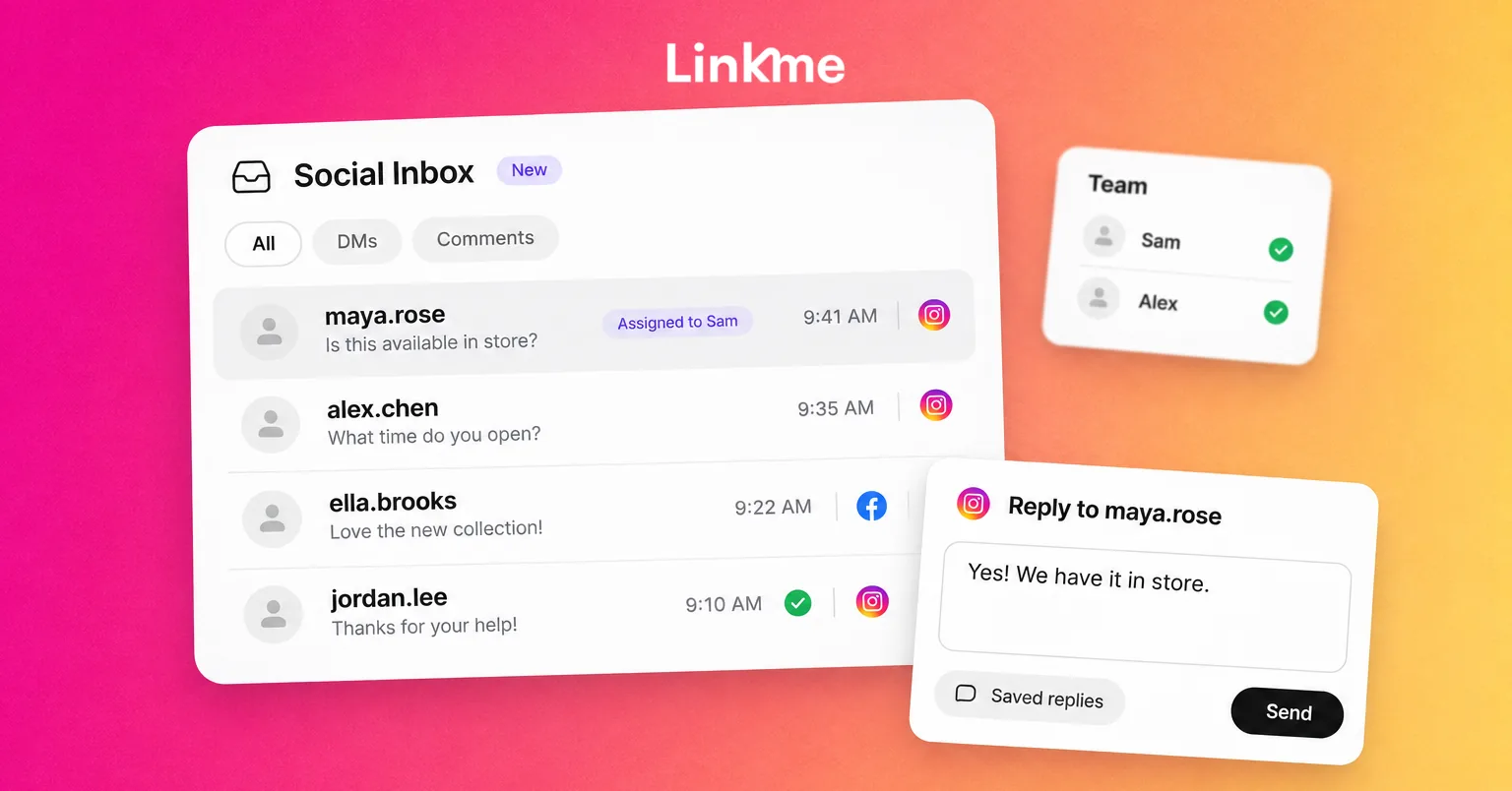
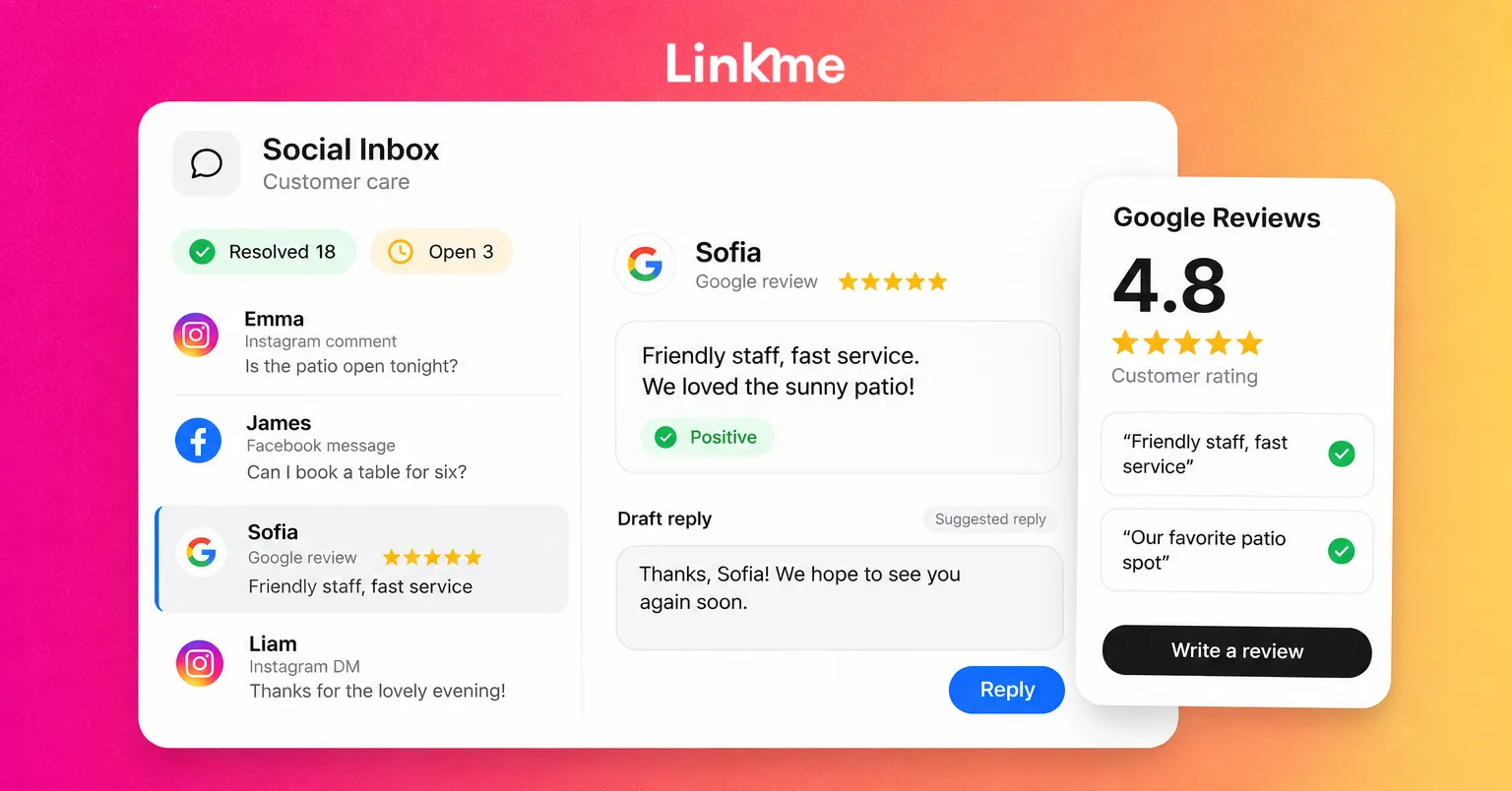
Social Inbox on Linkme brings Instagram and Facebook comments and DMs into one place. Each comment opens with the post it was left on, so a question under one post gets the right answer. Saved replies, each with a title, cover the answers you give every day, and internal notes stay in the thread for the next person and are never sent to the customer. Conversations move from Open to Resolved when they are done, so the open list shows only what still needs a reply. When you connect an account, you can import the past 30 days of messages and comments.
For teams sharing the work, the guide on managing Instagram DMs and comments as a team covers ownership and handoffs in detail, and the roundup of community management tools compares options for larger teams.
When to automate and when to answer yourself
Some questions repeat endlessly: “link?”, “price?”, “where can I buy this?” Those are good candidates for automation. DM automations can send a link to anyone who comments a keyword, with a public reply under the comment.
Everything else deserves a person: feedback, complaints, stories, personal questions. In Linkme’s Social Inbox you can pause the automation for one conversation, answer yourself and resume it. Community is built in those human replies, so automate the repetitive parts to make time for them.
Rituals that bring people back
Communities form around things that repeat. A few that work on Instagram:
- A weekly Q&A in Stories, answered on a set day.
- A member spotlight, featuring one follower’s work or story each week.
- A monthly challenge with its own hashtag, ending in a roundup of entries.
- Live sessions at a regular time, where people can ask questions.
Pick one or two you can sustain. A ritual that stops after three weeks teaches people not to rely on you.
Signs your community is growing
Engagement rate is a useful number, but community health shows in other signals too:
- How many people comment on more than one post a month.
- Conversations in your comments that do not involve you.
- DMs that start with a question or an idea rather than a complaint.
- User content and tags you did not ask for.
- Shares and saves, which show people find your posts worth passing on or keeping.
If these rise while follower growth is slow, you are building the right thing. Growth tends to follow.
Frequently asked questions
How long does it take to build an Instagram community?
It depends on how often you post and how consistently you reply, but expect months rather than weeks. Communities form through repeated interactions, so a steady routine of posting, replying and recognizing members matters more than any single post.
What is an Instagram broadcast channel used for?
It is a one-to-many chat where you do the posting and followers mainly react and vote in polls. It works well for behind-the-scenes updates, early news and quick polls, and feels more personal than the feed.
Should I reply to every Instagram comment?
Reply to as many as you realistically can, especially questions and thoughtful comments, and especially in the first hour after posting. When volume gets too high, use saved replies for common questions and automate repeated link requests so your personal replies go where they matter.
How should I handle negative comments?
Answer fair criticism once, calmly and publicly, then move the details to DMs. Hide or restrict comments that are abusive or spam. Your community is watching how you respond, and a fair, consistent approach builds trust.