How Businesses Use Linkme: Five Customer Stories
A mall, an NHL team, a juice franchise, a two-city steakhouse and a resort: what each one puts on its Linkme page, which tools it uses and what you can borrow.
On this page
- Key takeaways
- The five stories at a glance
- Mall of America: the season first, then everything a visit needs
- New York Islanders: the team’s front door
- Pure Green: a brand page and a page for every location
- Papi Steak: two cities behind one link
- Hard Rock Hollywood: shows and stays on one page
- Patterns across all five
- How to apply this to your business
- Frequently asked questions
The clearest way to see how businesses use Linkme is to look at the pages they run on it. A mall, a hockey team, a juice franchise, a steakhouse in two cities and a resort with a live venue all use the same building blocks: one page that every social profile points to, a QR code that opens it, and tools for posting, replying, capturing sign ups and reporting. What changes is the order of the page and which tools each business leans on.
Below are five customer stories from Linkme’s customer pages, what is on each page and which products they use, plus the patterns worth copying for your own business.
The five stories at a glance
| Business | Type | What leads the page | Linkme products featured |
|---|---|---|---|
| Mall of America | Retail and entertainment | Seasonal events and tickets | Pages & QR, DM Automations, Email campaigns, Analytics |
| New York Islanders | NHL team | Single game tickets | Pages & QR, DM Automations, Lead capture |
| Pure Green | Juice franchise | Products with prices and a location finder | Multi-location, Pages & QR, Analytics & Reports |
| Papi Steak | Restaurant in two cities | An email sign up, then each city | Pages & QR, Social Inbox, Multi-location |
| Hard Rock Hollywood | Resort and live venue | Two events, then the hotel, shows, spa and dining | DM Automations, Lead capture, Email campaigns |
Mall of America: the season first, then everything a visit needs
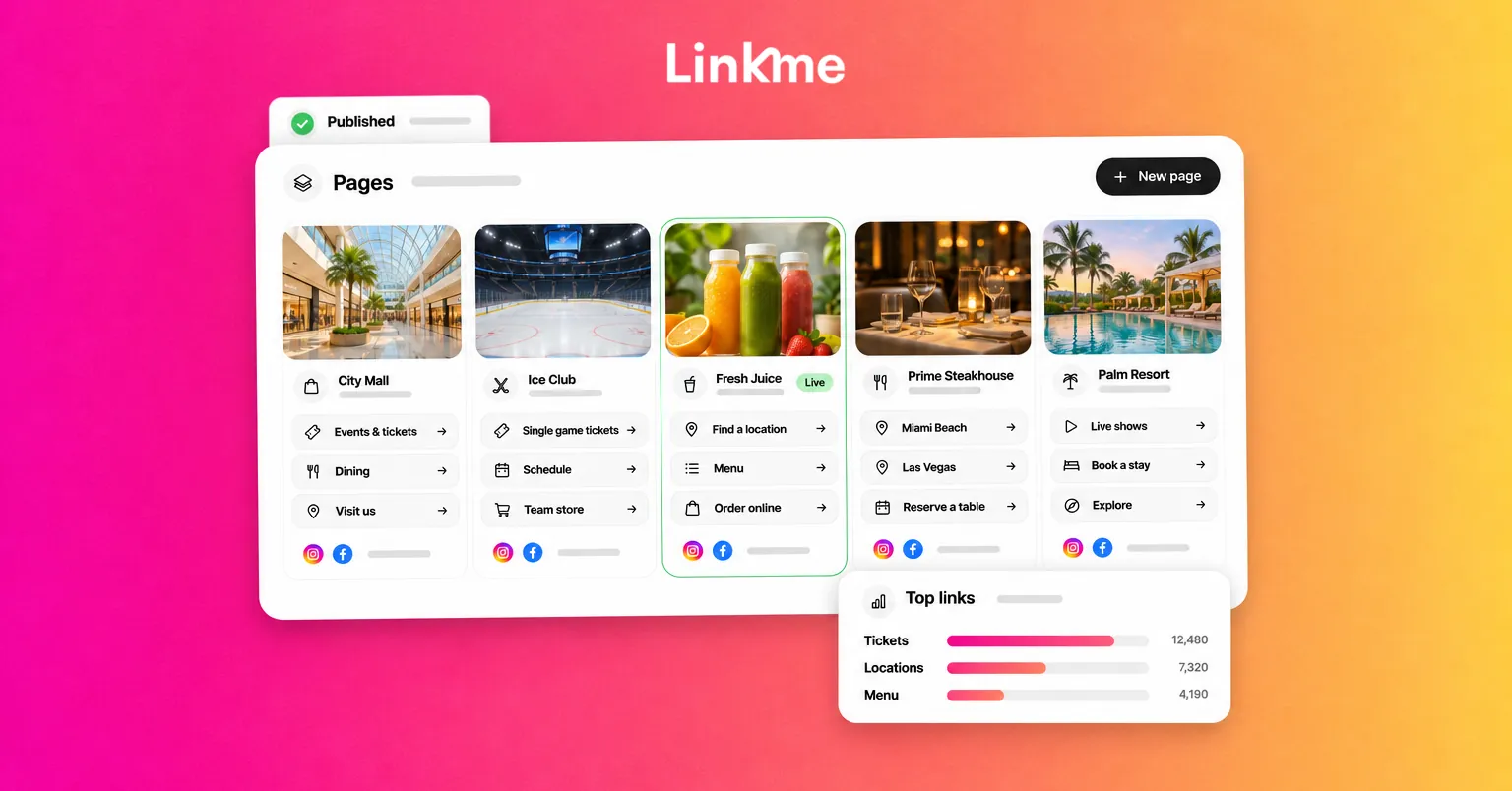
Mall of America’s Linkme page leads with seasonal events and tickets, followed by the directory and map, the dining guide, attractions, parking and the coupon book. A shopper who taps the link in any social bio gets the season’s plans and the practical details of a visit in one place.
Mall of America is one of three Triple Five Group properties on Linkme, alongside American Dream and West Edmonton Mall. Each keeps its own page, link and audience, and each team works only on its own page. Tony Ghermezian, principal owner, puts it this way: “Linkme gives our properties a cleaner, more modern, and measurable way to guide social media traffic while creating a better experience for our customers across American Dream, Mall of America, and West Edmonton Mall.”
The “measurable” part comes from analytics. Top Web Links ranks every tile by the clicks it earns, so the team knows which events shoppers open, and Geographic Analytics shows the cities visitors come from. Linkme also features the mall for comment-to-DM automations that send people to the page, and for event emails sent to its contact list.
What to borrow: put the time-sensitive thing at the top, keep the evergreen details just below it and let click data decide what moves up.
New York Islanders: the team’s front door
The New York Islanders run their page as the team’s front door: single game tickets, the season schedule, SMS and newsletter sign ups and the team’s own series, one tap from every profile. Linkme’s sports playbook pairs the page with two tools: the tickets link sent by DM when fans ask for it, and presale sign ups collected in Leads.
For a sports team, the page has to work on game day. One page with one QR code can sit anywhere fans look, and the tickets link stays at the top while the season is on.
What to borrow: if most questions in your DMs are the same, answer them with an automation and keep the answer’s destination at the top of the page.
Pure Green: a brand page and a page for every location
Pure Green shows how a franchise uses Linkme. The brand page at link.me/puregreen shows its juices with prices, links to its own store and has a location finder under the bio. Locations such as Pure Green Hoboken and PureGreen East Austin run Linkme pages of their own.
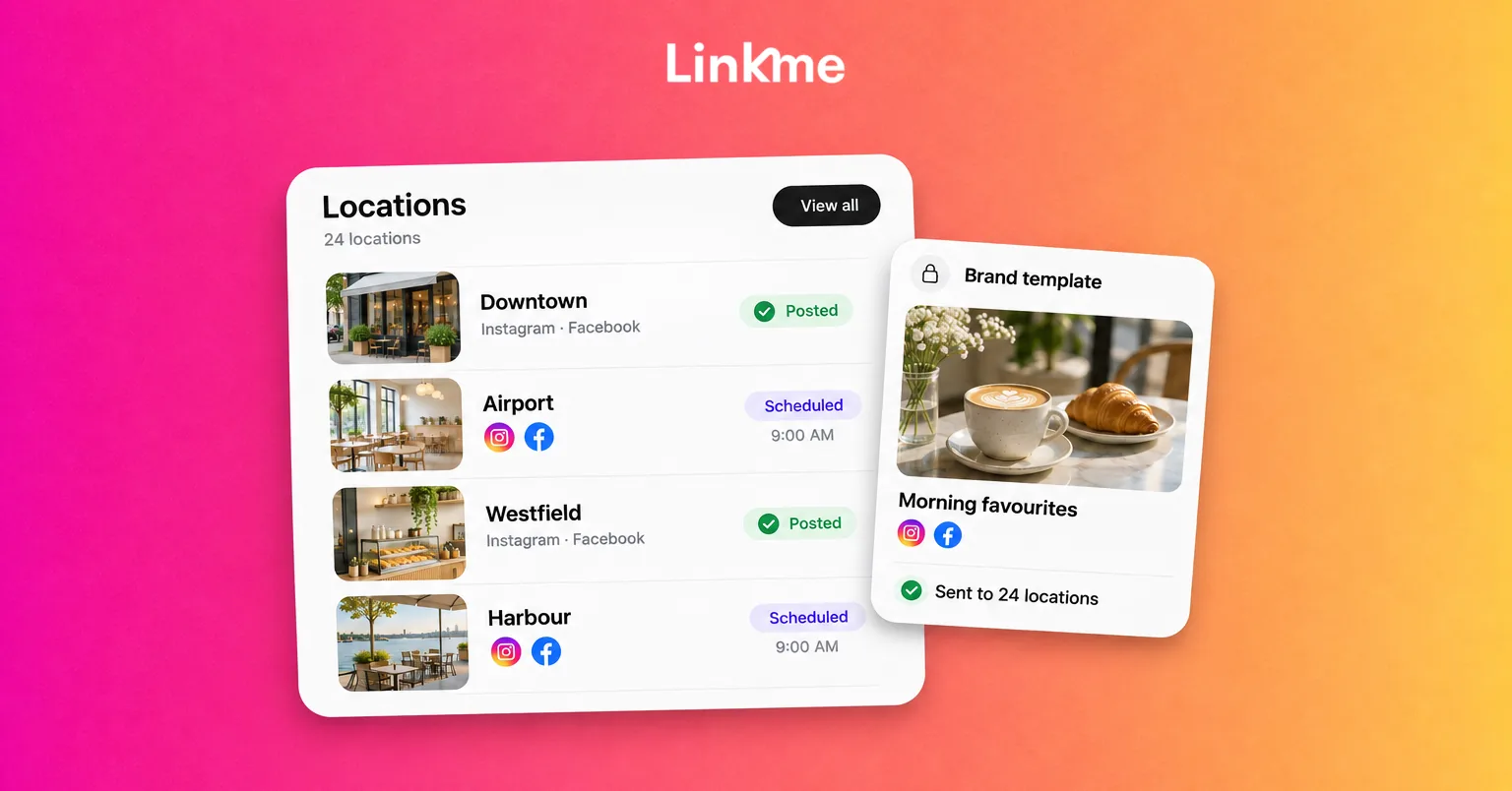
Every page has its own QR code, and all of them sit under one head office login. Linkme’s multi-location tools let the owner give an area manager access to specific locations only, and reports compare views, clicks and leads for each page side by side.
What to borrow: a store counter needs a QR code that opens the local page, not the national one. Give each location its own page and let head office compare them.
Papi Steak: two cities behind one link
Papi Steak runs Miami Beach and Las Vegas from one Linkme page. An email sign up sits at the top, then each city gets its own section with the menu, private events and reservations. Reservations are a link to the restaurant’s own booking tool.
Linkme uses Papi Steak’s page to show how answers from the Social Inbox work: when a guest asks about a large booking, the reply can point to the Private Events tile for the right city. Papi Steak is part of Groot Hospitality, whose head of marketing, Jake Bzowski, says: “We’ve enjoyed using Linkme as a clean, centralized destination for our audience. It’s intuitive, easy to manage, and fits seamlessly into our digital ecosystem.”
What to borrow: if you operate in more than one city, split the page into sections so a guest finds their location in one tap.
Hard Rock Hollywood: shows and stays on one page
Hard Rock Hollywood’s page puts two events on top, then the hotel, Hard Rock Live shows, the spa and dining in four tiles. Linkme’s events and entertainment playbook pairs the page with three tools: the tickets link sent by DM, sign ups collected in Leads and an email about upcoming shows sent to that list.
What to borrow: for events, the page, the DM and the email should all point to the same tickets link, so a fan can buy from whichever touchpoint they see first.
Patterns across all five
A few habits repeat across these businesses, and they apply to most brands with a physical location or a calendar:
- One page per thing people visit. A mall, a location or a venue each get their own page and link, so the QR code on the wall opens the right one.
- The most urgent link on top. Events, tickets or the menu lead. Evergreen details sit below.
- A sign up near the top. Visitors who share their email land in Leads and can receive campaigns later.
- Automations for the repeat questions. Tickets, reservations and directions are sent by DM, so the team handles only the conversations that need a person.
- Decisions based on clicks. Top links and places show what to move up and what to drop.
How to apply this to your business
Start with the page. List the three things customers ask for most, put the most time-sensitive one at the top and add a sign up. Print the page’s QR code where customers already look: the counter, the table, the ticket or the screen. Then add one automation for the most common question in your DMs and review the link clicks after a month.
The customer stories show more examples, including FIFA World Cup 26, American Dream, LIV Miami, Orangetheory and Anytime Fitness.
Frequently asked questions
What kinds of businesses use Linkme?
Malls, sports teams, franchises, restaurants, venues, global tournaments and creators all run pages on Linkme. Customer stories include Mall of America, the New York Islanders, Pure Green, Papi Steak, Hard Rock Hollywood and FIFA World Cup 26.
Can each location of a business have its own Linkme page?
Yes. Every brand, venue or location can have its own page with its own link and QR code. Pure Green runs a brand page and separate location pages, and the owner can give a manager access to specific locations only.
How do businesses measure results on Linkme?
Linkme analytics show profile views, link clicks, top links, traffic sources and the places visitors come from. Businesses with several pages can compare them side by side in reports by page.
How does a business get set up on Linkme?
Book a demo to talk through your goals with one of Linkme’s experts, who can help with setup when you switch from another tool. Groups with many brands or properties can plan the rollout, roles and reports with the Linkme team through Linkme Enterprise.
If you want to see what your own page could look like, book a demo and the Linkme team will walk you through the pages, the dashboard and the setup.