How Many Links on TikTok, and Who Can Add a Bio Link
TikTok gives you one profile link, and only once you qualify. Here are the follower and business account rules, what else is clickable, and how to make that one link count.
On this page
TikTok is stricter about links than most networks. So how many links on TikTok can you add? Your profile has one website field, and you only get it once you qualify: according to TikTok’s support pages, a general account needs at least 1,000 followers, while a verified business account can add a website link without that threshold. Links in captions and comments are not clickable, so that one profile link carries almost all of your traffic.
How many links on TikTok: the short answer
Here is where a viewer can tap through to somewhere outside TikTok, as described in TikTok’s help resources when this guide was written. Features vary by country and account, so check your own app.
| Placement | Clickable? | Who gets it |
|---|---|---|
| Profile website field | Yes, one link | General accounts with at least 1,000 followers, or verified business accounts |
| Connected social accounts on your profile | Where TikTok offers it | Some accounts can show icons for linked Instagram or YouTube profiles |
| Video captions | No | URLs show as plain text |
| Comments | No | URLs show as plain text |
| Product links on videos and LIVE | Yes | Eligible sellers and creators in markets where TikTok Shop runs |
| Ads | Yes, through a call-to-action button | Advertisers running paid campaigns |
For most creators and small businesses, that leaves one organic link: the website field in your profile.
Who can add a bio link on TikTok
General accounts: the 1,000-follower rule
TikTok’s support FAQ says general accounts with at least 1,000 followers can post a website link on their profile. Below that number, the field does not appear. If you are close, it is usually faster to keep posting than to switch account types.
Business accounts: no follower minimum
The same page says verified business accounts can add a website link to promote a site. You switch to a business account in your settings, then complete TikTok’s business registration and verification steps. Two trade-offs to weigh first:
- Music. Business accounts use TikTok’s Commercial Music Library, which does not include every trending sound available to personal accounts. If your content relies on popular audio, test whether the library covers what you use.
- Who it suits. A registered company, store or venue gains a lot from a link on day one. A creator who is still finding an audience may prefer to stay on a personal account and reach 1,000 followers.
How to add the link once you qualify
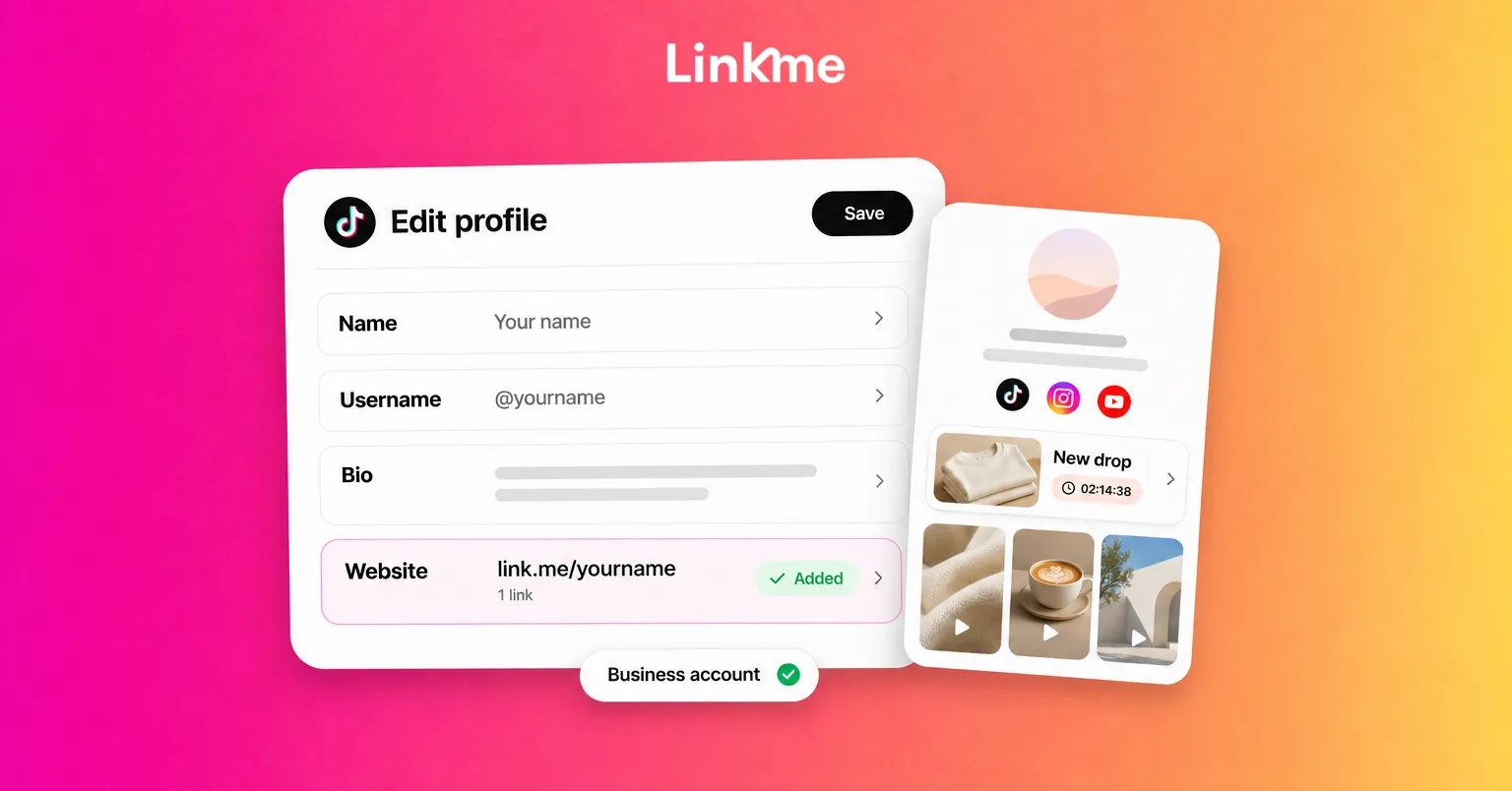
- Open your profile in the TikTok app and tap Edit profile.
- Find the website or links field. If it is missing, you have not qualified yet or your app needs an update.
- Paste the full URL and save.
- Open your profile from another account to check that the link appears and opens the right page.
TikTok can reject links that break its rules, and some link types are restricted. If a link will not save, try the destination’s plain URL rather than a long tracking link.
What to do before you have a bio link
You can still send people somewhere while you work toward the threshold:
- Put your page address in your bio as text. A short, readable address like link.me/yourname is easy to type, even if it is not tappable yet.
- Use your other networks. Your Instagram bio, YouTube channel description and X profile all accept links. Mention them in videos where it fits.
- Pin a video that explains where to find you. New visitors check pinned videos first.
- Collect interest in comments. Ask people to comment if they want the guide or the drop, then follow up once your link is live.
One link, many destinations
With only one profile link, you have to choose: the store, the newest video, the booking page or the newsletter. Changing it every week means older videos keep sending people to a link that no longer matches what they watched.
The answer is to make that single link a page. A Linkme page gives you one address, link.me/yourname, that holds platform links, unlimited featured links, a music smart link, video feeds from TikTok, Instagram and YouTube, events, contact info, merch and products. Paste it into TikTok once, then change what is on the page as often as you need. The links and websites guide covers how to add, label and reorder links.
A few setup choices make that page work for TikTok traffic:
- Put the link that matches your latest videos first. If your recent videos talk about a drop, the drop should be the first thing a visitor sees. Use a large featured link or a button so it stands out on a phone.
- Show your TikTok videos on the page. A video feed lets visitors who arrive from elsewhere see what you post on TikTok without leaving your page.
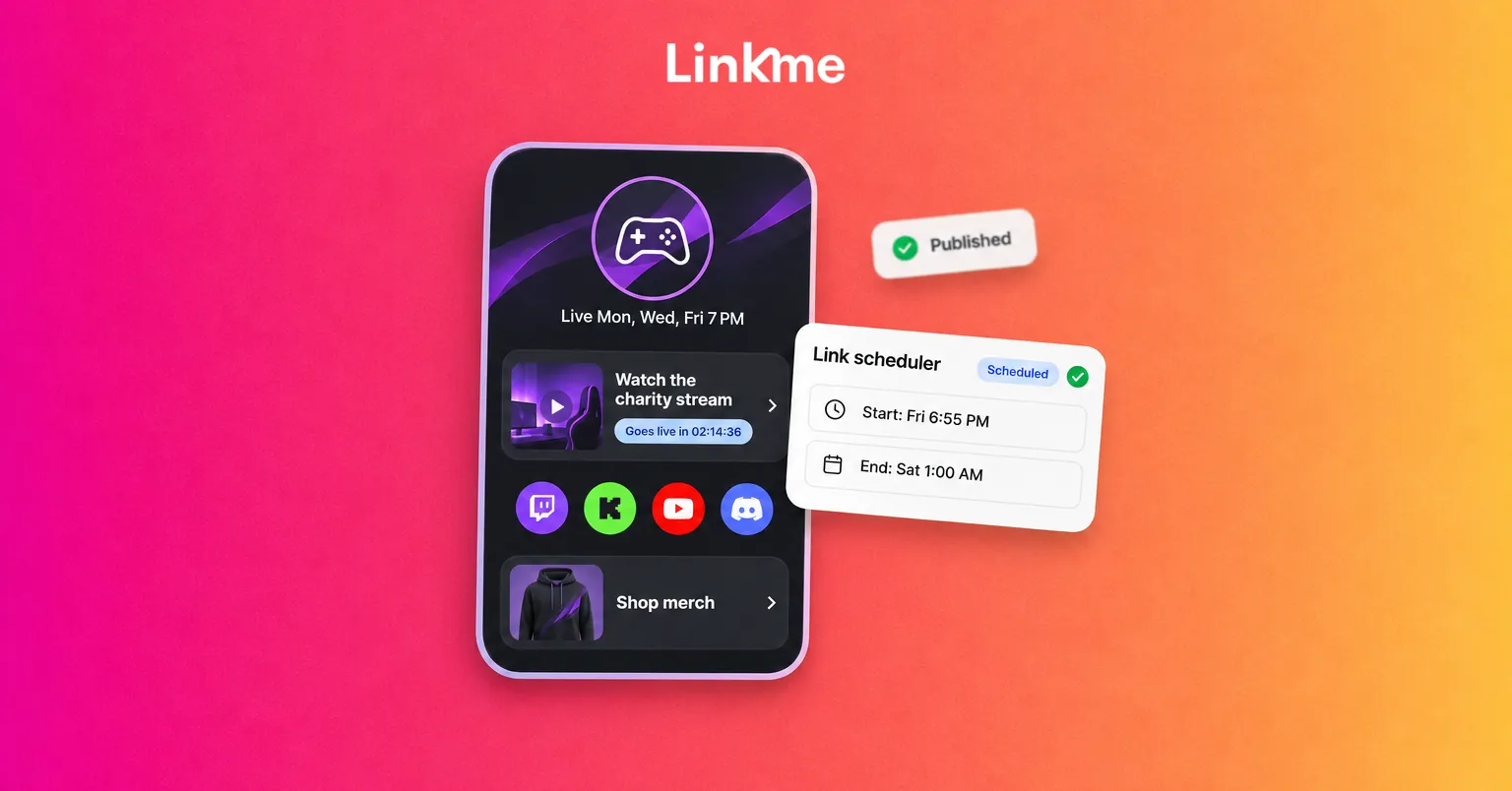
- Schedule what changes. With the Link Scheduler on Plus and Pro, a link goes live and comes off your page at the times you set, so a limited offer does not linger after it ends.
- Add your TikTok Pixel. Add your TikTok Pixel ID once and TikTok’s tools see every visit to your page, which helps if you also run TikTok ads.
Measure what the link is doing
Your TikTok analytics tell you how videos perform on TikTok. They do not show what visitors do once they leave the app. That part comes from the page itself.
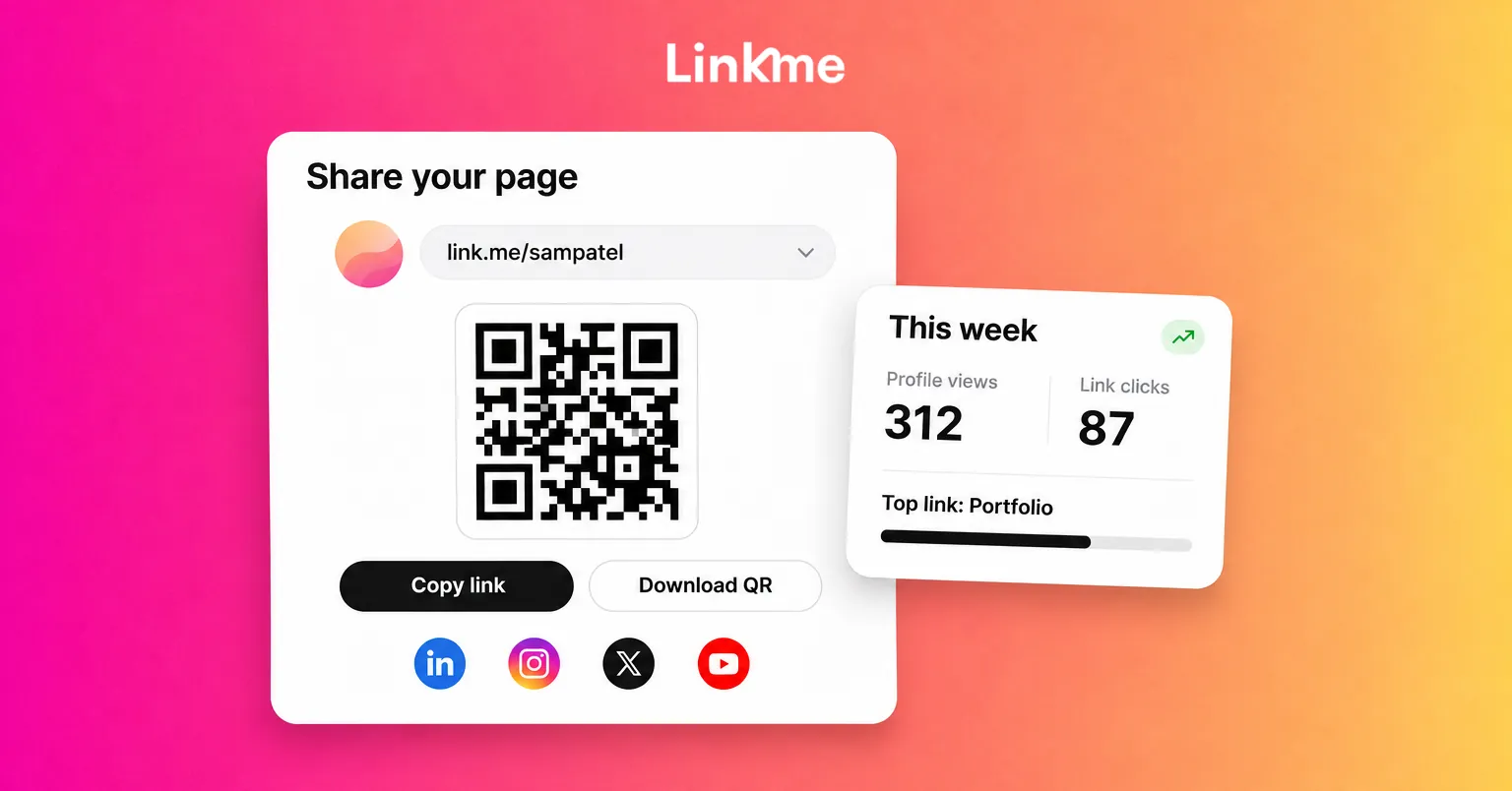
Linkme analytics show profile views and link clicks for any date range, and every link has its own click count. The analytics also cover traffic sources and the countries and cities your visitors tap from. The free plan includes visits and clicks, and Plus adds the deeper views. Compare your click counts with your posting schedule: if clicks rise after a certain kind of video, make more of it. If you schedule posts ahead, the guide to scheduling TikTok posts covers how to line up your content with what is live on your page.
Frequently asked questions
How many links can you have in your TikTok bio?
One. TikTok gives eligible accounts a single website field in the profile. To share more destinations, link to a page that lists them all, and update that page instead of your profile.
Why can’t I add a link to my TikTok bio?
The website field appears only for general accounts with at least 1,000 followers and for verified business accounts. If you qualify and still do not see it, update the app and check that your account is in good standing.
Do I need a business account for a TikTok bio link?
No. A personal account can add one at 1,000 followers. A verified business account can add one without a follower minimum, but business accounts use TikTok’s Commercial Music Library, which may not include every trending sound.
Are links in TikTok captions or comments clickable?
No. URLs in captions and comments show as plain text, so viewers cannot tap them. Point people to your profile link instead, and keep that link on a page that holds every destination.
One link is a tight limit, but it is manageable. Earn the website field, point it at a single page and keep that page current. Then every video can send people to the right place, whether it went up today or six months ago.