How to Add a Link to Your Instagram Story with the Link Sticker
Swipe-up is gone. Here is how to add a link to your Instagram story with the link sticker, make it worth tapping, choose the right destination and measure the clicks.
On this page
To add a link to your Instagram story, use the link sticker: create a story, open the sticker tray, choose Link, paste your URL and place the sticker where people will see it. The old swipe-up link is gone, and the sticker replaced it for everyone, not just large or verified accounts. This guide walks through the steps, how to make the sticker worth tapping, which link to use and how to see whether people clicked.
How to add a link to your Instagram story, step by step
- Start a story. Tap the plus button and choose Story, or swipe right from your feed. Take a photo or video, or pick one from your camera roll.
- Open the sticker tray. Tap the sticker icon in the toolbar at the top of the screen.
- Choose Link. Tap the Link sticker. If you do not see it, use the search bar at the top of the tray.
- Paste your URL. Paste the full address, including https://.
- Customize the sticker text. Tap the option to customize the text and write a short label, such as “Book a table” or “Shop the drop.” Leave it blank and the sticker shows the web address.
- Tap Done and place the sticker. Drag it into position, pinch to resize it and tap it to cycle through the color styles.
- Share. Post to your story, or to Close Friends if the link is only for them.
Instagram’s announcement of the sticker for all accounts describes the same flow. Menu labels move around between app versions, so if a step looks different, look for the sticker icon and the word Link.
Make the sticker worth tapping
A link sticker is small, and stories move fast. A few choices decide whether anyone taps it.
Say what happens after the tap
“Link” tells people nothing. “Get the free guide,” “See sizes and prices” or “Tickets for Saturday” tells them what they will find and why it is worth leaving the story. Keep the label short enough to read in a glance.
Place it where thumbs and eyes go
Keep the sticker away from the top of the screen, where your name and the progress bar sit, and from the very bottom, where the reply field is. The middle third of the frame, close to the subject of the photo, works for most layouts. Pick a sticker color that contrasts with the background.
Build the story around the link
The frames before the link should create the reason to tap: show the product, the problem or the event first, then put the sticker on the frame that asks for action. Adding a line of text such as “Tap the link for the full list” makes the call to action obvious.
Use one destination per frame
Plan on one link per story frame. If you have two destinations, use two frames, each with its own label. If you have more, link to a page that holds them all.
Choose which link to use
The sticker can point anywhere, so decide what the story is asking people to do.
| Story is about | Link to |
|---|---|
| One product, booking or ticket | That exact product, booking or ticket page |
| A launch or limited offer | A scheduled link on your page that goes live with the launch and comes off when it ends |
| A mix of things, or a “find everything” story | Your page, with the most relevant link at the top |
| A sign up, waitlist or freebie | A page with an email sign up, so the contact lands in your list |
Linking to your page is often the safer choice for anything you will save to a Highlight, because you can update the page later without editing the story. A Linkme page holds featured links, events, video feeds, products and an email sign up, and you can reorder it so the link a story mentions sits at the top.
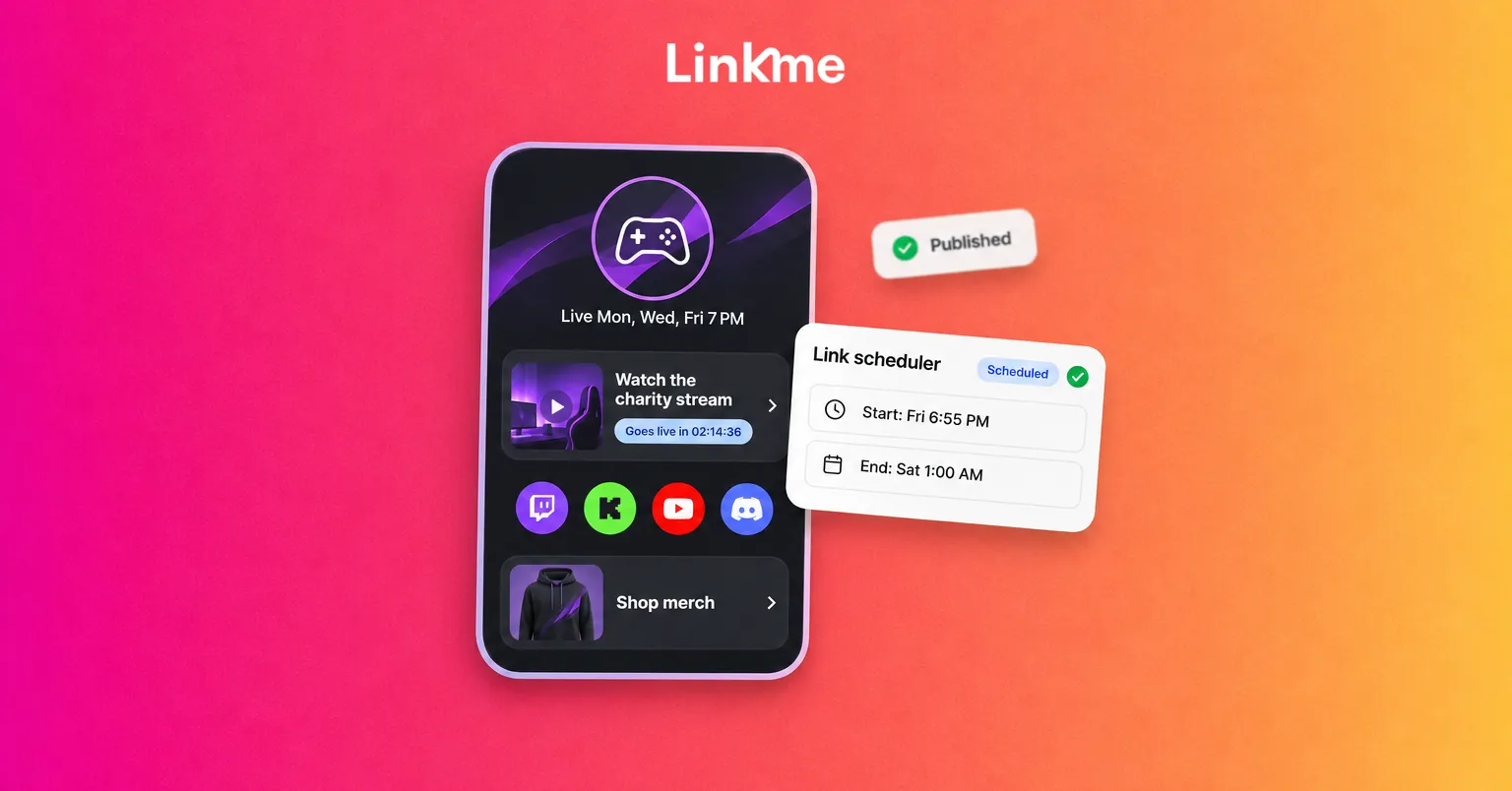
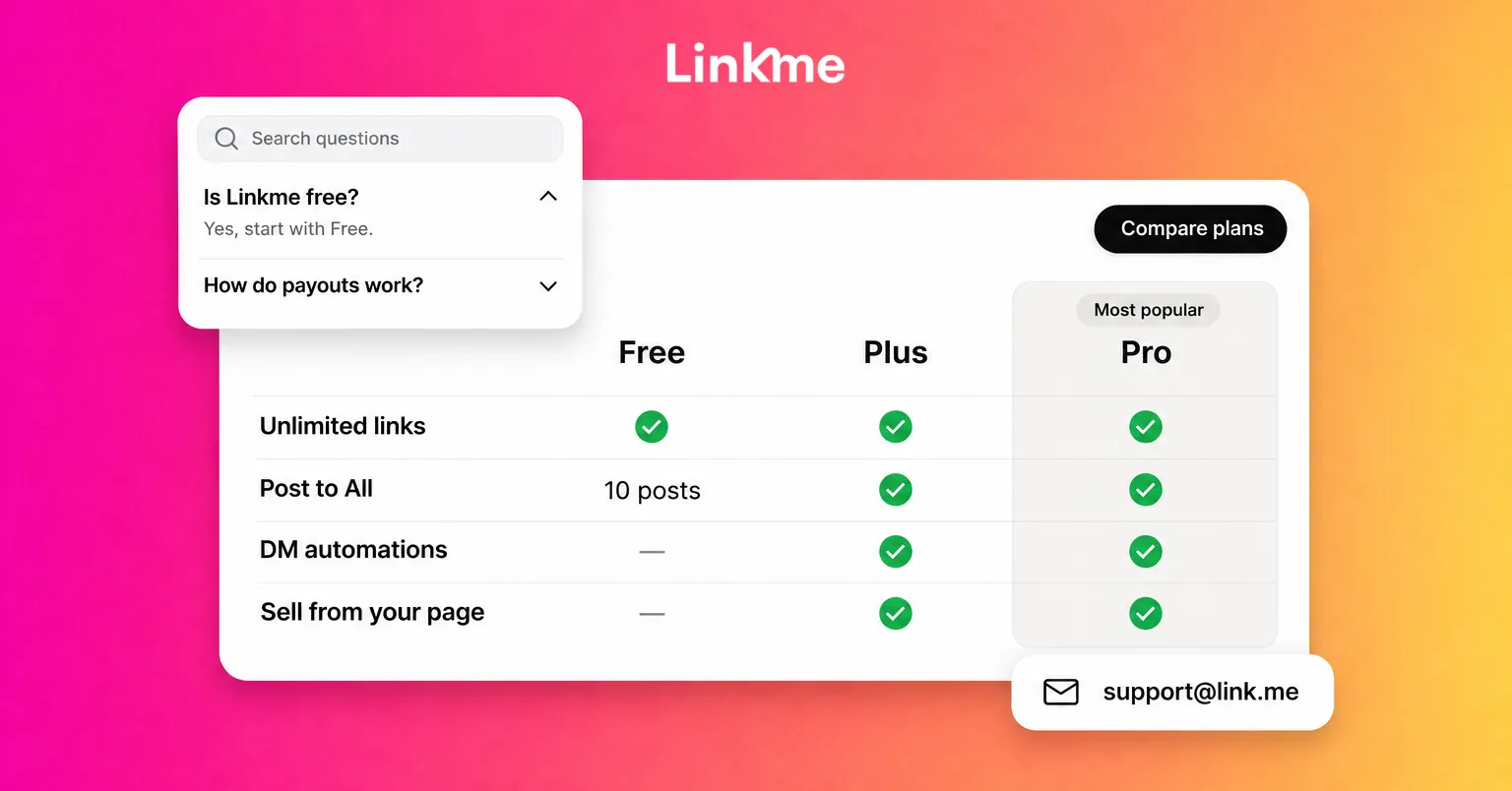
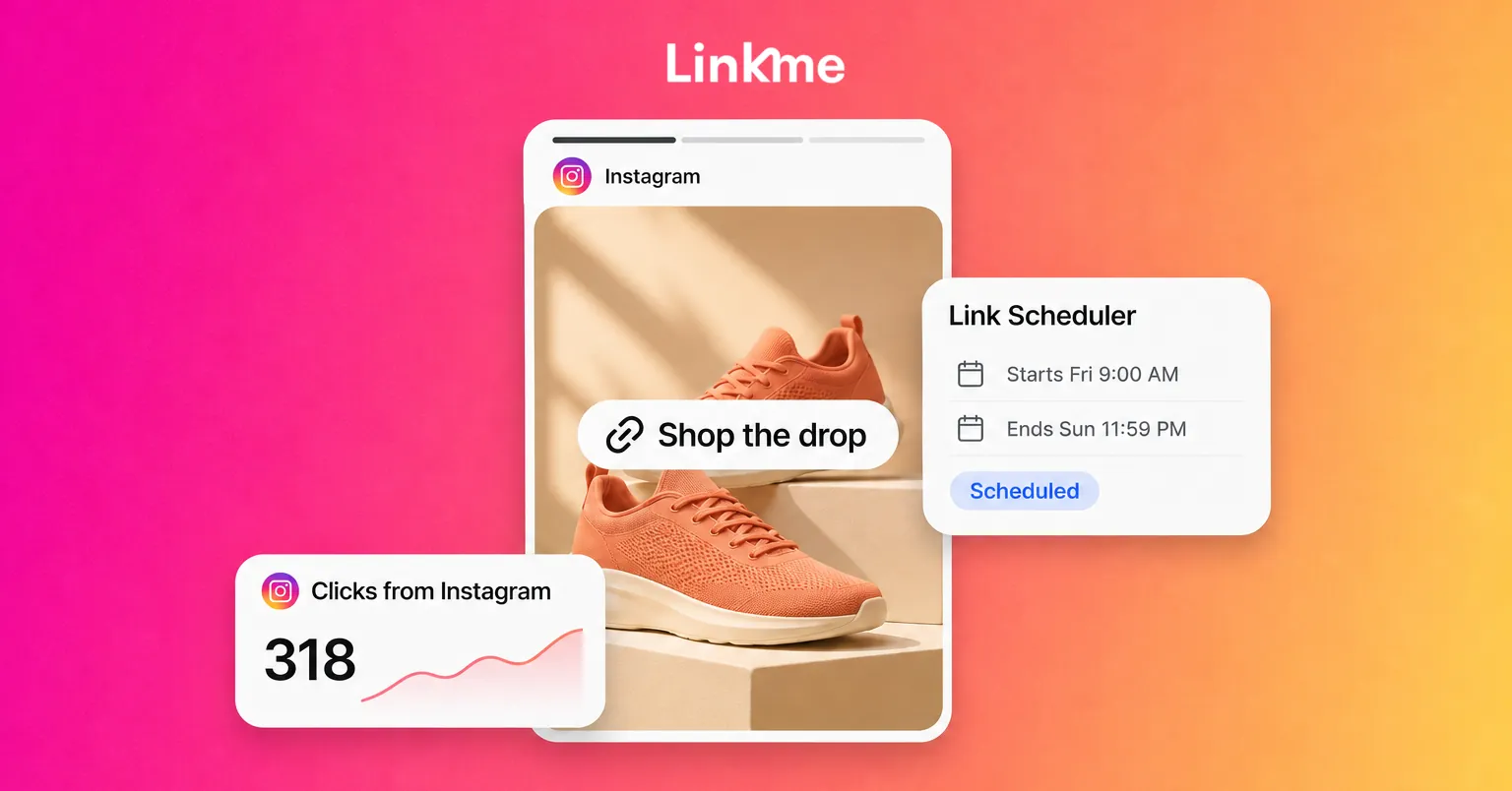
For campaigns, the Link Scheduler gives a link a start and end date and time. Your story can go up the moment a drop opens, and the link on your page goes live on its own and counts down while it runs, then comes off when the window closes. Link scheduling is on Plus and Pro, and on every Business seat.
One more detail: links from a story open inside Instagram’s in-app browser, where visitors are signed out of everything. The Linkme Deeplink Banner adds a button that opens your page in Safari on iPhone or Chrome on Android, which helps when the next step is a checkout or a login. It is available on Pro and on every Business seat.
Track the clicks
Measure in two places so you see both halves of the journey.
- In Instagram. If you use a professional account, story insights show how many people saw each frame and interacted with it, including taps on stickers. Look at the frame with the link and compare it with the frames before it to see where people dropped off.
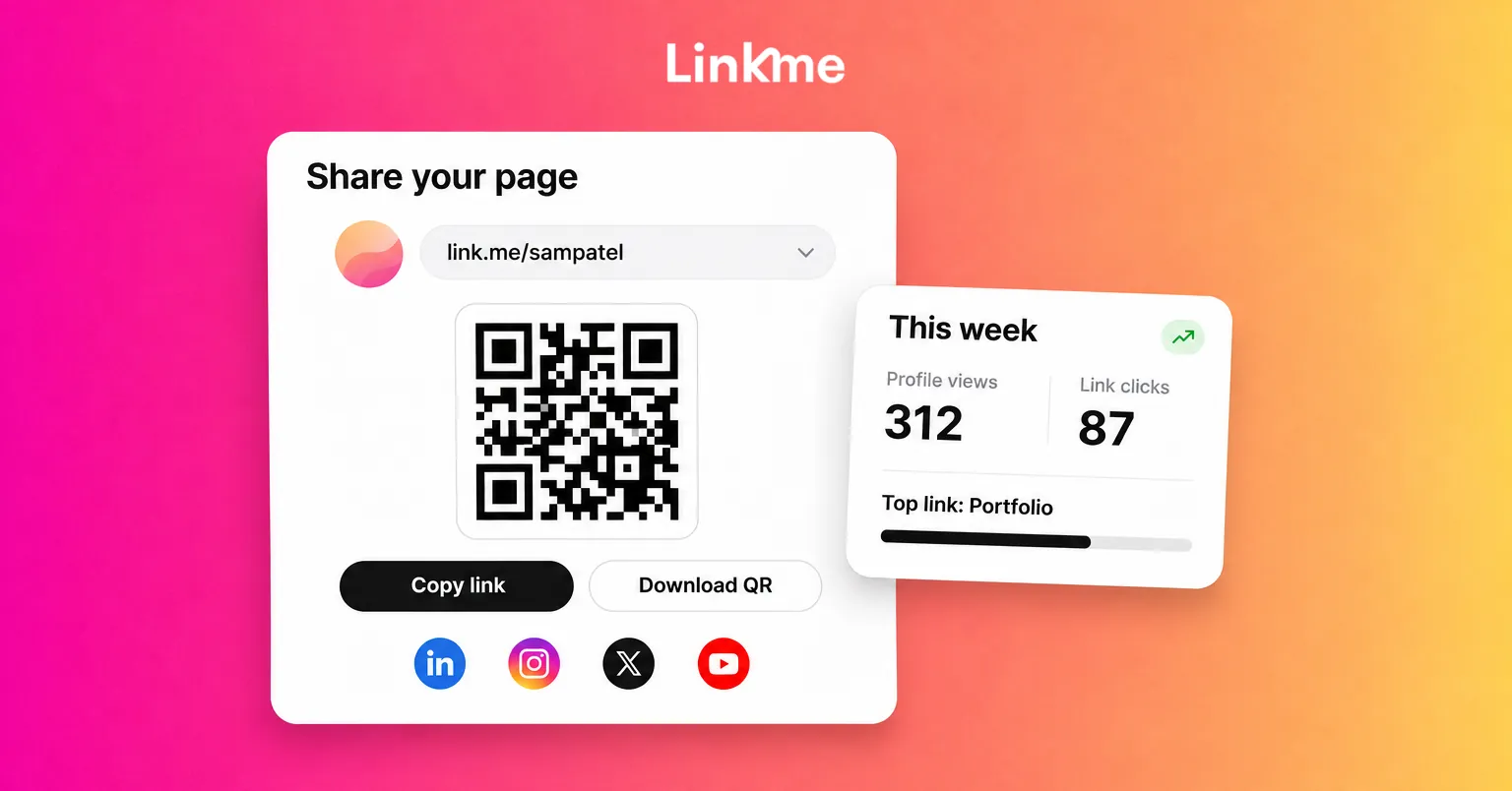
- On the destination. Instagram cannot tell you what people did after they left the app. If the link goes to your Linkme page, Linkme analytics show profile views and link clicks for any date range, and every link has its own click count. The free plan tracks visits and clicks, and Plus adds deeper views such as traffic sources and visitor locations by country and city.
To treat story traffic differently from bio traffic, Attribution Links let one link on your Linkme page send visitors from Instagram, X or a utm source you set to a different URL. Put that utm source on the link in your story, and story visitors can land on a campaign-specific page that your website analytics count on its own.
Link sticker not showing? What to check
If the Link sticker is missing from the tray, work through these in order:
- Update the app. New stickers often appear only in the latest version.
- Search the sticker tray. Type “link” in the search field instead of scrolling.
- Check how new the account is. Instagram does not give the sticker to new accounts straight away.
- Check your account status. Accounts that repeatedly share content that breaks the Community Guidelines lose access. Look in Settings under Account Status for any violations.
- Try a different device or log out and back in. This rules out a display issue on one phone.
If none of these work, report the problem from Instagram’s settings so the team can look at the account.
Frequently asked questions
Can every Instagram account add a link to a story?
Almost every account can. Instagram opened the link sticker to all accounts, with no follower minimum. New accounts and accounts that repeatedly break the Community Guidelines may not have access.
Does the swipe-up link still exist on Instagram?
No. Swipe-up links were replaced by the link sticker. Older guides that mention swiping up describe a feature that is no longer available.
Can you add more than one link to an Instagram story?
Plan on one link sticker per story frame. To share several links, use several frames with a clear label on each, or link to a page that lists every destination.
Do story links still work after 24 hours?
The story disappears from your story tray after 24 hours, and the sticker goes with it. If you save the story to a Highlight, the link stays available on your profile for as long as the Highlight is there.
A link sticker takes a few seconds to add. The clicks come from what surrounds it: a story that gives people a reason to tap, a label that says what they will get and a destination that matches the promise. Keep that destination current and you will see in your numbers which stories actually send people onward.