How to Build a Community on Kick: Chat, Mods, Schedule and Clips
Chat habits, moderators, a steady schedule, clips and a Discord: how small streamers turn Kick viewers into a community that comes back.
On this page
To build a community on Kick, give people a reason to come back that has nothing to do with the game on screen: a chat where regulars are known by name, rules that a trusted mod team enforces, a schedule they can plan around, and places to find you between streams. Viewers follow a channel. A community forms when they start talking to each other, not only to you.
This guide covers chat culture, moderation, scheduling, clips on short-form networks and a Discord, in the order most small streamers need them.
Make chat the reason people stay
On a small channel, chat is the content as much as the stream is. Someone who types “hi” and gets a reply by name is far more likely to come back than someone who watched in silence.
A few habits that build chat culture:
- Greet by name and remember details. “Welcome back, Sam, how did the exam go?” makes a regular out of a viewer.
- Ask questions people can answer in one line. “Which loadout next?” works better than “What do you all think?”
- Narrate decisions out loud. It gives chat something to react to and argue about.
- Create small rituals. A recurring segment, a word of the day or a chat vote on the last game of the night gives regulars something they own.
- Use the tools Kick gives you. Moderators can start polls and pin messages, and channel owners can hand out OG and VIP badges to long-time regulars.
Keep the tone of your chat deliberate. Whatever you laugh at and allow in the first few weeks becomes the culture new viewers walk into.
Build a mod team before you need one
Moderators protect the atmosphere while you focus on streaming. Pick people who already behave the way you want chat to behave: regulars who show up often, stay calm and understand your humor. Start with one or two and add more as chat grows.
According to Kick’s guide to moderating chat, moderators can time out or ban viewers, delete messages, switch chat modes, run polls, manage pinned messages and help fulfil Channel Points rewards. You add them in your Streamer Dashboard or with the /mod command.
Write your rules in your channel’s chat rules and agree with your mods on what earns a timeout and what earns a ban. Then set up the tools before a bad night forces you to:
| Tool | What it does | When to use it |
|---|---|---|
| Slow mode | Limits how often each person can post | Chat moves too fast to read, or spam starts |
| Followers-only | Only followers (optionally after a set time) can chat | Raids by new throwaway accounts |
| Subscribers-only | Only subscribers can chat | Short sub segments; use sparingly |
| Emotes-only | Blocks text, allows emotes | Hype moments or to calm a heated thread |
| Banned words and filters | Blocks terms, spam patterns and links | Set up on day one |
Moderators are not affected by slow mode, followers-only or subscribers-only chat, so they can keep talking while chat is locked down. One caution from Kick’s own guidance: never put your real name or address in a banned-word list, as that can confirm personal details to someone trying to find them.
Keep a schedule people can plan around
A community needs to know when to gather. Pick days and start times you can keep for months, not the ones that look most ambitious this week. Three fixed evenings beat seven unpredictable ones.
- Put your schedule on your Kick profile, in your social bios and in your Discord.
- Announce schedule changes before the stream you are moving, not after.
- Keep VODs on your channel so regulars who missed a night can catch up and still join the conversation next time.
- Stream at least some sessions at the same time each week so your regulars overlap and get to know each other.
Kick lists a regular streaming schedule and VOD content among the expectations for verified and partner channels, so the habit pays off beyond community building too.
Give the community something to do together
Communities form around shared activity. Plan a few events that your viewers take part in rather than watch:
- Community game nights where viewers join your lobby or play the same game.
- Viewer challenges with a clear goal and a stream where you review the results.
- Collaborations with streamers of a similar size and style, so both chats meet.
- Hosting another streamer at the end of your stream. Kick’s Host button sends your viewers to their channel and becomes active once your stream has at least 5 viewers.
Recognize people in return. Thank new followers and subscribers by name, feature a viewer’s clip, or let the most active chatter choose the next game. Keep recognition about participation rather than prizes, which attract people who leave when the prize is gone.
Take your best moments to short-form networks
Most people will discover your Kick channel somewhere else. Short vertical clips on TikTok, YouTube Shorts and Instagram Reels are the most practical way to show a stranger what your stream feels like.
- Clip moments that show your personality and your chat, not only gameplay highlights.
- Add captions and a first second that makes sense without context.
- End with where to find you: your Kick name and your next stream day.
- Post consistently, a few clips a week, rather than a burst after one big night.
Posting each clip to several networks by hand takes time you would rather spend streaming. With Post to All, you upload a clip once and send it to your connected accounts on Instagram, TikTok, Facebook, YouTube, X, Threads and LinkedIn, now or at a time you schedule. For network-specific tips, see how to schedule TikTok posts.
Give people a home between streams
A Discord server keeps the conversation going on the days you are offline. Keep it simple at first:
- A few channels: announcements, general chat, clips and one for your game or topic.
- A go-live announcement each time you start streaming.
- The same rules and the same mod team as your Kick chat, so behavior is consistent.
- Roles for regulars and subscribers, so long-time members feel recognized.
Do not open twenty empty channels. A small server with active conversation feels more welcoming than a large, silent one.
One link that holds everything
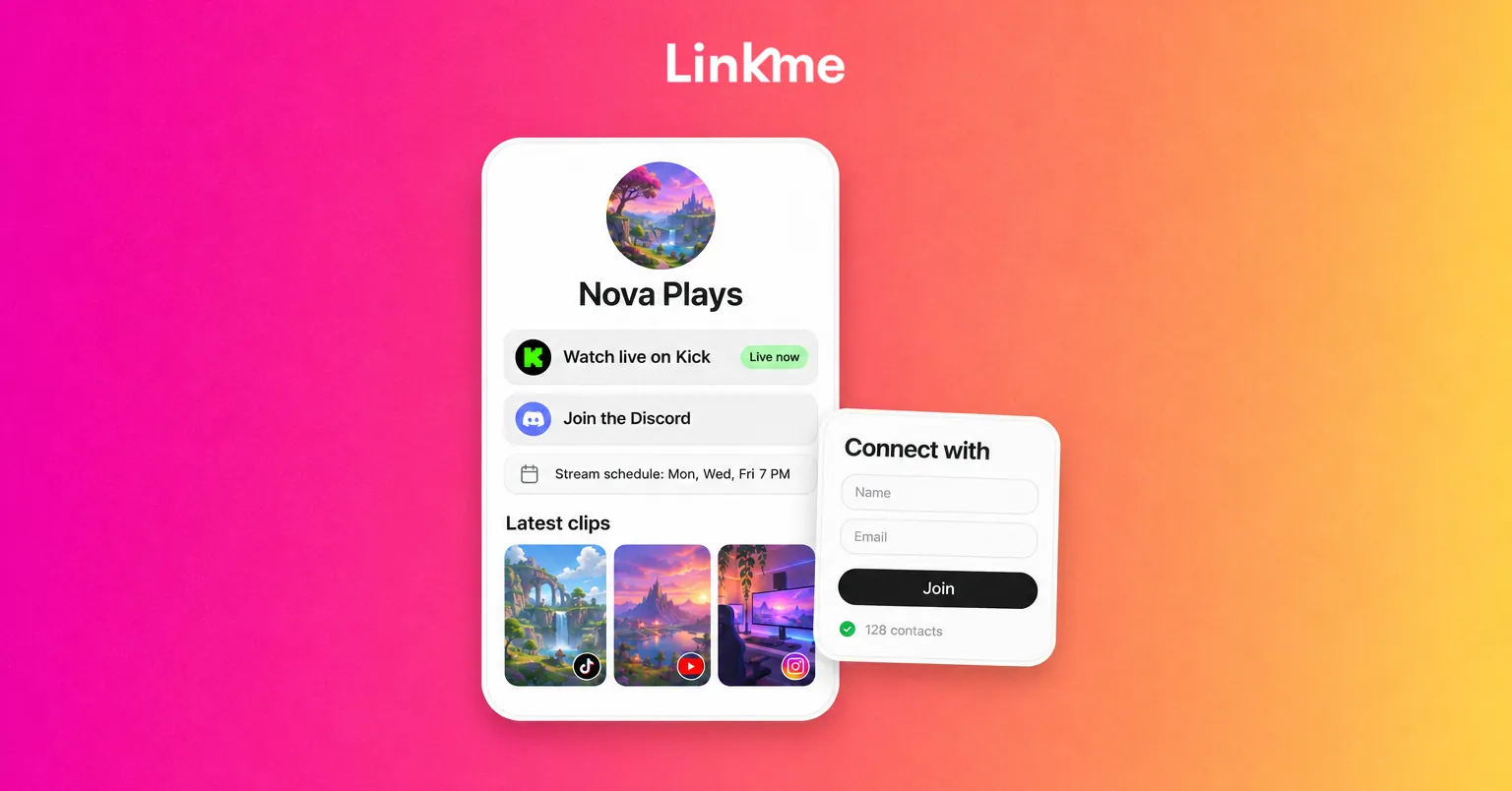
Your community is now spread across Kick, Discord and several short-form networks. A single page ties it together. On a Linkme page for creators, you can put your Kick channel at the top, add your Discord, show your latest videos and add merch if you sell it. Adding Connect with puts an email sign up on the page, so you can reach your most committed fans even if a platform changes its rules. Put that one link in every bio and clip caption.
Skip the shortcuts
Bought followers, view bots and follow-for-follow groups inflate numbers without adding a single person to your chat, and they make your real engagement look worse. Kick’s verification and partner guidelines also rule out practices that artificially manipulate statistics, including joining groups that inflate stats and self-financing subscriptions. A smaller chat of real people is worth more than any number on the dashboard.
Frequently asked questions
How long does it take to build a community on Kick?
There is no fixed timeline. Most small streamers see a core group of regulars form after a few months of consistent streaming on a fixed schedule, with active chat and regular clips. Consistency and how you treat chat matter more than how many hours you stream.
Do small streamers need moderators on Kick?
Yes, even one or two. A moderator can handle spam and trolls while you keep talking to chat, and having them in place before a raid or a heated night is much easier than finding them during one. Set up banned words and chat modes on day one as well.
Should I start a Discord when I have only a few viewers?
You can, as long as you keep it small: an announcements channel, a general chat and a clips channel. A Discord gives regulars a way to talk on your offline days. Add channels only when conversations need them.
What are good ways to get Kick chat talking?
Ask specific questions with short answers, run polls, greet regulars by name, narrate your decisions and build a recurring segment chat looks forward to. Reacting to chat on stream is what turns watchers into chatters.


