How to Get More Link in Bio Clicks
Fewer taps, a clear top link, the right sizes and labels, a way out of the Instagram browser, and per-link analytics to see what works.
On this page
To get more link in bio clicks, cut the taps between a post and the page people want, put the link they came for at the top in a bigger size, label every link with what happens when you tap it, and get your page out of the in-app browser. Then read the clicks on each link and change one thing at a time. This guide walks through each step, from the caption that sends people to your bio to the analytics that show what worked.
Why people stop before they click
A link in bio click asks a lot of a viewer. They see a post, open your profile, tap the bio link, wait for a page to load and then pick the right link from a list. People drop out at each step.
The common causes are easy to fix:
- The post does not say what is in the bio, so nobody goes looking.
- The link they want is buried under older links or behind a vague label like “Click here.”
- Every link looks the same, so nothing stands out.
- The page opens in an in-app browser, where people are not signed in to the store, app or service you are sending them to.
The sections below take these one at a time.
Get people to your bio in the first place
Clicks start in the caption, the Story or the video, not on the page.
- Name the destination. “Tour dates are in my bio” works better than “Link in bio.”
- Say it more than once. Mention it in the caption, on screen and out loud in video.
- Match the label. If the caption says “the free guide,” the link on your page should say “Free guide” too.
- Keep one bio link across networks. Instagram lets you add up to five links to your profile, but only the first shows under your bio and the rest sit behind an extra tap. One page that holds everything keeps the bio simple everywhere.
For posts where you expect a lot of interest, you can skip the bio altogether. With Linkme DM Automations, people comment a keyword on an Instagram or Facebook post and get a reply and a DM with your link, and each automation counts its activations and clicks.
Put the link people want at the top, and make it bigger
Most visitors decide within a second or two and tap one of the first things they see. Order your page by what matters this week, not by what you added first.
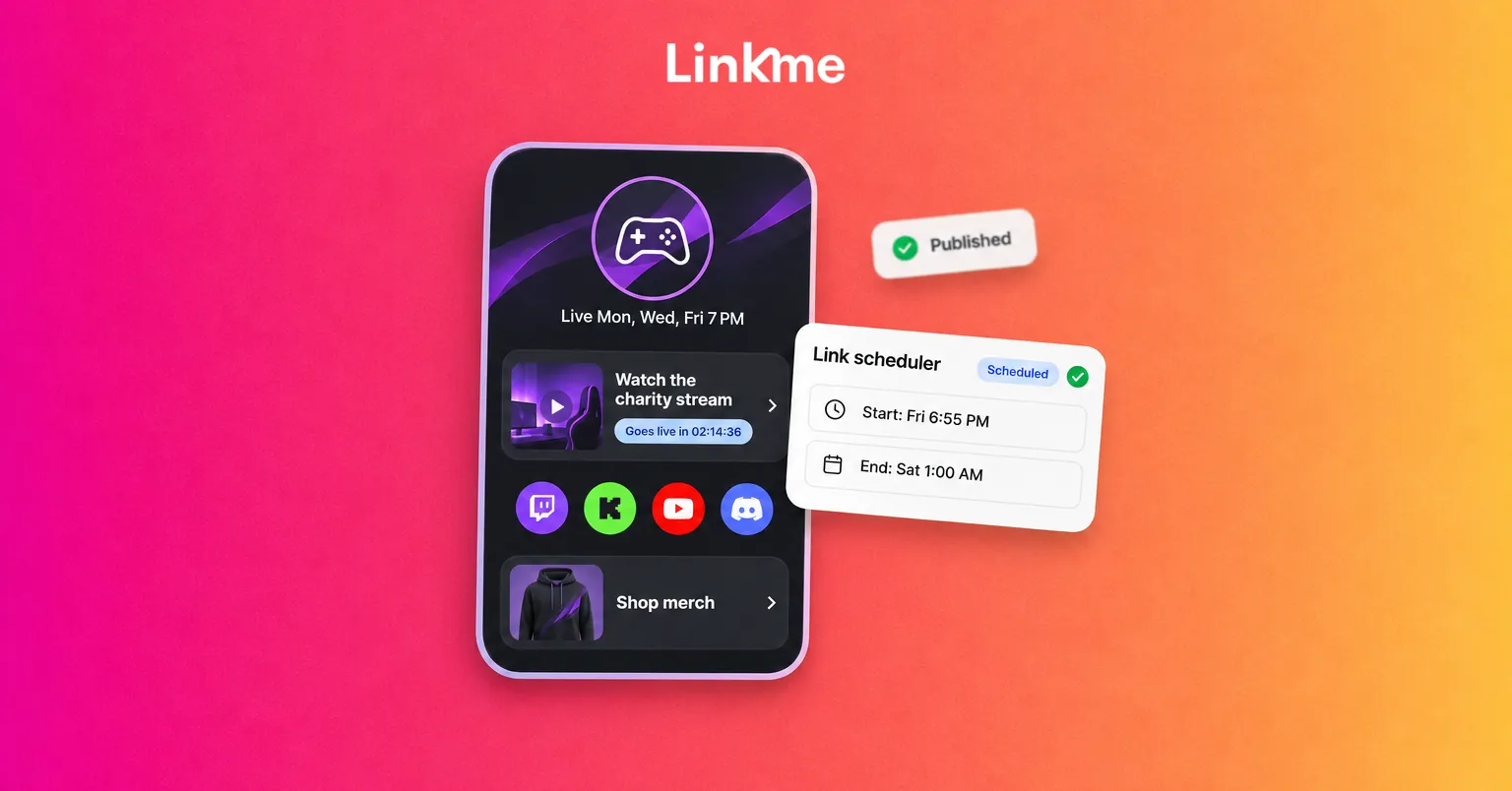
On a Linkme page, each featured link can be Big, Medium, Small or a Button, with its own icon or thumbnail. You can drag links into any order and show secondary links as a horizontal carousel to keep the page short. The Links and websites guide shows each step.
| Element | What helps | What hurts |
|---|---|---|
| Position | This week’s priority at the top | The newest link added at the bottom |
| Size | One Big tile, the rest Medium or Small | Every link the same size |
| Thumbnail | A photo of the actual product, event or video | A generic logo on every link |
| Label | “Get tickets for Saturday’s show” | “Click here” or a bare URL |
| Count | A short list, with extras in a carousel | Twenty links in one column |
Use motion on one link, not all of them
On Linkme Pro, featured links can be animated with styles such as Shine, Jello, Bounce, Pulse and Wiggle. Motion draws the eye, which is exactly why it should be used on one link only. If three links move at once, none of them stands out.
Turn the animation off once the moment has passed, such as after a launch or a drop. A link that has been shimmering for months starts to read as part of the background.
Open your page outside the Instagram browser
When someone taps a link on Instagram or Threads, the page usually opens in the app’s own browser. There, they are signed out of everything, so a link to a store, a ticketing site or a streaming app may ask them to log in again, and many give up.
The Deeplink Banner on Linkme puts one button on your page that opens it in Safari on iPhone or Chrome on Android, where links work the way people expect. It works in the Instagram and Threads browsers and is a single switch in Quick Settings, available on Pro and on every Business seat. It is especially useful when your top link goes to a checkout, an app or a page that needs a login.
Read clicks per link, then change one thing
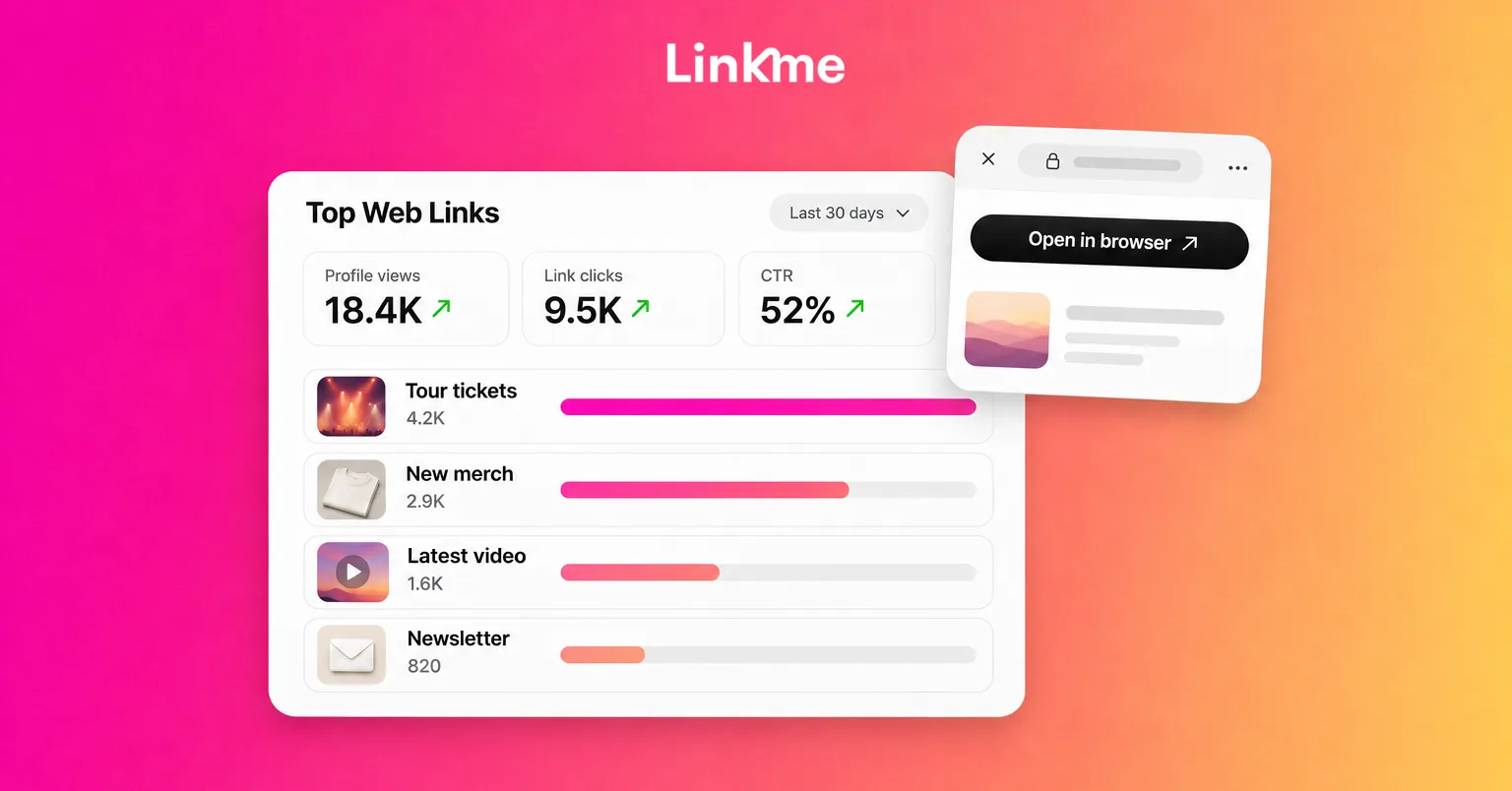
Linkme Analytics counts every visit to your page and every tap on a link, from the first visit, with nothing to install. These numbers come from your Linkme page itself, not from Instagram or TikTok, so they will not match the social apps exactly. The Free plan tracks visits and clicks, Plus adds the deeper views, and Pro adds real-time activity.
What to look at:
- Profile views and link clicks for any date range, each compared with the previous period.
- Top Web Links, which ranks every link on the page by the clicks it earns.
- A single link’s analytics. Open any link to see its total clicks, its top countries and cities, and the hours it is tapped most.
- Traffic sources, to see which networks send visitors.
From those, work out your click-through rate: link clicks divided by profile views for the same period. A page with many views and few clicks has a page problem. A page with few views has a promotion problem.
Use the numbers to decide what to change:
| What you see | Likely cause | What to try |
|---|---|---|
| High views, low clicks | The top link is not what visitors came for | Move the link your latest post mentions to the top and make it Big |
| One link gets almost all clicks | Visitors find it, others are ignored | Keep it on top; trim or carousel the rest |
| A link with clicks but few results | Visitors drop off after the tap | Turn on the Deeplink Banner; check the destination on mobile |
| Clicks spike, then fall | A single post drove traffic | Repeat the call to action in Stories and later posts |
| Most visits from one network | Your other bios are not pulling | Mention the link in captions there, not only in the bio |
Change one thing, wait a full week or two, and compare the same length of period before and after. Changing the order, the labels and the thumbnails at once leaves you guessing which one worked.
A weekly routine
- Check Top Web Links for the last 7 days.
- Move the link your latest posts mention to the top, and make it the Big tile.
- Rewrite any vague labels.
- Remove or move to a carousel anything that got almost no clicks for a month.
- Note one change and the date, so you can compare next week.
Frequently asked questions
What is a good link in bio click-through rate?
There is no universal benchmark, because it depends on your audience, what you link to and how often you mention it. Track your own rate (link clicks divided by page views) over time and judge each change against your previous period.
How can I see how many people click my link in bio?
A link in bio page with built-in analytics shows it. On Linkme, Analytics shows profile views and link clicks for any range, ranks every link by clicks, and lets you open a single link to see its clicks by country, city and hour.
Why do my links not work properly when opened from Instagram?
Instagram and Threads open links in their own browser, where people are not signed in to other sites and apps. Linkme’s Deeplink Banner, on Pro and every Business seat, adds a button that opens your page in Safari or Chrome instead.
How many links can I add to my Instagram bio?
Instagram lets you add up to five links to your profile, and more with a Meta One subscription. Only the first link shows on your profile, so many creators use one page that holds all their links.