How to Get Verified on TikTok: Steps to Apply and Prepare
TikTok now lets you apply for the blue check in the app. Here is who TikTok verifies, the exact steps, the news coverage to prepare and how to handle a rejection.
On this page
If you are wondering how to get verified on TikTok, the answer has changed. TikTok used to verify accounts on its own initiative, with no way to ask. Now you can apply in the app. You fill in a short request, prove who you are and send links to news coverage about you. TikTok reviews it and tells you the result in your notifications, usually within 30 days.
This guide covers who TikTok verifies, the steps in the app, what to prepare before you start and what to do if you are turned down.
What the TikTok verified badge means
The verified badge is the blue check next to an account name, in search results and on the profile. TikTok says it shows the account has been reviewed and represents the person, business or brand associated with it. It helps people find the real account among fan pages, parody accounts and impersonators.
The badge is not an endorsement from TikTok, and it does not make your videos rank higher. Whether it changes your reach is a separate question from how to get it.
Who TikTok verifies
TikTok’s verification help page lists four things it checks.
| Requirement | What TikTok asks for |
|---|---|
| Recognized | A name, a profile photo, a bio and at least one public post |
| Active | The account has logged in within the past six months |
| Authentic | A real person, business or institution. Personal verification needs identity verification |
| Notable | You have been featured in multiple news sources. Sponsored or paid media, social posts and outdated or irrelevant articles do not count |
TikTok also says it does not consider the number of followers or likes when it grants a badge. You must follow the Community Guidelines and Terms of Service, and TikTok can deny or remove a badge if an account meets the criteria through inauthentic activity, such as bought followers.
Businesses verify differently. They need a Verified Business Account or an Organization Account. Institutions need official proof of affiliation. This guide covers personal verification for creators.
How to apply for TikTok verification, step by step
Check the menu path in your own app, since labels can move between versions. As of this writing, the steps are:
- Open TikTok and tap Profile at the bottom of the screen.
- Tap the Menu button (three lines) at the top, then Settings and privacy.
- Tap Account.
- Tap Verification.
- Tap Start, then follow the steps. You will confirm your identity and add your supporting coverage.
- Submit the request.
TikTok notifies you of the result through TikTok notifications within 30 days. Keep the app’s notifications switched on so you do not miss it.
Prepare before you tap Start
The form itself takes a few minutes. The preparation is what decides the outcome.
1. Complete and tidy your profile
- Name. Use the name people search for. If you are known by a stage name, use it consistently everywhere.
- Photo. Use a clear photo of you, not a logo or meme.
- Bio. Say what you do in one or two lines. Add your location or niche if it helps people place you.
- Public posts. TikTok needs at least one public post. In practice, a steady record of recent public videos makes your account easier to judge.
2. Have your ID ready
Personal verification requires identity verification. Have a valid government ID ready and make sure the name on it fits the identity you are claiming. If you go by a stage name, be ready to show how the two connect, for example through coverage that uses both names.
3. Gather your news coverage
This is the part most applications fall short on. TikTok asks for credible written media coverage, such as news articles. Before you start, build a short list:
- Articles from established outlets that are about you or your work, not just a passing mention.
- Recent pieces. Outdated or irrelevant articles do not count.
- Coverage you did not pay for. Sponsored posts, paid placements and your own social posts are excluded.
Three to five strong links are better than a dozen weak ones. If you cannot find any, focus on earning coverage first. Local press, trade publications in your niche and interviews tied to a real achievement are realistic places to start.
4. Make your presence consistent across platforms
Reviewers check whether the account really belongs to the person it claims to represent. A matching name, photo and handle across TikTok, Instagram, YouTube and your other channels makes that easy. So does one home page that links to all of them.
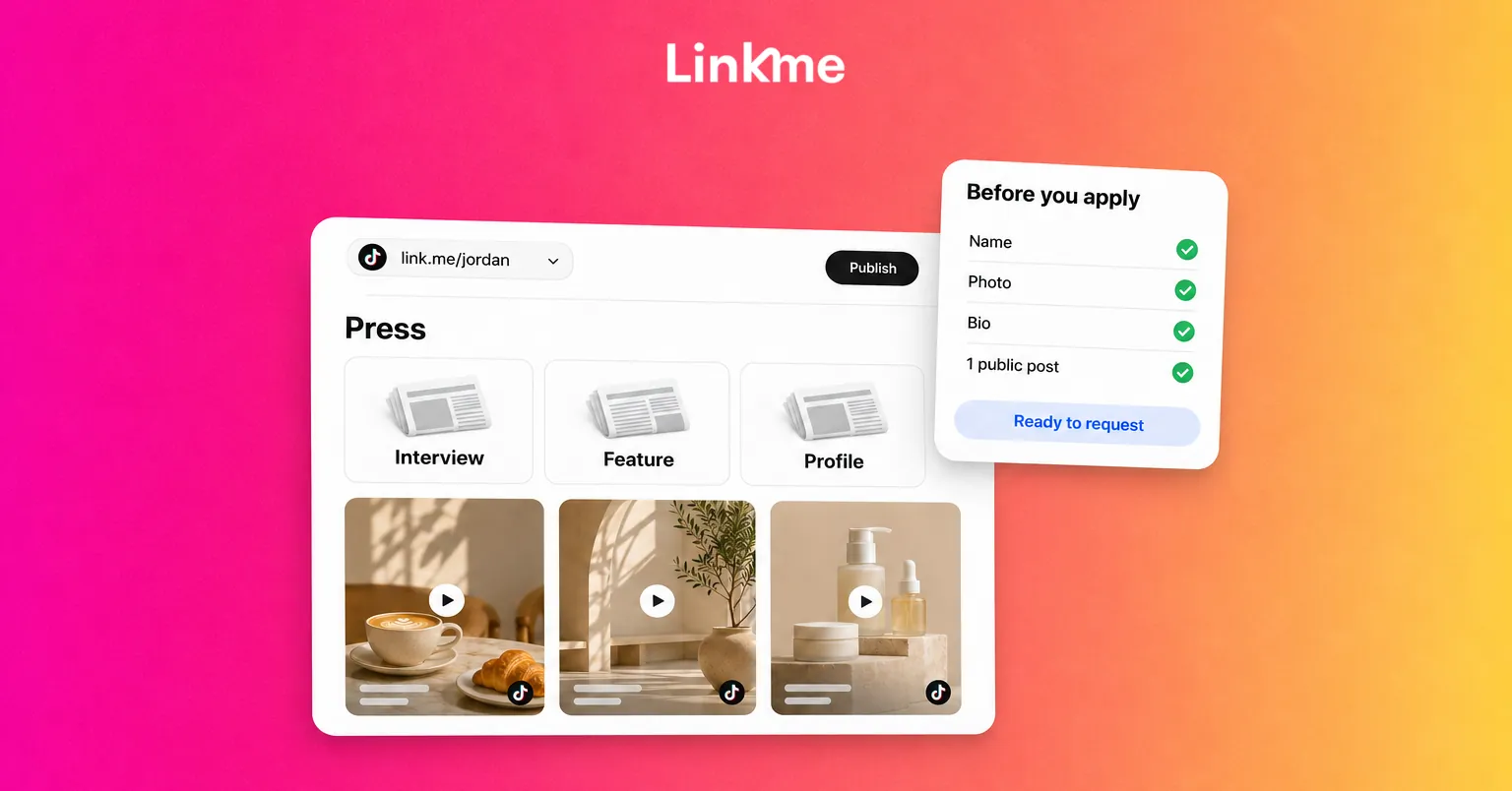
A Linkme page for creators and athletes can do this job. It puts your channels, latest videos, contact details and anything you sell at one address, and you can show feeds from TikTok, Instagram and YouTube on it. With Pages & QR you can also add a header and featured links for your press, so anyone checking you out finds your coverage in one place.
5. Clean up anything that breaks the rules
Look back over your recent videos and remove anything that could be read as a Community Guidelines violation. Do not buy followers, likes or views. TikTok can deny or later revoke a badge earned through inauthentic activity.
If your request is rejected
A rejection is not permanent. TikTok shows the reason in the app, and you can resubmit after the waiting period it gives you. Use that time well:
- Not enough notability. Add stronger, more recent coverage. Applying again with the same links will get the same answer.
- Incomplete profile. Fill in the missing name, photo, bio or public post.
- Identity problem. Check that your ID is valid and that the name on your profile can be matched to it.
Keep your badge once you have it
TikTok can remove a badge at any time. Its help page names a few common reasons:
- You change your username directly instead of submitting a username update request.
- Ownership of the account is transferred.
- A business account loses its Verified Business Account or Organization Account status.
- The account repeatedly or seriously violates the Community Guidelines or Terms of Service.
If you plan to rebrand, use the username update request so you keep the badge.
Watch out for verification scams
TikTok does not charge for verification. It also does not contact people by email or DM to invite them to apply, except for government, politician and political party accounts. If someone messages you offering a badge, a “verification service” or a link to confirm your account, report it. Do not share your login or a verification code with anyone.
Verification is one goal among several. While you build toward it, keep posting on a schedule you can maintain. The guide to how to schedule TikTok posts covers how to plan videos ahead without losing the timely ones.
Frequently asked questions
How many followers do you need to get verified on TikTok?
None. TikTok says it does not consider follower or like counts when it grants a verified badge. It looks at whether the account is recognized, active, authentic and notable. A large following without news coverage usually is not enough.
Can you pay to get verified on TikTok?
No. TikTok verification is free, and TikTok says anyone selling verification is not affiliated with it. Report sellers to TikTok rather than paying them.
How long does TikTok verification take?
After you submit a request, TikTok says it will notify you of the result through TikTok notifications within 30 days.
Why was my TikTok verification request rejected?
The most common reason is not enough notability, meaning too little credible news coverage about you. Other reasons include an incomplete profile or an identity check that does not match. TikTok shows the reason in the app and tells you when you can resubmit.


