How to Use the Linkme App to Reach Your Goals Faster
Where to get the Linkme app, what each part of Linkme does, and a 15-minute daily routine that ties posting, your page, automations and sales to one goal.
On this page
The Linkme app is available for iPhone on the App Store and for Android on Google Play, and the same account runs on the web. Between the app and the web, your Linkme account is where you edit your page, publish with Post to All, run DM automations, read your analytics and track sales. The fastest way to get value from it is to pick one goal, connect it to the one tool that moves it, and check that tool for a few minutes every day.
This guide covers where to get the app, what each part of Linkme does, and a short daily routine built around your goals.
Where to get the Linkme app
Linkme lists both store links on its apps page. You can also start on the web at link.me, claim your username, and then sign in on your phone to take the page with you.
You can sign up or log in with Google, Apple or your email. Pick one method and stick with it so you do not end up with two accounts.
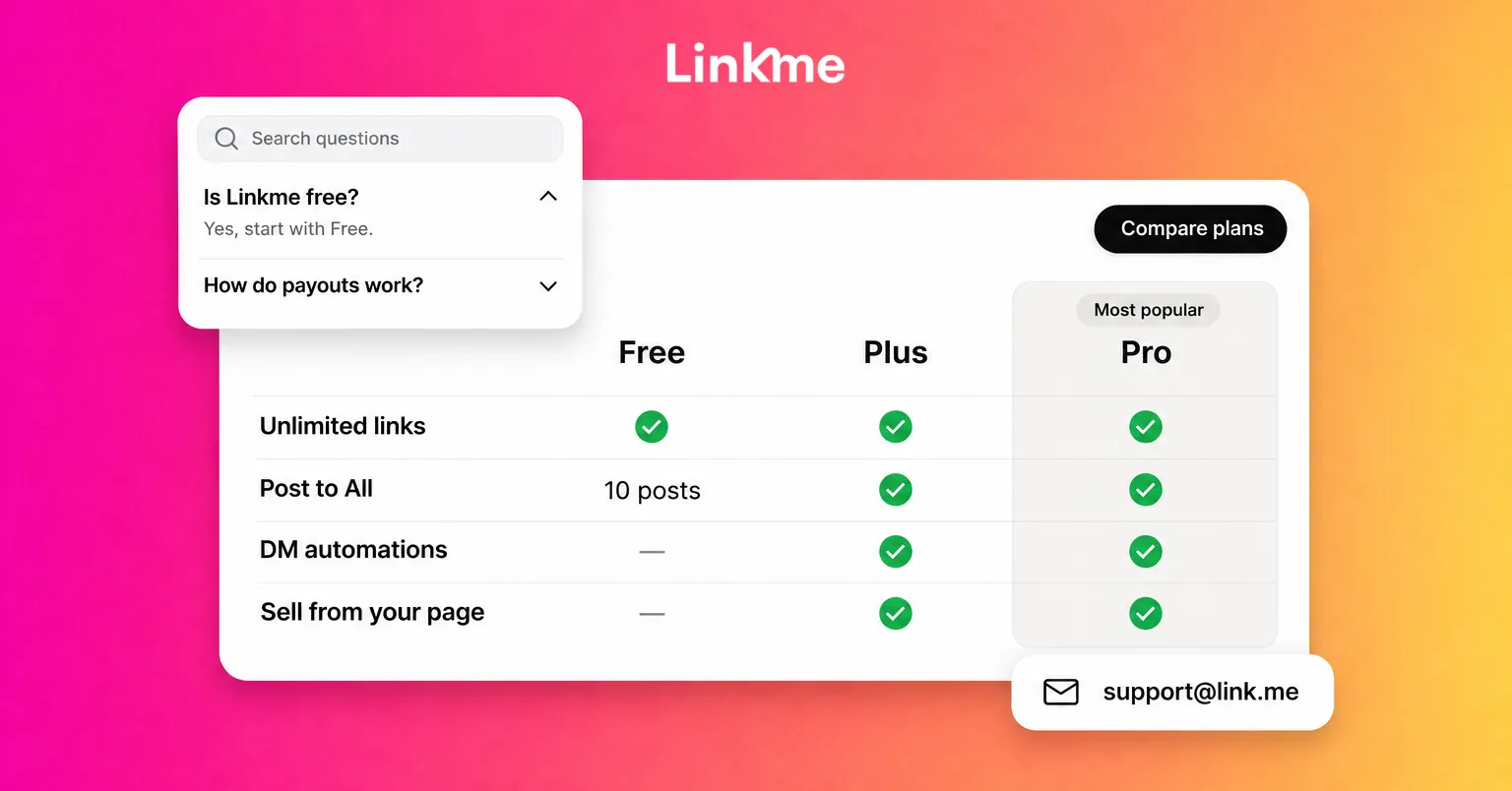
The free plan needs no card. It gives you a page with unlimited links, tips, merch, basic analytics and 10 posts with Post to All. Plus and Pro raise those limits and add tools such as the link scheduler, forms, digital products, Leads and email campaigns. The pricing page has the full comparison.
If you buy Plus or Pro inside the iOS or Android app, the subscription is billed by Apple or Google, so you change or cancel it through the App Store or Google Play rather than in Linkme’s settings.
Start with one goal
Linkme does a lot, and trying to use all of it at once is how pages end up half finished. Pick the goal that matters most this month and the tool that serves it.
| Your goal | The tool | What to check |
|---|---|---|
| Grow your audience | Post to All | Whether each post shows Published, and how each network responds |
| Get more people to what matters | Your page and its links | Link clicks for the top two or three links |
| Save time answering comments | DM automations | Activations, clicks and CTR per automation |
| Build a list you own | Forms and Leads | New contacts and where they signed up |
| Earn from your audience | Your shop | Total revenue and total orders |
Once one goal is running smoothly, add the next.
What you can do in Linkme
Edit your page
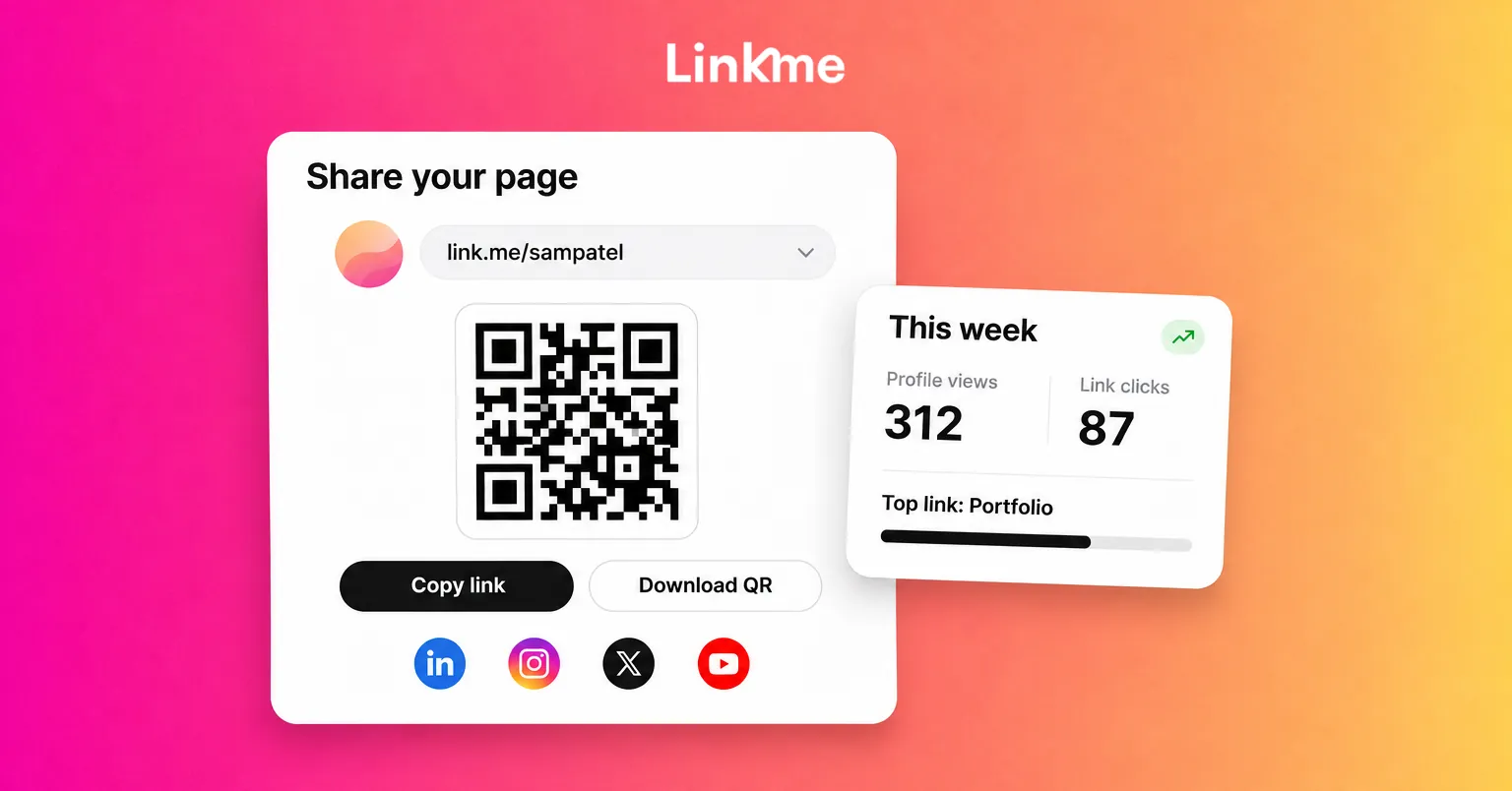
Your page lives at link.me/yourname. From Edit Profile you add featured links, your social accounts, a bio, a gallery, contact info, a form and events, and switch on sections for courses, merch, a smart music link and your Instagram and TikTok videos. You can change colors, fonts and link styles, and drag sections into a new order. Your QR code is under Your QR Code in the dashboard and always opens the live page, so edits never break a printed code.
Post to All
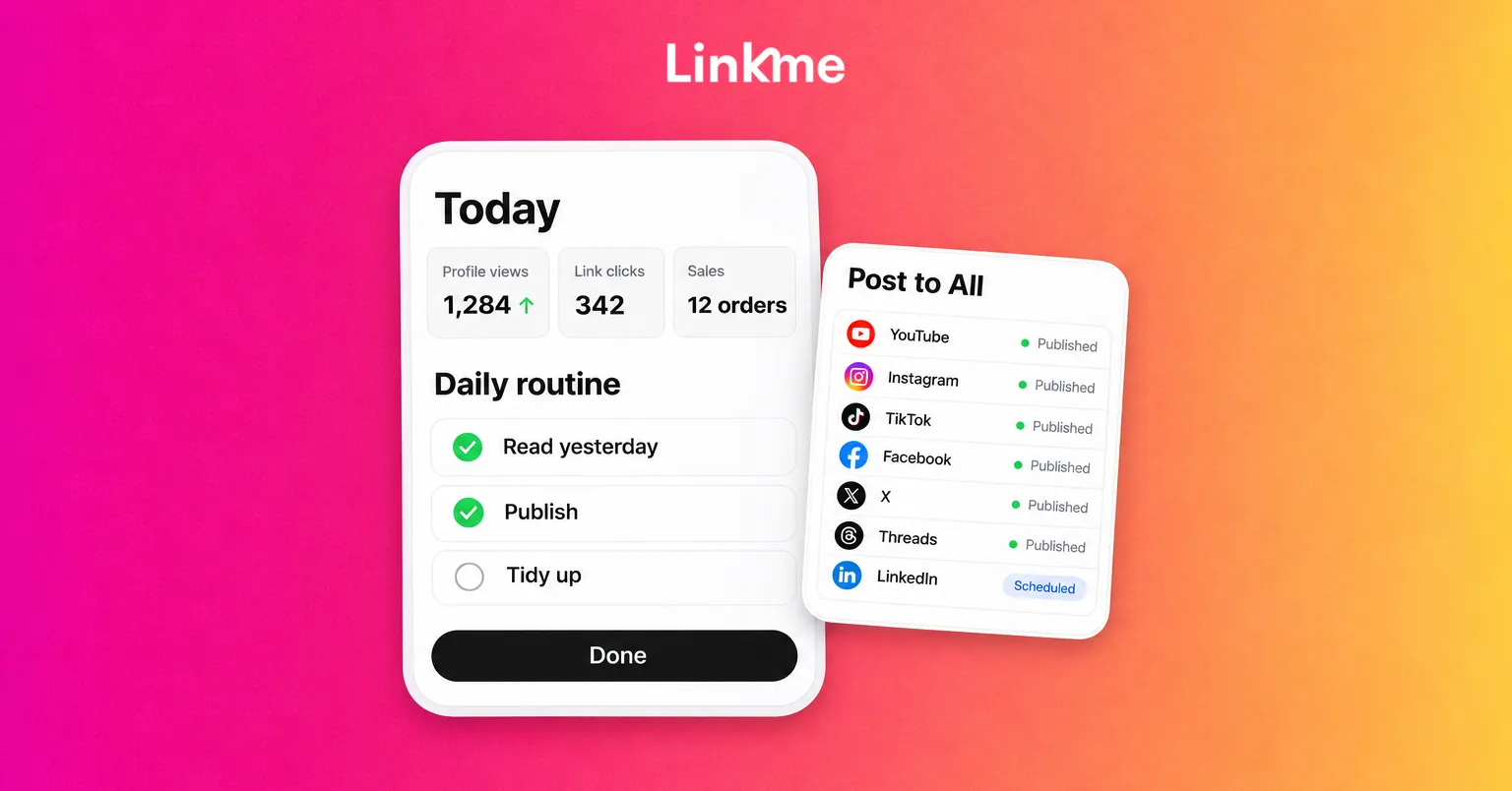
Post to All sends one video or post to your connected accounts on YouTube, Instagram, TikTok, Facebook, X, Threads and LinkedIn. Write one caption or adjust it per network, choose the accounts, then post now or schedule it. Each post shows Published, Processing, Failed or Scheduled. The free plan includes 10 posts in total; Plus and Pro are unlimited. See the Post to All page for formats and limits per network.
DM automations
Automations answer comments and messages on Instagram and Facebook Pages. Pick a post, set a keyword or answer every comment, and Linkme posts a public reply and sends a DM with your link. Every plan, including Free, can run automations, with higher limits on Plus and unlimited automations on Pro.
Analytics
Linkme analytics count visits to your page and taps on your links: Profile Views, Link Clicks, Total Interactions and Engagement Rate, with Traffic Sources, Period Comparison and a country and city map on paid plans. Pro adds Real-Time Activity for the last 30 minutes. These numbers come from your Linkme page, not from Instagram or TikTok, so read them next to each network’s own insights. The analytics page explains each view.
Sales
Your shop sells print-on-demand merch, tips, digital downloads, pay-to-unlock content and courses, with checkout through Stripe and payouts to your bank. Free covers tips, merch and links to products you sell elsewhere; digital products and courses start on Plus. Sales shows total revenue and total orders.
A daily routine that takes about fifteen minutes
This routine assumes your page is already set up. Adjust the order to the goal you picked.
Morning: read yesterday (5 minutes)
- Open analytics and compare yesterday with the day before. Note the link with the most clicks.
- On Plus or Pro, check Traffic Sources, one of the deeper analytics views. If one network sent most of the visits, that is where your next post should go first.
- Look at Sales or Leads, depending on your goal, and note anything unusual.
Midday: publish (5 minutes)
- Post or schedule today’s content with Post to All.
- Check the status of anything you scheduled earlier. If one network missed, the post is marked Partially posted: reconnect that account if it asks, then use Retry failed platforms to send it to just that network.
- If the post asks people to comment a keyword, make sure an automation is watching that post.
Evening: tidy up (5 minutes)
- Open your automations and look at activations and clicks. A keyword with many activations but few clicks usually needs a clearer DM or a better link.
- Move the link that matters most this week to the top of your page.
- Remove or schedule off anything that has expired, such as an old event or a sold-out drop.
Once a week
- Use Period Comparison to compare this week with last week.
- Plan next week’s posts and schedule what you can.
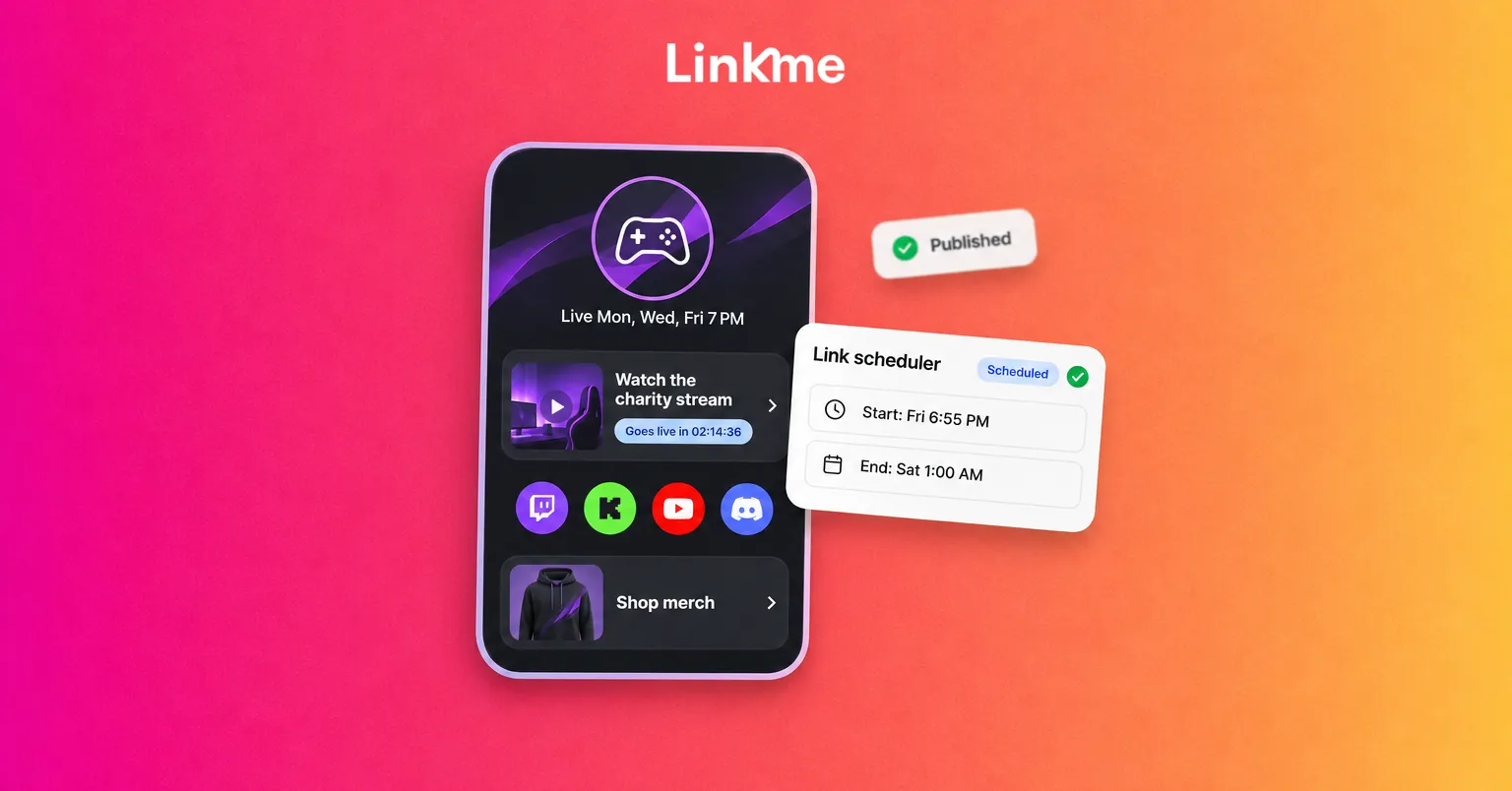
- On Plus or Pro, set up scheduled links for launches and events so they go live on time.
Use your phone and your computer for different jobs
The app is best for quick jobs: checking numbers, posting a video you just recorded, moving a link to the top. Longer jobs, such as building a course, designing a form or writing several automations, are easier on a bigger screen. Your account is the same either way, so you can start something on the web and check on it from your phone.
Ask Link to make changes for you
On Pro and on Linkme Business, Link, Linkme’s AI social media manager, can make page changes when you ask in plain words: update your bio, reorder or rename links, change the theme, or hide a link in chosen countries. Every change arrives as a card, and nothing on the page moves until you approve it. It runs on AI credits.
Frequently asked questions
Is the Linkme app free?
Yes. The Linkme app is free to download, and the free plan includes a page with unlimited links, tips, merch, basic analytics and 10 posts with Post to All. Plus and Pro are paid plans that raise those limits and add more tools.
Is there a Linkme app for Android?
Yes. Linkme is on Google Play for Android and on the App Store for iPhone. You can also use Linkme in a web browser.
Can I use Linkme without downloading the app?
Yes. You can create your page and manage it on the web, then download the app later if you want to work from your phone.
How do I cancel a subscription I bought in the app?
If you subscribed in the iOS or Android app, cancel through the App Store or Google Play. If you subscribed on the web, go to Settings, then Subscriptions, in Linkme.
The app is a tool for steady habits more than big sessions. Pick one goal, give it a few minutes a day, and let the numbers tell you when to move on to the next one. Get the app for your phone from Linkme’s apps page.