Hyper-Personalization on Social Media: Where It Works at Scale
Real hyper-personalization on social responds to what people ask for: a keyword that sends the right link, varied replies and email sent only to the right segment.
On this page
Hyper-personalization means responding to what one person just said or did, not to a guess about their demographic. On social media it is realistic in a few specific places: when someone comments a keyword and gets the exact link they asked for, when replies are varied enough to read like a person wrote them, and when an email goes only to the people who signed up for that thing. Those all rely on signals people chose to give you, which is also what keeps personalization on the right side of privacy.
This guide covers where it works on social, how to set it up and the limits to respect.
What hyper-personalization means, and what it does not
Personalization comes in levels, and each one needs different data:
| Level | Example | What it relies on |
|---|---|---|
| Name only | “Hi Jordan,” at the top of an email | A first name the person gave you |
| Segment | An event invite sent only to people who signed up at that venue’s page | Where or how the person joined your list |
| Intent | A person comments MENU on the specials reel and receives the menu; someone who messages you taps Reserve a table | What the person asked for, just now |
| Inferred profile | Ads shown because a model predicts a trait | Data the person may not know you have |
The third row is where hyper-personalization earns its name on social: it answers one person’s request at the moment of interest, and they can see why they got it. The fourth row is where many “hyper-personalized” claims live, and it is the most likely to feel intrusive.
Where personalization at scale works on social
Keyword-triggered DMs that send the right link
The simplest version is one post, one request and one link. A restaurant might run:
| Post | Keyword | Link in the DM |
|---|---|---|
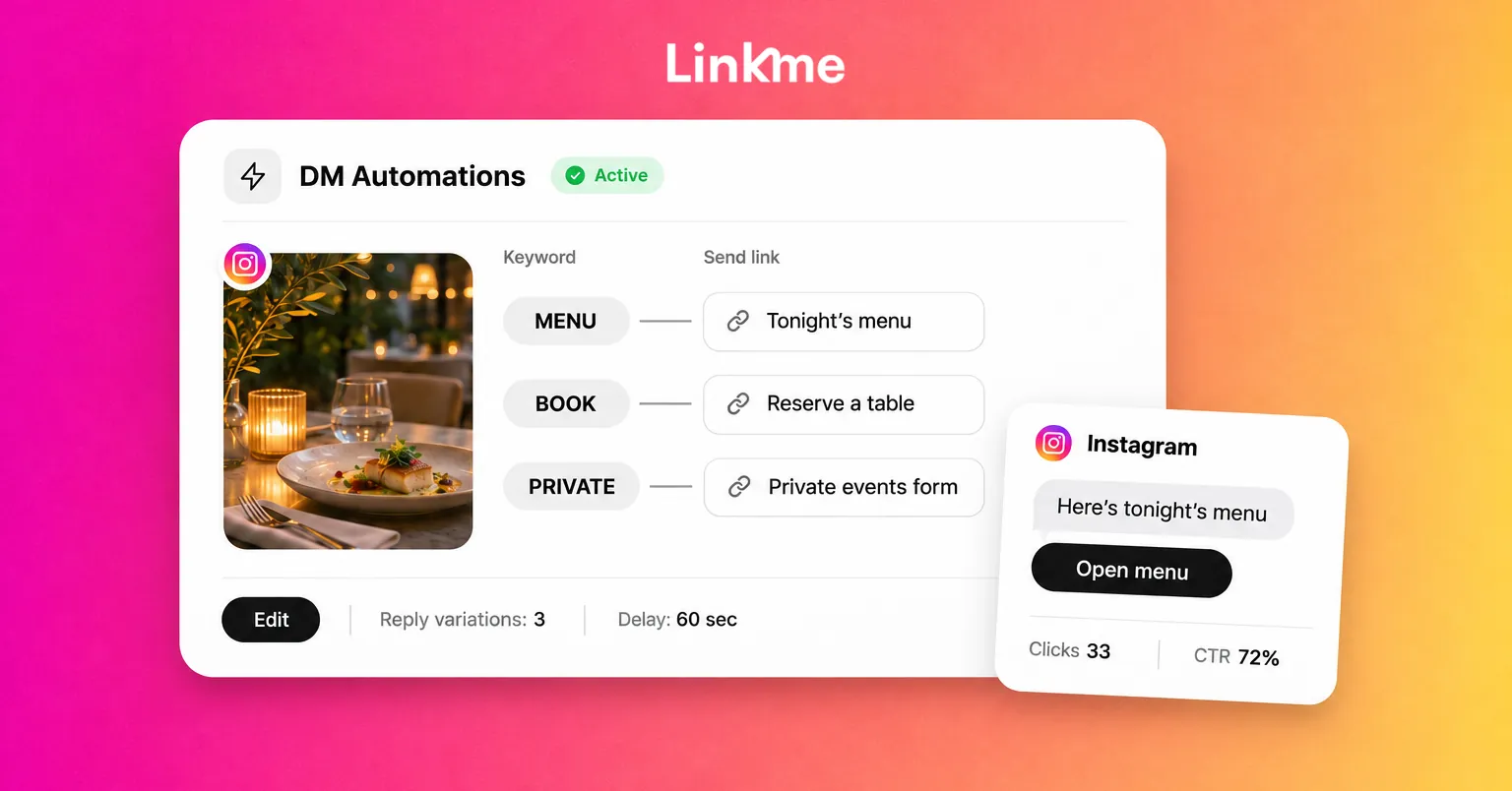
| Tonight’s specials reel | MENU | Tonight’s menu |
| Weekend booking reminder | BOOK | The reservation page |
| Private dining room photo | PRIVATE | The private events inquiry form |
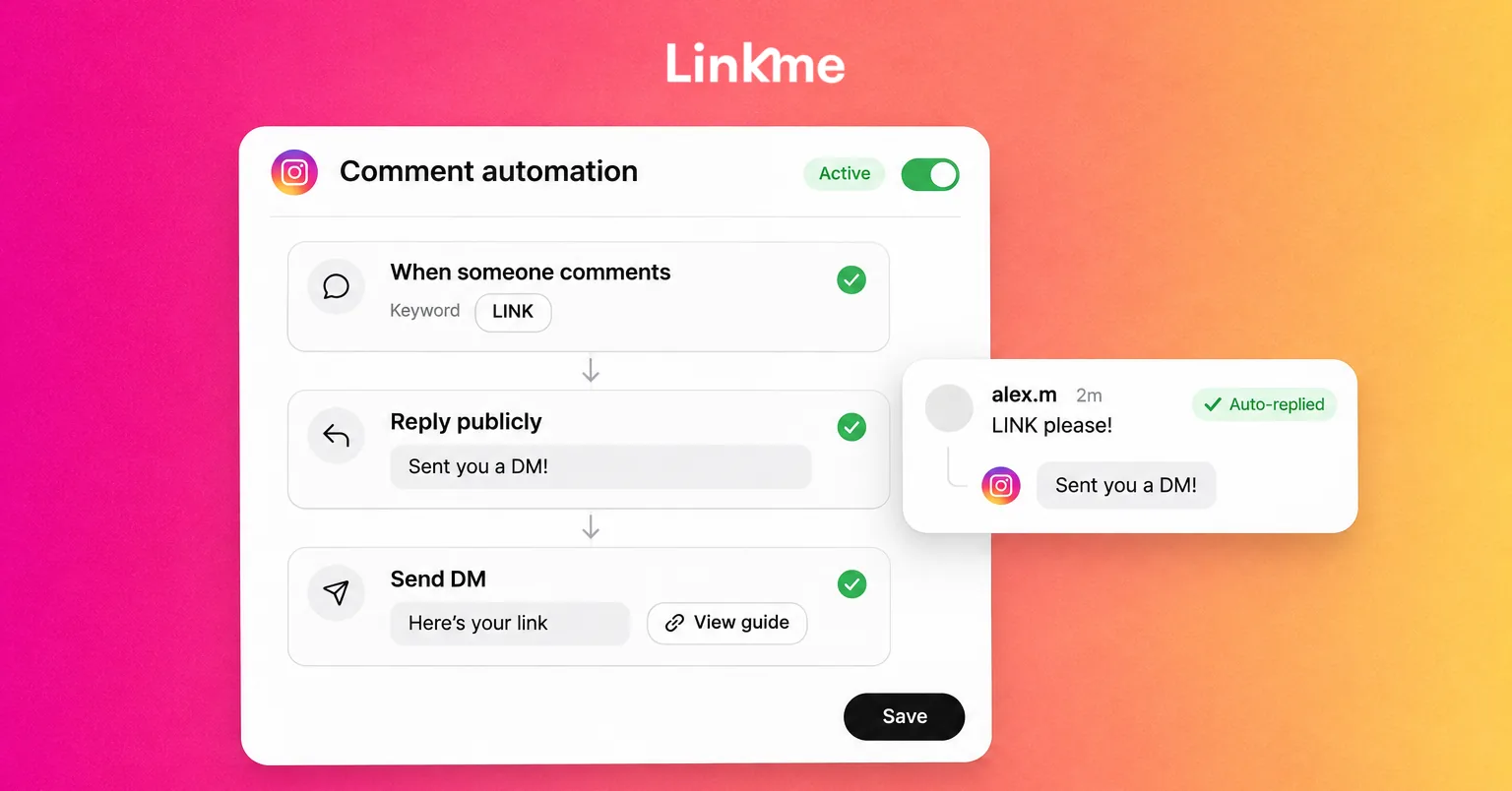
Linkme’s DM automations do this on Instagram business and creator accounts and on Facebook Pages. You pick the posts to watch, or every post you publish, set the keywords (emoji count as keywords) or answer any comment, and write the DM once with the link you want to send. The commenter gets a public reply and a private DM with that link, and every click is counted.
Two practical notes. Each post is watched by one automation, and each automation sends one DM, so give every post one clear request instead of asking for several different keywords on the same post. You can still add a few ways of saying the same thing, such as BOOK, RESERVE and an emoji, as keywords. And keep the DM short: Instagram allows 1,000 bytes per message, links included.
For the mechanics of setting one up, see Linkme’s guide to Instagram comment automation.
Link buttons for people who message you
When people message you directly, a DM automation can answer on keywords or on any message, and on Instagram it can send up to three links as buttons under the reply, so people choose for themselves: “Tonight’s menu,” “Reserve a table” or “Private events.” With Any message, each person gets the reply once every 24 hours at most.
Reply variations so automation does not read like a script
When 200 people comment the same word, 200 identical replies make the thread look automated. Linkme lets each automation rotate through up to five public reply variations of up to 300 characters, and set a Comment Reply Delay and a DM Reply Delay anywhere from 1 second to 15 minutes. Linkme’s own advice is 30 to 90 seconds.
Write the variations as a person would, such as “Sent you the menu, enjoy” and “Check your DMs, it’s on its way,” and keep each one accurate about what happens next.
Segmented email to filtered lists
On your page, people join your list through the email field, Subscribe, Add to contacts, a purchase or a named form, and Linkme’s Leads records that source on every contact. Filter by source, status, platform or date, and you have segments built from what people actually did.
That supports emails such as:
- An early access message only to people who signed up through your “Notify me” form.
- An event invite only to contacts from one venue’s page.
- A follow-up only to people who bought, offering the next item in a series.
Email campaigns personalize each send with the contact’s first name, last name, email or username, and use “Friend” when a first name is missing. You can send to every active contact, to a filter from Leads or to the people you pick. Sending needs Linkme Pro or a Business plan. Campaigns send immediately and there are no automatic sequences, so personalization comes from choosing the right segment for each send.
A worked example
A fitness coach sells a beginner program and runs a weekly newsletter.
- The post. A short video on three beginner mistakes, ending with: “Comment PLAN and I’ll send you the free starter plan.”
- The automation. One automation watches the post for PLAN and sends a DM with a link to the coach’s Linkme page, where a form called “Starter plan” collects the email.
- The replies. Three reply variations and a 60 second delay.
- The messages. A DM automation answers messages with three buttons, “Free starter plan,” “Full program” and “Book a call,” so people who write in pick what they need.
- The list. Everyone who fills in the “Starter plan” form lands in Leads with that form as the source.
- The email. A week later, the coach filters Leads by that source and sends a campaign only to those contacts: how the first week went, and a link to the program.
Each person got only what they asked for. Nobody was messaged without engaging first, and the follow-up went only to people who requested the plan.
Privacy limits to respect
- Respond, do not initiate. Meta’s messaging policy lets a business reply within a 24-hour window after a person messages it, and send a single private reply to someone who commented on a post (Meta Messenger Platform and Instagram Messaging policy). Automations triggered by a comment or a message answer people who reached out first.
- A DM is not an email opt-in. In Linkme, the people your automations message count toward your automation contacts, but they are not added to Leads on their own. To build a list, send them to your page, where they choose to sign up.
- Use only what people gave you. Do not infer health, finances, religion or other sensitive traits and tailor messages around them.
- Make unsubscribing easy and permanent. Linkme adds an unsubscribe footer to every campaign and leaves unsubscribed contacts out of every later send.
How to tell whether personalization is working
Compare personalized sends with generic ones:
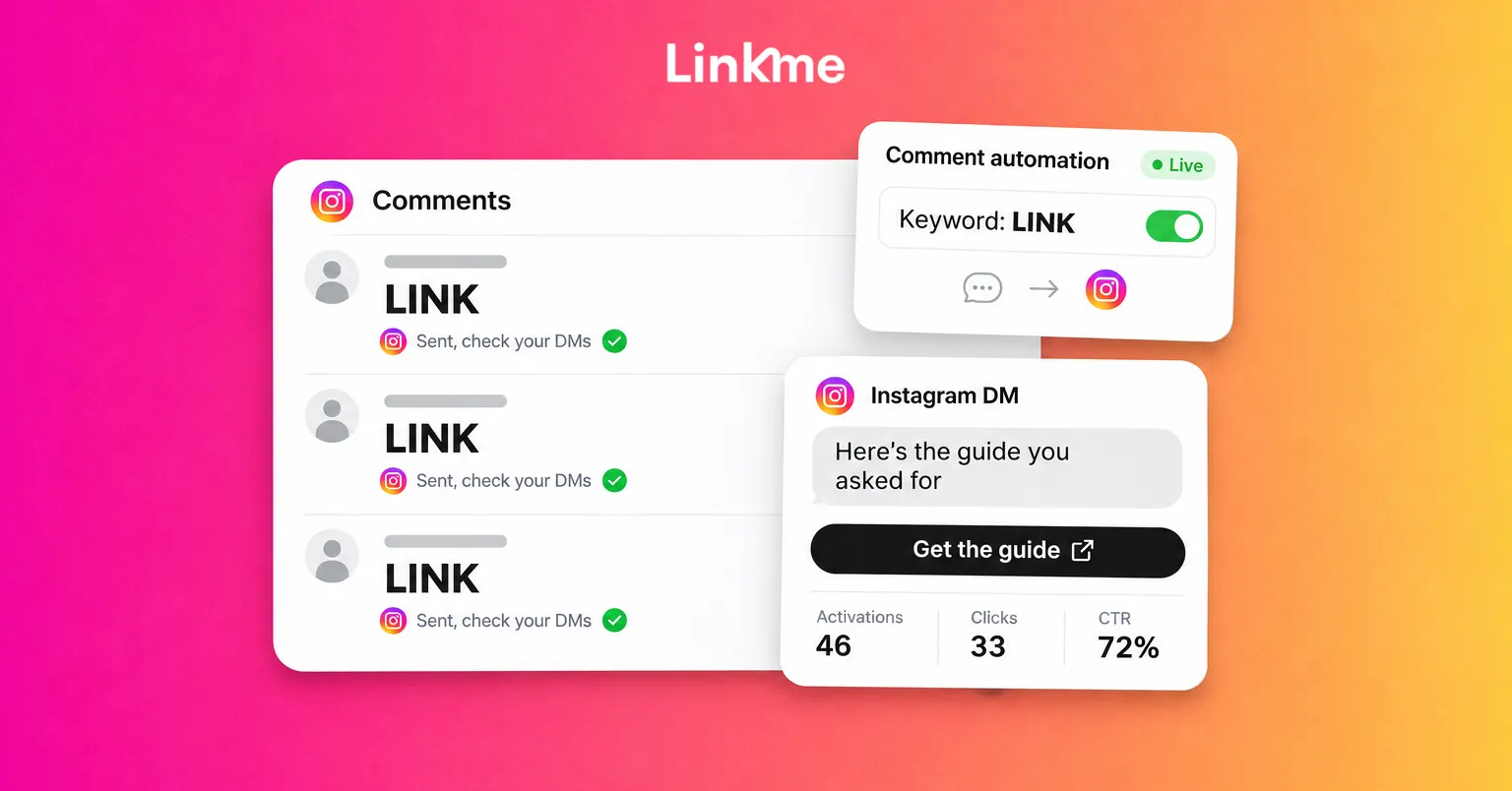
- For automations, look at activations, clicks and CTR per automation. A keyword with many activations and few clicks needs a better link or a clearer DM.
- For email, compare Open Rate and Click Rate between a segmented send and a send to the whole list.
- Watch unsubscribes. A rise after a segmented send usually means the segment was off.
Frequently asked questions
What is hyper-personalization?
Tailoring a message to one person’s specific action or request in the moment, such as sending the exact link someone asked for in a comment. It goes beyond a first name or a broad segment.
How do personalized DMs work at scale?
You give each post one clear request, such as “comment PLAN,” and an automation watching that post posts a public reply and sends a DM with the matching link. For people who message you, a DM automation on Instagram can offer up to three link buttons so they choose what they need. Nobody has to type each reply.
Can AI personalize every message for me?
Not in Linkme’s case, and that is deliberate. Link, Linkme’s AI, can draft an automation for you to approve, but it never replies to comments or DMs itself. Automations send the messages you wrote, and your team answers everything else.
Is hyper-personalization a privacy risk?
It can be when it relies on inferred data. Personalizing on what people tell you directly, such as a keyword, a form or a purchase, and honoring unsubscribes keeps it useful rather than intrusive. Check the rules that apply in your region for your list.
The most effective personalization on social is also the simplest: listen for what people ask for and send exactly that. Start with one post, one keyword and the link it promises, using DM automations.