Sustainable Business Cards: Print One QR Code, Update It Forever
Most business card waste comes from reprints. Print one QR code that opens a page you can edit, and keep everything that changes off the paper.
On this page
Most of the waste in business cards does not come from handing them out. It comes from reprinting: a new job title, a new phone number or a new social handle, and a box of cards becomes recycling. The most practical route to sustainable business cards is to print far less and print things that do not go out of date, such as one QR code that opens a page you can edit for as long as you use it.
Why printed business cards create so much waste
A traditional card tries to hold everything: name, title, company, phone, email, website and a few social handles. Every one of those lines can expire. People change roles, companies rebrand, numbers move to a new carrier and new networks become more important than old ones.
Printers also sell cards in minimum runs, so most people order far more than they need. The result is predictable:
- Leftover stock when your details change before the box is used up.
- Outdated cards still in circulation, which send people to an old number or a profile you no longer post on.
- Cards that get thrown away because the recipient typed your details into their phone and kept nothing.
- Finishes that are hard to recycle, such as plastic lamination, metallic foil and heavy coatings.
Going fully digital removes most of this, but many people still want something to hand over at a meeting or trade show. The answer is usually a hybrid: very little paper, and a digital page behind it.
How a QR code business card replaces the reprint cycle
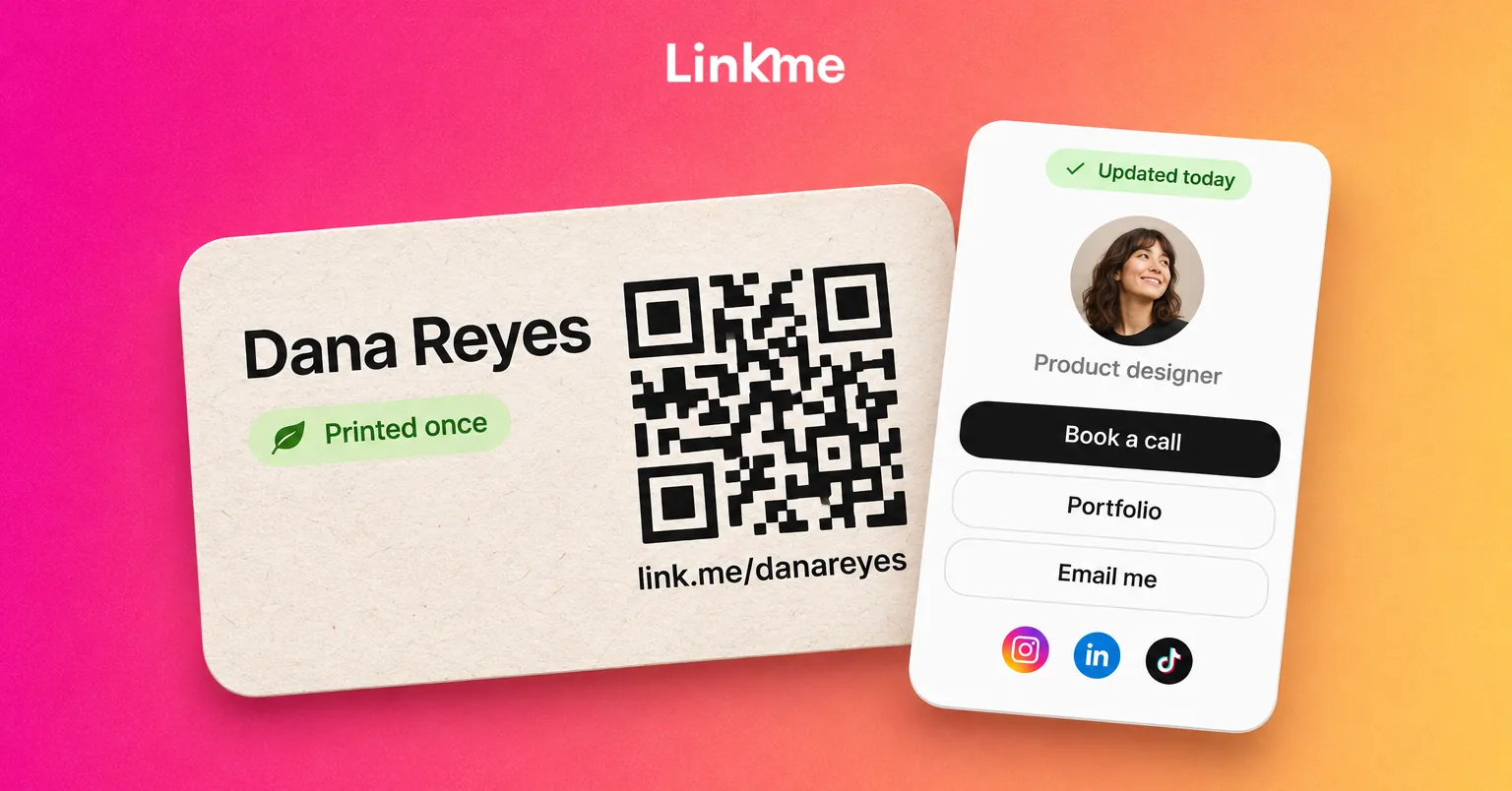
A QR code business card prints one thing that never needs to change: a code that opens your page. Everything you might update lives on that page, not on the card.
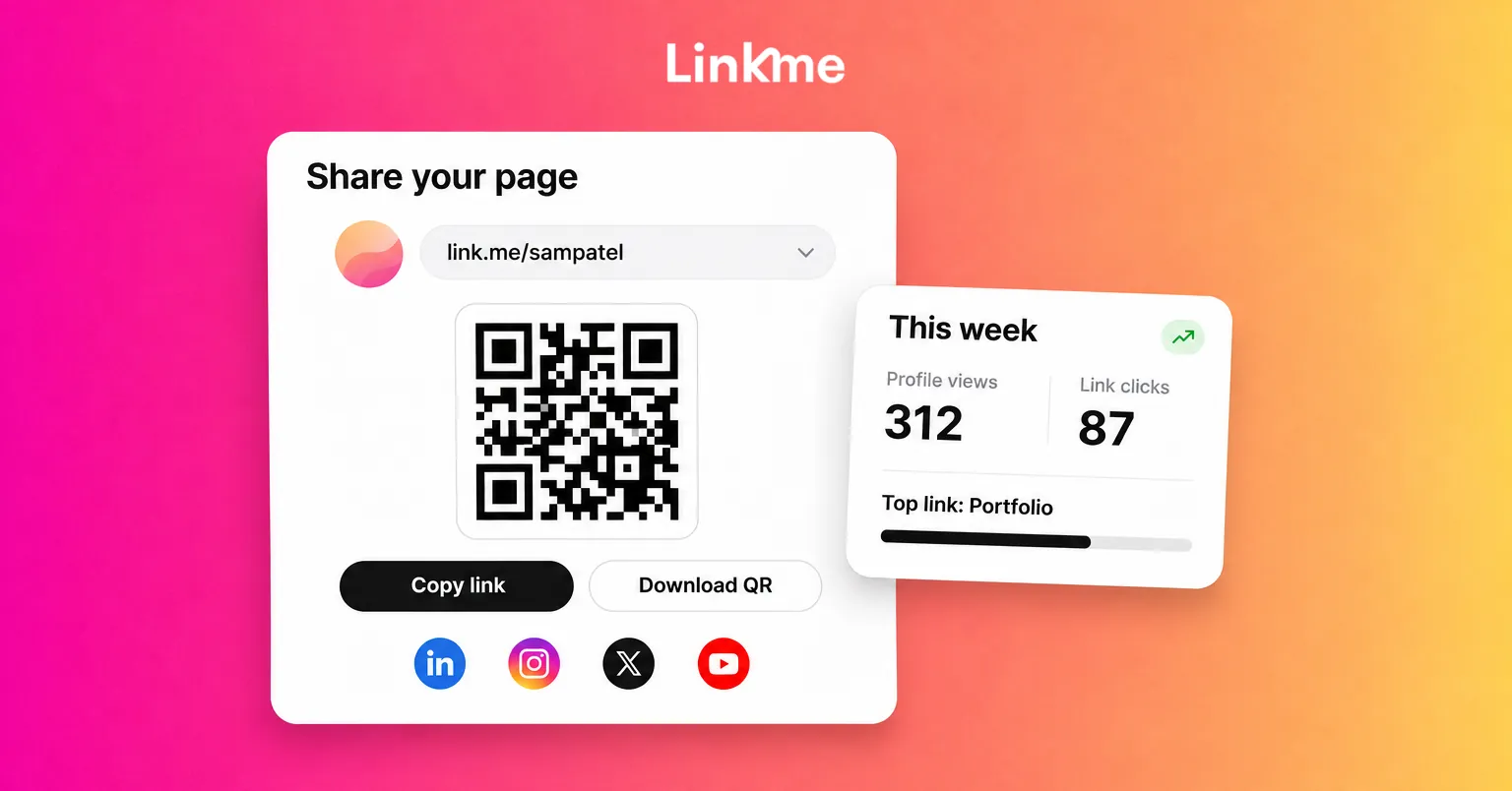
On Linkme, every page has its own QR code, and that code always opens your live page at link.me/yourname. When you edit the page, the change shows up for anyone who scans a code you printed months ago. You download the code as a PNG from Your QR Code in the dashboard and use it anywhere. You can read more about how pages and QR codes work on Linkme.
That changes what a card has to carry. A minimal, long-lasting card might show:
| On the card | On the page behind the QR code |
|---|---|
| Your name | Current title and company |
| The QR code | Phone, email and contact info |
| A short address, such as link.me/yourname | Links to your social accounts |
| Optional: your logo | Your website, booking link or portfolio |
| A sign-up form, upcoming events, products |
Print the short address under the code as well. Some people prefer to type it, and it still works if the code is damaged or the light is poor.
Most phones read QR codes straight from the camera app. On iPhone, for example, you point the Camera at the code and tap the link that appears, as described in Apple’s guide to scanning a QR code. Nobody needs to install anything to open your page.
What the page behind your QR code should hold
A paperless business card is only useful if the page it opens answers the question the person had when they scanned it. Usually that question is “how do I reach you, and what do you do?”
The essentials
- A clear name and photo, so people know they landed on the right page.
- A one-line bio that says what you do and for whom.
- Contact info, so people can call or email without searching.
- Links to the two or three accounts you actually use. Leave out profiles you have abandoned.
Useful additions
- An email contact form. On Linkme, turning on the Email Contact Form puts an email field and a “Connect with” button under your bio. People who use it land in your Leads with their source, so you are not relying on them to follow up. Leads comes with Linkme Pro and every Business plan.
- A featured link to the thing you want people to do next: book a call, read a case study, see your portfolio.
- Events, if you speak, exhibit or host. Each one carries its date, venue and link.
- Products or services if you sell from your page.
Keep it current without reprinting
The point of a page is that it can change. A few habits help:
- Move the most important link to the top before a conference or a sales push.
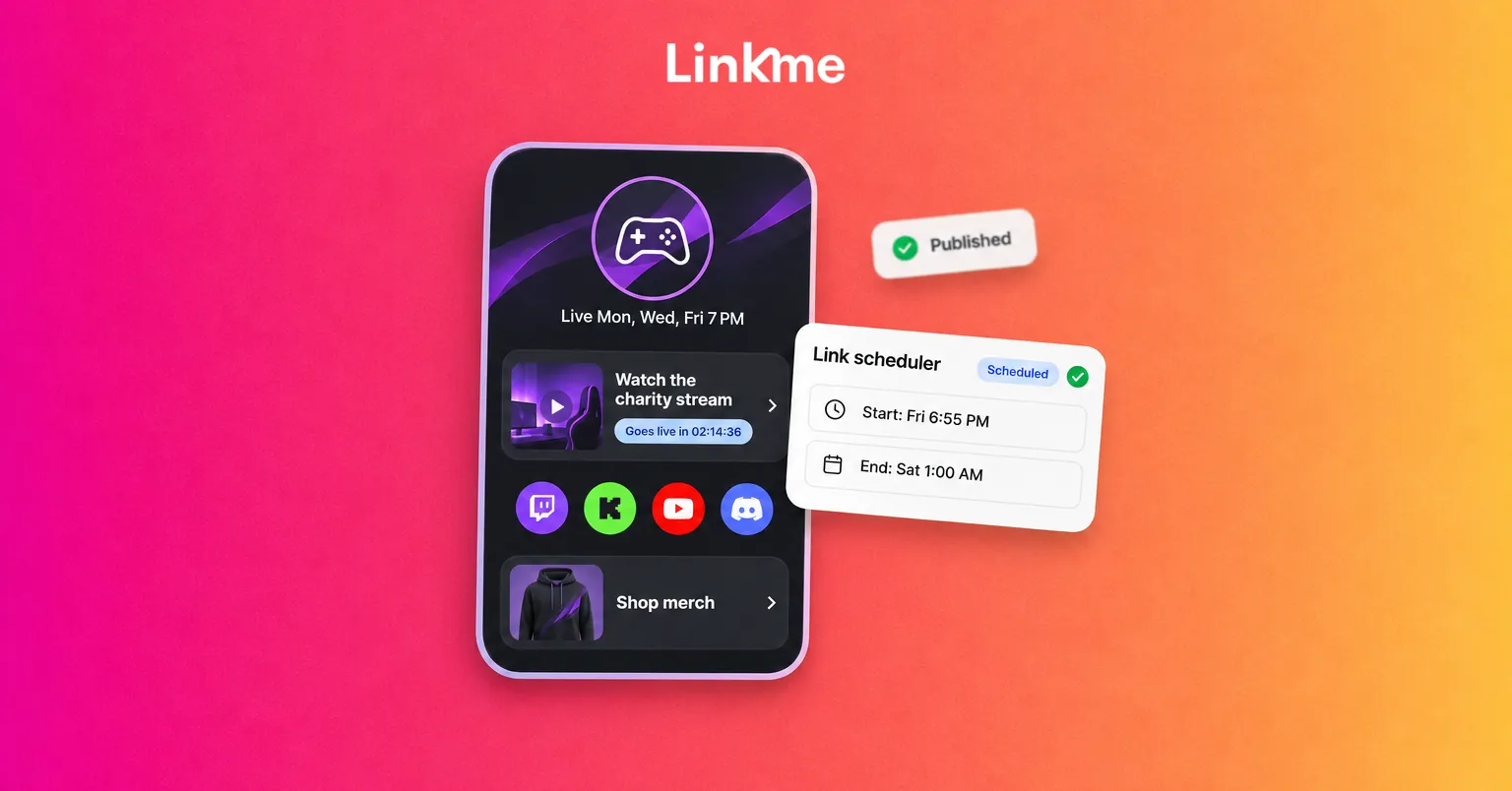
- Use the link scheduler to give a link a start and end date and time, so a time-limited offer or event registration appears and disappears on its own. It is available on every Linkme Business seat and on the Plus and Pro People plans.
Printing less: a sustainable business card checklist
Eco-friendly business cards still involve some printing for most people. These choices make the biggest difference.
Reduce the run
- Order the smallest run your printer offers. A card that never needs updating does not need to be bought in bulk to save money on reprints.
- Keep a few cards for in-person meetings and rely on your phone the rest of the time. You can show your QR code on screen and let the other person scan it.
Choose materials that can be recycled
- Look for recycled paper or paper certified by a forestry certification scheme.
- Skip plastic lamination, foil and glitter, which make cards harder to recycle.
- Use a single sheet of uncoated or lightly coated stock rather than thick layered cards.
Put the code where paper already exists
You may not need a dedicated card at all. The same QR code can go on:
- Your event badge or lanyard insert.
- The last slide of a presentation.
- Product packaging, invoices or proposal covers you already print.
- Your email signature, as the short link.
Test before you order
- Download the code and place it on your card design at the final size.
- Keep strong contrast: a dark code on a light background.
- Leave clear space around the code so nothing touches its edges.
- Print one proof and scan it with two different phones, in normal indoor light.
- Check that the page opens quickly and looks right on a small screen.
Measuring whether the switch works
A printed card tells you nothing about what happened after you handed it over. A page does. On Linkme, a scan of your QR code opens your live page, so it counts as a profile view, and the links people tap count as link clicks. There is no separate scan count, so look at your profile views around the days you were out meeting people, and at which links were clicked.
Linkme analytics shows profile views, link clicks and traffic sources for any date range, which is usually enough to tell whether people are opening the page after an event and what they do next. If you turned on the email field, you can also see who chose to leave their details in Leads.
Getting started
Build your page first, then design the card around it. Add your contact info, your links and the one action you want people to take, download your QR code, and print a small run on recycled stock with the code and your short address. From then on, change the page, not the card.
A Linkme page with its QR code is available on the free plan, so you can test the approach before you print anything. Teams that need a page for every person, brand or location can look at Linkme for Business.
Frequently asked questions
Are digital business cards really more sustainable?
They usually are, because the largest waste comes from reprints and leftover stock. A digital page replaces the details that change, so you print less often and in smaller runs. Some printing may remain, so choose recycled paper and recyclable finishes when you do.
Does the QR code stop working if I change my details?
Not on Linkme. Each page’s QR code always opens your live page, so any edit you make appears for people scanning a code you printed earlier. You only need a new code if you create a different page.
What should I put on a paperless business card?
Your name, a QR code and a short address people can type. Keep everything that might change, such as your title, phone number, links and current offers, on the page the code opens.
Can I track how many people scan my card?
Linkme does not show scans as a separate number. A scan opens your page, so it counts as a profile view, and each link someone taps counts as a link click. Comparing views on the days you handed out cards gives a useful picture.