Social Media Presence for Business: A Local Business Playbook
A practical playbook for local businesses: audit every profile, treat Google Business Profile as a channel, give each location its own page and post on a steady routine.
On this page
A customer looks you up before they visit. They see last year’s holiday hours on Facebook, a dead menu link on Instagram and a Google listing nobody has posted on in months. They pick the place down the street.
A strong social media presence for business is less about posting more and more about being accurate, findable and easy to act on wherever people look. For a local business, that means matching details on every network, treating Google Business Profile as a channel, giving each location its own page and publishing on a routine the team can keep. This guide walks through each step, starting with a short audit.
Start with a social media audit
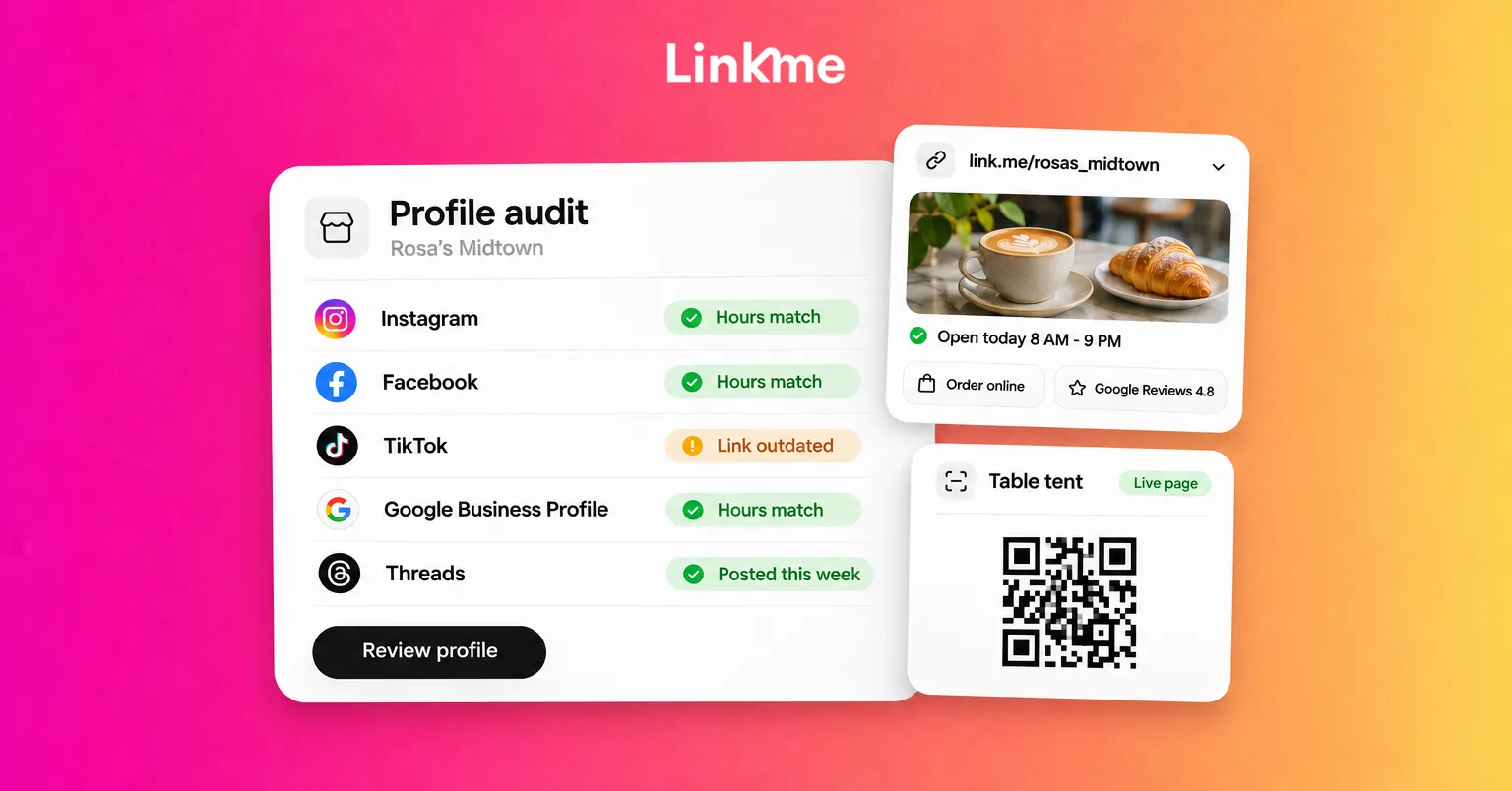
An audit shows you what a customer sees today. Open each profile on your phone, logged out if you can, and record what you find in a simple sheet with one row per network and location.
| What to check | What good looks like |
|---|---|
| Business name and handle | The same name everywhere, with the location added consistently (“Rosa’s Pizza Midtown”) |
| Hours and holiday hours | Current on Google, Facebook and your page; a plan for who updates them before each holiday |
| Address and phone | Identical format on every profile |
| Profile link | Goes to a page for that location, not a homepage that makes people search |
| Bio and category | Says what you are and where, in one line |
| Profile photo | Your logo or storefront, readable as a small circle |
| Last post date | Within the last few weeks on every active network |
| Logins and owners | You know who has access to each account |
Fix before you post
Correct every mismatch first. New posts that point to an old phone number or a closed location undo the effort. Close or merge duplicate accounts where the network allows it, and remove former employees’ access.
Write down who owns each fix and the date it was done. Repeat the audit each quarter and before your busiest season.
Treat Google Business Profile as a social channel
For many local businesses, Google is where the most purchase-ready customers look. Your Business Profile appears on Search and Maps, and it supports its own posts.
Google Business Profile posts come in three types, according to Google’s help center:
- Updates share news about your business, with an optional photo, video and action button.
- Offers need a title plus dates and times, and get a View Offer button automatically. A coupon code and terms are optional.
- Events need a title plus start and end dates and times.
Google archives posts older than six months unless you set a date range, so a profile you posted on once in spring looks inactive by fall. Plan regular updates the same way you plan Instagram posts.
Keep the rest of the profile current too: hours, holiday hours, photos and replies to reviews. A customer comparing two businesses often decides on the reviews and how the owner answered them. On a Linkme page, you can switch on a Google Reviews section so those reviews show on the page in your bio as well.
Give every location its own page
A single homepage link in every bio makes a customer near one location dig for its hours. A page per location sends them straight to what they need.
On Linkme Business, each location can have its own page at its own link.me address, with its own links, look and QR code. Pages are unlimited on every Business package. A useful structure for a location page:
- Hours and address in the bio
- The main action: reservations, order online or book an appointment, linking to the tool you already use
- This week’s events or offer
- An email sign up, so a visit can become a contact you own
- Reviews, menu or services, and directions
A brand page can then link to every location page, so the main Instagram account still has one link.
Print one code per location
Every Linkme page has its own QR code that always opens the live page. Put it on table tents, receipts, window decals and counter signs. When the menu or event changes, you update the page and the printed code keeps working.
Keep seasonal links on time
Holiday menus and limited offers are where stale links pile up. The link scheduler gives any link a start and end date and time, so it goes live and comes off on its own, with a countdown on the page while it runs. It is included on every Business seat.
Publish to the networks your customers use
Consistency matters more than volume. A simple weekly routine for a local business:
| Day | Post | Where |
|---|---|---|
| Monday | What’s on this week | Google Business Profile update, Facebook, Instagram |
| Wednesday | A short video: a dish, a service, a team member | Instagram, TikTok, YouTube, Facebook |
| Friday | Weekend event or offer with dates | Google Business Profile offer or event, Instagram, Threads |
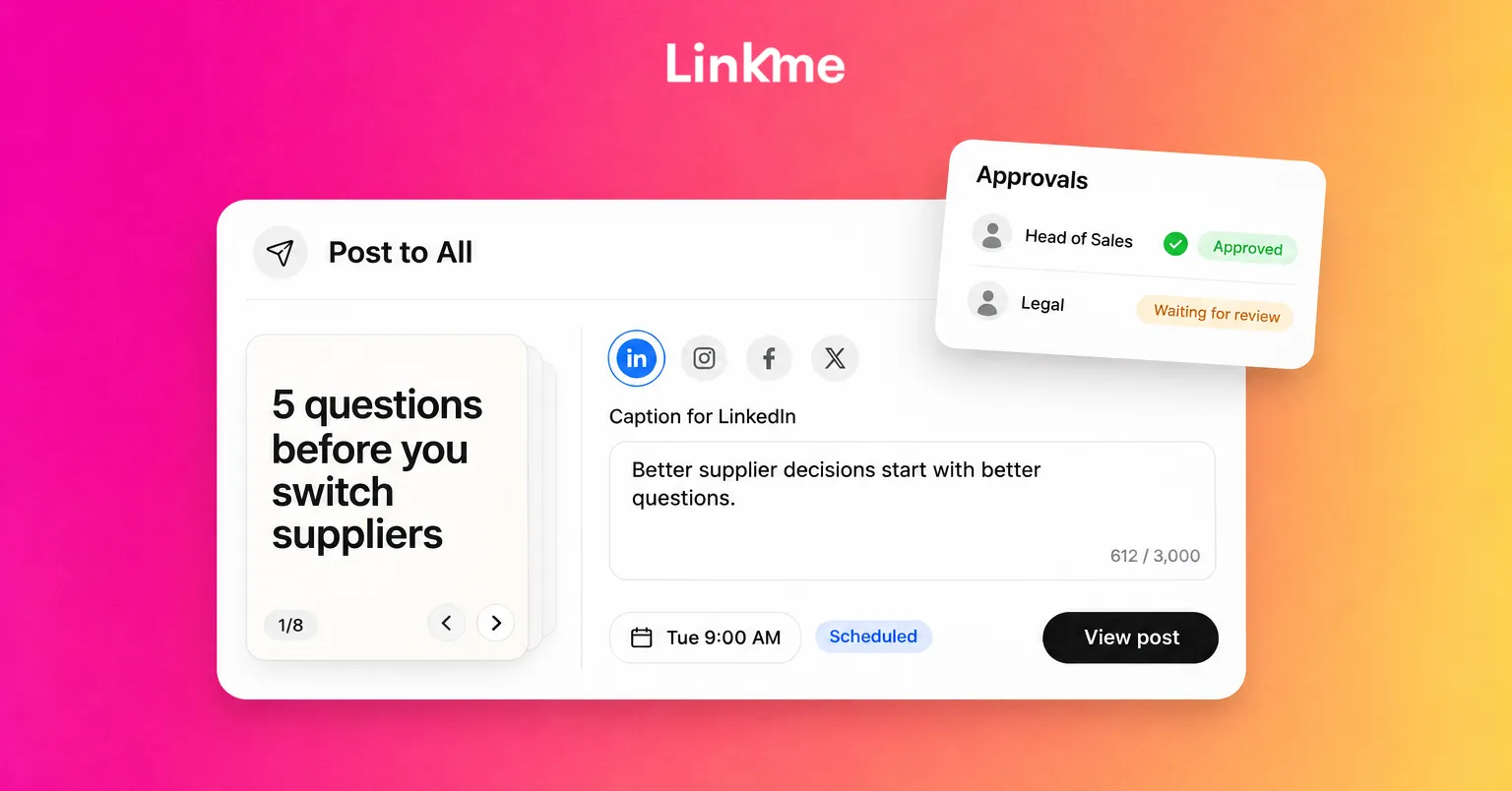
Linkme Business publishes to 13 networks from one composer: Instagram, Facebook, TikTok, X, LinkedIn, Threads, YouTube, Pinterest, Reddit, Bluesky, Telegram, Discord and Google Business Profile. You upload once and write one caption for every network or one per network, then post now or on a schedule. Post to All shows each post’s status, so you can see if one network failed.
Let locations post without losing control
Local staff know what is happening on the ground. Invite them on the Manager role, assign them to their own location pages and keep their posts on approval, so an owner or admin signs off before anything goes live. The multi-location setup covers how to bring each location on one at a time.
Answer people where they ask
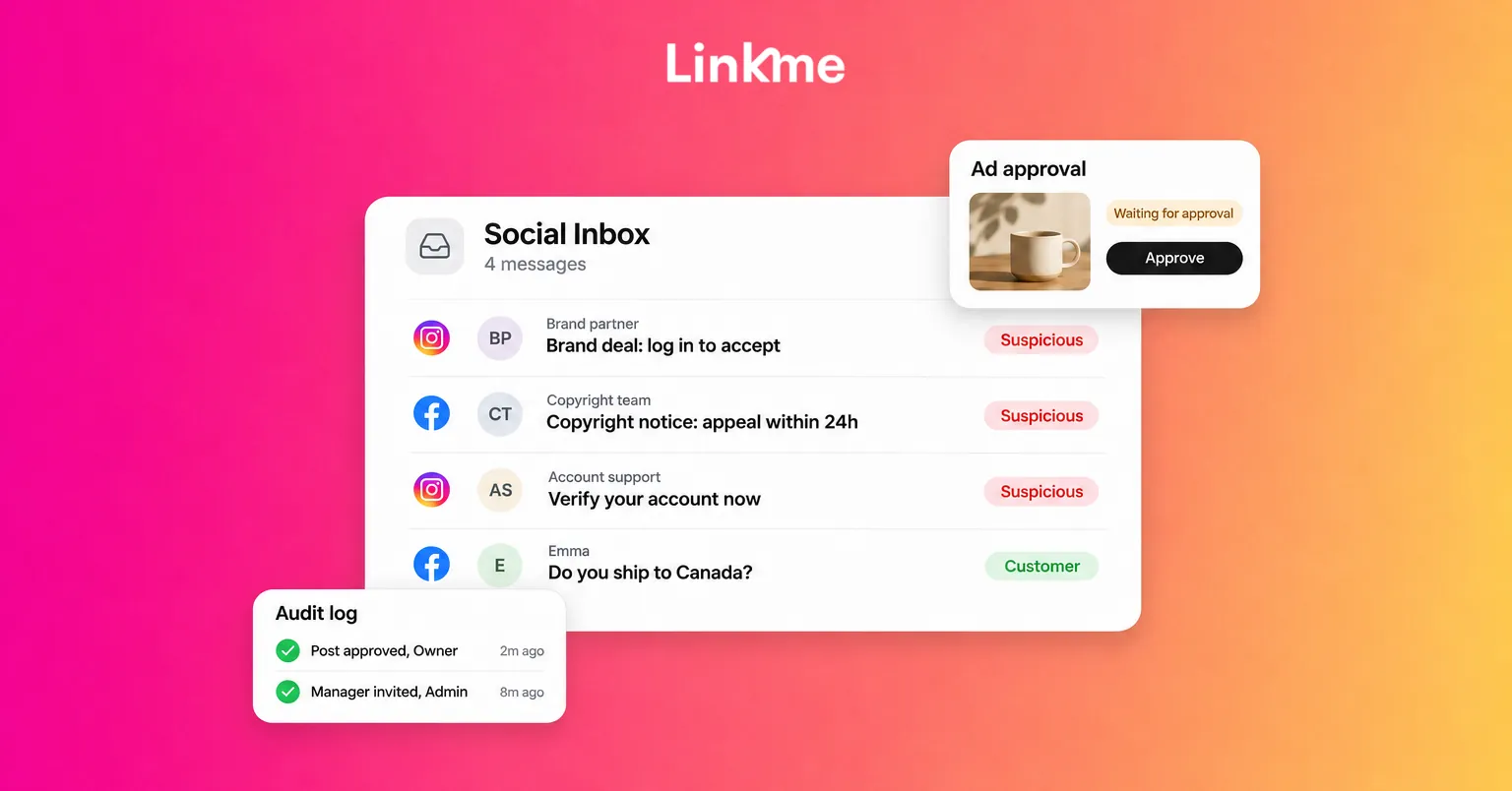
Presence also means replies. Instagram and Facebook comments and DMs land in one Social Inbox on Linkme Business, with saved replies for the questions you get every day, such as parking, hours and reservations. The Business inbox can also assign conversations and bring Google reviews into the same list.
Check your presence every month
Set a monthly half hour to review:
- Profile views and link clicks for each location page. A drop can mean a broken link or an outdated bio.
- Top links. If “Reservations” gets more clicks than “Menu,” move it up.
- Countries and cities. Useful for tourist areas and for deciding where to promote events.
- Google Business Profile. Are posts current, and have recent reviews been answered?
On AI Power Maxed and Enterprise, a By page report puts every location’s views, clicks, leads and posts side by side, so you can see which locations need help.
Frequently asked questions
What is a social media audit?
A social media audit is a review of every profile your business runs: names, hours, contact details, links, bios, last post dates and who has access. It shows what a customer sees today and gives you a list of fixes to make before creating new content.
How often should a business post on Google Business Profile?
Often enough that the profile never looks abandoned. Google archives posts after six months unless you set a date range, so a weekly or every-other-week update, plus offers and events with dates, keeps it current without much extra work.
Does each location need its own social media accounts?
Not always. Many businesses run one brand account per network and give each location its own page with local hours, links and events. Separate accounts make sense when locations have distinct audiences and staff who can post regularly.
How can a small team improve online presence without more work?
Fix your details once, then reuse content. Make one post and send it to every network your customers use, schedule seasonal links in advance and keep a short monthly review. Accuracy and a steady routine do more than occasional bursts of posting.
Customers decide quickly, often on a phone, often in the parking lot. When every profile shows the right hours and every link opens the right location, your presence does its job. See how Linkme Business works for teams with one or many locations.