The Future of Social Media Management: AI Drafts, People Decide
AI now drafts posts, builds automations and summarizes results. Here is what changes for social teams, how approvals keep people in charge and which work stays human.
On this page
The future of social media management is not a team replaced by software. It is a team whose AI tools draft posts, build automations and summarize results, while people decide what goes live, answer the conversations that need judgement and remain accountable for the brand. The work moves from producing every asset by hand to briefing, reviewing and approving. This guide covers what changes, what an AI social media manager can and cannot do, and which parts of the job stay human.
What is changing in the job
Drafting gets faster, deciding does not
A caption draft, a resized image or a short clip used to take a real share of a social media manager’s week. AI tools now produce a usable first version in seconds. That does not remove the work; it moves it. Someone still has to decide whether the post is worth publishing, whether the offer and dates are correct, whether the tone fits the account and whether the image shows what it claims to.
Teams that do well treat AI output as a draft from a fast junior writer: useful, often close, and always reviewed.
Answering at scale moves to rules you write
Repeat questions such as “link?”, “price?” and “are you open Sunday?” used to fill community managers’ days. Comment-to-DM automations now answer them from a keyword and a prepared message. The skill shifts from typing the same answer 200 times to writing a good rule once, testing it and checking what it sends.
Reporting moves from compiling to interpreting
When the dashboard can answer “which city clicked most last month?”, nobody needs to spend Friday pasting screenshots into a deck. The valuable work is explaining why a number moved and what the team should do next.
What an AI social media manager does, and what it should not do
“AI social media manager” is a useful label as long as it describes an assistant working inside your approval process, not an autonomous account holder. Link, Linkme’s AI social media manager, is a concrete example of where that line sits.
| Link does | Link does not |
|---|---|
| Edits your Linkme page when you ask: bio, links, theme, font, header, gallery | Change anything until someone presses Approve |
| Answers questions from your page’s analytics, read only | Change your data by answering a question |
| Drafts posts and makes images, videos and voiceovers | Publish a post on its own |
| Schedules posts and sets up DM automations after each step is approved | Reply to comments or DMs itself |
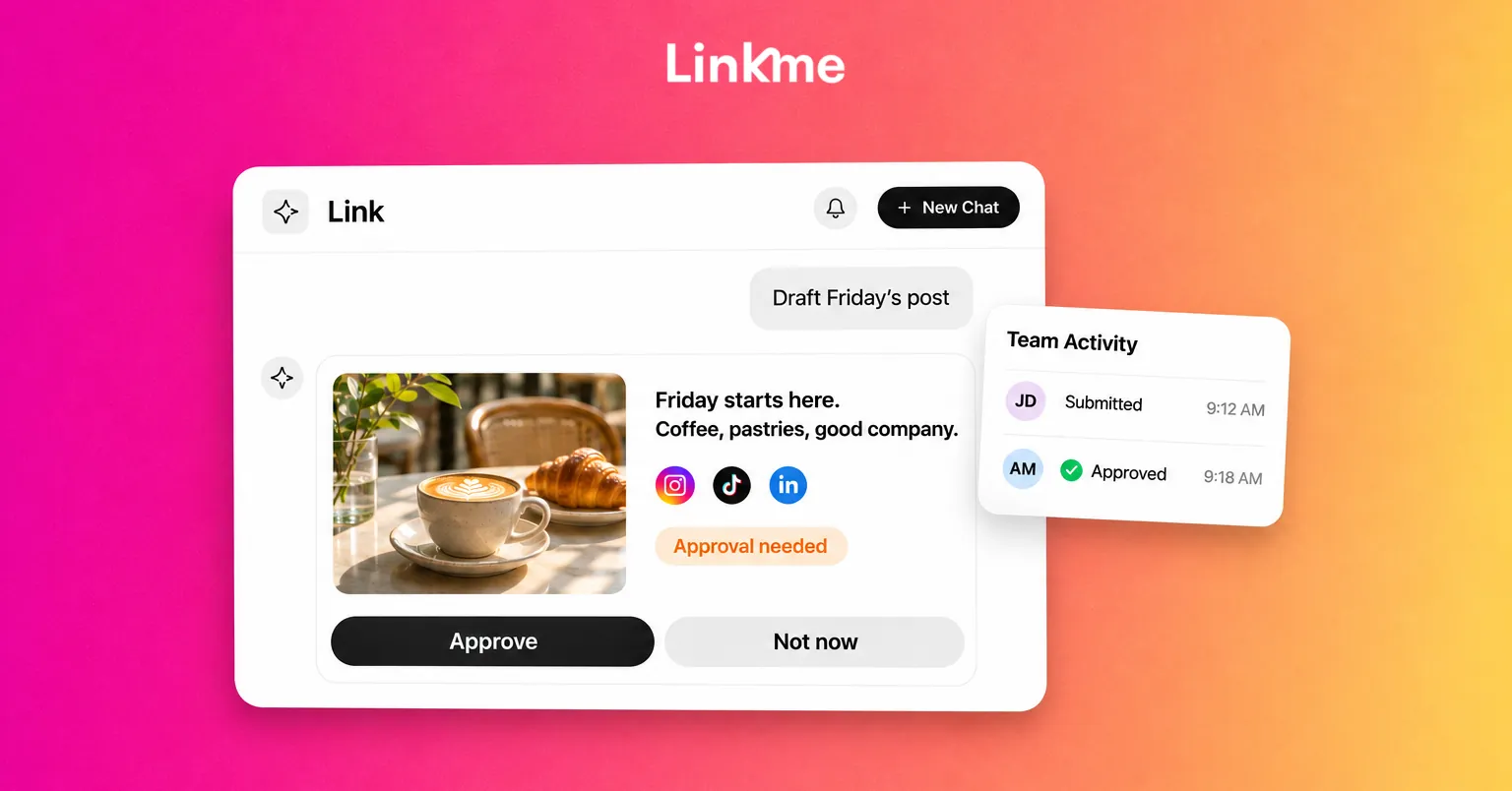
Every change arrives as a card showing what will happen, with Approve or Not now. In Linkme Business, the work uses AI credits from one monthly balance the whole team shares. The Link and AI credits guide covers the details.
The reply boundary matters. Link can draft and set up a DM automation, but the automation does the replying, using text and a link your team approved. Messages that need a person go to a person. This keeps a clear record of what was said to customers and why.
How approvals keep people in charge
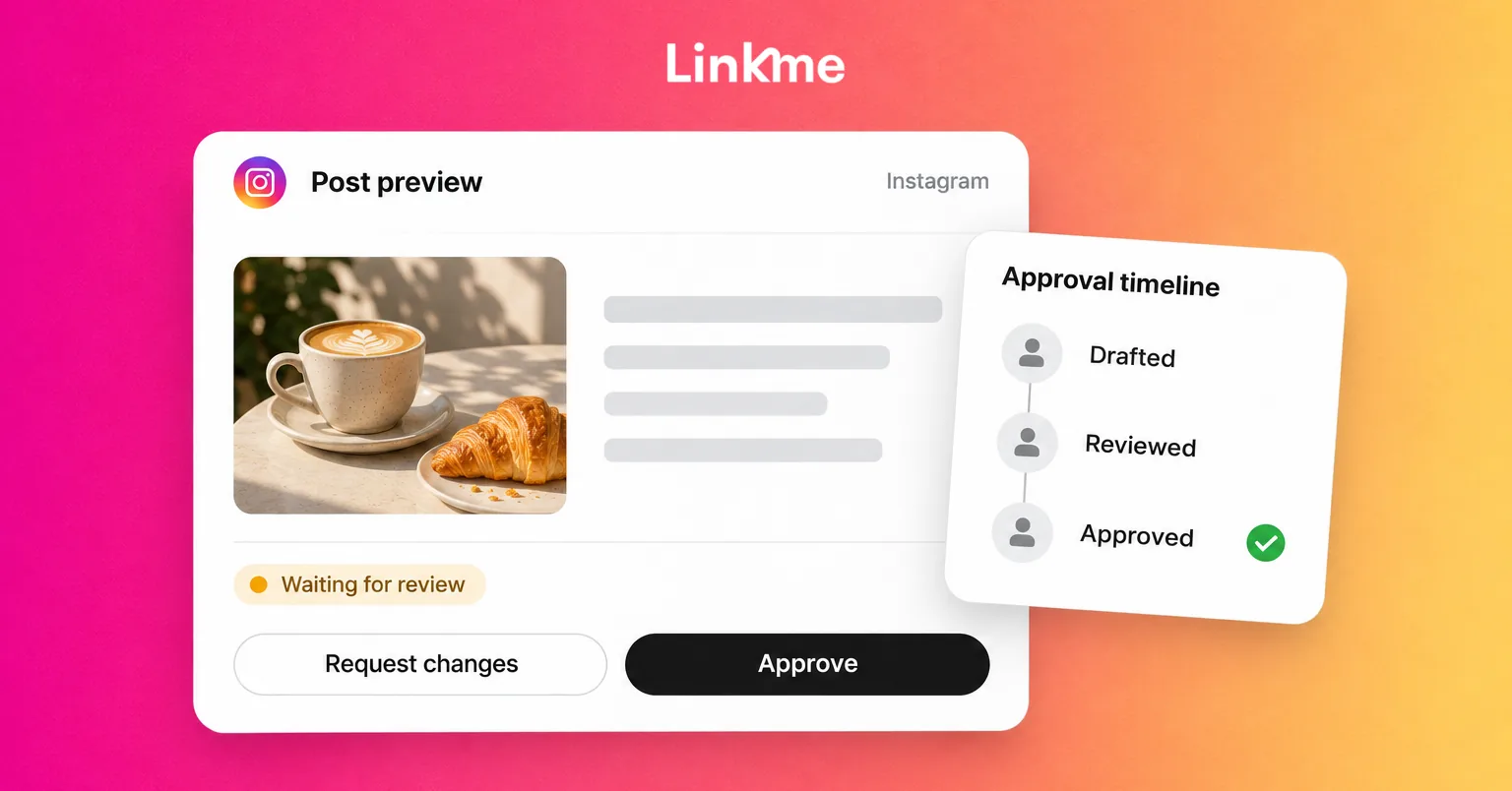
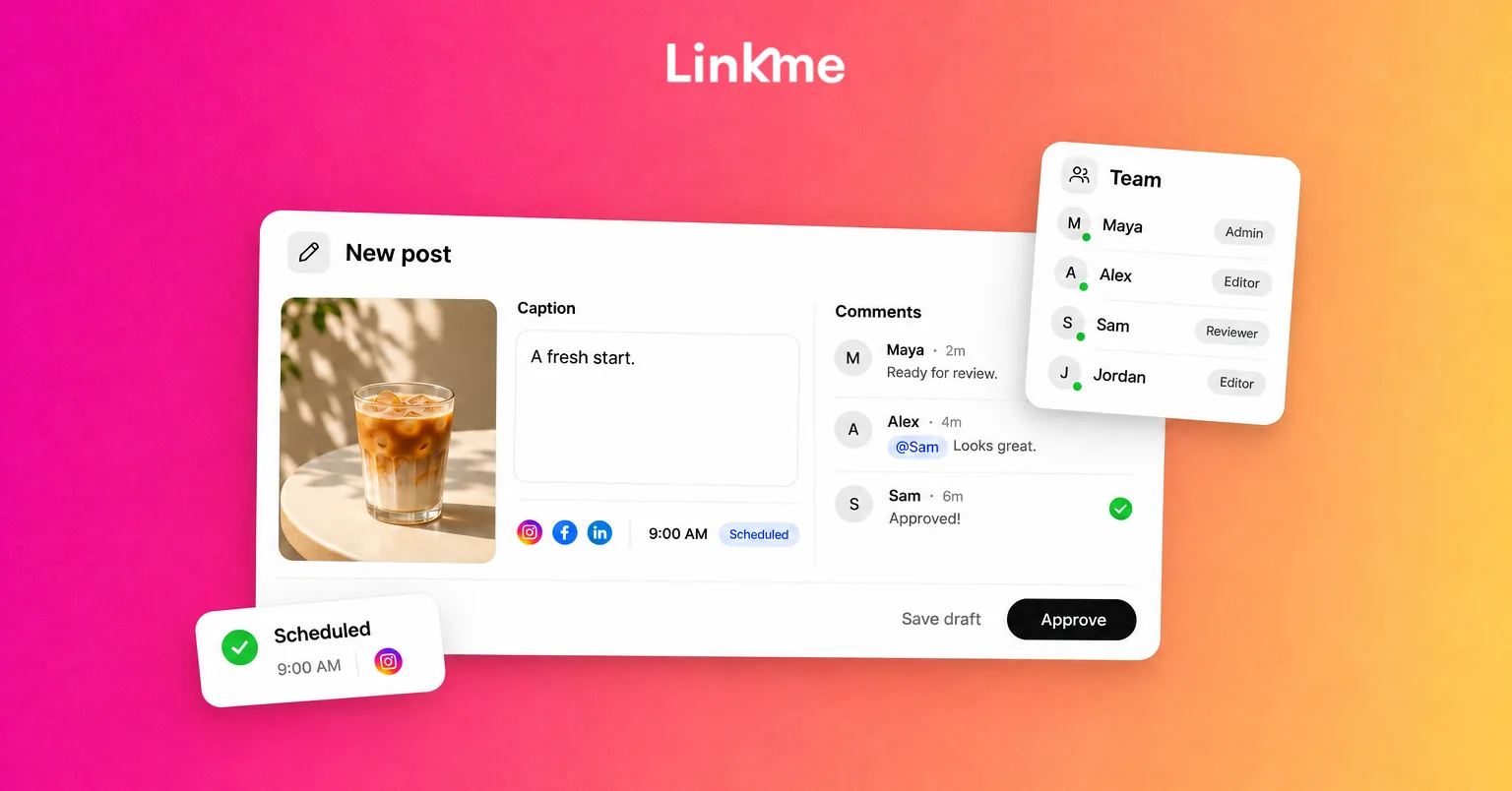
AI makes it easy to produce more posts than a team can check. Approvals are the brake. In Linkme, a Manager writes a post as usual and submits it; an owner or admin reviews it in Needs attention and taps Approve or Request changes. The post approvals guide describes three details that matter when AI is involved:
- Approval keeps the scheduled time. A post approved before its slot goes out as planned, so review does not cost the team its timing.
- Changes send it back. Editing the caption or the time after approval returns the post for approval, so an AI rewrite cannot slip past a sign-off.
- There is a record. Team Activity shows who submitted, approved and published each post.
Set up approvals before you scale up AI drafting, not after the first mistake.
Which parts stay human
Some work does not belong to an assistant, however good the draft:
- Voice and taste. AI writes in an average voice unless someone with taste edits it. Decide what your brand never says, and keep that list where reviewers can see it.
- Facts and offers. Prices, dates, availability, legal terms and claims about results need a person who knows they are true today.
- Sensitive conversations. Complaints, refunds, safety issues, grief and anything with legal or reputational weight need a person, not a template.
- Relationships. Creators, partners, local press and loyal customers respond to someone who remembers them.
- Disclosure. Some platforms require you to label realistic AI-generated or altered media. YouTube, for example, asks creators to disclose realistic altered or synthetic content when they upload. Someone has to own that check.
- Risk calls. Whether to pause posting during a breaking news event, respond to criticism or delete a comment is a judgement about the brand’s reputation.
How roles on social teams are shifting
The future of social media jobs is less about new titles and more about where each person spends time.
| Role | Less time on | More time on |
|---|---|---|
| Content creator | Writing every first draft | Briefing AI, editing, shooting original footage |
| Community manager | Answering repeat questions | Writing automation rules, handling the conversations that need a person |
| Analyst | Building reports by hand | Explaining changes and recommending the next test |
| Team lead | Checking every post personally | Setting approval rules, permissions and brand guardrails |
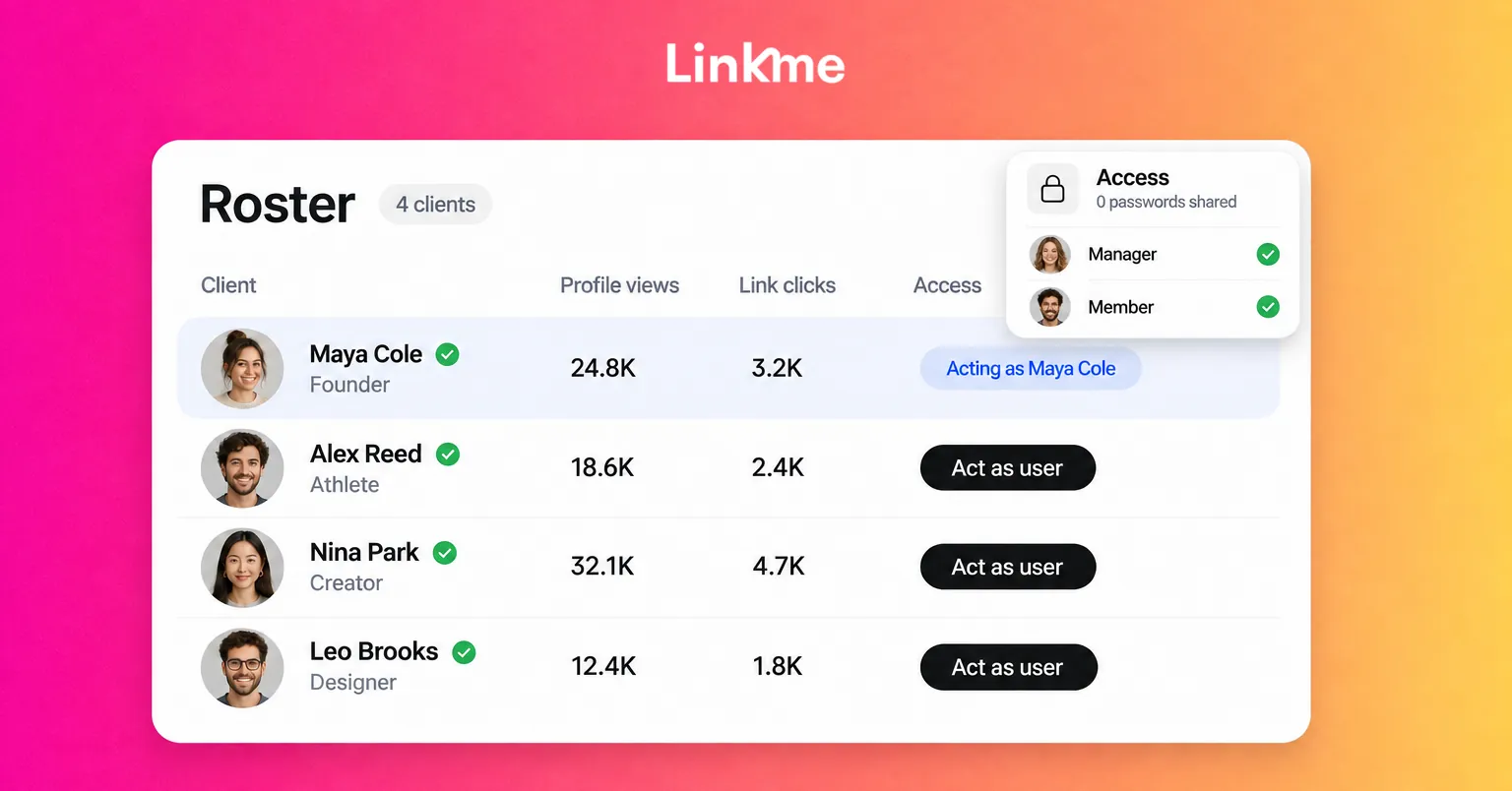
Permissions need to follow this shift. A community manager who writes automations needs access to DM Automations; a contractor drafting posts should be a Manager whose posts need approval. Linkme sets these per person, with Social Inbox, DM Automations and Publish without approval switched on individually.
Skills worth building now
If you work in social media, the useful skills for working alongside AI are practical:
- Briefing. A specific prompt with the audience, the offer, the confirmed facts and the call to action gets a usable draft. “Write a post about our sale” does not.
- Editing fast. Cutting a draft to what is true, specific and on brand is now a core skill.
- Rule design. Choosing keywords, writing DM text and deciding which questions should never be automated.
- Reading data. Asking good questions of analytics and turning answers into decisions.
- Owning risk. Knowing when to stop a scheduled post, escalate a comment or ask legal.
Frequently asked questions
Will AI replace social media managers?
It is replacing parts of the job, mainly first drafts, resizing, repeat replies and report compilation. The responsibility for what a brand publishes and says to customers still sits with people. Teams are using the time saved to publish better work, respond faster and test more ideas.
Can Link reply to comments or DMs on its own?
No. Link never replies to comments or DMs itself. It can draft and set up a DM automation for your approval, and that automation then sends the replies you wrote. Anything else is answered by your team.
Do AI-drafted posts need approval?
They should. In Linkme, Link never publishes on its own, and a team can require owner or admin approval for Managers’ posts. Changing an approved post’s caption or time sends it back for approval.
What should a team agree on before using AI for social media?
Agree on who may publish without approval, which topics are never automated, the facts every post must be checked against, how AI-generated media is labeled where platforms require it, and who handles escalations.
The teams that get the most from AI keep it on a short leash: it drafts, people decide. If you want to see that workflow on your own accounts, book a demo.