How to Manage Distributed Social Media Teams
When your social team spans time zones and locations, structure has to live in roles, permissions and approvals, not a group chat. Here is how to set it up.
On this page
To manage distributed social media teams well, decide the structure before you choose the tools: who plans, who publishes, who approves, who answers comments and DMs, and which accounts each person can touch. When people work across time zones and locations, those answers cannot live in a group chat. They have to be built into roles, per-person permissions and an approval flow that works while half the team is asleep. This guide covers how to set that up.
Choose an operating model
Distributed team management starts with deciding where decisions are made. Most social teams fit one of three models.
| Model | How it works | Works well when | Watch out for |
|---|---|---|---|
| Central | One team plans, publishes and answers for every account | Few accounts, one brand voice, one main market | Slow local responses and generic local content |
| Hub and spoke | Head office sets campaigns and approves; local staff adapt, post and reply | Franchises, venues and regional teams | Bottlenecks at the hub if approvals are not covered |
| Locally led | Each location or region runs its own accounts within guidelines | Mature local teams with strong judgement | Inconsistent quality and slow fixes when something goes wrong |
Many teams start central, move to hub and spoke as they add locations, and loosen approvals for local managers who have proven themselves.
Map people to social media team roles
Once the model is clear, give each person a role. In Linkme Business, there are three:
- Owner. Everything, including billing, ad accounts and spending. Only the owner can make someone an Admin.
- Admin. Invites managers, approves posts and edits the business.
- Manager. Works on the pages assigned to them, and their posts need approval.
A hub and spoke team might look like this:
| Person | Role | Why |
|---|---|---|
| Head of social | Owner or Admin | Sets campaigns, approves posts, manages the team |
| Regional lead | Admin | Approves posts for their region during their working hours |
| Location marketer | Manager | Writes and schedules posts for their own pages |
| Freelance content creator | Manager | Drafts posts that always need approval |
Each person signs in with their own Linkme login, so nobody shares a password. The team roles guide covers inviting people from Settings, then Team.
Set team permissions per person
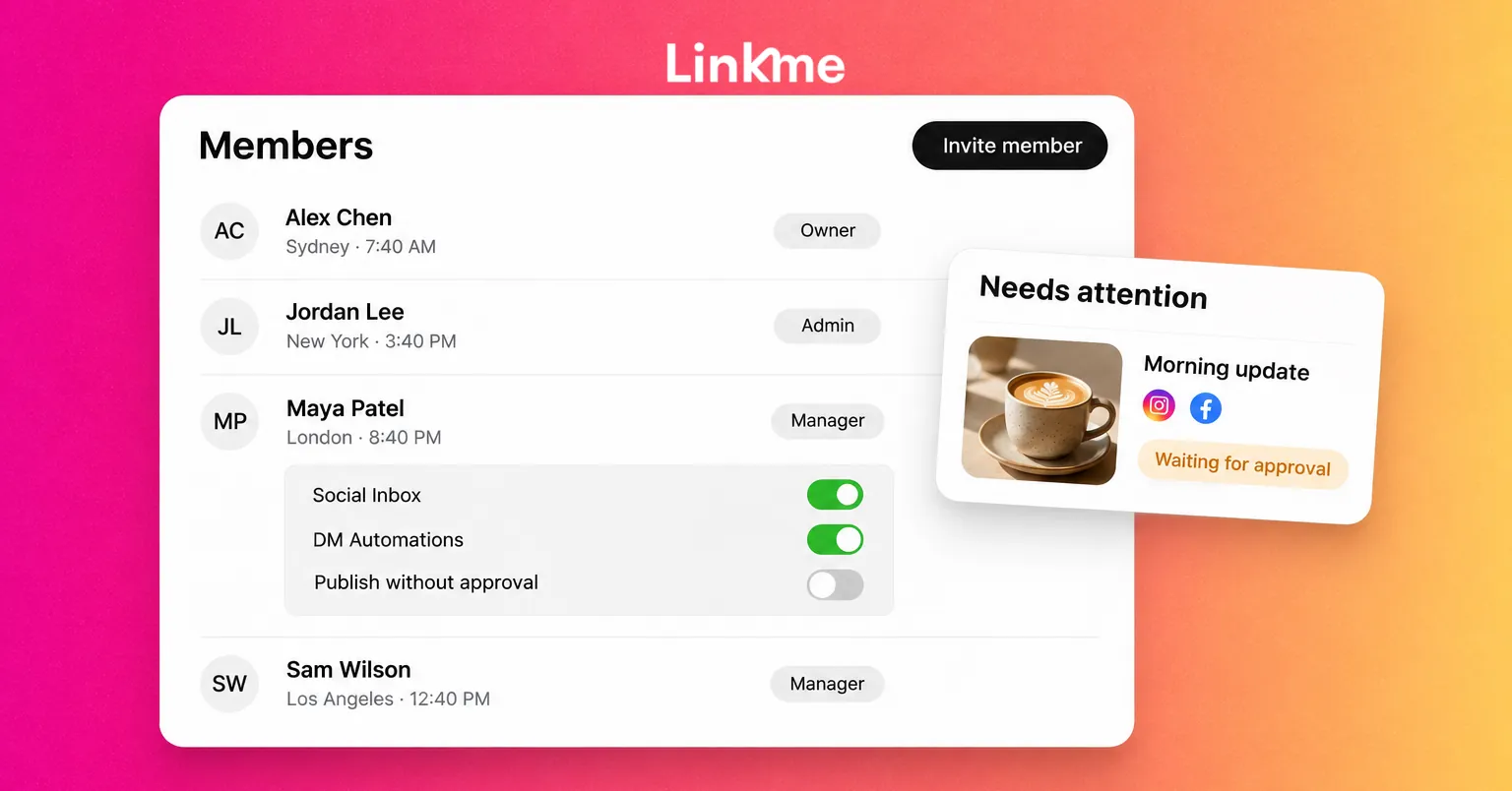
Roles set the baseline. Permissions handle the exceptions. In Linkme, you click a member and use Permissions to turn on three things for that person individually:
- Social Inbox, for people who answer comments and DMs.
- DM Automations, for people who build and edit automated replies.
- Publish without approval, for trusted people who can post directly.
A useful rule is to grant each permission because of a responsibility, not seniority. A night-shift community manager needs Social Inbox but not Publish without approval. A senior regional marketer who has posted reliably for months might get Publish without approval for their own pages. Review these permissions whenever someone changes job or leaves.
Assign pages so people see only their work
Two avoidable mistakes in a distributed team are posting to the wrong account and editing a page someone else owns. Assigning pages prevents both. Managers work only on the pages assigned to them, so a manager in Denver does not see the Miami pages at all. If a manager reports that they cannot see a page, check their access in Team.
Build approvals that work across time zones
Approvals are where distributed teams lose the most time. A post written in Sydney can wait all night for a reviewer in New York. Design the flow on purpose.
How approvals work in Linkme
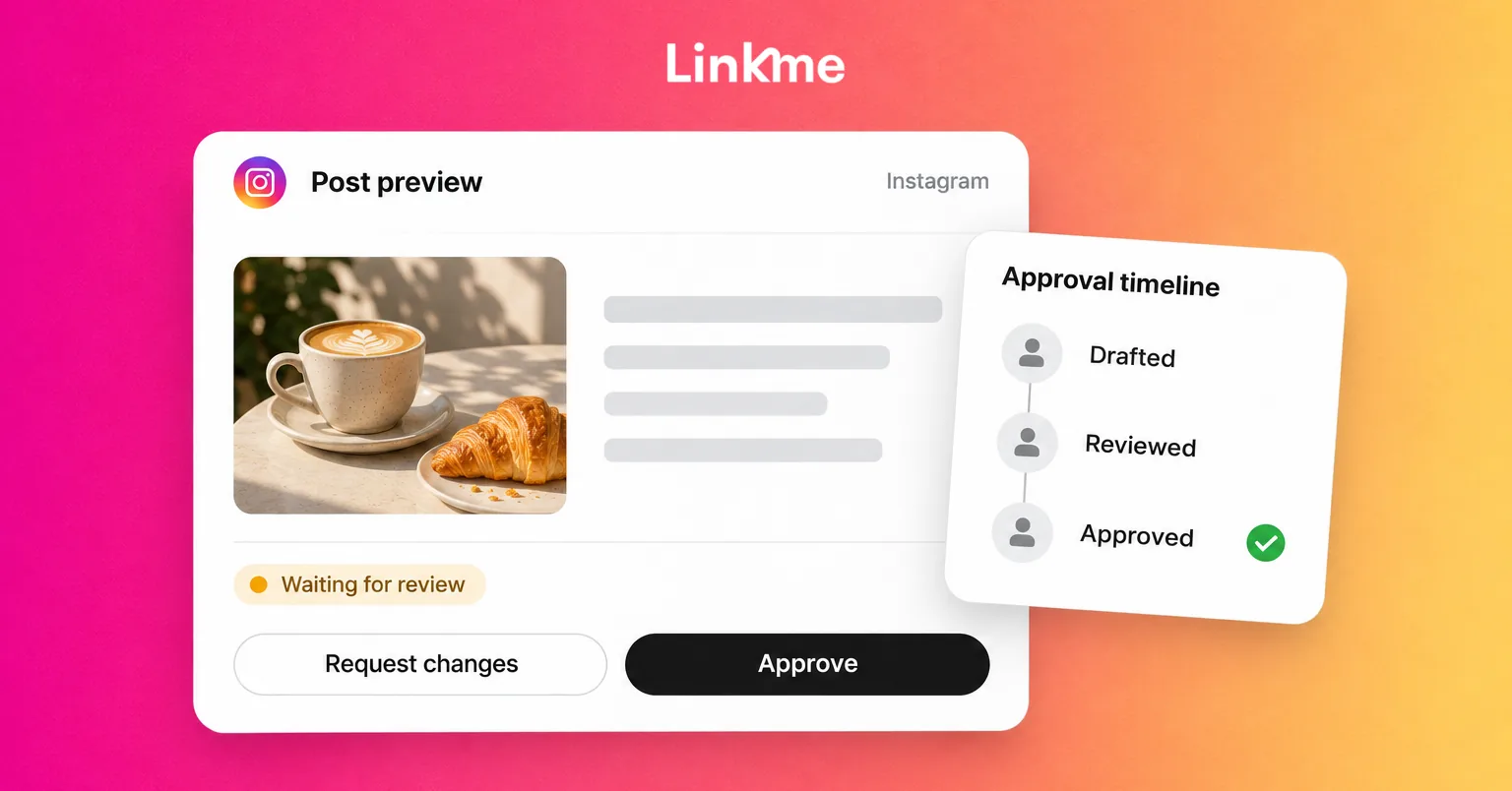
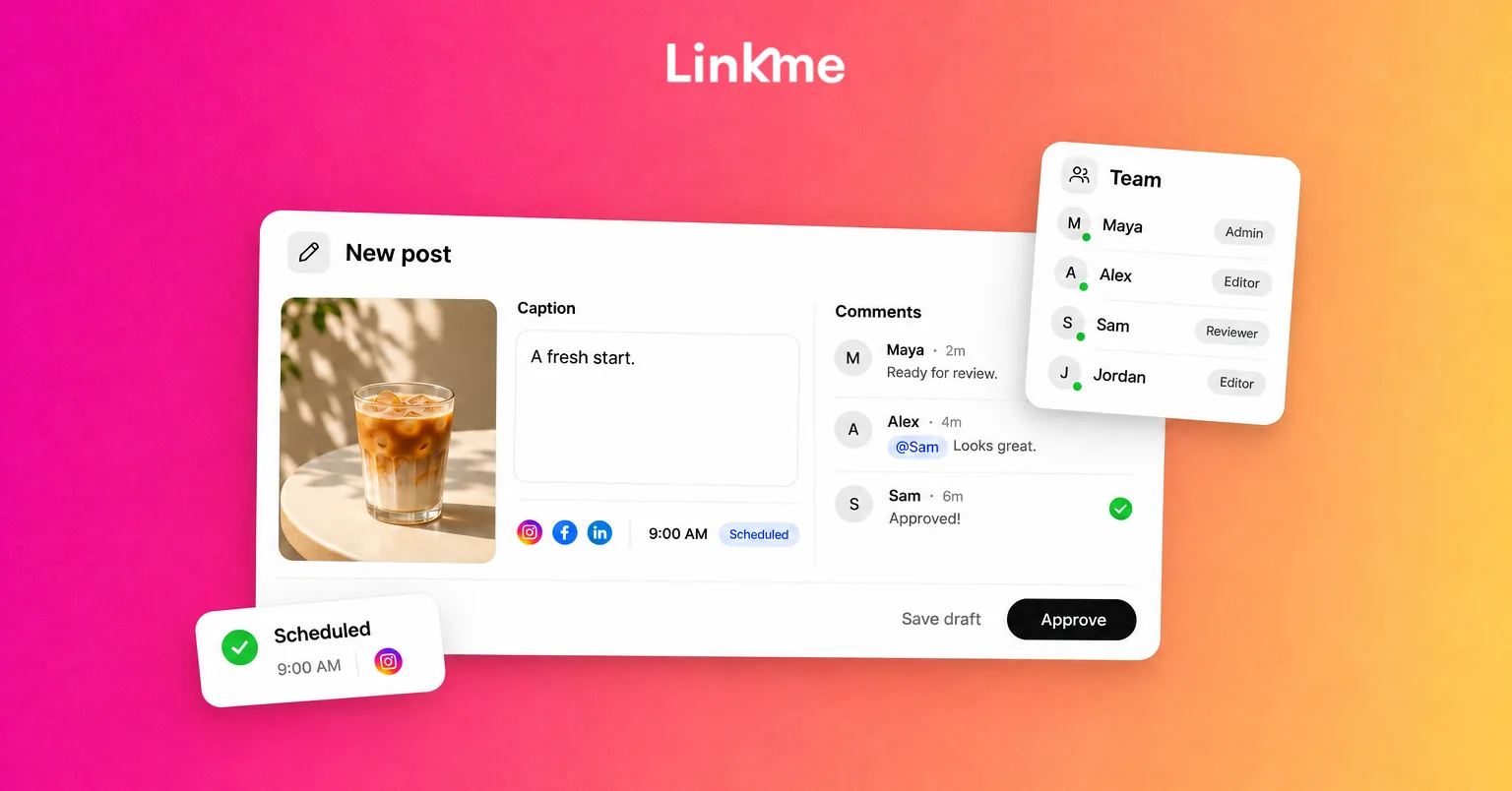
A Manager writes a post in Plan and taps Submit for approval. An owner or admin opens Needs attention and taps Approve or Request changes. Three details from the post approvals guide shape how you plan:
- Approval keeps the scheduled time, so a post approved in time goes out as planned.
- An overdue post can publish once it is approved, so check that it is still relevant before approving late.
- Changing the caption or the time after approval sends the post back for approval.
Make it work across time zones
- Set a submission deadline that leaves a full review window in the approver’s working hours.
- Have at least two approvers in different time zones, so one person’s day off does not stop publishing.
- Batch reviews. One review session per region per day is easier to keep than constant interruptions.
- Agree on what counts as urgent and who can approve it outside normal hours.
- Use Request changes with specific notes, so the writer can fix the post without a call.
Run many locations under one login
For franchises, venue groups and brands with regional accounts, each location usually needs its own page, accounts and manager. With Linkme Multi-location, every location keeps its own Linkme page, link, QR code and leads, and the group runs them all from one account.
A typical rollout:
- Connect each page’s social accounts in Connected accounts.
- Invite each local manager and assign them to their pages.
- Keep local managers on the Manager role, with Publish without approval off, so their posts need approval.
- Approve local posts from Needs attention in Plan.
- Compare locations side by side in Reports, under By page, on the AI Power Maxed and Enterprise packages.
Every Linkme Business package includes unlimited users and unlimited brands, so adding a location does not mean rationing seats.
Write down inbox coverage
In Linkme’s Social Inbox, Instagram and Facebook comments and DMs land in one place, with internal notes, saved replies and Resolve. A shared inbox still needs a shared plan, so a distributed team should agree on coverage in writing:
- Which person or region covers which hours.
- Which accounts each person watches.
- When to leave an internal note instead of replying, and who picks it up.
- Which questions always go to a lead, such as refunds, complaints and press.
Saved replies keep answers consistent across people who rarely overlap, and resolving conversations shows the next shift what is still open.
Frequently asked questions
What roles does a social media team need?
At minimum, someone who sets strategy and approves, someone who creates and schedules, and someone who answers the community. In small teams one person covers several of these. In Linkme, these map to Owner, Admin and Manager, with extra permissions per person.
How do you approve posts across time zones?
Set submission deadlines that fit the approver’s working hours, keep at least two approvers in different regions, batch reviews once a day per region, and agree in advance who can approve urgent posts out of hours.
Should local managers be able to publish without approval?
Start with approval on. Once a manager has published reliably for a while, you can turn on Publish without approval for that person, and keep it off for newer staff.
How do you keep a distributed team accountable?
Give each person their own login, assign them specific pages, and use a record of who submitted, approved and published each post. Team Activity in Linkme shows exactly that.
A distributed team works when everyone knows what they own and the system enforces it. Set the structure once, then adjust permissions as people earn more trust.