Accountability on Social Media Teams: Flexible Work With a Clear Record
Flexible hours work when everyone can see who drafted, approved and published each post. Here is how to set publishing rights, approval records and logs.
On this page
- Key takeaways
- Why flexibility needs a record
- Decide who may publish without approval
- Make every approval a record
- Use the team activity log to answer “who did what”
- Use the social media audit log for access and settings
- Accountability in remote teams without micromanagement
- A monthly accountability checklist
- Frequently asked questions
Flexible schedules work on a social media team until something goes wrong and nobody can say who changed the caption, who approved the post or why it went out a day early. Accountability on social media teams does not mean watching people work. It means agreeing who can publish on their own, keeping a record of every approval, and being able to trace any change back to a person and a time. Get those three things right and people can work from anywhere, at any hour, without the team losing control of what goes live.
Why flexibility needs a record
Remote and asynchronous teams trade shared hours for written handoffs. Nobody sees the others work, so the record is the only shared view of what happened.
Without it, three problems show up quickly:
- Approvals drift. Someone approves a caption in a message, the image changes afterward, and the post publishes with something the approver never saw.
- Changes go untraced. A post moves from Wednesday to Thursday and nobody knows whether that was deliberate.
- Permissions spread. A temporary “just post it yourself” becomes permanent, and soon everyone can publish anything.
The fix is not more meetings or tracking hours online. It is a small set of rules about who can do what, enforced by the tool you publish from, with a log you can read later.
Decide who may publish without approval
Start with publishing rights, because they set how much flexibility each person has. A useful way to decide is by risk, not seniority.
| Type of post | Typical risk | Rule |
|---|---|---|
| Routine content from an agreed plan (opening hours, recurring features) | Low | Trusted managers may publish without approval |
| Offers, prices, event dates, partner mentions | Medium | Owner or admin approves |
| Statements, responses to news, anything legal or sensitive | High | Owner approves, always |
| New team members’ first weeks | Unknown | Every post goes through review |
Write the rule down, including when you will review it.
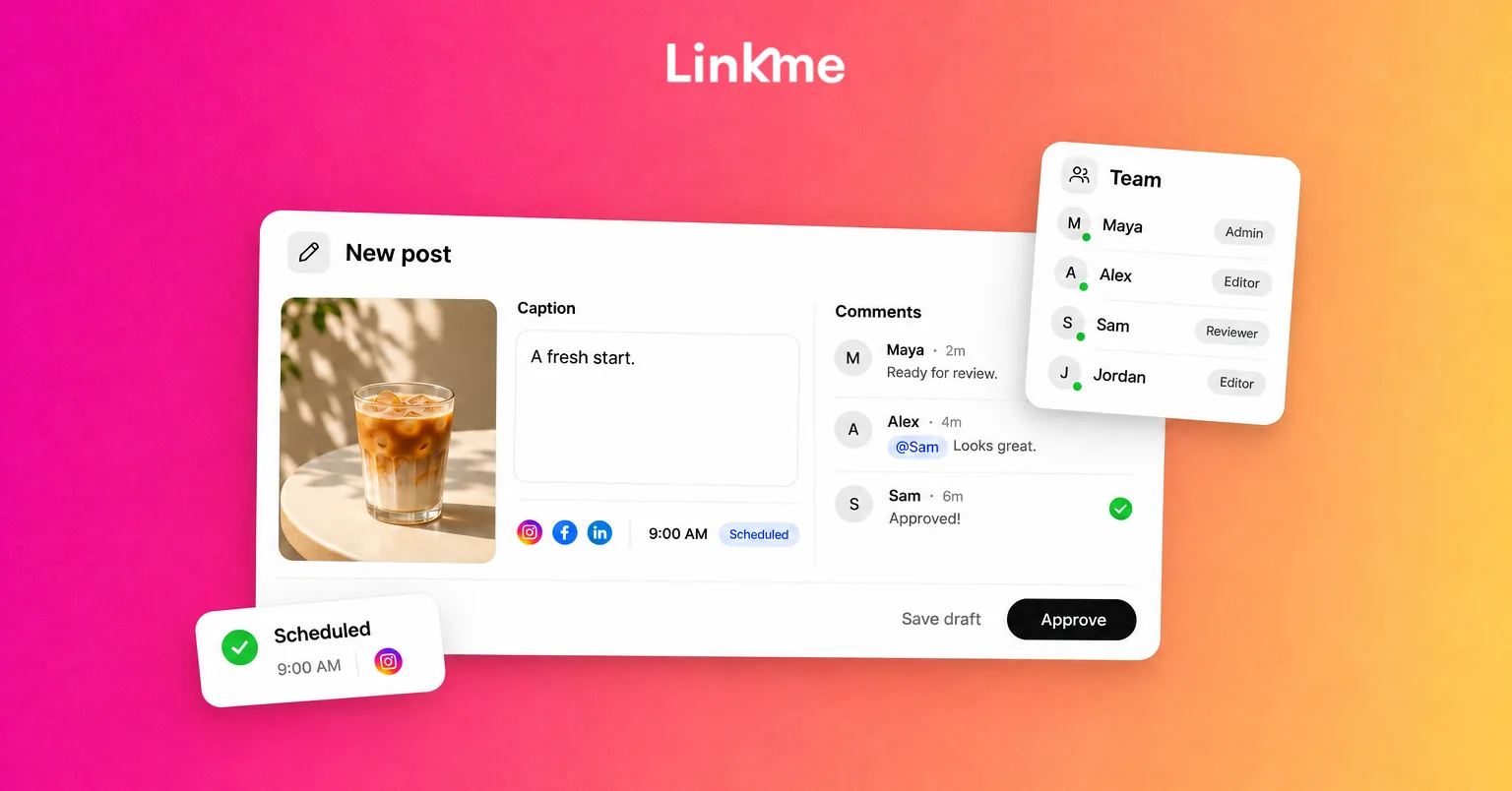
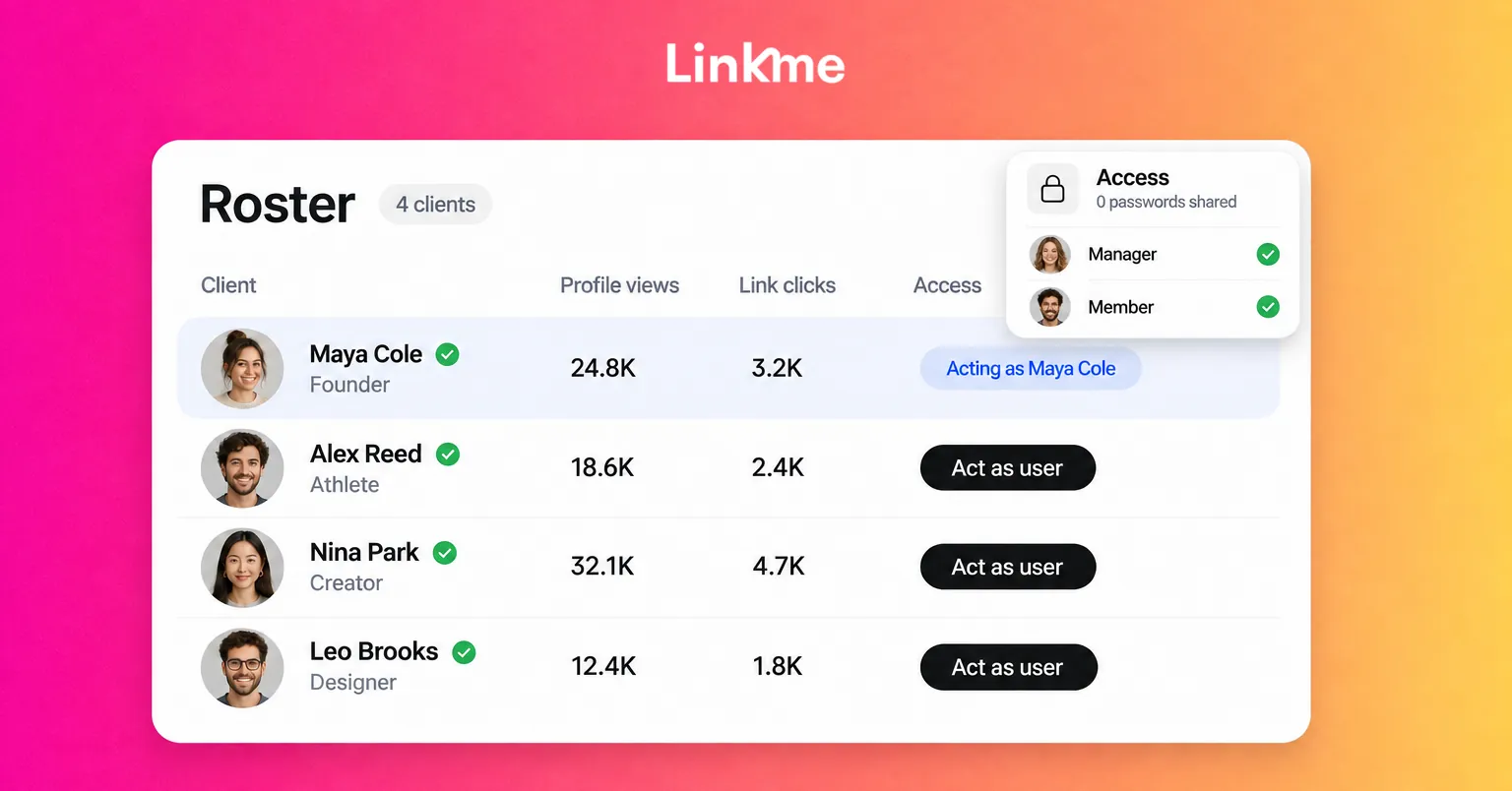
In Linkme’s team and security tools, each person signs in with their own login and gets a role. Owners can do everything, including billing. Admins invite managers, approve posts and edit the business. Managers work on the pages assigned to them, and their posts need approval. From a member’s Permissions, you can turn on Publish without approval for that one person, so a trusted manager can post routine content while a newer teammate still goes through review. The team roles guide covers the setup step by step.
Make every approval a record
An approval is only useful if it covers exactly what goes live. Three habits keep it honest:
- Approve the final version. The reviewer should see the real caption, media, account and time, not a draft in a document.
- Send changed posts back. If the caption or the time changes after sign-off, the approval no longer applies.
- Keep comments with the post. “Changes requested” with a reason is part of the record; a side conversation is not.
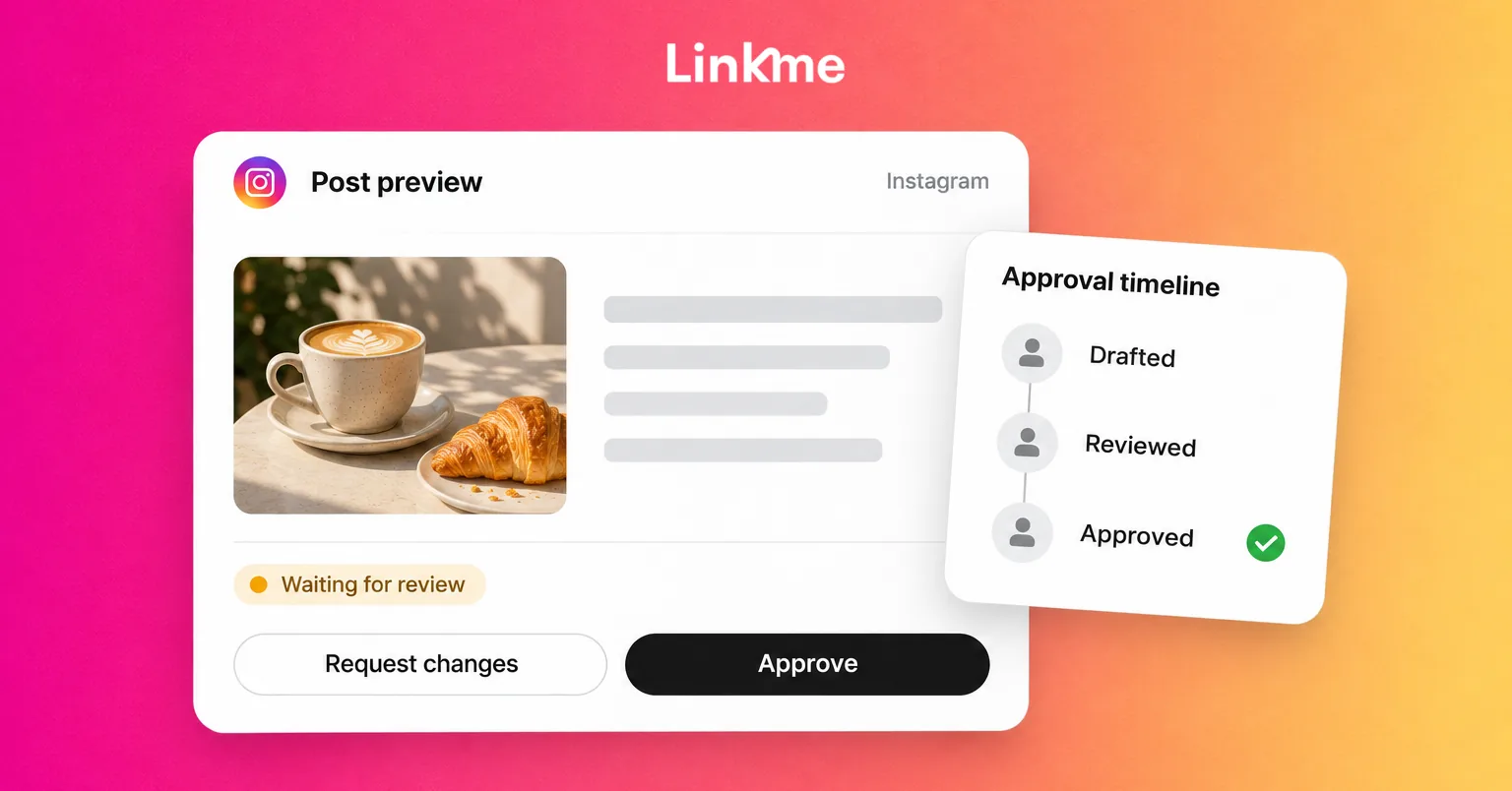
Linkme handles the second point for you. A post can ask for approval or require it, and it waits in Needs attention until an owner or assigned admin approves it or requests changes. Approval keeps the scheduled time, and changing the caption or the time sends an approved post back for approval. If a post passes its time while waiting, it can publish once it is approved, so check that an overdue post is still relevant before you sign it off. For a deeper walkthrough of review stages, see the guide to building a social media approval workflow.
Use the team activity log to answer “who did what”
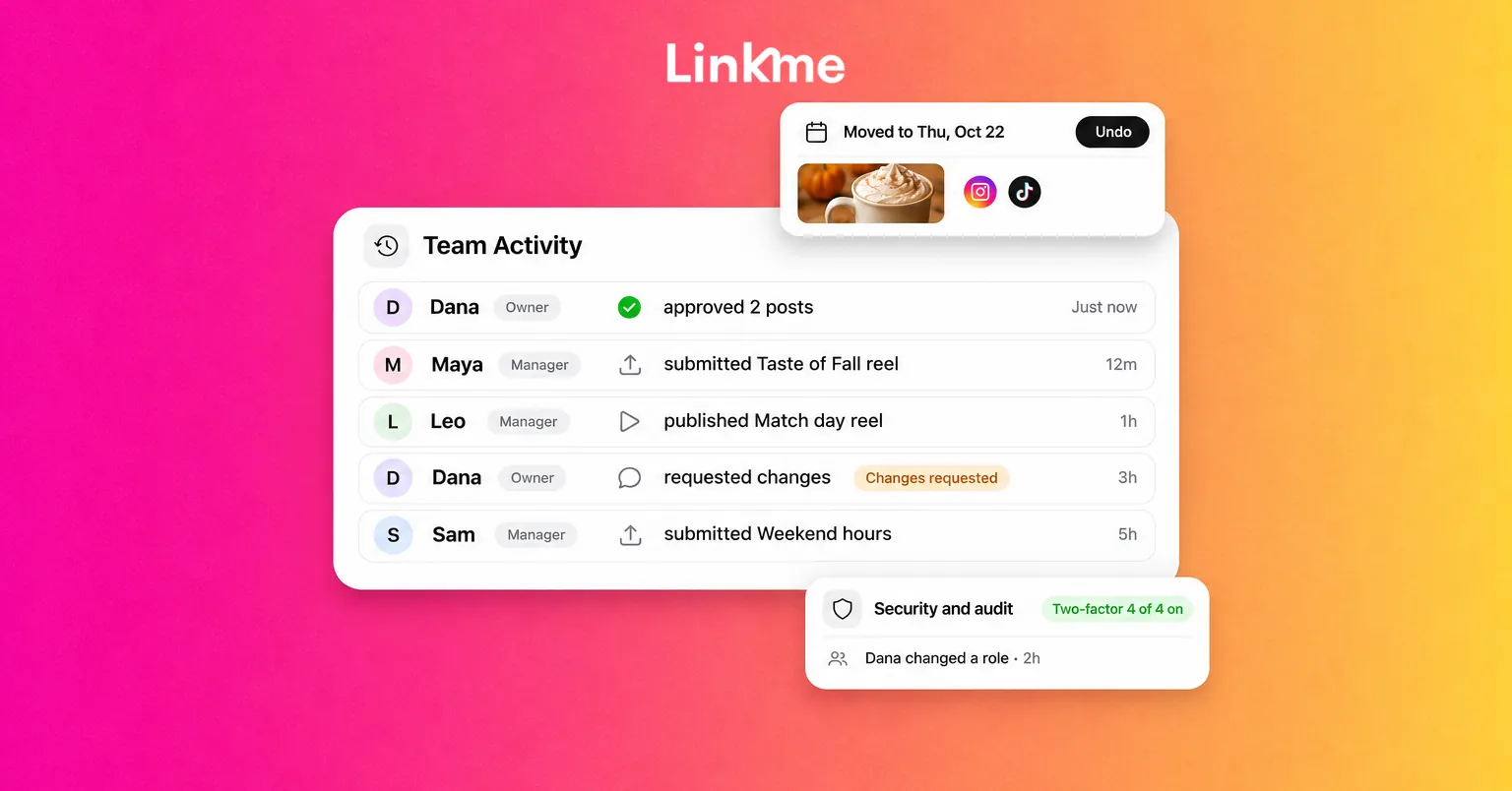
A team activity log answers the questions that come up after a post goes out: who wrote it, who approved it, and who published it. In Linkme, Team Activity shows exactly that, with each person’s name and role beside every step.
Use it in three ways:
- Daily check. A lead scans the newest rows each morning to confirm that overnight posts went through the right hands.
- Weekly review. Count approvals, changes requested and published posts per person. Patterns matter more than single events: a writer whose posts are often sent back may need a clearer brief, not a warning.
- After a mistake. Read the record before asking anyone. Most issues turn out to be process gaps, such as an unclear deadline or a permission that was broader than intended.
Undo moves on the calendar
Plans change, and drag-and-drop calendars make rescheduling easy, sometimes too easy. When a post is moved on the Linkme calendar, a message confirms the new day with an Undo option, so an accidental drag can be reversed on the spot. Changing the time sends an approved post back for approval, so add a short note when you move one on purpose and the approver knows why.
Use the social media audit log for access and settings
Posts are not the only thing that changes. Someone adds a teammate, removes another, changes a role or edits the business details. A social media audit log keeps those changes in one list.
In Linkme, owners and admins open Security and audit in Settings to see:
- The audit log: who changed what, newest first.
- Two-factor status: how many people have it turned on, and each person’s method.
- Active sessions: each person sees the devices signed in to their own login and can sign out of any of them.
Alerts close the loop. Each person picks the ones that reach them in the app and by email, such as Review requests and Failed publishes. A reviewer who gets an alert when a post is waiting is far less likely to become the bottleneck that tempts people to skip review.
Accountability in remote teams without micromanagement
Records can be used well or badly. Used badly, they become surveillance. Used well, they let people work flexibly because nobody has to prove they were online.
A few principles help:
- Measure outcomes, not hours. Posts shipped on time, approvals turned around within the agreed window, comments answered. Not log-in times.
- Set response windows, not office hours. “Reviews within one working day” works across time zones; “be online 9 to 5” does not.
- Make ownership explicit for shared work. The Social Inbox in Linkme brings Instagram and Facebook comments and DMs together with internal notes, saved replies and Resolve, but conversations cannot be assigned to a teammate. Agree who covers which hours, and use internal notes so the next person sees what was promised.
- Review mistakes blamelessly. Ask what in the process allowed the error, then change the rule, the permission or the brief.
A short incident review template
When a post goes out wrong, answer these in writing:
- What was published, where and when?
- Which version was approved, by whom, and when?
- What changed between approval and publishing?
- Which rule or permission allowed it?
- What will we change, and who owns that change?
These answers, taken from the activity and audit records, are usually enough to fix the cause.
A monthly accountability checklist
- Review who has Publish without approval, and remove it where it is no longer needed.
- Confirm every current teammate has their own login and two-factor turned on.
- Remove people who have left the team or finished a project.
- Scan the audit log for unexpected access or settings changes.
- Check failed publishes and confirm each one was fixed.
Frequently asked questions
What does accountability look like on a social media team?
Every post has a clear owner, a recorded approval where one is required, and a traceable path from draft to publish. People are judged on outcomes, such as posts shipped on time and replies sent, rather than on hours online.
What is the difference between a team activity log and an audit log?
A team activity log follows the work on posts: who submitted, approved and published what. An audit log follows changes to the account itself, such as access, roles and settings. Most teams need both.
Should everyone on the team be able to publish without approval?
No. Grant it per person for low-risk, routine content, keep sensitive topics on owner or admin sign-off, and review the list regularly. New teammates usually start with every post going through review.
How do you keep remote team members accountable without micromanaging?
Agree on response windows instead of online hours, keep approvals and changes inside the publishing tool so they are recorded, and use the record to fix processes after mistakes rather than to monitor people day to day.
If your team wants flexible hours and a clear record of who did what, Linkme’s roles, approvals, Team Activity and audit log cover that in one place. Book a demo to see them on your own accounts.