How to Build a Remote-First Social Media Strategy for Multiple Locations
Local teams post, head office sets the rules. How multi-site businesses run social media remotely with one login, per-location access and reports by page.
On this page
- Key takeaways
- What a remote-first social media strategy means
- Step 1: Inventory every account and login
- Step 2: Put every location under one login
- Step 3: Give each manager the right locations
- Step 4: Decide what needs approval
- Step 5: Write down the split between head office and locations
- Step 6: Report by page, not by screenshot
- Common mistakes in remote social media operations
- Frequently asked questions
If your business runs more than one location, social media is probably already remote: the people who know what is happening are in each venue, and the people who approve posts are somewhere else. A remote-first social media strategy accepts that and builds around it. Each location gets its own page and accounts, local managers post without waiting on head office for every update, and the owner keeps control through access rules, approvals and reports by page. This guide shows how to set that up and keep it running.
What a remote-first social media strategy means
Many multi-site businesses still run social like a single office: one person at head office holds every password, every post goes through them, and local teams send photos by message and wait. That model breaks as soon as you add a few locations. Posts arrive late, local news goes unposted, and the person at the center becomes the bottleneck for everything.
A remote-first social media strategy reverses the flow:
- Local teams create and publish content about their venue: today’s specials, a new class, an event tonight.
- Head office sets the frame: brand look, campaign calendar, what needs approval and what does not.
- Everyone works from the same system, so access, approvals and results are visible without anyone being in the same room.
The goal is centralized social media management of the rules and the reporting, with decentralized day-to-day posting.
Step 1: Inventory every account and login
Before changing anything, list what exists. For each location, record:
- The Instagram, Facebook, TikTok, Google Business Profile and other accounts it uses.
- Who holds the login today, and whether that person still works for you.
- The link in each bio and where it points.
- Who posts now, how often, and who approves.
Most businesses find accounts nobody can access, bios pointing to old menus, and passwords shared in group chats. Fix ownership first: each account should belong to the business, not to an individual employee.
Step 2: Put every location under one login
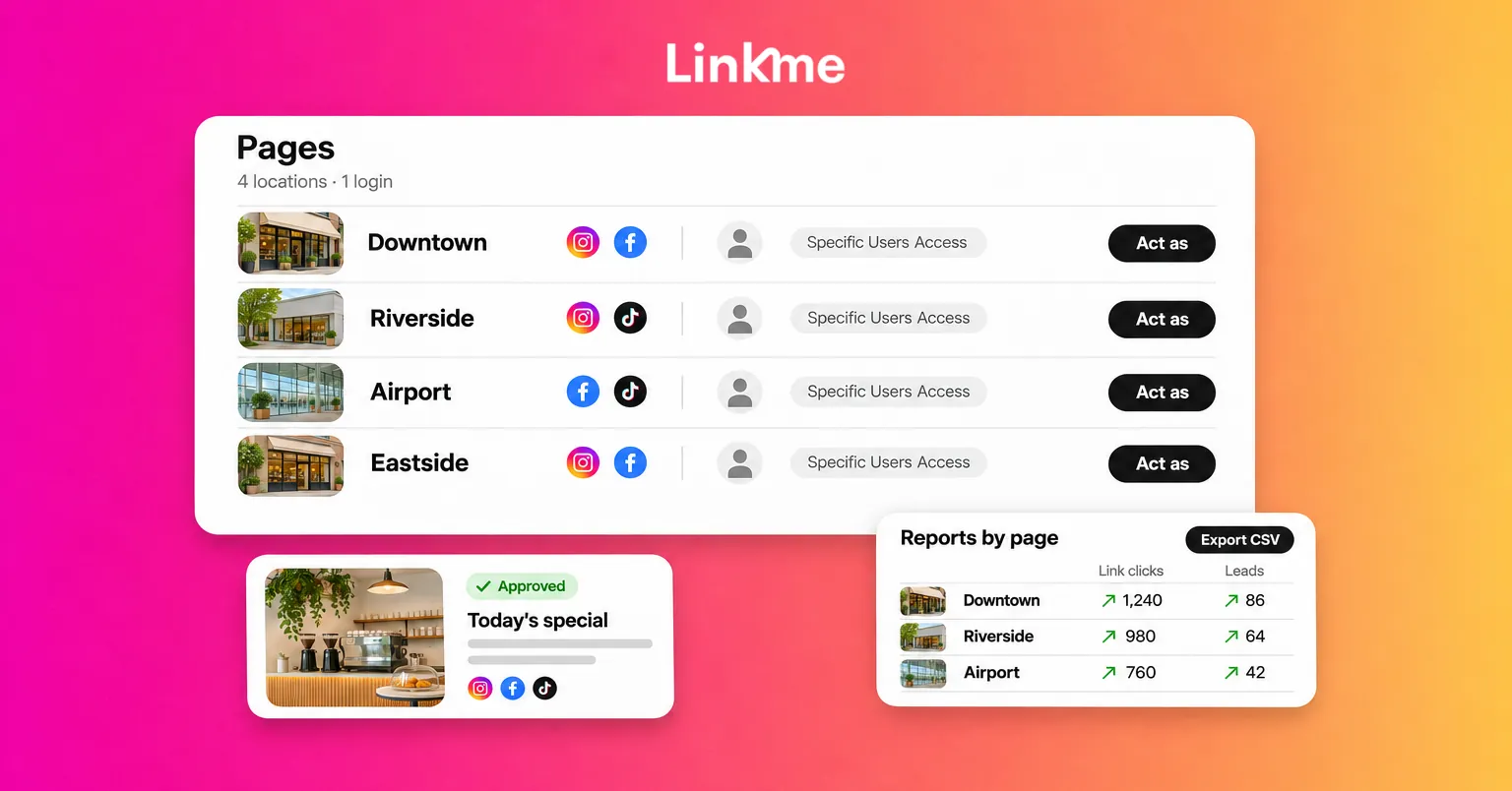
With Linkme Multi-location, the group is the account and every location is a page in it. Each location keeps its own Linkme page, link, QR code, leads and analytics, and your team runs all of them from one login. You can create a page for each location or duplicate an existing location’s page to start the next one, then connect each page’s social accounts through the networks’ own sign-in.
That gives you one way in. No spreadsheet of passwords per location, and when a manager leaves you remove one person’s access instead of changing every account’s password. Every Business package includes unlimited brands, users and Linkme pages.
Step 3: Give each manager the right locations
Remote-first only works if local managers can act without asking. Give each one access to exactly what they run:
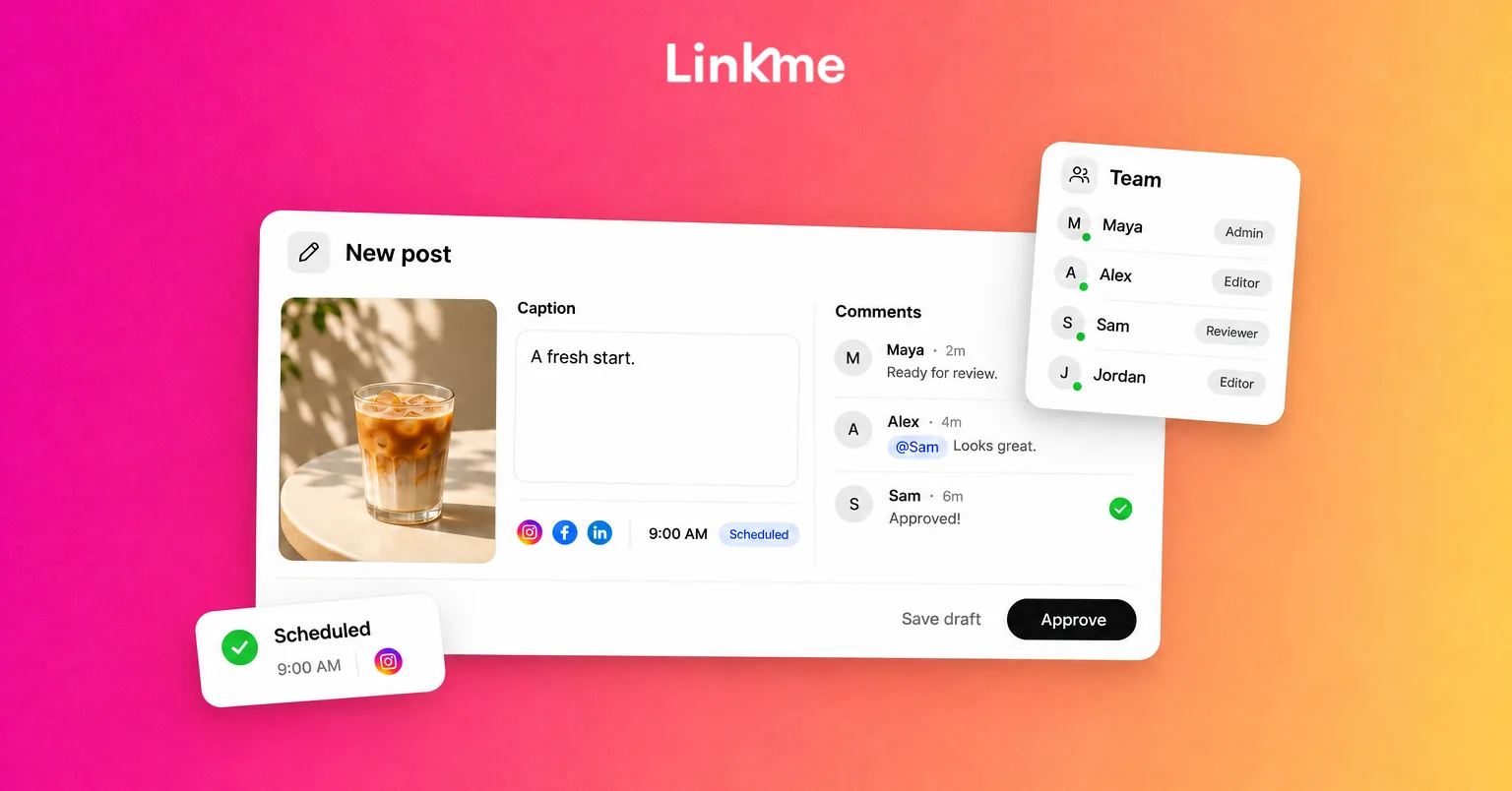
- Specific Users Access for managers who run chosen locations. They get those pages’ profiles, Post to All, Automations and Leads, and nothing else.
- All Users Access for someone who should see every current and future location, such as a regional lead.
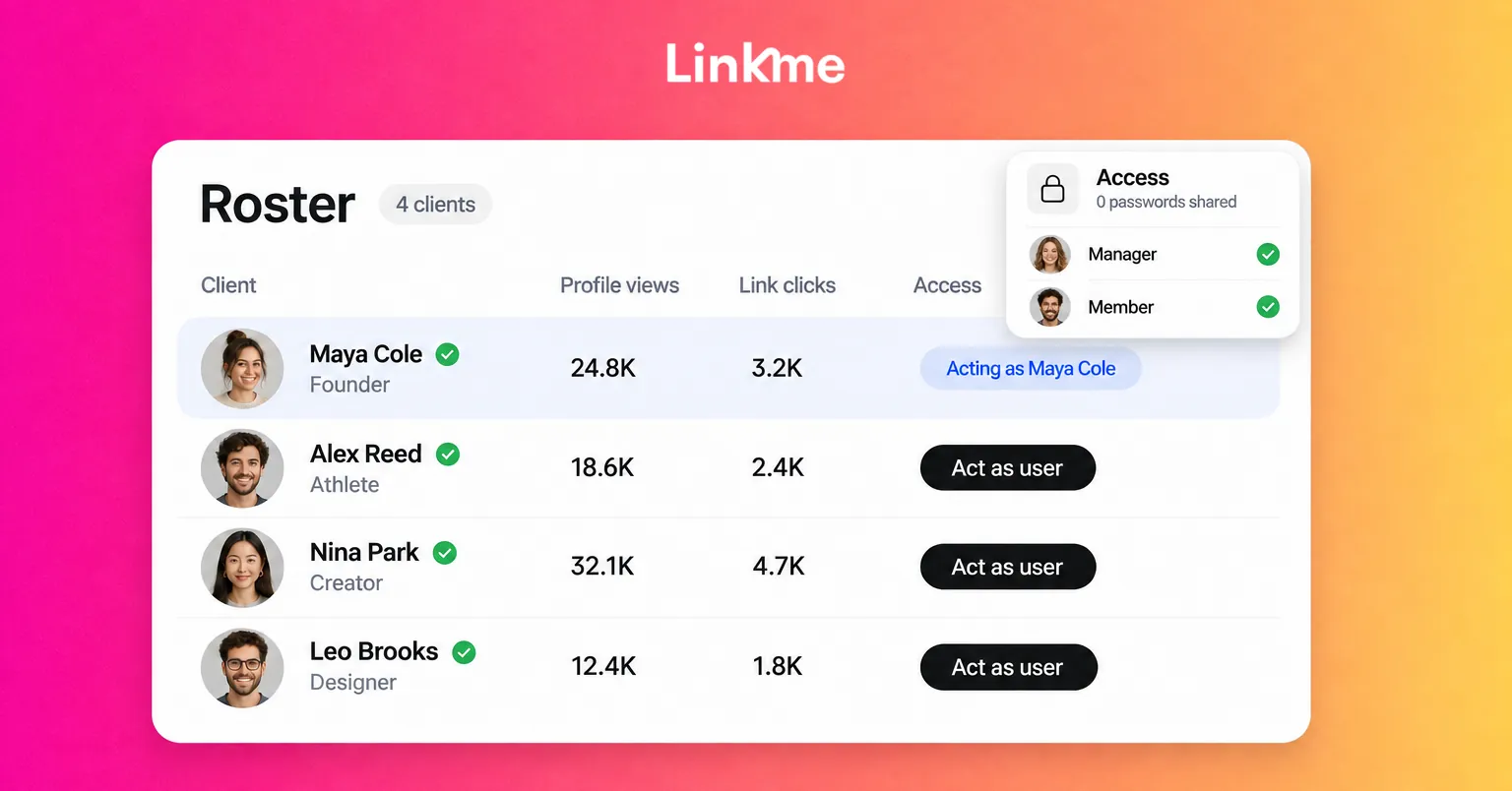
The Inbox and account administration stay with head office. Head office can also work on any location directly with Edit / Act as user and step back out to the group with Exit Acting Mode. The multi-location rollout guide walks through connecting accounts, inviting managers and assigning pages one location at a time.
Step 4: Decide what needs approval
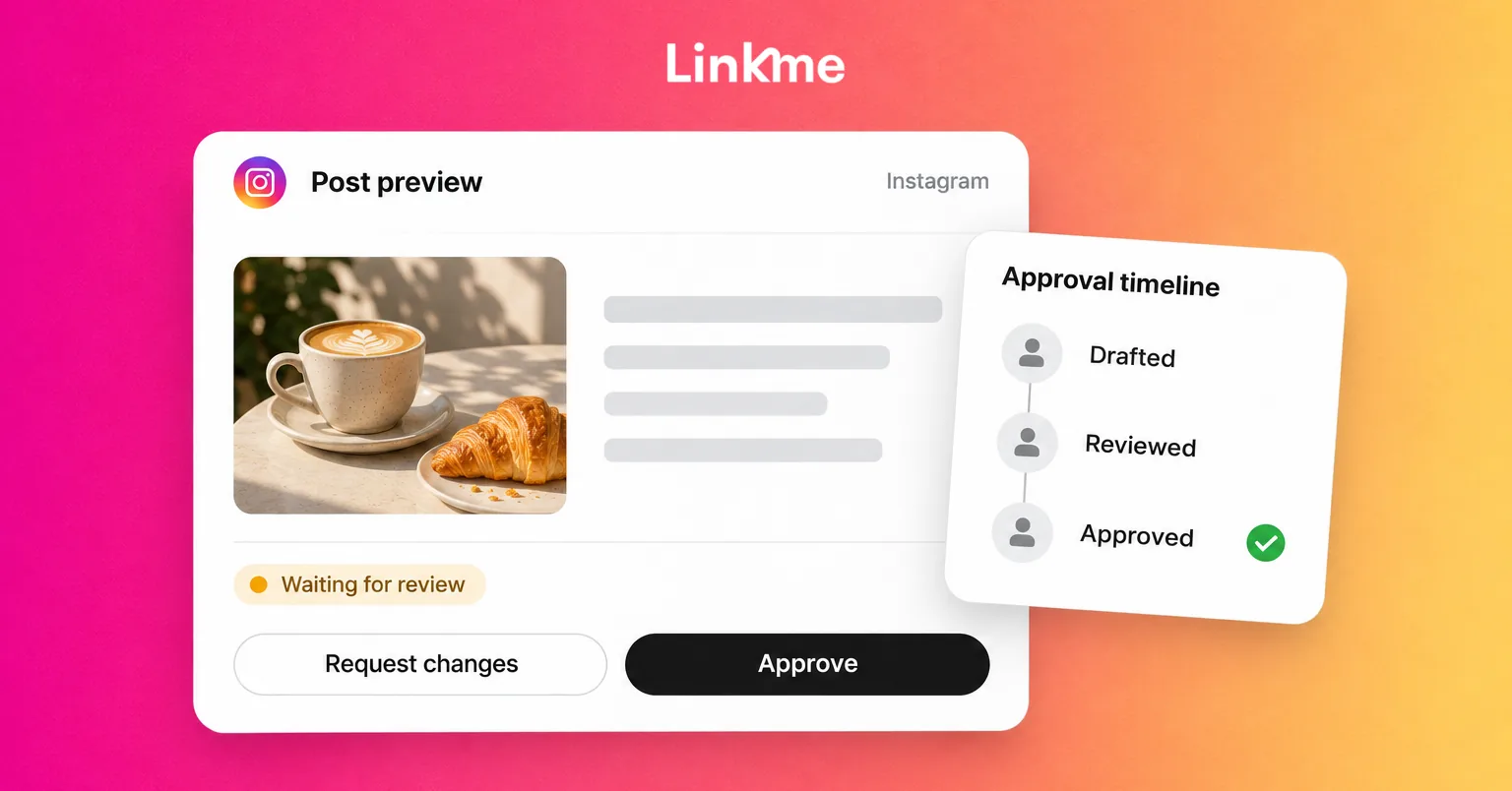
This is where you remove the head-office bottleneck without losing control. Keep local managers on the Manager role so their posts wait for an owner or admin to approve them, then relax that only where it makes sense.
| Post type | Who creates it | Approval |
|---|---|---|
| Brand campaigns and launches | Head office | Created centrally, sent to the chosen location accounts with Post to All |
| Local offers and prices | Location manager | Owner or admin approves |
| Daily updates: hours, specials, events tonight | Location manager | Publish without approval for trusted managers |
| Responses to complaints or news | Head office | Always reviewed |
Approval keeps the scheduled time, so a post signed off in time goes out when it was planned. Turn on Publish without approval for individual managers once they have a few weeks of approved posts behind them, and leave it off for new hires. If local posts start going out without the checks you expected, the usual cause is a manager with that permission switched on.
Run brand campaigns from the center
For campaigns that every location should carry, head office writes the post once and uses Post to All to publish it to every location account it picks, within the accounts your plan connects. Local managers then add their own detail, such as which day the offer runs at their venue, in separate posts. That keeps the brand message identical while leaving room for local relevance. The guide to franchise social media marketing covers coordinating campaigns across locations in more depth.
Step 5: Write down the split between head office and locations
Remote teams need written agreements more than co-located ones, because nobody can lean over and ask. A one-page split is enough:
Head office owns
- Brand guidelines and the campaign calendar
- Account ownership, access and offboarding
- Approvals for offers, prices and sensitive topics
- Comments and DMs in the shared inbox
- Monthly reporting
Each location owns
- Daily content capture: photos, short video, events
- Local posts within the agreed rules
- Keeping its page current: hours, menus, booking links
- Flagging issues to head office quickly
Review the split every quarter. As managers prove reliable, more moves to the locations.
Step 6: Report by page, not by screenshot
When locations post independently, you need a way to see how each one is doing without asking them to send numbers. In Linkme, every page has its own analytics, and Unified analytics ranks every page by profile views, link clicks and click rate over 7, 30 or 90 days. Reports by page add leads, posts published and a trend for each location, and export as a CSV. Reports by page are on AI Power Maxed and Enterprise.
Use the comparison to ask better questions rather than to rank managers:
- Which location’s page gets the most clicks per view, and what is on it?
- Which location published least last month, and is something blocking it?
- Which locations are collecting sign-ups, and which have no email form switched on?
Each location’s contacts stay on its own page, and its manager can export them as a CSV.
Common mistakes in remote social media operations
- Keeping one person as the only poster. It feels safe but makes every location wait.
- Giving every manager access to everything. Specific access per location limits the damage of a mistake.
- Approving everything forever. If routine updates still need sign-off after months, head office becomes the bottleneck again.
- Forgetting offboarding. Remove access on the day a manager leaves, not when someone notices.
- Reporting from memory. Use the same report, from the same tool, every month.
Frequently asked questions
What is a remote-first social media strategy?
It is an approach where the people closest to each location create and publish content, while head office controls access, approvals and reporting through shared tools. Nobody needs to be in the same office for posts to go out on time and on brand.
How do you run social media for multiple locations?
Give each location its own page and connected accounts under one business login, give each manager access to only their locations, decide which posts need approval, and compare locations with reports by page.
Should local managers be able to post without approval?
For routine updates, often yes, once they have shown they follow the guidelines. Keep offers, prices and sensitive topics on approval. Grant the permission per person so you can adjust it without changing everyone’s access.
How do we keep the brand consistent across locations?
Run brand campaigns centrally and publish them to the chosen location accounts in one post, publish written guidelines, and approve anything that touches offers or prices. Let locations add local detail in their own posts.
If you are moving several venues onto one way of working, Linkme’s Multi-location tools hold every page, manager and report in one account. Book a demo and we will walk through it with your locations.