Networking Strategies for Businesses at Trade Shows and Events
Turn booth visits into contacts you can follow up: set a goal, print a QR code to a short form, train staff on a two-minute conversation and email within a day.
On this page
The best networking strategies for businesses at trade shows and local events are built around one simple flow: a reason to stop, a quick way to leave details, and a follow-up that arrives while the conversation is still fresh. Handing out brochures and collecting cards in a bowl rarely gets you there. This guide shows how to plan a booth or event presence around a QR code, a short sign-up form and a follow-up email, so the people you meet turn into contacts you can actually work with.
Start with the goal, not the booth
Most event budgets go on the stand, the printing and the travel. The part that decides whether the event was worth it, capturing and following up with the right people, gets planned last. Turn that around.
Pick one primary goal:
| Goal | What counts as success | What the booth needs |
|---|---|---|
| Book meetings or demos | Meetings booked during or after the event | A booking link and a form that asks about timing |
| Grow a list of prospects | Qualified sign-ups with a stated need | A form with one qualifying question |
| Launch a product | Sign-ups for early access or a launch offer | A clear offer and an email sign-up |
| Build local awareness | Followers and sign-ups from the area | Social links and an offer for locals |
Write the goal on the event brief and share it with everyone staffing the booth. It decides what goes on the sign, what staff say and what you send afterward.
Event networking for business: before the event
Build the page visitors land on
When someone scans your code, they should see what this event is about immediately, not your whole website. On a Linkme page with its own QR code, put the event at the top:
- The event offer as a Big featured link: a show discount, a price list, a demo booking link.
- A sign-up form directly under it.
- Two or three proof points: a product video, a customer story, your Google Reviews section if you have it switched on.
- Your socials, so people who are not ready to buy can still follow.
With the link scheduler (on Plus and Pro), give the event link a start and end date and time. It goes live on the morning of the show, counts down on your page while it runs and comes off when the event closes, so nobody has to remember to remove it.
Build a short form for the event
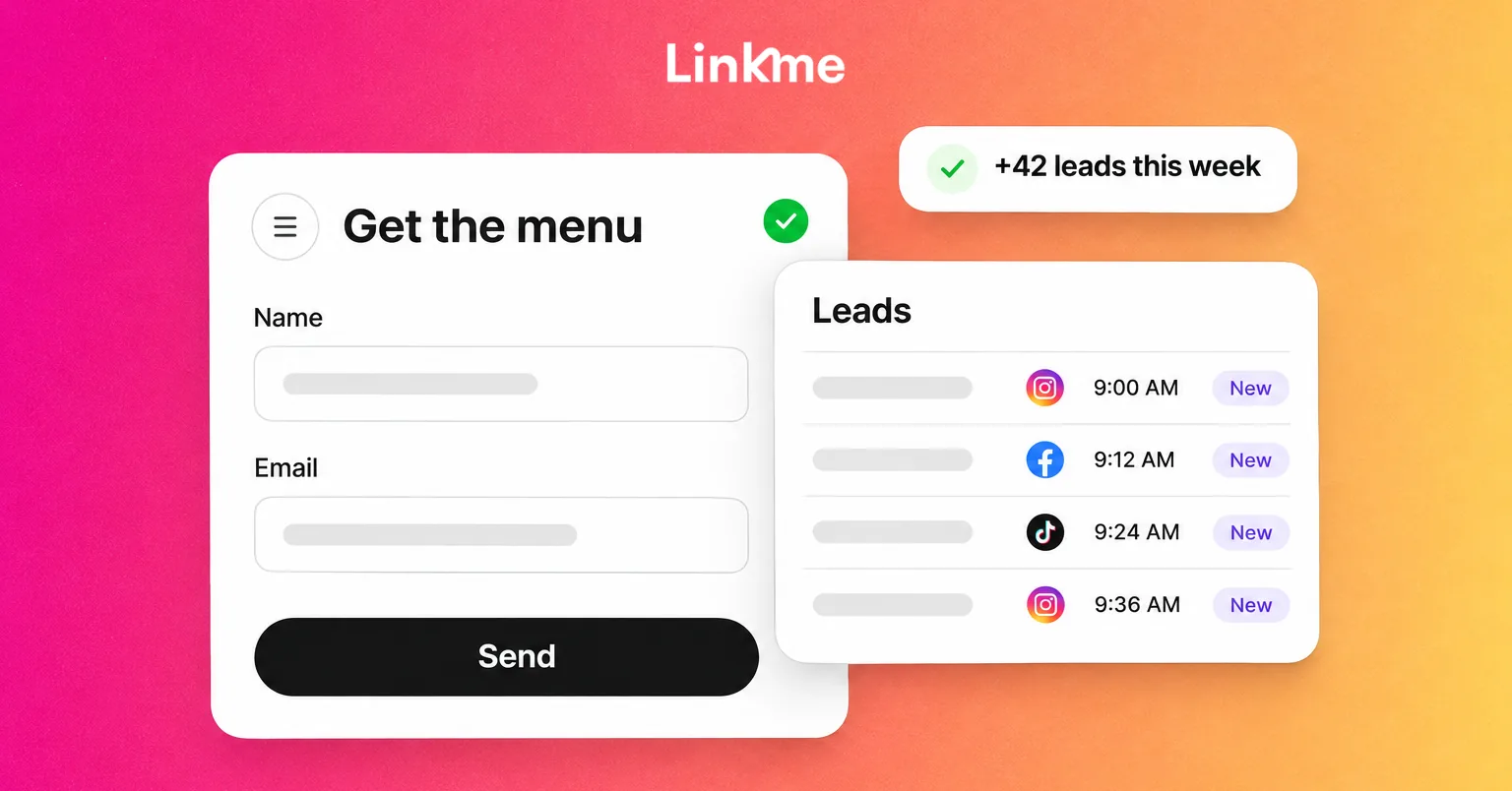
A form is what turns a scan into a lead. In Linkme, you build a form in the page editor with Text, Email and Mobile fields, each one Required or not. Keep it short:
- Name (text)
- Email (required)
- Mobile (optional, unless you will call)
- One qualifying question (text), such as “What are you looking for?” or “How many locations do you run?”
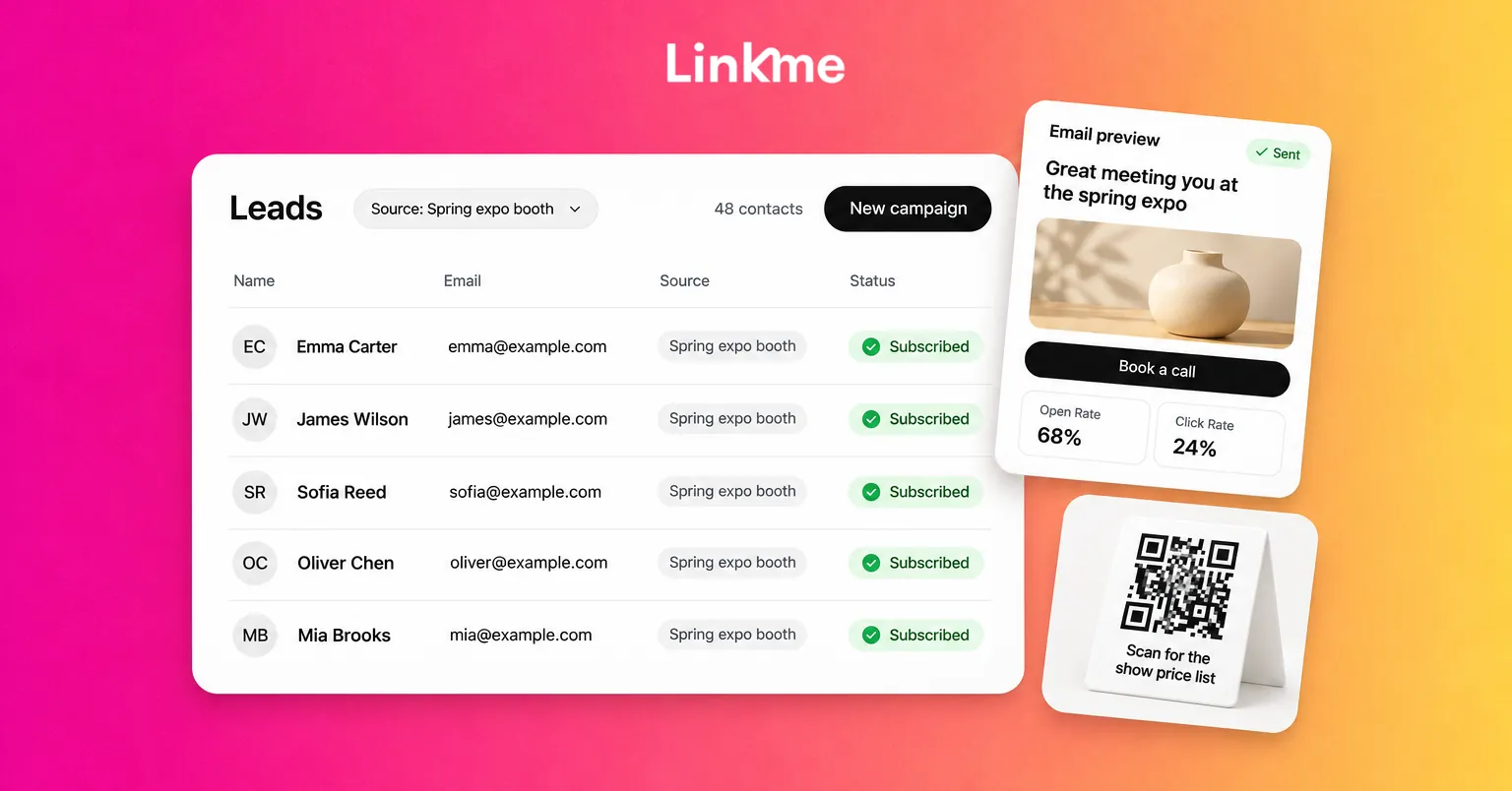
Name the form after the event, for example “Spring expo booth.” With Add submitters to my leads switched on, everyone who fills it in lands in Leads with that form’s name as their source, and every answer is kept in Form Submissions. After the event, you can filter Leads by that source and see exactly who came from the show.
Test it and print it
Download the QR code as a PNG from Your QR Code in the dashboard. Scan it from two different phones, fill in the form and confirm the test entry appears in Leads. Then print it where people actually look:
- At eye level on the back wall of the stand
- On a small table stand next to the demo
- On staff badges or lanyards
- On any handout you still use, so paper leads somewhere current
Every page has one QR code that always opens the live page, so you can keep editing the offer after printing. If you run several events at once and want them kept apart, a Business account can run a separate page for each, since every page has its own code and its own leads.
Trade show lead capture at the booth
Give people a reason to scan
“Scan to learn more” does not work. Tell people what they get: “Scan for the show price list,” “Scan to book a 15-minute demo,” “Scan for 20% off this week.” The offer on the sign should match the link at the top of the page.
Train staff on a two-minute conversation
A short script keeps staff consistent and stops them from collecting contacts nobody can use:
- Open with a question: “What brought you to the show?”
- Listen for a need, then explain the one thing you do that fits it.
- Invite the scan with a reason: “Pop your details in and I’ll send you the pricing for your size of team.”
- Confirm what happens next: “You’ll get it from us by tomorrow.”
Have staff stand to one side of the stand, not behind a table, and keep phones out of their hands when nobody is visiting.
Respect consent
Only email people who chose to leave their details, and only about what they signed up for. Every Linkme campaign carries an unsubscribe link that is added automatically, and anyone who unsubscribes is left out of later campaigns. Check your other obligations too; in the US, the FTC’s CAN-SPAM guidance requires commercial email to include a valid postal address and to honor opt-outs within 10 business days.
Follow up email after the event
The follow-up is where most event leads are lost. Send it within a day, while people still remember your stand.
Write one email for the group
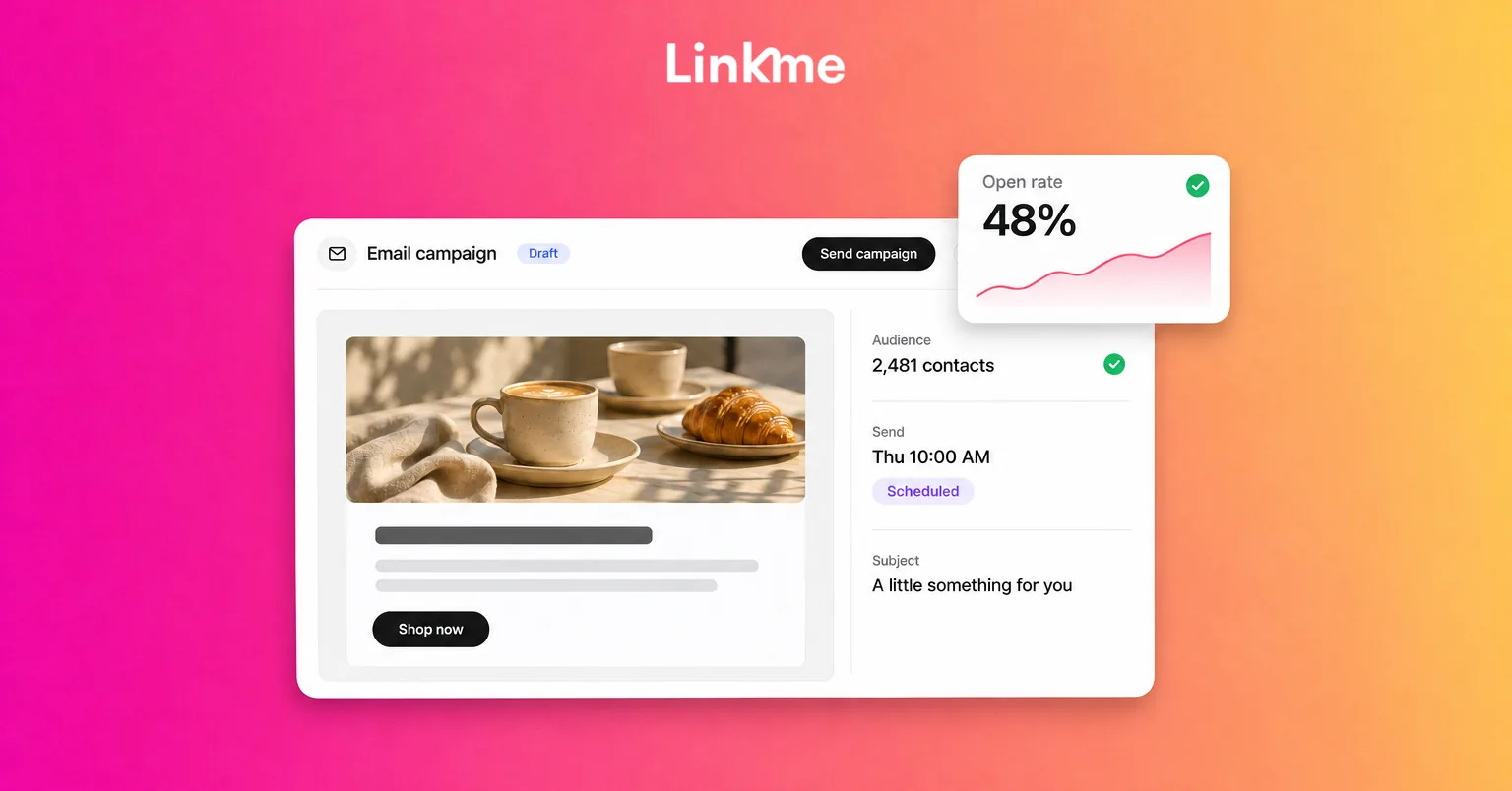
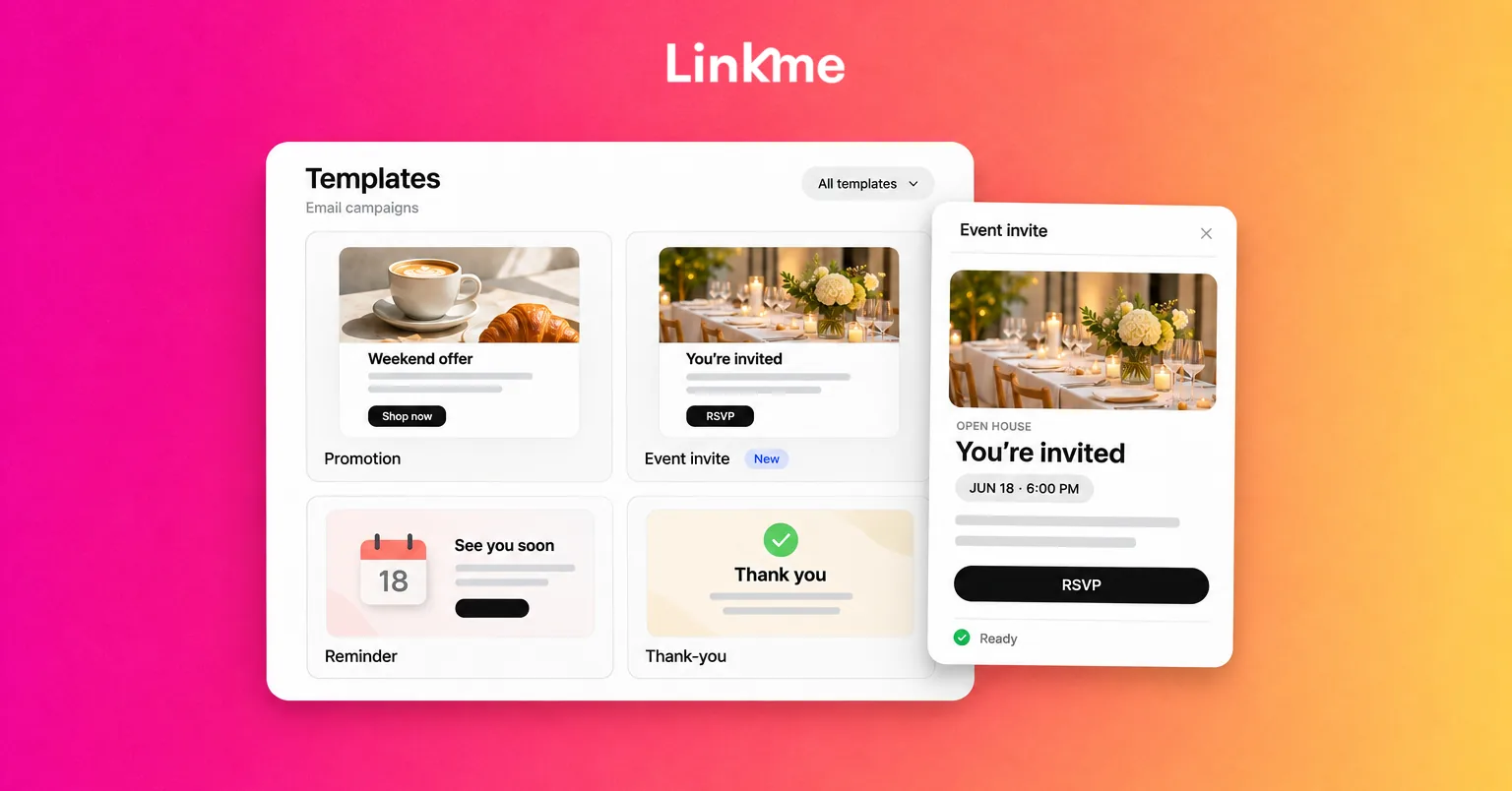
In Leads, filter by the event form’s source and start a new campaign to those contacts. Linkme email campaigns start from 27 templates, fill in each contact’s first name, and show Open Rate and Click Rate on every send. A good post-event email has:
- A subject that names the event: “Great meeting you at the spring expo”
- One line of context: what you showed or talked about
- What you promised: the price list, the offer code, the video
- One next step: book a call, claim the offer before a date
Campaigns send the moment you press send, and there is no automatic sequence, so put a person and a time on the plan: “Sam sends the follow-up Thursday at 10 a.m.”
Reach out individually to the best leads
Use the qualifying answers in Form Submissions to pick the people worth a personal message, then open each contact and use Email this lead. For larger sales processes, export the filtered list as a CSV and import it into your CRM so the sales team can work through it.
Measure what the event brought in
A week after the event, compare:
- Sign-ups from the event form against your goal
- Profile views and link clicks on the event days against a normal week; each scan opens your page and counts as a profile view
- Opens and clicks on the follow-up email
- Meetings booked or sales, from your calendar or CRM
Divide the event’s total cost by qualified sign-ups to get a cost per lead you can compare with other channels. For a wider look at turning social and event interest into qualified leads, see the guide to social media lead generation.
Frequently asked questions
What are the best networking strategies for businesses at trade shows?
Set one goal, give visitors a clear reason to scan a QR code, capture their details with a short form, and follow up within a day with exactly what you promised. Train booth staff on a short, consistent conversation.
How do you capture leads at a trade show without a badge scanner?
Print a QR code that opens a page with a short sign-up form. Visitors fill it in on their own phone, and their details land in your contact list with the event form as the source.
How soon should you follow up after an event?
Within a day. Name the event, deliver what you promised and suggest one next step. Personal follow-ups to the most promising leads can go out the same day.
What should a trade show lead form ask?
Name, email, an optional phone number and one qualifying question about the visitor’s need or size. Every extra field lowers the number of people who finish it, so only ask what you will use.
If you exhibit regularly, one Linkme page with a form, a printed QR code and a follow-up campaign covers the whole flow from booth to inbox. Book a demo to see it set up for your next event.