The Secret Linkme Hack: Comment Keyword DMs That Send Your Link
The old invite hack is gone. The one worth using now is a comment keyword DM: a follower comments a word and gets a public reply plus your link in their DMs.
On this page
- Key takeaways
- What the “hack” actually does
- How to set up a comment keyword DM
- Choosing keywords people will actually type
- Writing replies that do not read like a script
- Know the limits before you build around it
- Answer the DMs people send you, too
- Measure what each keyword earns
- Frequently asked questions
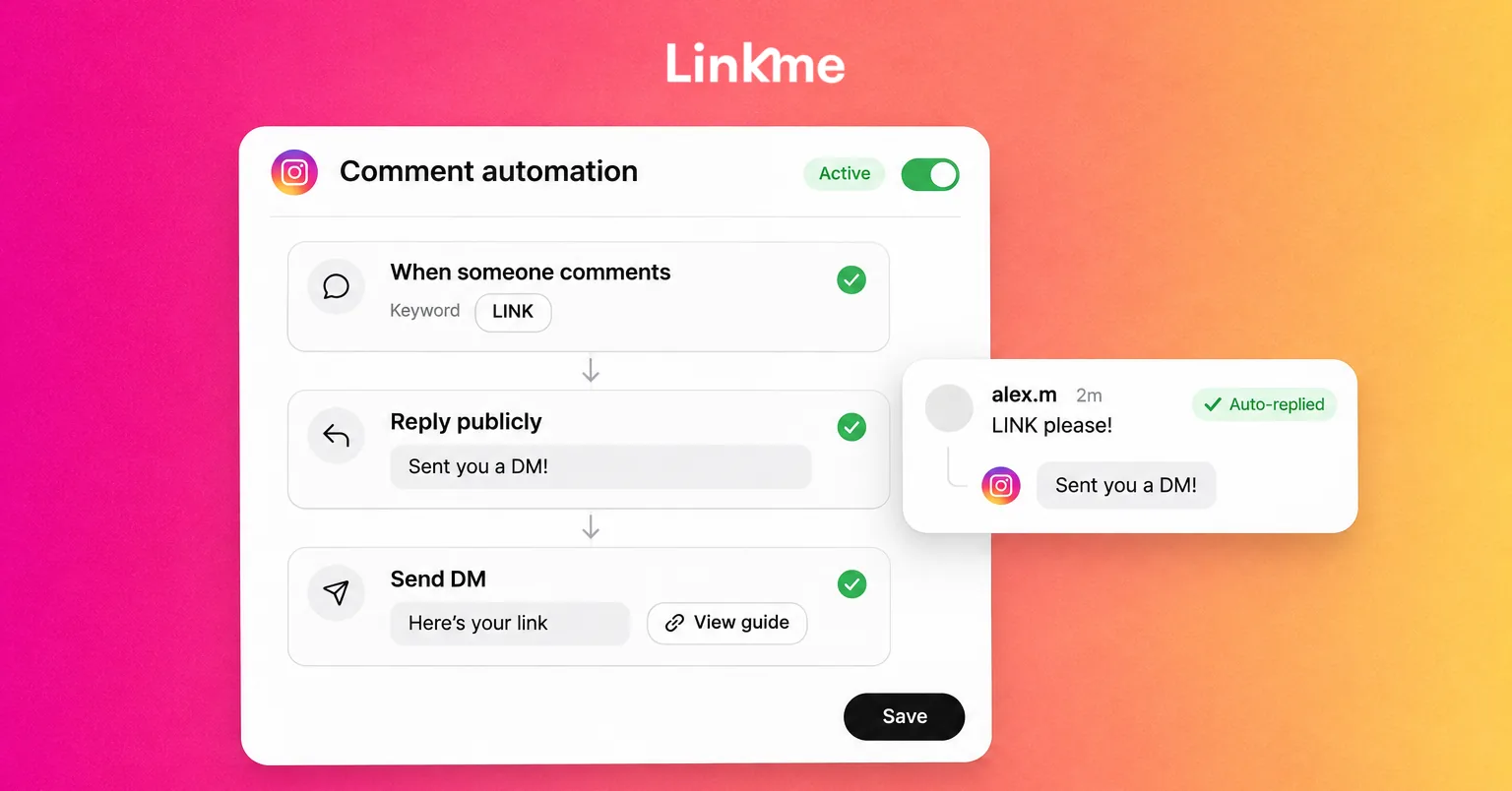
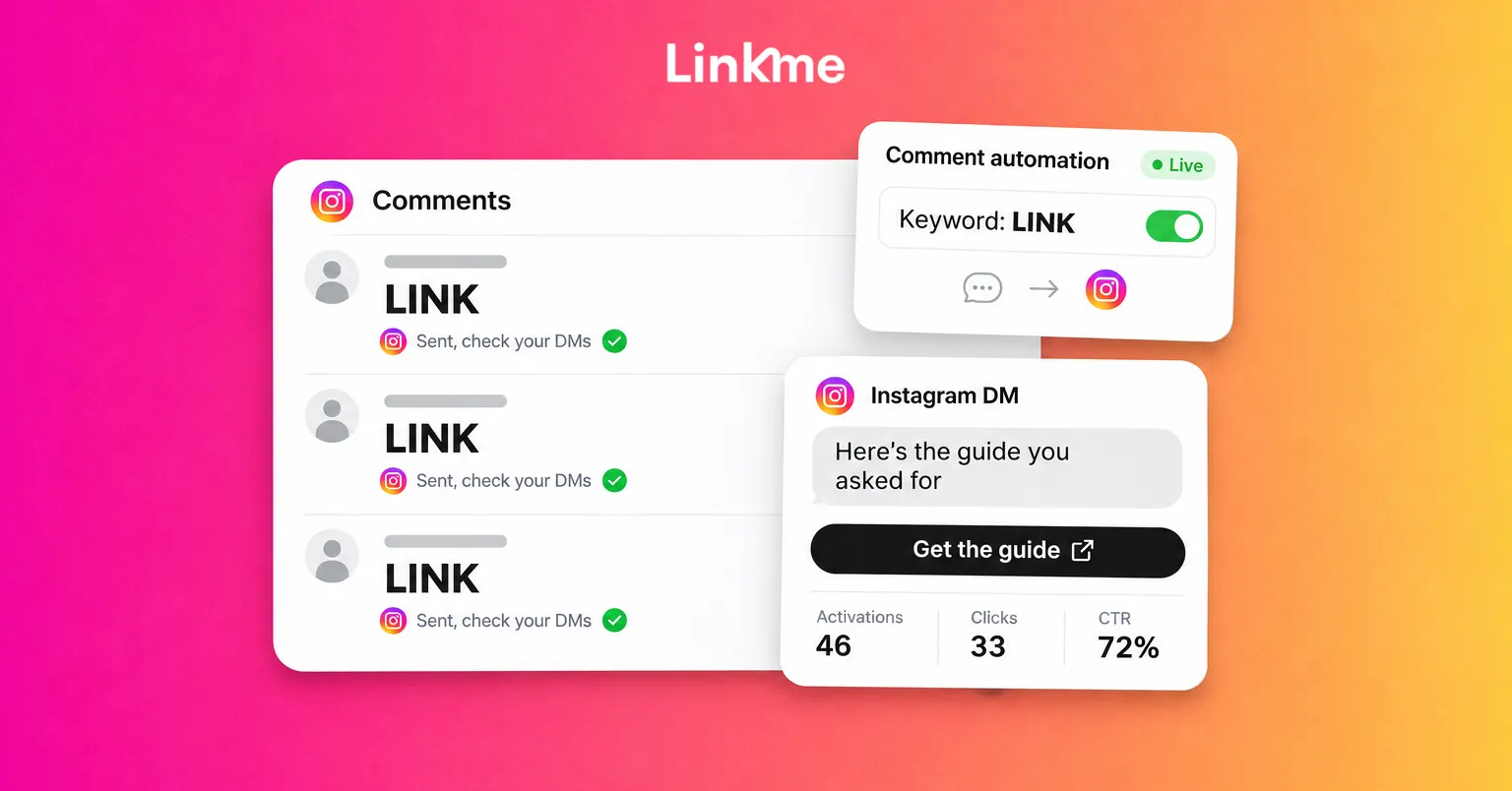
The secret Linkme hack used to be about invites. That program is gone, and the trick worth knowing now is a comment keyword DM: someone comments a word like LINK on your post, a public reply goes up under their comment, and a private message with your link lands in their DMs a moment later. It turns “link in bio” into a link delivered straight to the person who asked, and you set it up once.
What the “hack” actually does
A comment keyword DM is an automation that watches a post. When a comment matches your trigger, two things happen:
- A public reply appears under the comment, so other people scrolling see that asking works.
- A private DM goes to the commenter with the link you chose: a product, a booking page, a sign-up form, a download or your whole Linkme page.
This works because it removes steps. Without it, a follower has to leave the post, open your profile, tap the bio link and find the right item. With it, they type one word and the exact link arrives in their inbox, where they can find it again later.
Linkme DM Automations run on Instagram business and creator accounts and on Facebook Pages. Every Linkme plan can run them, the free one included, within that plan’s limits.
How to set up a comment keyword DM
The full walkthrough is in the DM Automations guide. In short:
1. Connect the account
You need an Instagram business or creator account, or a Facebook Page you manage. Connect it from the Automations page in your Linkme dashboard.
2. Choose the posts
Pick specific posts or reels, or choose any post or reel so the automation also covers what you publish later. Each post can belong to one automation at a time. A post already used by another automation is marked Assigned, so two automations never answer the same comment.
3. Set the trigger
Choose keywords, emoji or Any comment. Emoji count as keywords, so a 🎟️ can work like the word TICKETS. Any comment is useful for posts where every commenter wants the same thing, such as a tour announcement or a sale.
4. Write the public reply
Turn on the public reply and add up to five variations of up to 300 characters each. Linkme rotates through them so the thread does not show the same sentence twenty times.
5. Write the DM
The message can be up to 1,000 bytes, links included, and the counter shows what is left. Paste any link and give it a Title that says what it opens, or tap Use my bio link to send your Linkme page.
6. Set the timing and go live
Set a Comment Reply Delay and a DM Reply Delay anywhere from 1 second to 15 minutes. Linkme’s in-app advice is 30 to 90 seconds, which reads as natural and helps avoid looking like spam.
Choosing keywords people will actually type
The keyword is the whole interface, so it has to be obvious.
- Make it one word. LINK, MENU, TICKETS, GUIDE, SIZE. Two-word phrases get misspelled or split.
- Match it to the outcome. RESERVE for a booking page tells people what they will get. A vague word like YES tells them nothing.
- Say it everywhere in the post. Put it in the first line of the caption, on screen in the video, and in the voiceover if there is one: “Comment GUIDE and I’ll send it to you.”
- Avoid words people use anyway. A keyword like LOVE or WOW will fire on comments that were never requests.
- Use one keyword per offer. If a post has two offers, consider two posts. One post can only belong to one automation.
When most comments on a post are requests, Any comment is simpler. When the post also draws conversation, questions or praise, a keyword keeps the DM for people who asked for it.
Writing replies that do not read like a script
The public reply has two jobs: confirm that the DM is on its way and show other readers that commenting works. Keep each variation short and different in rhythm, not just in one word.
| Variation | Example |
|---|---|
| 1 | Sent, check your DMs. |
| 2 | Just messaged you the link. |
| 3 | On its way to your inbox now. |
| 4 | Done. Let me know if it doesn’t arrive. |
| 5 | Check your messages, it’s there. |
For the DM itself:
- Start by naming what they asked for: “Here’s the summer menu you asked about.”
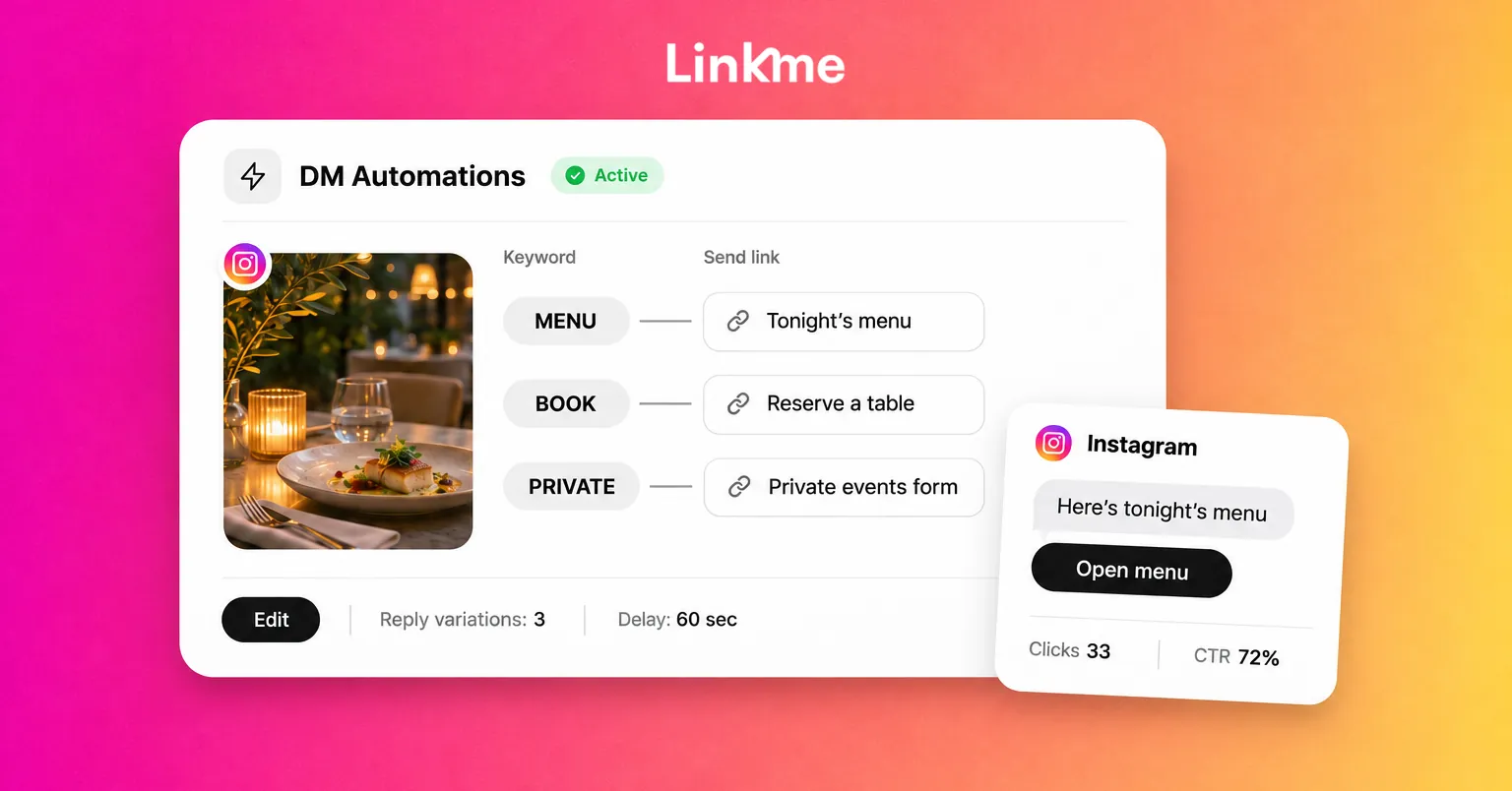
- Include one link, with a Title such as “See the menu” or “Book a table.”
- Add one line of context if it helps, such as an end date or a size tip.
- Leave out anything that belongs in a follow-up. A DM that reads like a newsletter gets ignored.
Know the limits before you build around it
Two sets of limits matter: Instagram’s and your plan’s.
Instagram’s rules. Meta’s documentation on private replies allows one message to the commenter, sent within seven days of the comment, and a follow-up only if the person replies, within 24 hours of their response. In Linkme, that comment DM carries one link. Link buttons, up to three, are for DM automations that answer a message someone sends you.
Your Linkme plan. Each plan sets how many automations you can run and how many people they can message. From the pricing page:
| Plan | Keyword automations | Any-comment automations | Contacts |
|---|---|---|---|
| Free | Up to 3 | Up to 4 | 100 a year |
| Plus | Up to 5 | Up to 10 | 1,000 a month |
| Pro | Unlimited | Unlimited | 100,000 a month |
Every Linkme Business package also includes DM Automations and Monthly Contacts. If you run out of contacts, you can buy more in bundles of 1,000, 5,000 or 10,000. Monthly Contacts in the app shows how many people your automations have messaged.
Answer the DMs people send you, too
The same idea works in the other direction. A DM automation replies to messages people send you, on a keyword or on any message. On Instagram it can attach up to three links as buttons, for example “Menu,” “Hours” and “Book.” With Any message, each person gets the automatic reply at most once every 24 hours, so a regular customer is not answered by a robot every time they write.
If you also handle messages by hand, the Social Inbox lets you pause the automation on one conversation, reply yourself and then resume it.
Measure what each keyword earns
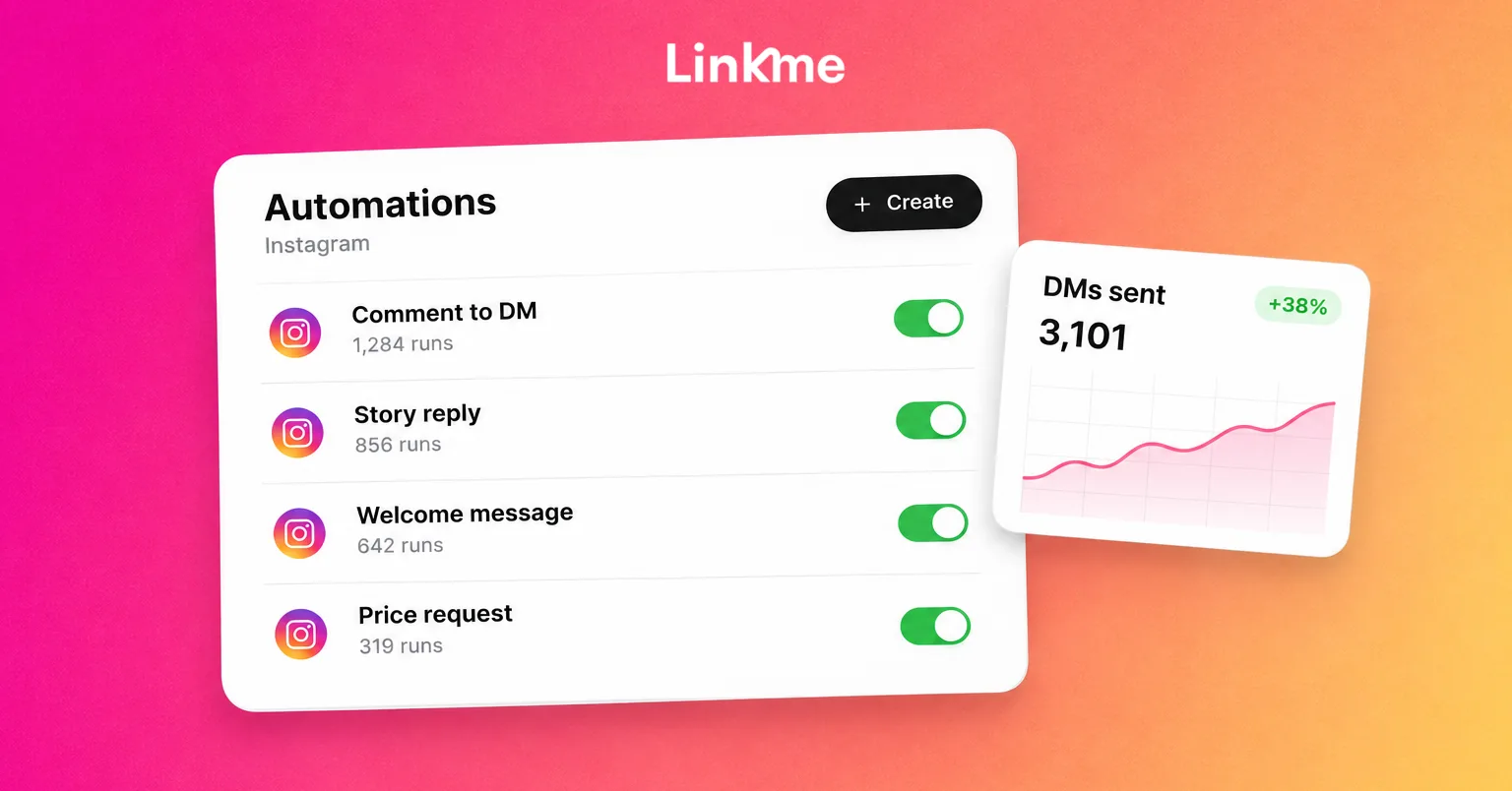
Every automation reports Activations, Clicks and click rate (CTR), with Clicks Over Time and a ranking of your top automations. Read them in this order:
- Activations tell you whether people used the keyword. Low numbers usually mean the keyword was not visible enough in the post.
- Clicks tell you whether the DM was worth opening. Many activations and few clicks point to a weak Title or the wrong link.
- CTR lets you compare automations of different sizes fairly.
Keep the automations that earn clicks, rewrite the ones that do not, and switch off the ones tied to offers that have ended.
For a deeper look at comment automation, including when to use a public reply only, read Instagram comment automation: how to automate replies and DMs.
Frequently asked questions
Is the Linkme invite hack still available?
No. The old invite rewards program has ended and there are no rewards for inviting friends. Linkme does run an invite-only ambassador program, which you can apply to join, but it is separate from anything described in older posts.
Do comment keyword DMs work on the free Linkme plan?
Yes. The free plan can run up to 3 keyword automations and up to 4 any-comment automations, with 100 contacts a year. Plus and Pro raise those limits, and Pro removes the cap on the number of automations.
Can the DM send a link other than my Linkme page?
Yes. Paste any link, such as a booking page, a product, a form or a ticket page, and add a Title. Use my bio link sends your Linkme page in one tap. Linkme counts the clicks either way.
Will automated replies get my account flagged?
Use the reply delays, write several public reply variations and only send what people asked for. Linkme’s suggested delay is 30 to 90 seconds, and any-message replies reach each person at most once every 24 hours.
Set up your first keyword on a post that already gets questions in the comments. That is where an automatic answer saves the most time. You can start on the free plan from DM Automations.