Where to Share Your Linkme Page, and How to See What Works
Eight places to share your Linkme page, from bios and story link stickers to email signatures and a printed QR code, and how to use Traffic Sources to see which ones bring visits.
On this page
A link page only works if people find it. The best places to share your Linkme page are the ones your audience already looks at: your bio on every network, Instagram story link stickers, your email signature, the replies you send in DMs, YouTube descriptions and a printed QR code wherever you meet people in person. This guide covers each placement, what to write next to the link, and how to use your analytics to see which ones actually bring visits.
Start with a page worth sharing
Before you spread the link, spend ten minutes on what people see when they arrive. Put the one thing you most want visitors to do at the top, keep labels short and specific (“Book a table,” not “Click here”), and remove links you no longer update.
A Linkme page lives at link.me/yourname. You can add featured links in different sizes, your social accounts, events, a video feed, a gallery, contact info and sign-up forms, and drag sections into the order you want. The Pages & QR feature page shows what a page can hold.
Where to share your Linkme page
1. Your bio on every network
This is the obvious one, and the one most people do halfway. Add the same link to every profile you keep up:
- Instagram: Edit profile, then Links. Instagram allows several bio links; put your Linkme page first so it is the one shown under your bio.
- TikTok: the website field on your profile. TikTok only offers it to eligible accounts: personal accounts need to reach a follower minimum, and business accounts have their own route, so check Edit profile to see whether the field is available to you. Until then, write link.me/yourname in your bio text.
- YouTube: add it as a channel link, so it shows on your channel page.
- X, Threads and LinkedIn: the website field on your profile. On LinkedIn, add it to contact info as well.
Write a short reason above the link in bios that allow text: “Menu, hours and bookings below” tells people why to tap.
2. Instagram story link stickers
The link sticker lets anyone watching your story tap through to a URL, and you can edit the sticker text. Instagram says new accounts and accounts that repeatedly break its Community Guidelines may not have access. Use stories to point at something specific on your page: “New dates added, tap for tickets.” Save the best ones to a highlight so the link keeps working after 24 hours.
3. Pinned posts and comments
Pin a post that explains what your page offers, or pin a comment with the address on posts that tend to draw questions. On networks where links in posts are clickable, such as Facebook, X, Threads and LinkedIn, include the link directly.
4. YouTube descriptions
Put your Linkme page near the top of long-form video descriptions, before the “Show more” cut. YouTube’s help center notes that links in Shorts descriptions and comments are not clickable, so for Shorts, rely on your channel link and say the address out loud.
5. DMs and replies
Many people ask for your link directly: “Where do I buy this?” “Do you have a menu?” Save a reply with your page address so you can answer in one tap.
If those questions arrive as comments on Instagram or Facebook, a DM automation can do it for you: someone comments a keyword, gets a public reply, and receives a DM with your page. Use my bio link fills in your Linkme page in one tap.
6. Your email signature
Every email you send is a chance to share the page. Add one line under your name:
Jordan Lee, Owner, Harbor Coffee
Menu, hours and events: link.me/yourname
Keep it to one link. A row of social icons in a signature competes with itself; the page already holds every account.
7. Print, with your QR code
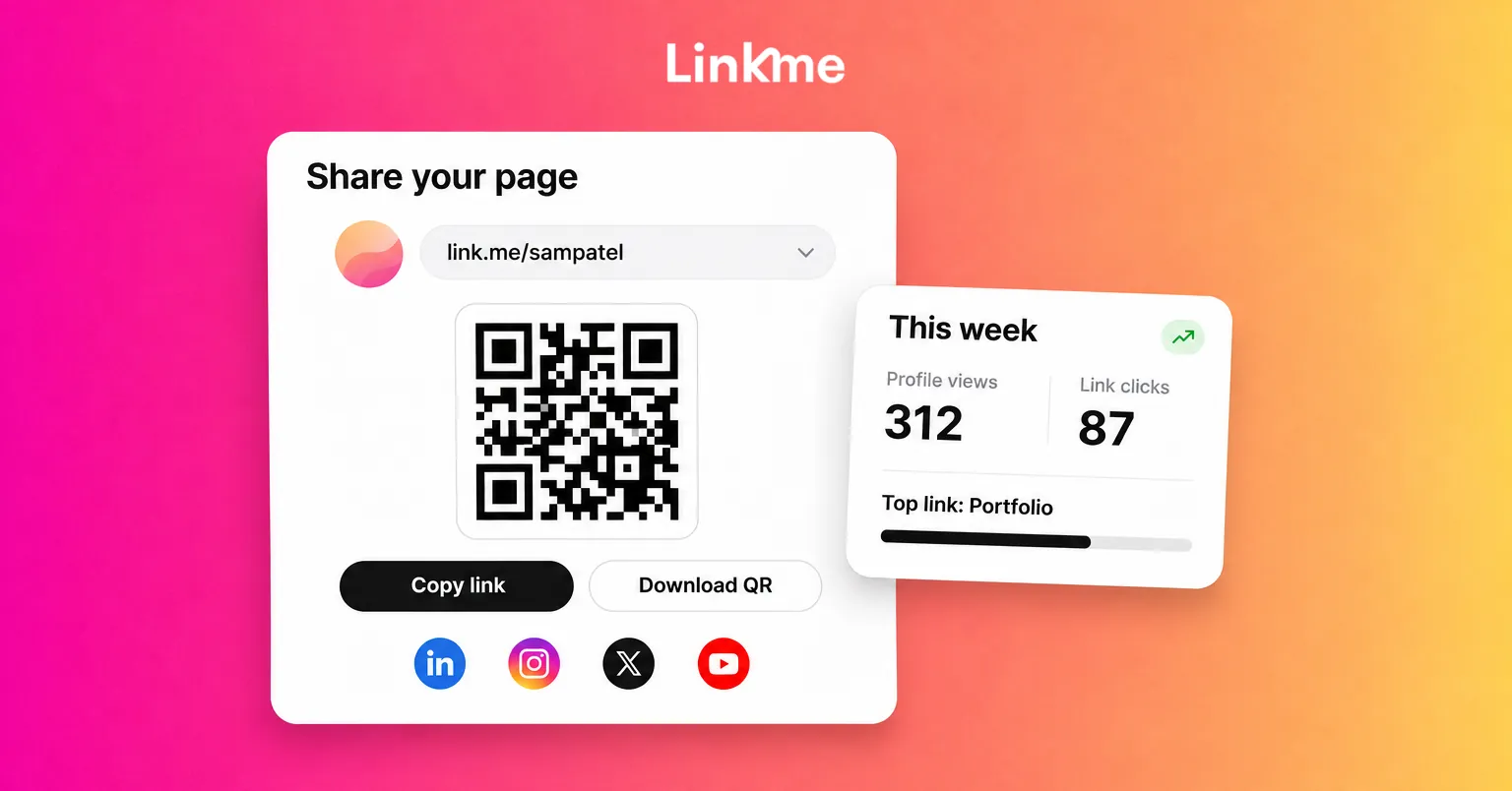
Every Linkme page has its own QR code. Open Your QR Code in the dashboard and press Download for a PNG ready to print. Because the code always opens your live page, you can print it once and keep editing the page.
Good places for it:
- Business cards and name badges
- Menus, table tents and receipts
- Shop windows, counters and packaging
- Event signage, merch tables and stage screens
- Flyers and posters
Add a reason to scan next to the code: “Scan for tonight’s set times” works better than a code on its own. Test it on two phones before printing a batch.
8. Everywhere else you already have a profile
Think about the places people look you up that are not social networks: a podcast feed, a marketplace profile, a speaker bio, a press kit, a newsletter footer. Each one that allows a link should carry the same address.
How to see which placements bring visits
Sharing everywhere is a start. Knowing which places work tells you where to put more effort.
Linkme Analytics reports on your page, not on your social accounts:
- Profile Views and Link Clicks for any date range, with every link’s own click count.
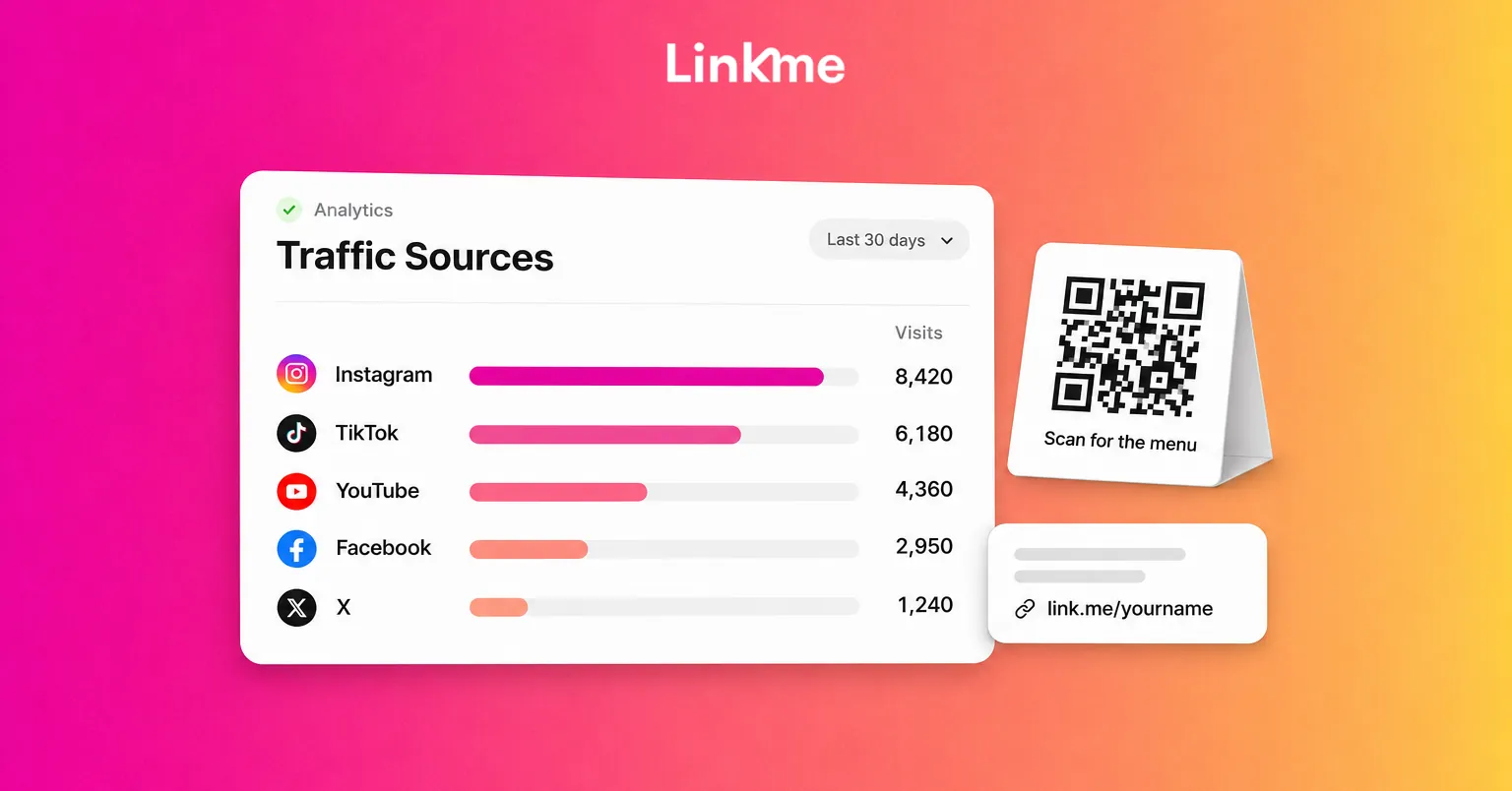
- Traffic Sources, which show where visits come from.
- Top Web Links, which rank the links people tap.
- Geographic Analytics, by country and city.
- Period Comparison against the previous period.
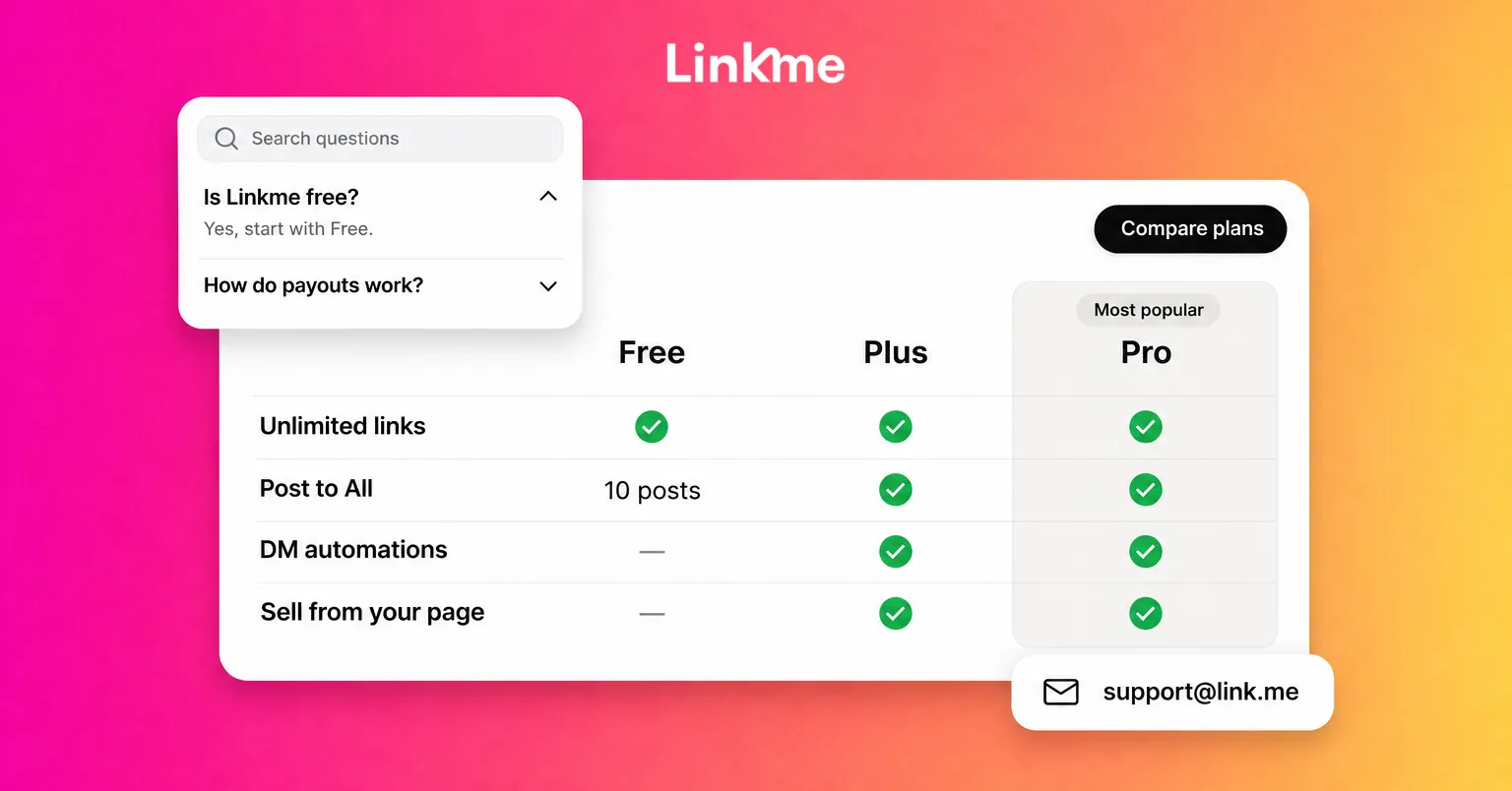
The free plan tracks visits and clicks. Plus adds the deeper views, and Pro adds real-time activity for the last 30 minutes. The Analytics guide walks through each screen.
Read the numbers in context
- Compare before and after. Add your page to a new placement, such as your email signature, then compare the next two weeks with the two before.
- QR scans count as visits. Linkme does not report scans as a separate number; each scan is a visit counted in your profile views. To judge a printed piece, look at visits from the place and period it was out, alongside city data if the print was local.
- Match the source to the link. If most visits come from one network, check which links those visitors tap, and move the most-tapped one to the top.
- Remember the numbers are your page’s own. They will not match Instagram’s or TikTok’s insights, which count different things.
For campaigns where you need to separate sources more precisely, Attribution Links can send visitors from a given source, or with your own utm source, to a different URL for the same link.
Frequently asked questions
How do I find my Linkme QR code?
Open Your QR Code from the top bar of your Linkme dashboard and press Download. You get a PNG ready for print. The code opens your live page, so edits show up without reprinting.
Can I put my Linkme page in my TikTok bio?
Yes, in the website field once your account is eligible. TikTok sets a follower minimum for personal accounts and handles business accounts separately, so check Edit profile for the field. Until it appears, write the address in your bio text.
Which traffic sources does Linkme show?
Linkme Analytics shows where visits to your page come from in Traffic Sources, along with views, clicks, locations and every link’s click count. The free plan covers visits and clicks; Plus and Pro add deeper views and real-time activity.
Should I use one link everywhere or a different one per network?
Use one address everywhere so people always find the same page and every visit counts toward one set of analytics. Traffic Sources shows where visits come from, so you can still compare placements without splitting your audience across pages.
Pick two placements you are not using yet, such as your email signature and a printed QR code, add your page to both this week, and check Traffic Sources in two weeks to see what changed.