Summer Social Media Ideas: A Seasonal Plan for Your Posts and Page
Summer content ideas by type, plus a simple season plan: anchor dates, seasonal links that go live and come off on their own, a QR code on summer signage and posts scheduled in one go.
On this page
Good summer social media ideas start from what actually changes for your audience in summer: longer days, travel, outdoor events, school breaks and different opening hours. Plan the season in one pass instead of week by week. Pick your key dates, draft the posts, schedule the seasonal links on your page to go live and come off on time, and put a QR code on the signs people will walk past. This guide gives you content ideas by type, a simple season plan and the setup that keeps it running while you are busy.
Map the season before you write a post
Summer content falls apart when it is planned a week at a time. Spend an hour mapping the whole season on one page.
- List fixed dates. National holidays, school breaks, local festivals, home games, your own events and launches. In the US, summer usually runs from Memorial Day to Labor Day, with the Fourth of July in the middle. If your audience is in the southern hemisphere, your summer runs from December to February.
- List what changes for you. Extended or reduced hours, a patio opening, a summer menu, a seasonal product, a sale, staff on vacation.
- Pick three to five anchors. These are the moments you will build a short campaign around. Everything else is regular posting.
- Set end dates. Every summer offer and event link needs a date it comes down.
A social media campaign template helps if any anchor has an offer, a sign-up or a report attached.
Summer social media ideas by content type
Use these as a menu, not a checklist. Pick the ones that fit your brand and your capacity.
Behind the scenes
- Opening the patio, pool or terrace for the season.
- Prepping the summer menu or a seasonal product line.
- The team getting ready for a big event weekend.
- A day in the life on the hottest day of the year.
Local and practical
- A guide to your neighborhood in summer: where to park, where to eat, what is on this week.
- Summer hours, posted clearly and pinned.
- Heat tips relevant to your business: hydration for a gym, sunscreen for a beach shop, cold-brew for a café.
- A weekend roundup every Thursday or Friday.
Community and customers
- Reposting customer photos, with permission and credit.
- A poll on summer favorites: flavors, playlists, destinations.
- A “where are you reading this from” prompt for brands with traveling audiences.
- Featuring staff picks or summer recommendations.
Offers and events
- Countdown posts to a launch, sale or event.
- Event-day posts: setlists, schedules, wait times, sold-out notices.
- Last-chance reminders before an offer ends.
- A short recap with photos the day after.
Summer Instagram posts that tend to work
- Short vertical video of the setting: the patio at golden hour, the crowd at an event, the product in use outdoors.
- Carousels for guides and lists, such as “5 things to do near us this weekend.”
- Stories with a link sticker for anything time-sensitive, since they disappear when the moment passes.
Keep your page in season with scheduled links
The place summer campaigns most often go stale is the link in bio. The sale ended on Sunday; the link is still there on Wednesday.
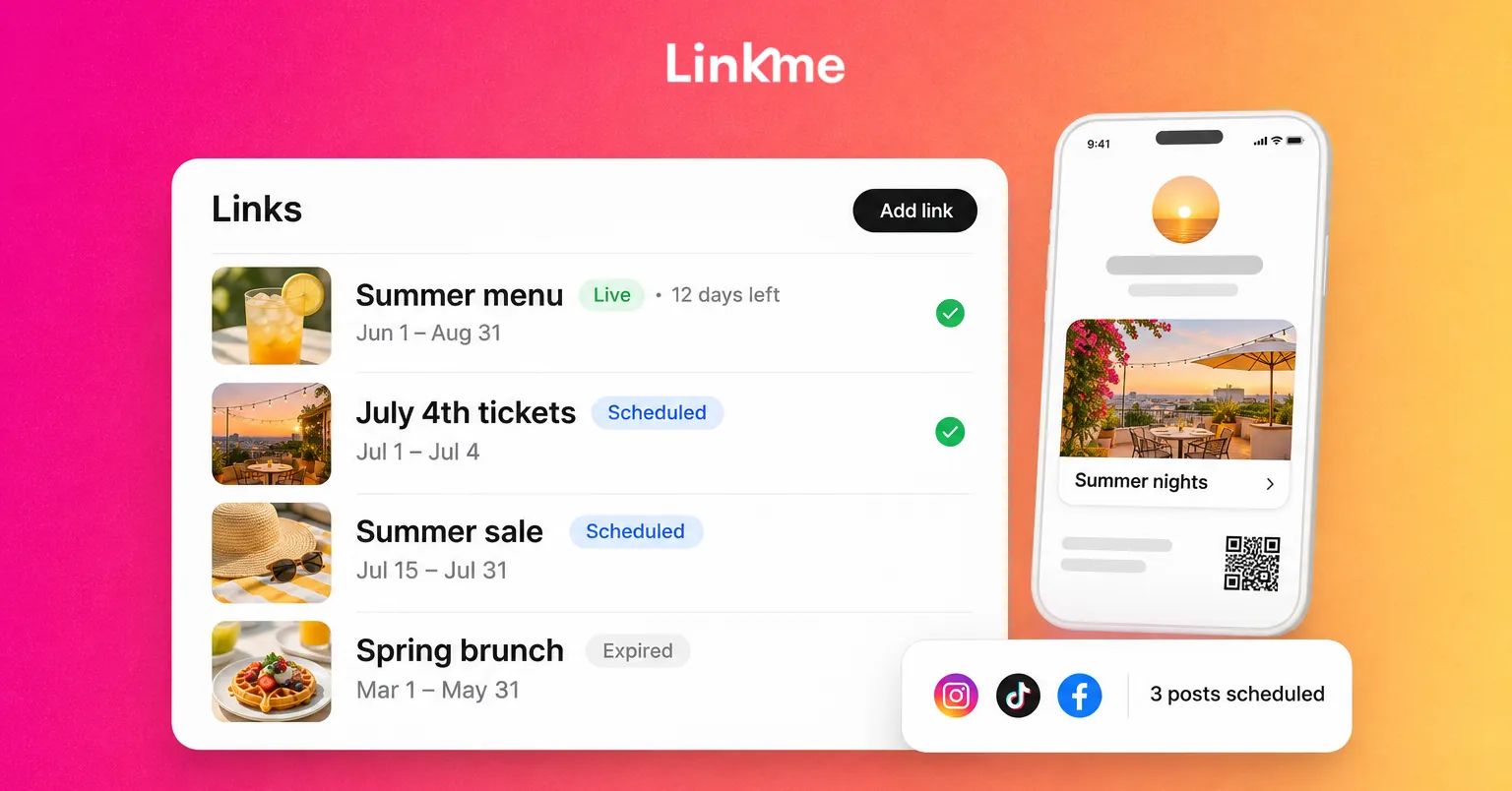
The Linkme link scheduler solves this. Give any link a start date and time and an end date and time. It goes live on its own, counts down on your page while it runs and comes off when the window closes. You can schedule as many links as you want, each with its own timing.
A simple summer setup:
| Link | Goes live | Comes off |
|---|---|---|
| Summer menu | First day of the summer menu | Last day of the summer menu |
| Fourth of July event tickets | When tickets go on sale | When the event starts |
| Summer sale | Sale start, 9:00 AM | Sale end, 11:59 PM |
| Back-to-school offer | Two weeks before school starts | First day of school |
The link scheduler is on Linkme Plus and Pro and on every Linkme Business seat. Add your summer events to the page’s events section as well, so visitors see dates without opening another site.
Put a QR code on summer signage
Summer means more people in person: patios, pools, festivals, markets, games. A QR code on your signage turns that foot traffic into page visits.
Every Linkme page has its own QR code. Because the code always opens your live page, you can print it in May and still show the right event in August. Download it from Your QR Code in the dashboard. The Pages & QR feature page shows how venues use it on directory signs and posters.
Where to put it:
- Table tents and menus on the patio.
- The entrance to a pool, beach club or rooftop.
- Booths, merch tables and stage screens at events.
- Window signs with summer hours.
- Flyers for a summer series or camp.
Write the reason next to the code: “Scan for this week’s events” or “Scan for the summer menu.” Each scan counts as a visit in your page’s profile views.
Schedule the summer campaign across networks in one go
Once the anchors and links are set, draft the posts for each anchor in one sitting: the announcement, a reminder, an event-day post and a recap. Then schedule them.
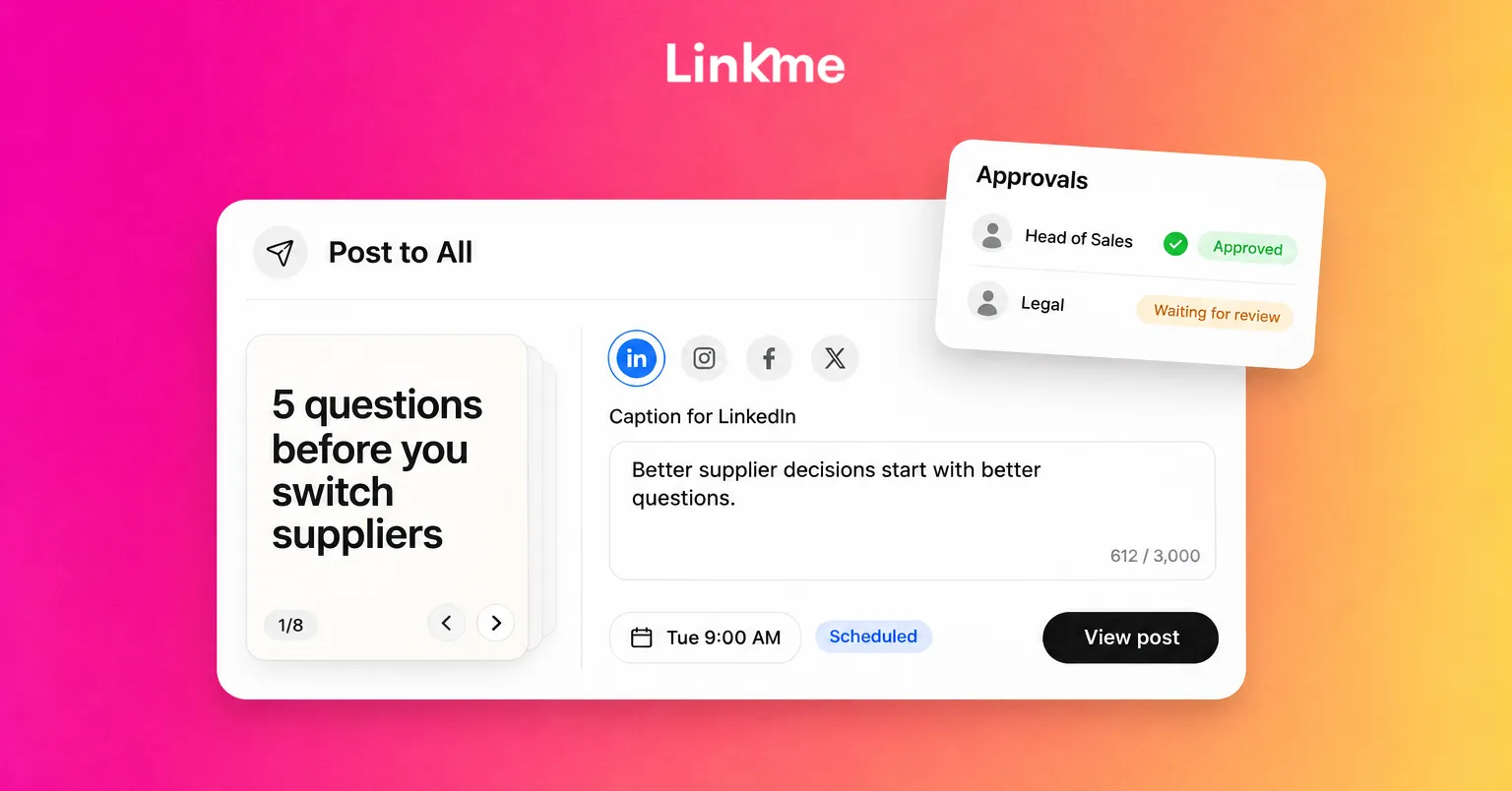
With Linkme Post to All, you upload a video, image or carousel once, write one caption or a caption per network, and schedule it to Instagram, TikTok, Facebook, YouTube, X, Threads and LinkedIn. Linkme Business adds Pinterest, Reddit, Bluesky, Telegram, Discord and Google Business Profile, so summer events and hours updates can reach your Google listing too. The calendar shows every scheduled post by day, week or month, and you can edit a scheduled post before it goes out.
A sample week for an anchor event:
- Monday: announcement post, link scheduled to go live on the page.
- Wednesday: behind-the-scenes video of preparation.
- Friday: reminder with the time and place, plus a story with a link sticker.
- Event day: live stories and a short video.
- Day after: recap carousel and thank-you; the event link comes off the page automatically.
Review weekly, not at the end of summer
Check once a week: which posts got the most saves and shares, which links on your page got the most clicks, and whether any scheduled post failed. Move the best-performing link to the top of your page and repeat the formats that worked for the next anchor.
Frequently asked questions
When should I start planning summer social media content?
Start four to six weeks before your first summer date. That leaves time to shoot photos and video, print signage with your QR code and schedule the first campaign before the season is busy.
How do I stop old summer links staying on my page?
Give each seasonal link an end date with a link scheduler. On Linkme, a scheduled link comes off your page automatically when its window closes, so a finished sale or event never lingers.
What are good summer social media ideas for a small business?
Post your summer hours, a local weekend guide, behind-the-scenes prep, customer photos and countdowns to any events or offers. Pick three to five anchor moments and keep regular posts simple between them.
How often should I post during summer?
Post at a pace you can sustain through the busiest weeks. Scheduling each anchor’s posts in advance keeps you consistent when you are short on time or staff.
Map your anchors this week, schedule the first set of links and posts, and get the QR code on your signs before the first busy weekend.