Social Media Crisis Management: A Plan for When Things Go Wrong
A practical social media crisis plan: how to judge severity, what to do in the first hour, holding statements you can adapt and how to review afterward.
On this page
Social media crisis management is the work of spotting a problem early, stopping your own channels from making it worse, responding clearly and learning from it afterward. The brands that handle a crisis well have usually decided in advance who makes the call, what gets paused, where comments and DMs are watched and who signs off on every public word.
This guide gives you that plan: how to judge severity, a first-hour checklist, holding statements you can adapt and a review process for afterward.
Is it a complaint, an issue or a crisis?
Not every angry comment is a crisis. Treating each one like an emergency wears out the team, and treating a real crisis like a routine complaint lets it grow. Agree on levels before you need them.
| Level | What it looks like | Who handles it | Response |
|---|---|---|---|
| 1. Complaint | One customer with a specific problem | Whoever is on the inbox | Reply, solve it, move it to DM if personal details are involved |
| 2. Issue | The same complaint from several people, or one post getting attention | Social lead plus the relevant manager | Shared answer, check for a cause, watch closely |
| 3. Crisis | Safety, legal or reputational risk, press interest, or a post spreading quickly | Named crisis owner and leadership | Full plan below |
Write your own examples under each level, such as a delivery delay at level 2 or a product safety report at level 3, so nobody has to guess under pressure.
Before anything happens: build the social media crisis plan
Name the roles
- Crisis owner: makes the final decisions and can pause anything.
- Fact checker: confirms what happened with operations, legal or the people involved.
- Writer: drafts statements and replies.
- Approver: signs off on every public word. This can be the crisis owner.
- Inbox lead: watches comments and DMs and flags new patterns.
In a small business one person may hold several roles. Write down a backup for each.
Secure your accounts
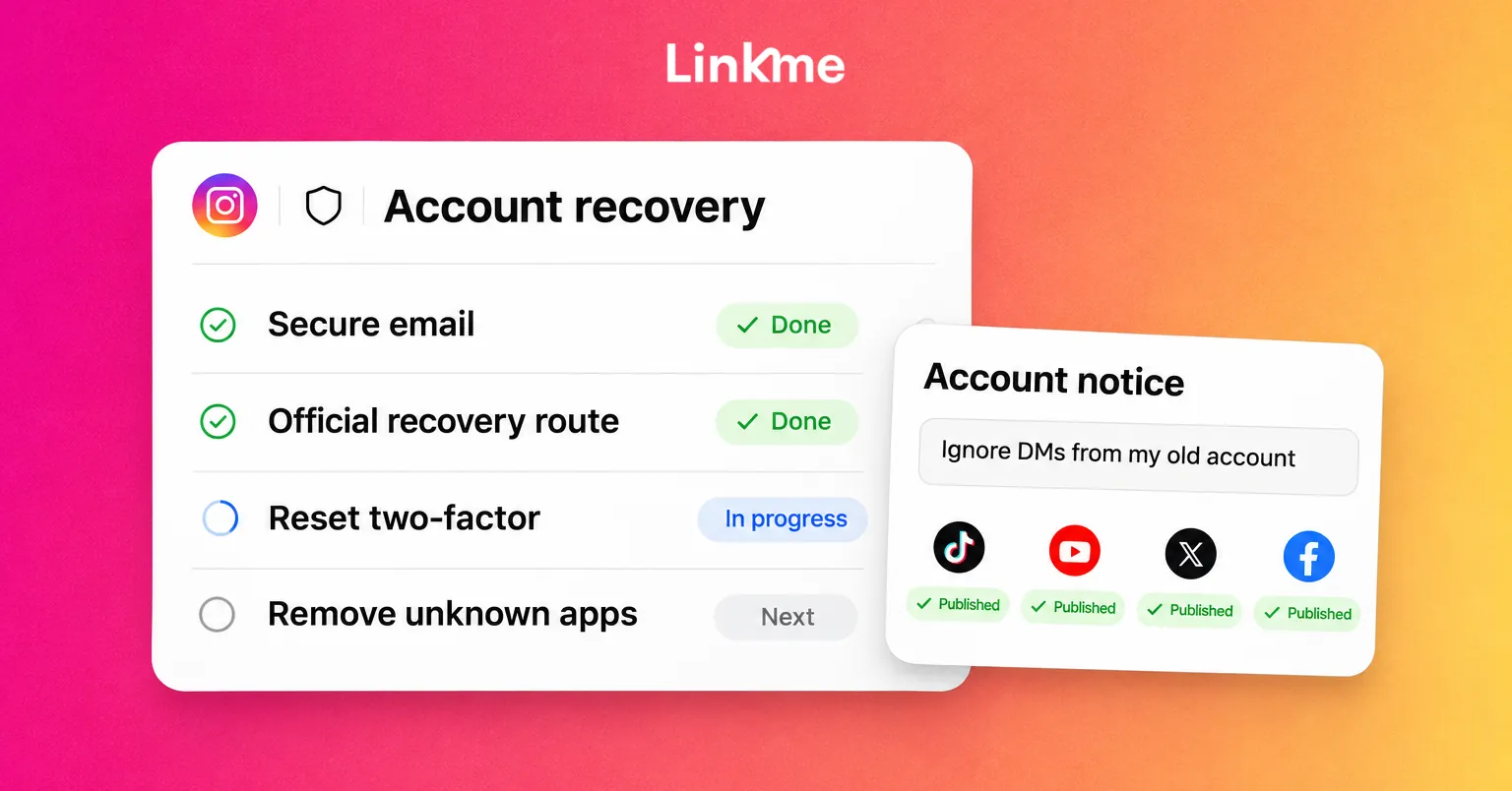
A crisis is a bad time to discover that a former employee still has the password. Give each person their own login instead of a shared one, turn on two-factor authentication and remove people who have left. On Linkme, owners and admins can see who has two-factor turned on and check an audit log of who changed what, and each person can review the devices signed in to their own login. Each person chooses which alerts reach them, such as Failed publishes and Review requests. Those controls are covered on the Ads, Team & Security page.
Prepare holding statements
A holding statement buys time without guessing. Prepare a few now and fill in the details later:
- “We’re aware of [issue] and are looking into it now. We’ll share an update here by [time].”
- “We’ve paused [service/product] while we investigate reports of [issue]. If you’re affected, please DM us so we can help directly.”
- “Thank you for raising this. We got this wrong, and here’s what we’re doing about it: [action].”
Keep the approved versions with your saved replies so the inbox team can use them word for word.
The first hour: a crisis checklist
- Confirm what happened. Screenshot the original post or comment and collect the facts you have.
- Pause what is already scheduled. Promotional posts, jokes and countdowns can land badly in the middle of a crisis.
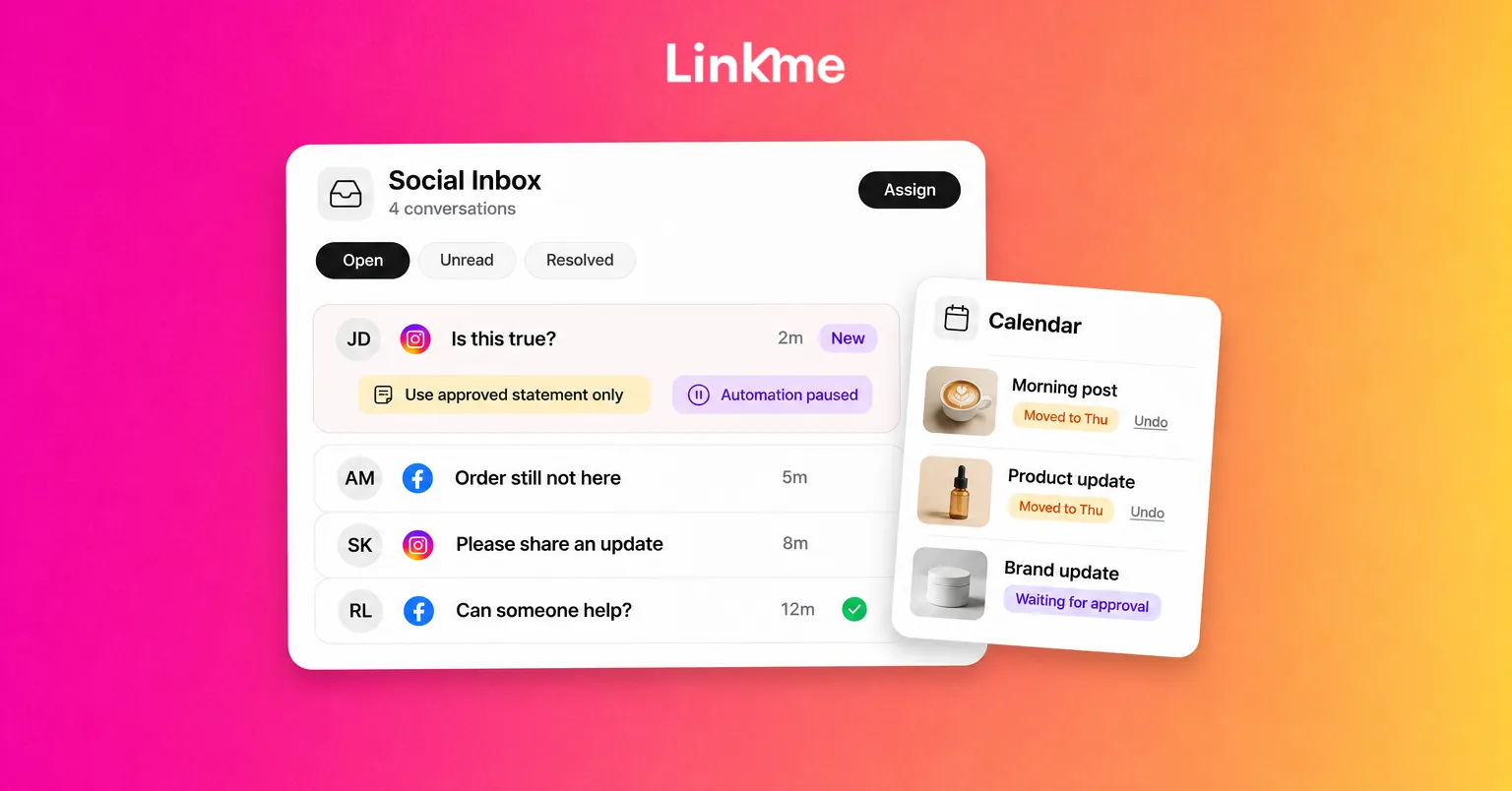
- Pause automations that could send the wrong message. An automated “Here’s 20% off” reply to someone asking “Is this true?” makes things worse.
- Watch comments and DMs in one place. You need to see the volume and the questions as they come in.
- Publish a holding statement, approved, on the channel where the issue started.
- Start a log of times, decisions and statements.
- Set the next update time and stick to it.
Pause scheduled posts
Open your publishing calendar and review everything due over the next few days. In Linkme, the calendar shows every scheduled post by day, week or month, with search and a platform filter, and you can edit or move a scheduled post before it goes out. Go through it post by post. Something harmless last week can read very differently today.
Watch comments and DMs in one inbox
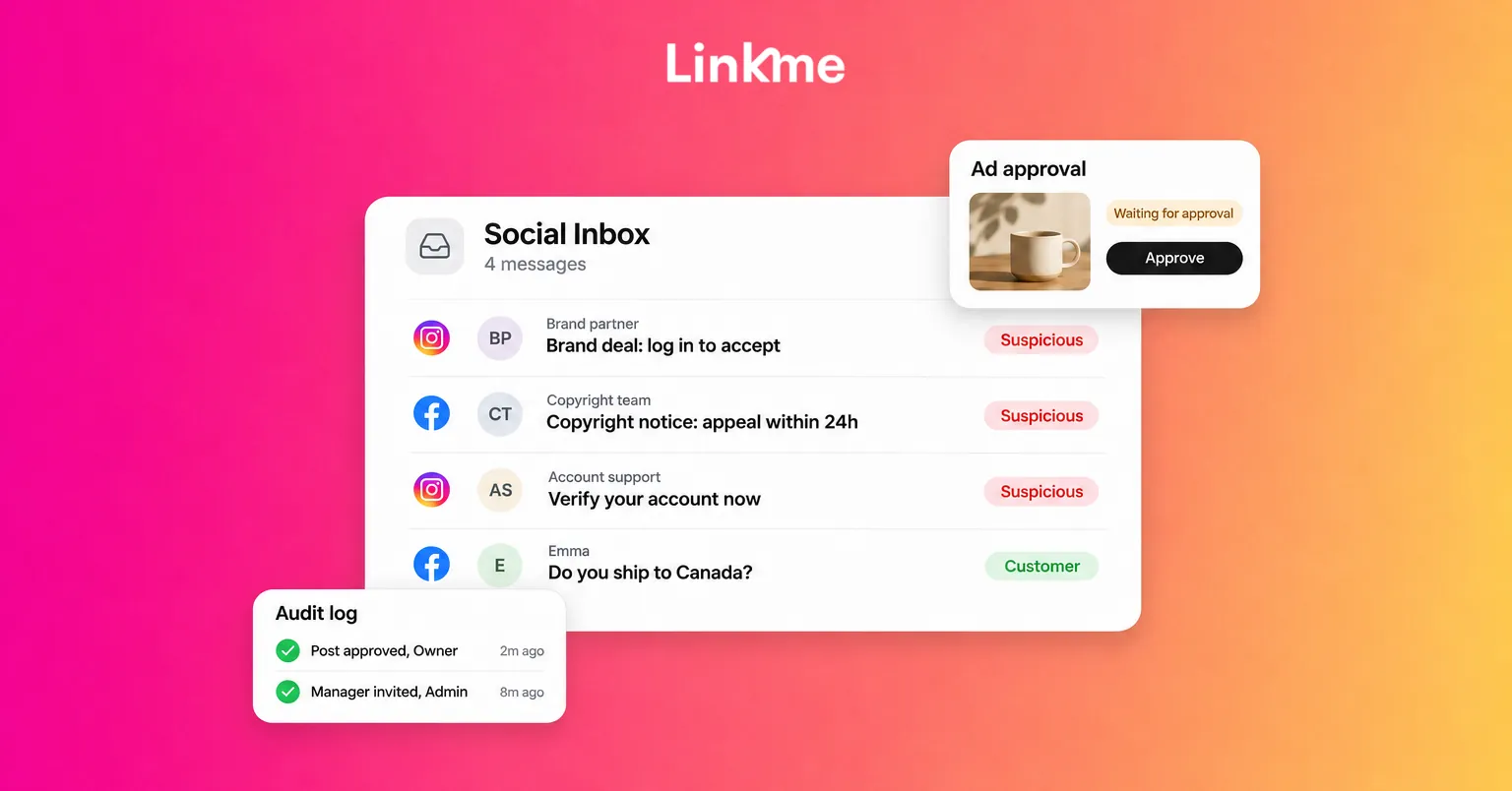
Checking each app separately is how comments get missed. Linkme’s Social Inbox brings Instagram and Facebook comments and DMs into one list, with the post behind every comment shown above it. Internal notes stay in the thread for the next person and are never sent to the customer. That lets one person write “Legal is checking this, use the approved statement only,” and everyone on the inbox sees it.
If DM Automations run on the same account, you can pause the automation for a single conversation, answer as a person and resume it later. Manual replies do not pause it on their own, so make pausing part of the routine whenever someone needs a human answer.
How to respond to negative comments during a crisis
- Acknowledge quickly, even before you have every answer. Silence reads as indifference.
- Use plain language. Leave legal phrasing in the legal documents.
- Do not argue in public. Respond once, clearly, and offer a private channel for individual cases.
- Move personal details to DMs. Never ask for order numbers or addresses in public replies.
- Do not delete criticism unless it breaks the platform’s rules or your published community guidelines. Deleting fair complaints often makes a second story.
- Be consistent. Use the same approved answer on every network, with only the length changed.
- Update on schedule. If you said 3 PM, post at 3 PM, even if the update is “still investigating.”
Use approvals for every crisis post
Under pressure, people skip steps. Make approval required for any post about the issue. In Linkme, managers submit a post for approval and an owner or admin approves it or requests changes. Changing an approved caption or its time sends the post back for approval, so a late edit cannot go out without review. The post approvals guide walks through the steps.
After the crisis: review and recover
Resume normal posting gradually
Do not jump straight back into promotions. Start with useful, low-key content, check the replies, then reintroduce scheduled campaigns once the comments look normal again. Turn automations back on one at a time and test each one.
Run a short review
Within a week, get the crisis team together and go through:
- Timeline: when it started, when you noticed, when you first responded.
- Detection: how you found out, and how you could have found out sooner.
- Response: which statements worked and which drew more criticism.
- Process: where approvals, access or handoffs slowed you down.
- Changes: what you will update in the plan, the saved replies or team access.
Turn useful replies into new saved replies, and add the new level 2 or level 3 examples to your severity table.
Frequently asked questions
What is social media crisis management?
It is how a brand prepares for, responds to and recovers from a situation on social media that threatens its reputation, customers or operations. It covers monitoring, pausing planned content, approved public statements, individual replies and a review afterward.
How quickly should a brand respond in a social media crisis?
As soon as you have confirmed something is happening, often within the first hour. The first response can be a short holding statement that acknowledges the issue and says when you will update. Speed matters, but accuracy matters more.
Should you delete negative comments?
Usually not. Remove comments that break the platform’s rules, contain personal information or are abusive, and answer fair criticism openly. Deleting legitimate complaints tends to create a second story about the deletion.
When should we resume normal posting after a crisis?
Once comments and DMs have returned to normal and your final update is out. Start with low-key content, watch the replies, then bring back scheduled campaigns and automations one at a time.
A crisis plan works best when the inbox, the calendar and the approvals are all in one place. See how Social Inbox works.