Linkme Profile Examples: 5 Real Pages and What to Copy
Five real Linkme pages, from a creator to a two-city restaurant and two large retail and entertainment destinations, what makes each one work, and how to apply the same pattern to your own page.
On this page
- Key takeaways
- Jake Paul: email first, then everything he runs
- Papi Steak: one page, two cities
- Mall of America: the season first, the essentials after
- American Dream: answer the top question in the bio
- Sergio Kun Agüero: a link that counts down
- The patterns behind these Linkme profile examples
- How to rebuild your own page in an afternoon
- Frequently asked questions
The fastest way to improve your own page is to study pages that already work. These Linkme profile examples come from real, live pages: a creator, a two-city restaurant, two large retail and entertainment destinations and an international footballer. For each one, we look at what sits at the top, how the links are grouped and what the page asks visitors to do. Then we show how to apply the same pattern to your page, whether you are a creator or a business.
Jake Paul: email first, then everything he runs
Jake Paul runs several brands, a fighting career and a set of channels from one page at link.me/jakepaul. The order is the lesson. An email sign up comes first, then his brands, then his channels, and a shop.
Why it works:
- The list comes first. Followers on any network can join his email list in one tap. That is the one relationship no algorithm controls.
- Each brand gets its own tile. Visitors interested in one venture find it without digging through the others.
- The shop is part of the page. His own product line is listed with prices right on the page, one row under his latest videos.
Linkme’s own guidance for creators recommends the same layout: an email sign up first, then your brands, your channels, your latest videos and anything you sell. Read the full Jake Paul story.
Copy it if: you are a creator with more than one thing to promote. Put the sign up first and give each project a clear, short label.
Papi Steak: one page, two cities
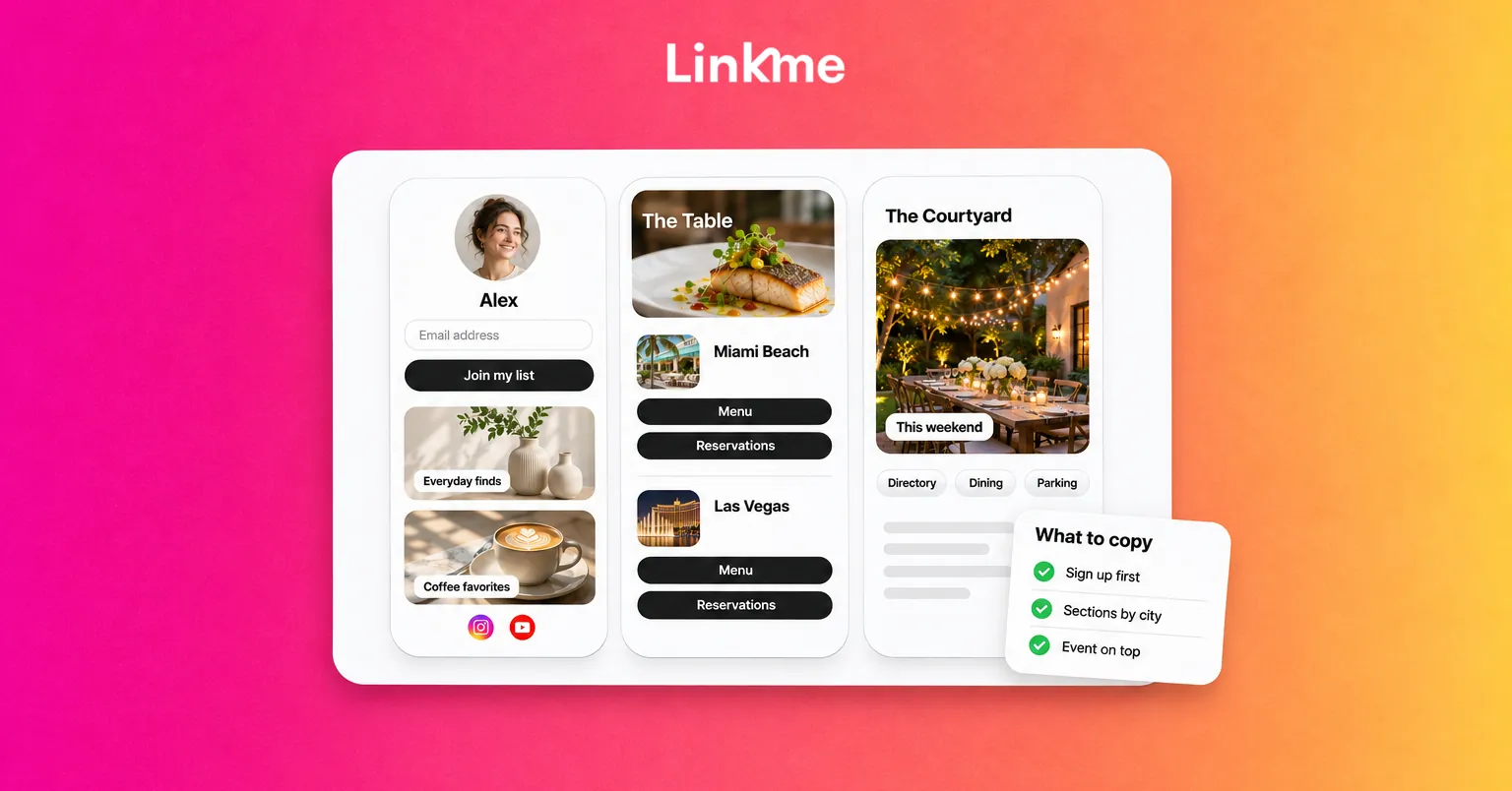
Papi Steak runs restaurants in Miami Beach and Las Vegas from a single Linkme page. The website link sits at the top. Below it, each city has its own section with a menu, private events, reservations and an about link, and there is an email sign up under the name.
Why it works:
- Sections by location. A diner in Las Vegas never has to wonder whether a reservation link is for Miami.
- The same links in the same order for each city. Visitors learn the layout once.
- The top link changes. This is the kind of page where the right link to lead with changes every week, such as the menu, a holiday booking or a private event.
See the Papi Steak story for the full setup.
Copy it if: you have more than one location, venue or service line. Give each its own header and repeat the same link structure under each one.
Mall of America: the season first, the essentials after
Mall of America’s page leads with seasonal events and tickets, followed by everything a visit needs: the directory, the dining guide, parking and attractions, organized into sections under headings such as Plan Your Visit. Every post the mall publishes, on any network, can send people back to this one page.
Why it works:
- Time-sensitive content leads. This weekend’s event gets the top spot. The evergreen essentials sit just below.
- Sections answer visitor questions. The Plan Your Visit group (directory and map, dining guide, parking) covers most of what people come to look up.
- One page for every channel. Social posts, DMs and a printed QR code can all open the same page, so updating one page updates everything.
Read the Mall of America story.
Copy it if: you run a venue, a store or anything people physically visit. Lead with what is new and keep the practical links in a fixed section underneath.
American Dream: answer the top question in the bio
American Dream, the retail and entertainment destination in New Jersey, puts its opening hours in the bio, with an email sign up right under them. A Legends Brunches carousel follows, then the Minecraft Experience, the directory and links to its parks, hotels, dining and shops.
Why it works:
- Hours are visible immediately. The question most visitors have gets answered before they tap anything.
- Related items sit in a carousel. Several cards take up one row instead of pushing everything else down the page.
- Every part of the destination is one tap away. Parks, dining and shopping each have a clear entry point.
See the American Dream story.
Copy it if: people keep asking you the same practical question. Put the answer in your bio and save the links for things people need to tap.
Sergio Kun Agüero: a link that counts down
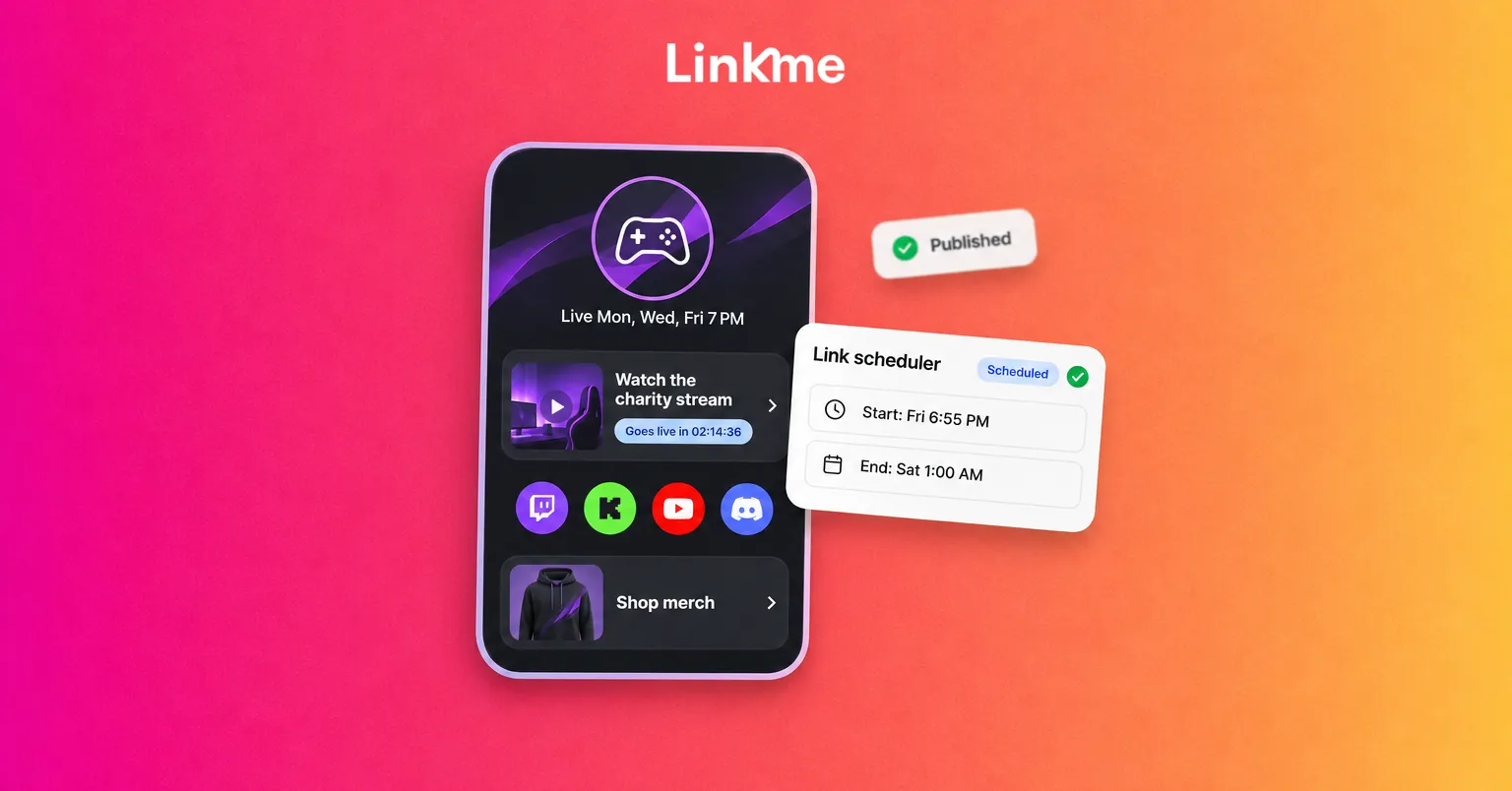
Footballer Sergio Kun Agüero’s page, link.me/kunaguero, is the example Linkme uses to show a scheduled drop. A ticket link is set to the Big size with the Shine animation, and it waits on the page under a countdown (“This link is scheduled to go live in”) before it appears at the start time.
Why it works:
- The countdown builds anticipation. Fans who visit early see that something is coming and when.
- Size and motion signal priority. One Big, animated link stands out against the regular tiles.
- Nobody has to be online at launch. The link goes live on schedule and comes off when the window closes.
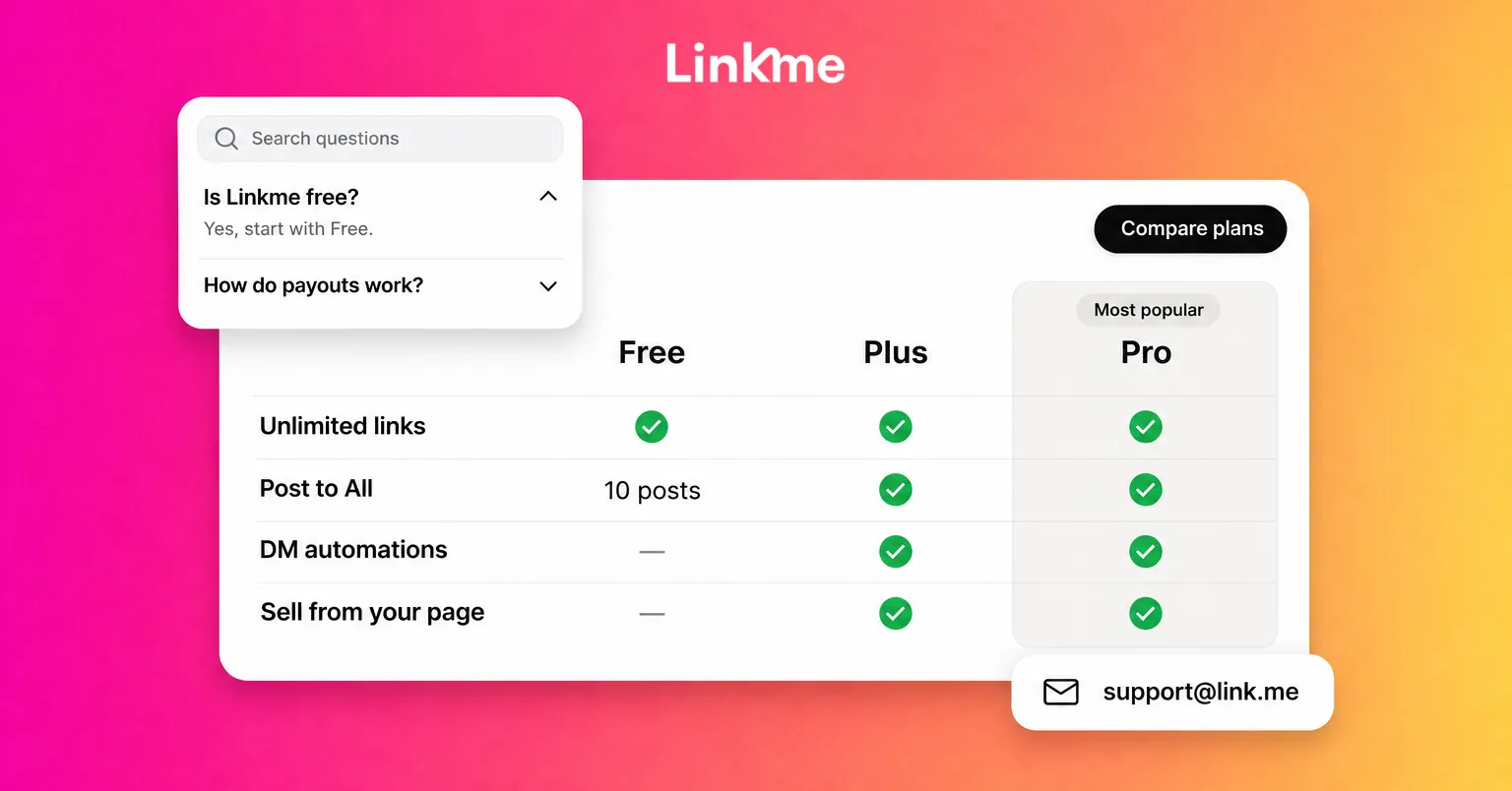
Copy it if: you have drops, ticket sales or limited-time offers. Scheduled links are on the Plus and Pro plans, and animated styles like Shine are on Pro.
The patterns behind these Linkme profile examples
| Pattern | Seen on | How to apply it |
|---|---|---|
| Email sign up at the top | Jake Paul, Papi Steak, American Dream | Turn on the email sign up under your name |
| Sections by brand or location | Papi Steak, Mall of America | Add a header for each, with the same links underneath |
| Time-sensitive link first | Mall of America, Kun Agüero | Move this week’s priority to the top, or schedule it |
| Answer in the bio | American Dream | Put hours, location or your next date in the bio |
| Carousel for many similar items | American Dream | Group events or products in one row |
| Same page everywhere | Mall of America | Use your page in every bio, DM and printed QR code |
How to rebuild your own page in an afternoon
- Write down the one action that matters most this month. A sign up, a booking, a ticket or a product. That goes at the top.
- List every link and cut what nobody uses. If your analytics show a link has had no clicks for months, remove it or move it lower.
- Group the rest. Use headers for brands, locations or visitor needs, and keep the same order within each group.
- Fix the bio. One line about who you are, plus the practical answer people ask for most.
- Schedule the next time-sensitive link so it appears and disappears without you.
- Check it on a phone, inside Instagram. Many visitors arrive through a social app’s built-in browser. Tap every link the way they would.
Everything above is built with standard blocks on a Linkme page: featured links in Big, Medium, Small or Button sizes, headers, carousels, events, video feeds, an email sign up and sections you can switch on and reorder. Each page also has its own QR code that always opens the live version. More real pages are collected on Linkme’s customers page.
Frequently asked questions
What makes a good link in bio page?
A clear top priority, links grouped the way visitors think, a bio that answers the most common question and a page you update as priorities change. The best examples rarely show more than a handful of choices before the first header.
How many links should be on a link in bio page?
As many as your visitors need, organized so the first screen shows only the most important few. Mall of America runs a long page that works because its links sit in clear sections. A creator with one main goal might need fewer than ten.
Should a business page look different from a creator page?
The goals differ, but the principles are the same. Creators usually lead with an email sign up and their projects. Businesses lead with bookings, hours, menus or events. Both benefit from sections, a clear top link and a regular review.
Can I copy the layout of a page I like?
Yes, copy the structure: the order, the grouping and what goes at the top. Use your own content, photos and branding, and test the layout against your own analytics, since your visitors may want different things.