ChatGPT for Social Media Posts: A Workflow From Draft to Published
How to use ChatGPT for social media posts without publishing mistakes: a brief template, a version for each network, an accuracy checklist, and how an assistant that knows your analytics compares.
On this page
- Key takeaways
- What ChatGPT does well for social posts, and what it does not
- Give it a brief, not a topic
- Write a version for each network
- Accuracy checks before anything goes live
- A general chatbot compared with Link, which knows your page
- From draft to approval to every network
- Keep your own voice in AI writing for social media
- Frequently asked questions
ChatGPT for social media posts works well for first drafts, variations and rewrites, and poorly for anything that depends on facts it does not have: your prices, your dates, your audience and what has performed on your account. The useful approach is to give it a proper brief, treat its output as a draft and check every fact before publishing. This guide covers that workflow, the accuracy checks that matter, and when an assistant that knows your page and your analytics is the better tool.
What ChatGPT does well for social posts, and what it does not
ChatGPT captions save the most time on work that is mostly wording:
- First drafts from your notes, a product description or a transcript.
- Variations: five hooks for the same post, or a shorter and a longer version.
- Adapting for each network: a punchy line for X, a fuller post for LinkedIn, a caption with a clear call to action for Instagram.
- Tightening: cutting a 200-word caption to 60 without losing the point.
- Accessibility: a first draft of alt text, which you then check against the image.
It struggles with anything outside the conversation. It does not know your opening hours, this week’s offer, the name of your venue’s new chef or which post brought in the most clicks last month. Unless you tell it, it fills those gaps with plausible guesses. OpenAI’s own help center notes that ChatGPT can produce incorrect or misleading output, and that it can sound confident even when it is wrong (OpenAI Help).
Give it a brief, not a topic
“Write a post about our fall menu” leaves every decision to the model. A short brief gets you a usable draft on the first try:
| Brief field | Example |
|---|---|
| Audience | Locals aged 25 to 45 who have been in before |
| Goal | Get them to book a table for the first fall weekend |
| Confirmed facts | Menu starts this Friday. Three new dishes. Booking link on our page |
| Call to action | “Book from the link in our bio” |
| Network and length | Instagram, hook in the first line, under 300 characters in total |
| Voice | Warm, short sentences, no exclamation marks. Two past captions pasted as examples |
| Don’ts | No prices, no “limited time”, no emoji other than one leaf |
Paste two or three of your best past captions as voice examples. That does more for your brand voice than any description of it.
For a ready-made set of prompts for captions and content planning, see 12 AI prompts for social media captions and content planning.
Write a version for each network
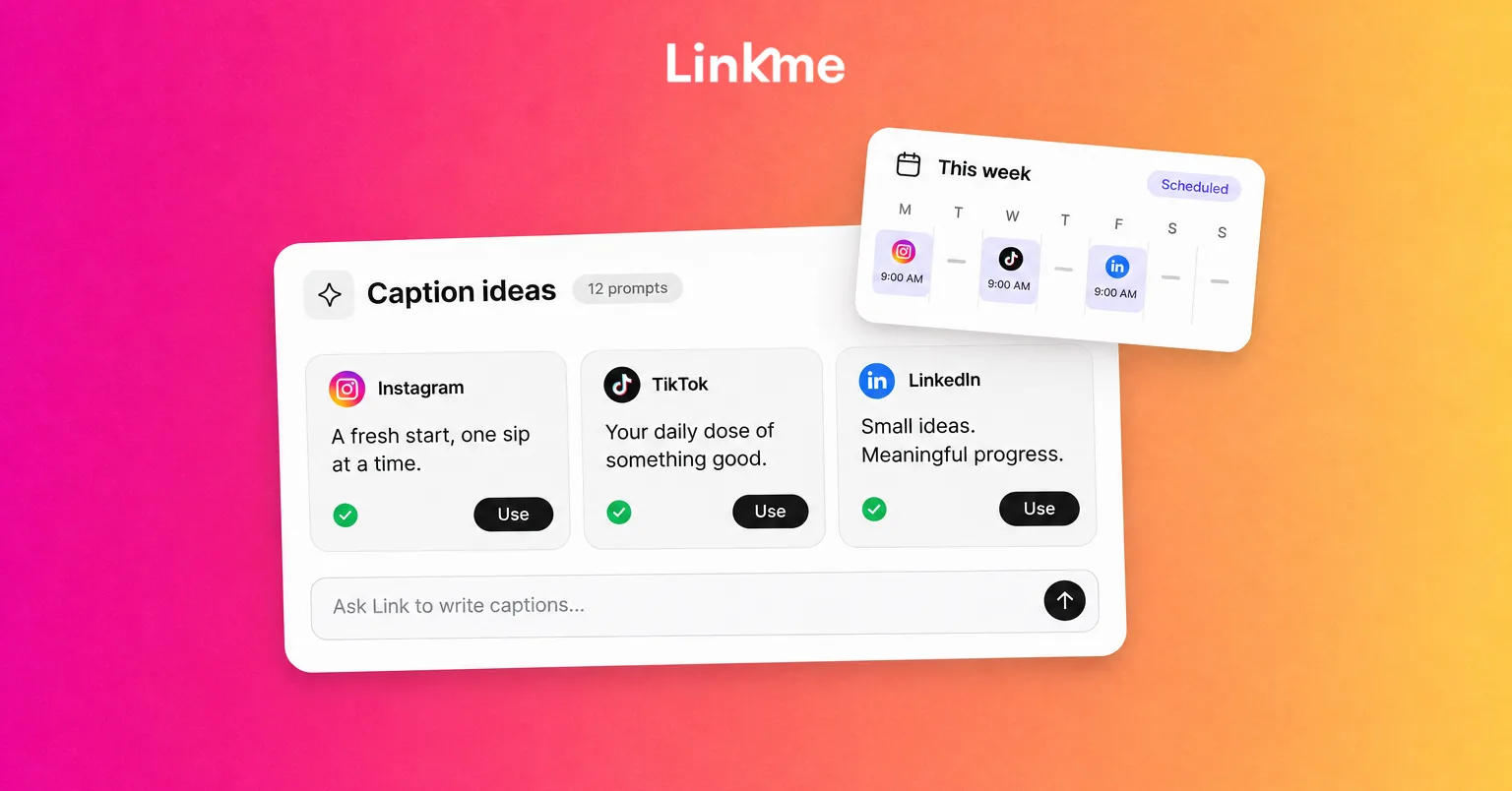
Each network has its own character limit and its own reading habits. Ask for separate versions in one request, and include the limits:
- X: 280 characters. One idea, one link.
- Threads: 500 characters. Conversational, a question works well.
- Instagram, TikTok and Facebook: up to 2,200 characters, but the first line does the work before “more”.
- LinkedIn: up to 3,000 characters. Context and a takeaway, fewer hashtags.
- YouTube: up to 5,000 characters in a description. Put the useful line first.
Then read them side by side. If they all say the same thing in the same words, ask for more difference in the angle, not only in the length.
Accuracy checks before anything goes live
Run this checklist on every AI draft before you publish it:
- Facts: names, dates, times, prices and addresses match your source, not the model’s memory.
- Links: the link exists, opens the right page and works on a phone.
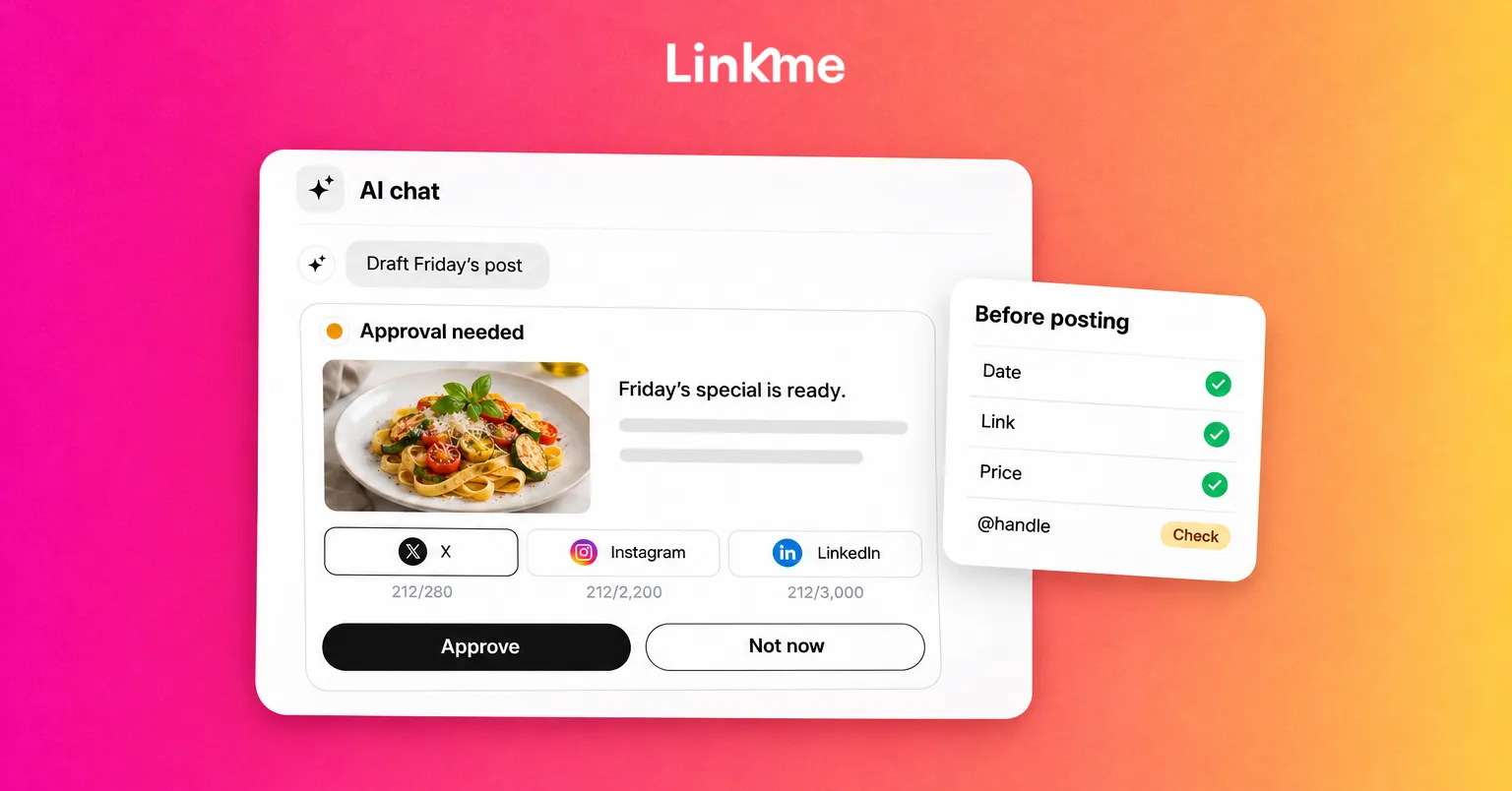
- Tags and mentions: every @handle is the right account. AI often invents handles that look plausible.
- Claims: no promises you cannot keep, and no health, financial or legal statements you cannot support.
- Disclosure: paid partnerships are labeled. Realistic AI-generated images or video follow each platform’s labeling rules.
- Tone: read it aloud. Cut anything that sounds like an ad for an ad: “elevate”, “seamless”, “next level”.
- Sensitivity: check whether current news makes the post read badly today.
Also keep confidential details such as unreleased launches, customer data and internal numbers out of any general AI tool unless your company has approved that use and its data settings.
A general chatbot compared with Link, which knows your page
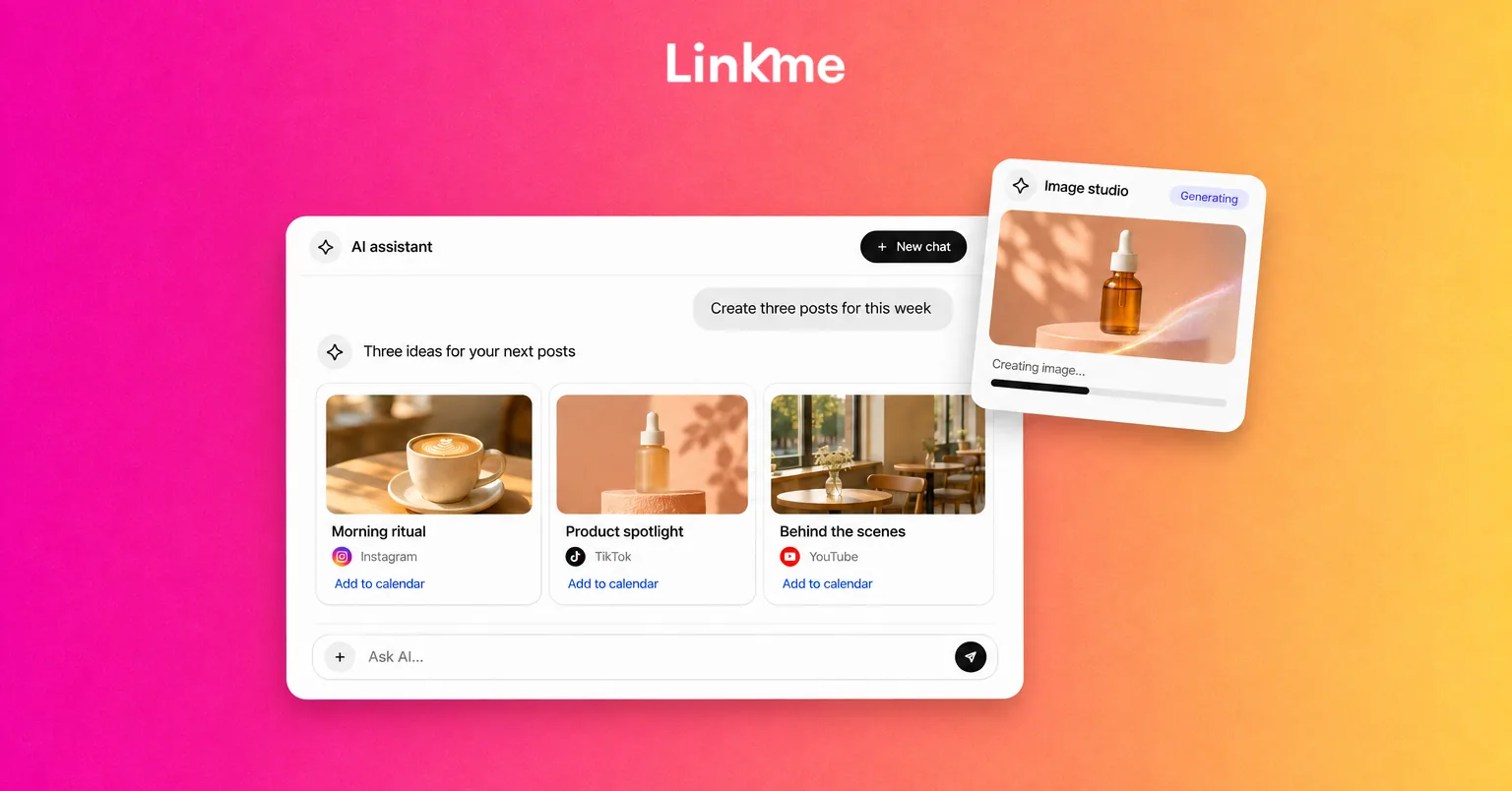
The biggest limitation of a general chatbot is context. It only knows what you paste in. Link, the AI social media manager inside Linkme, works from your own Linkme page and its analytics.
| General chatbot | Link in Linkme | |
|---|---|---|
| Knows your page and links | Only what you paste | Yes, it works on your page |
| Knows what performed | No | Answers from your analytics: views, clicks, top links, countries and cities (read only) |
| Drafts posts | Yes | Yes, and makes images, videos and voiceovers |
| Publishes | No, you copy and paste | Only after you approve it |
| Replies to comments or DMs | Depends on how you use it | Never itself. DM automations reply, and Link can set them up for you |
Link works on approval cards. Every change or post arrives as a card, and nothing goes live until you press Approve. It runs on AI credits, and it is part of every Linkme Business package and of Linkme Pro. If you are comparing tools, AI tools for social media content creation covers the wider options.
From draft to approval to every network
A workflow that keeps AI drafts safe on a team:
- Draft. Use your brief in ChatGPT, or press Write with Link in the Linkme composer to draft the caption.
- Edit. A person adds the specific details, removes filler and runs the accuracy checklist.
- Submit for approval. On Linkme Business, a manager taps Submit for approval and the post shows Waiting for approval until an owner or admin reviews it. Approve sends it on. Request changes sends it back. Changing the caption or the time sends an approved post back for approval.
- Schedule. With Post to All, one upload goes to YouTube, Instagram, TikTok, Facebook, X, Threads and LinkedIn, with one caption or a separate caption per network, each checked against that network’s limit. Linkme Business publishes to 13 networks.
- Check the result. Every network shows its own status. If one fails, Retry failed platforms sends the post again to just that network.
Keep your own voice in AI writing for social media
AI drafts drift toward the same safe phrasing. Three habits keep your posts recognizably yours:
- Add one detail only you know: a customer’s question, a behind-the-scenes fact, a number from your own results.
- Cut the first sentence. AI drafts often open with a warm-up line. The second sentence is usually the real opening.
- Keep a “never say” list of words that do not sound like you, and paste it into every brief.
Frequently asked questions
Can ChatGPT write social media posts?
Yes, it can write good first drafts, variations and per-network versions when you give it a clear brief with confirmed facts and examples of your voice. Treat the output as a draft: a person should check facts, links and tone before anything is published.
Is it OK to post AI-written captions?
Generally yes, as long as the content is accurate and honest. Platforms focus their AI labeling rules on realistic images, video and audio rather than on text. YouTube, for example, lists AI-generated scripts among the uses that do not need disclosure. Paid partnerships still need a clear disclosure whoever wrote the caption.
How do I make ChatGPT captions sound less generic?
Paste two or three of your best past captions as voice examples, include specific facts in the brief, give it a list of words to avoid and ask for several angles rather than one. Then edit: add a detail only you know and cut the warm-up sentence.
Does ChatGPT know what performs on my account?
No. A general chatbot only knows what you paste into the conversation. To base posts on your results, export or summarize your analytics for it, or use an assistant connected to your account, such as Link, which answers from your Linkme analytics.