Social Media Personalization: Tailor Your Strategy by Audience, Network and Location
Personalize where it pays off: by audience segment, by network and by location. How to adapt captions, give every location its own page and measure which versions earn their keep.
On this page
Social media personalization means shaping what you publish around who will see it: a particular audience segment, on a particular network, in a particular place. For most brands that is not one message per person. It means a few well-chosen versions: a caption written for each network, local posts for each location and a page that sends each audience to the right next step. This guide shows how to build that kind of personalized social media strategy without multiplying your workload.
What social media personalization looks like for a brand
Personalization on social is often described as speaking to “each individual user.” In practice, most of your public content reaches many people at once, so the useful question is narrower: which groups need a different message, and where do they see it?
Three levers do most of the work:
| Lever | What changes | Example |
|---|---|---|
| Audience segment | The problem you address and the offer you lead with | First-time visitors see “what to expect”; members see a new class |
| Network | Caption length, tone, format and link placement | A short line on X, a fuller explanation on LinkedIn |
| Location | Hours, staff, events, prices and the booking link | One store’s late opening night, another’s parking update |
One-to-one personalization, such as a direct message that answers a specific question, has its place, but it sits on top of these three layers. If the segment, network and location are wrong, a personal message cannot rescue the post.
Start with audience segmentation
Choose segments you can act on
Audience segmentation is only useful if each segment would see something different. Good segments for social tend to be based on:
- Stage: people discovering you, people comparing options, existing customers.
- Need: the job they want done, such as booking a table for a group or finding a gift.
- Place: the city, neighborhood or venue they care about.
Avoid segments that exist only on paper. If you cannot name the post, offer or link that a segment would get, merge it with another.
Write a short brief for each segment
For each segment, write three lines: what they already know, what they want to know next and the single action you want them to take. That brief becomes the starting point for every caption and every page you build for that audience. It also makes reviews faster, because a reviewer can check a draft against one clear sentence.
Tailor each post to the network
The same idea rarely works word for word across networks. People scroll for different reasons, and each network has its own limits.
Keep one core message, adapt the rest
Write the core message first: the news, the offer or the story. Then adapt it:
- X: one sharp sentence and a link, within 280 characters for a standard post.
- Threads: a conversational version that invites replies, up to 500 characters.
- Instagram and TikTok: the visual does the work; the caption adds context and a call to action.
- LinkedIn: the reason it matters to the industry or the community, with more room for detail.
- YouTube: a title and description that help people find the video later.
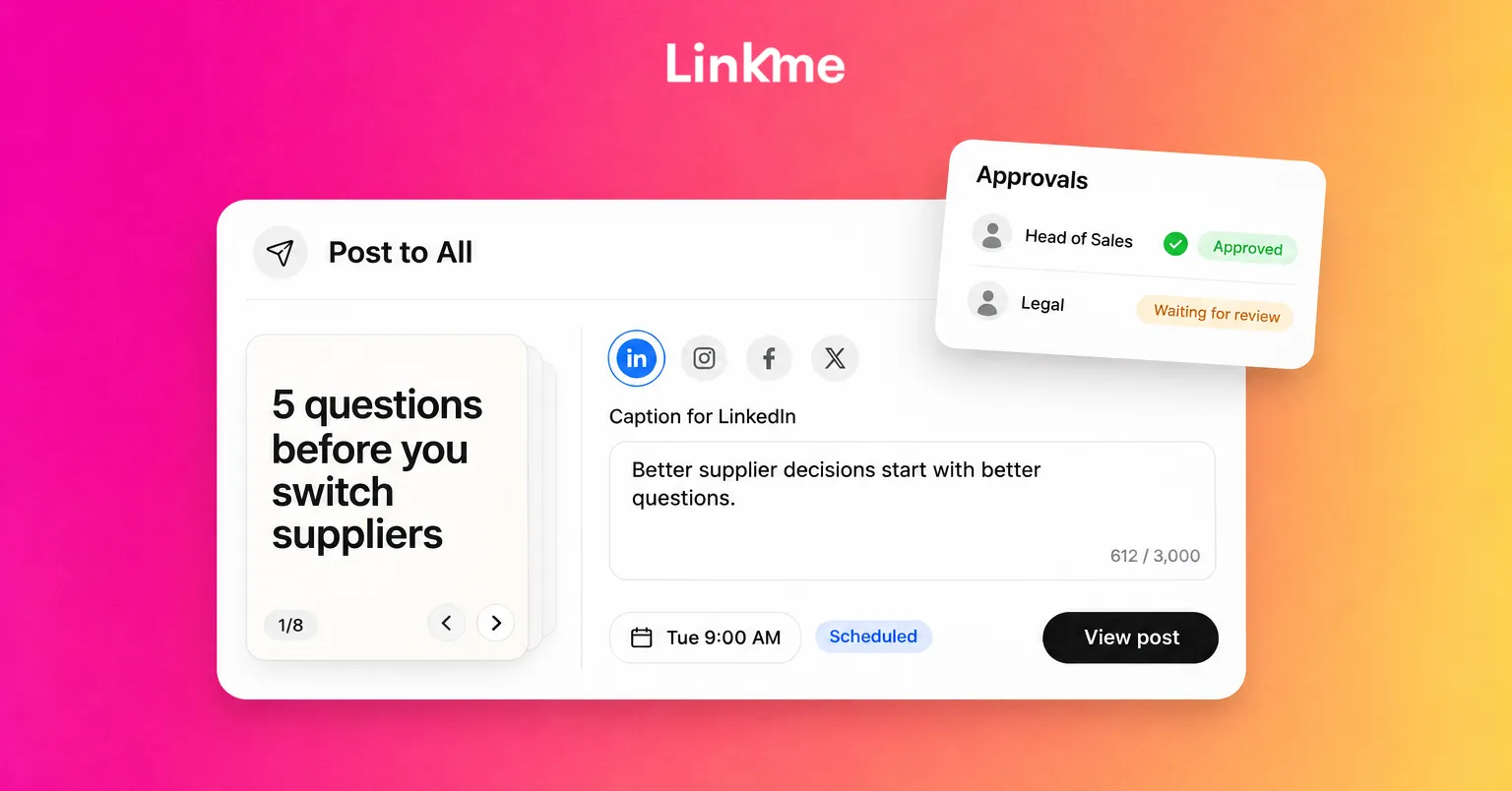
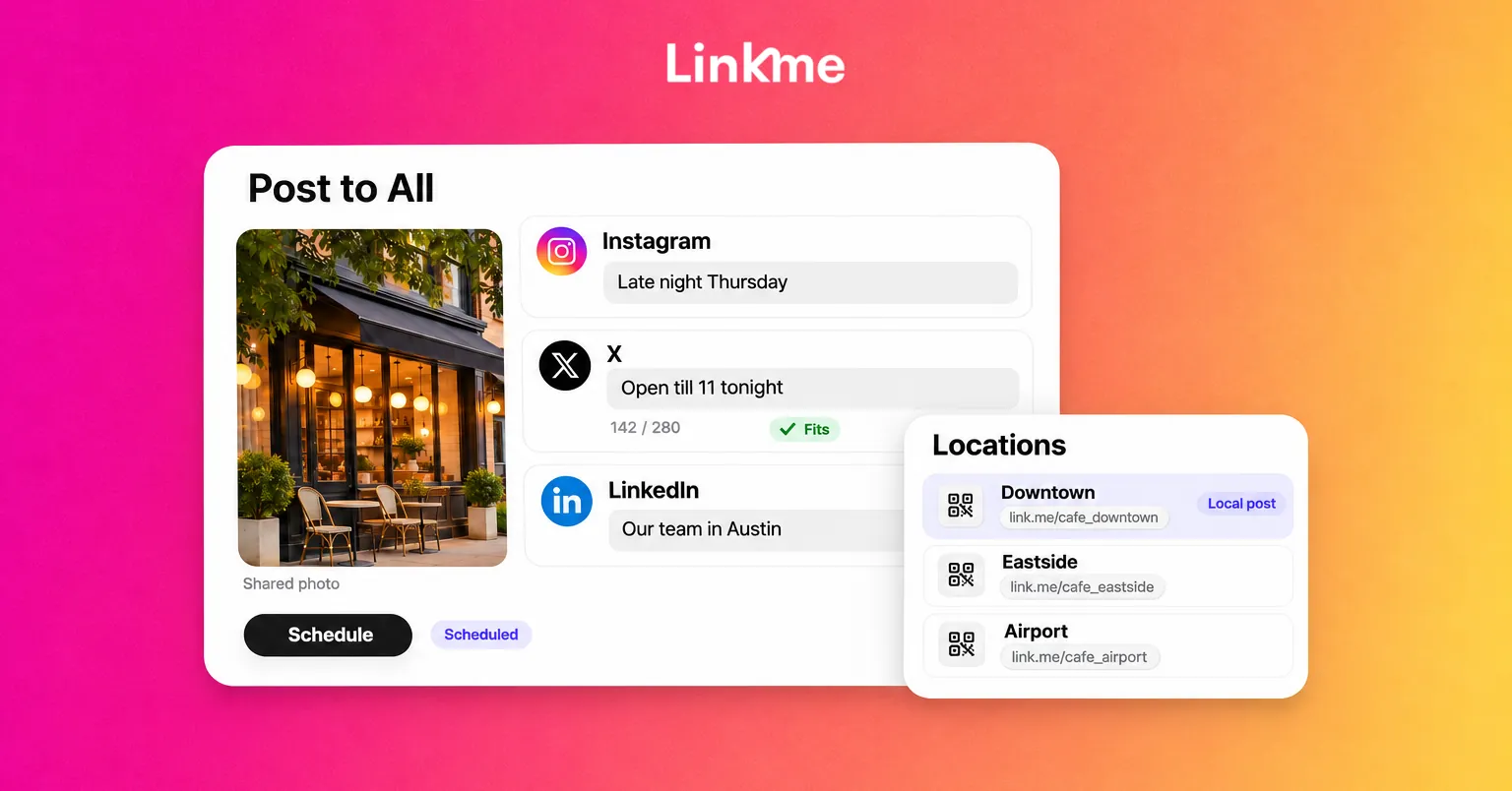
In Linkme’s Post to All, you can write one caption for every network or open a network’s tab and give it a caption of its own. Each limit is checked as you type, from 280 characters on X to 5,000 on YouTube, so a tailored version does not get cut off.
Send each network to the right destination
The link matters as much as the caption. Linkme pages support Attribution Links, which send visitors from Instagram, X or your own utm source to a different URL for the same link. A visitor who arrives from one network can land on the version of the offer written for them, while you still manage one page.
Build localized social media for each location
For businesses with more than one venue, store or franchise, localized social media is usually the biggest personalization gain. A customer in one city does not want another city’s hours, events or booking page.
Give every location its own page
With Linkme Multi-location, each brand, venue and location keeps its own Linkme page, link, QR code and leads, and your team runs them all from one account. That gives you a local destination for every local post:
- A post about one store’s event links to that store’s page, not a generic site.
- The QR code in the window opens that location’s page.
- Sign-ups collected on a location’s page stay with that location.
You can create a page for each location or duplicate an existing location’s page to start the next one, then change only what is local.
Let local managers add local detail, with a check
Local staff know what is happening on the ground. The risk is inconsistent branding or an offer the location cannot honor. A simple structure works:
- Head office writes the core campaign message and creative.
- Each local manager adapts the caption with local detail: dates, staff, a neighborhood reference.
- An owner or admin reviews local posts before they go live.
In Linkme, a manager can be given Specific Users Access, so they open only the pages they run. Keeping local managers on the Manager role means their posts need approval, and the Multi-location rollout guide walks through connecting each page’s accounts and approving local posts from Needs attention in Plan.
Make local posts genuinely local
Local personalization works when it includes something only that location can say:
- The staff member who runs the Saturday class.
- The parking change on the block this week.
- The event that only happens at this venue.
- A reply to a question local customers keep asking.
If a “local” post could run unchanged at every location, it is a brand post with a different tag.
Measure what personalization earns
Every version you create has a cost: someone writes it, reviews it and keeps it up to date. Check regularly whether each one is worth it.
- Compare locations side by side. In Linkme, every page has its own analytics, and Unified analytics ranks every page by profile views, link clicks and average click rate over 7, 30 or 90 days.
- Check where people come from. Geographic Analytics shows visits and clicks by country, down to the city, which helps you see whether a local campaign reached the right area.
- Compare network versions. If a network-specific caption does no better than the shared one, go back to the shared one.
A useful rule: keep a separate version only when it changes a result you care about, such as bookings, sign-ups or link clicks.
Common mistakes to avoid
- Too many segments. Five well-served segments beat fifteen half-maintained ones.
- Personalization that feels invasive. Referencing someone’s location or past purchase in a public reply can feel uncomfortable. Keep specific details for private channels where people expect them.
- Stale local pages. A location page with last month’s hours does more harm than a generic page. Assign an owner to each one.
- Copy-paste localization. Swapping only the city name rarely convinces anyone.
For one-to-one personalization in direct messages and email, such as keyword-triggered DMs that send the right link, see Linkme’s DM automation and email tools. The foundation is still the same: know the segment, the network and the place.
Frequently asked questions
What is social media personalization?
It is tailoring content, captions and destinations to the people who will see them. For most brands that means adapting by audience segment, by network and by location, rather than writing a unique post for every individual follower.
How do you personalize social media content for different locations?
Give each location its own page and link, publish local posts with details only that location can share, and point every local post and QR code to that location’s page. A review step keeps local versions consistent with the brand.
Should you write a different caption for every social network?
Write one core message, then adapt where it matters: length, tone, format and link. If a network-specific version does not perform better than the shared caption, use the shared one and save the time.
How do you know if personalization is working?
Compare results by segment, network and location: link clicks, sign-ups, bookings and click rate. Keep versions that improve a result you care about and retire the ones that do not.
If you run several locations or audiences, Linkme Multi-location keeps a page, link and QR code for each one under a single login, with the right access for every manager.