How to Show Company Culture on Social Media
What to post to show your company culture, how to get consent from the people in it, how to route staff posts through approvals, and how to show culture when the team is remote.
On this page
- Key takeaways
- Why company culture content matters
- What to post: ideas that feel real
- Employee-generated content: consent first
- Route staff posts through approvals
- Put a careers link where people will find it
- Showing culture when the team works remotely
- How to tell if it is working
- Frequently asked questions
Showing company culture on social media means letting people see how your team actually works: who they are, how decisions get made, what a normal week looks like. Done well, it helps candidates decide whether to apply and gives customers a reason to trust the business behind the product. This guide covers what to post, how to get consent from the people in it, how to route staff content through approvals, where to put your careers link, and how to show culture when your team is remote.
Why company culture content matters
Many candidates look at a company’s social accounts before they apply, and again before an interview. They are looking for evidence: do people seem to like working there, are the managers reasonable, is the work interesting? Customers look for similar signals, especially for service businesses where they will deal with your staff directly.
Culture content is also employer branding, so treat it with the same care as product marketing. It should be honest, consistent and tied to a next step, such as viewing open roles.
What to post: ideas that feel real
The most credible culture content shows something specific. “We value collaboration” says little. A two-minute clip of the design team arguing over three logo options says a lot more.
| Content type | Example | Works best on |
|---|---|---|
| Day in the role | A support lead walks through a typical morning | Instagram, TikTok, LinkedIn |
| How we work | Screenshot of a planning board, with sensitive details blurred | LinkedIn, X |
| Team rituals | Friday demos, a monthly lunch, a volunteer day | Instagram, Facebook |
| Wins and lessons | A launch recap, including what went wrong | |
| Meet the hiring manager | A short Q&A about an open role | LinkedIn, Instagram |
| Welcome posts | New starters introduced, with their permission | LinkedIn, Instagram |
| Behind the scenes | Prepping a store, packing orders, setting up an event | Instagram, TikTok |
Mix formats. Short vertical video suits Instagram, TikTok and YouTube Shorts; longer written posts suit LinkedIn. One piece of footage can often become a video for one network and a written story with a still image for another.
Employee-generated content: consent first
Employee-generated content, where staff film or write about their own work, is often the most believable culture content. It only works if participation is genuinely optional.
Set a few rules before anyone posts:
- Voluntary. Unless posting is already part of someone’s role, taking part is optional. Nobody should feel pressure to appear on camera.
- Written consent. Get a signed or emailed OK before using someone’s face, name or voice, and say where it will appear. Ask separately if you want to use it in paid ads.
- Easy withdrawal. If someone leaves or changes their mind, take the content down without argument.
- Check the frame. Customers, visitors and colleagues in the background need to agree too, or be out of shot. Blur screens that show customer data, internal tools or documents.
- Respect homes. For remote staff, filming at home shows more than people may realize. Let them choose what is in shot, or use a neutral background.
Disclosure when employees promote products
When employees talk up your products or services on their own accounts, they should make clear that they work for you. US Federal Trade Commission guidance says listing your employer on your profile page is not enough, because people who see the post may never see the profile. A short “I work here” or a clear hashtag in the post itself does the job. See the FTC’s Endorsement Guides FAQ for details.
Route staff posts through approvals
Two kinds of staff content need different handling.
Posts on your brand accounts. When several people can draft posts for the company accounts, add a review step so nothing goes out before someone responsible has checked it for consent, confidential details and tone. This matters more for culture content than for product posts, because it involves real people.
Posts on employees’ own accounts. You cannot approve these, and you should not try. Instead, give staff a one-page guide: what is fine to share, what is confidential, how to disclose, and who to ask when unsure. Offer ready-to-share assets, such as approved photos from an event, so people have something good to post.
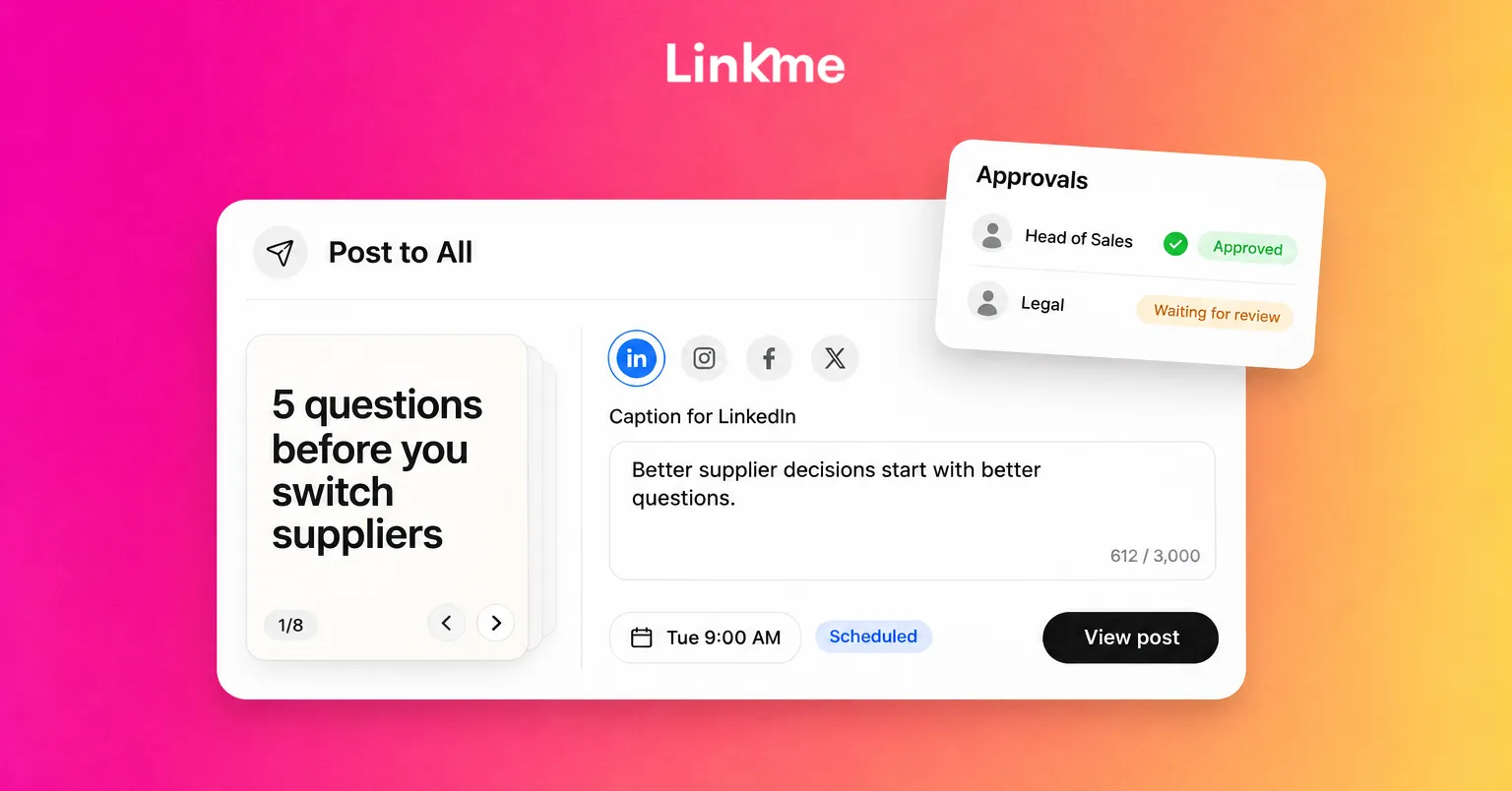
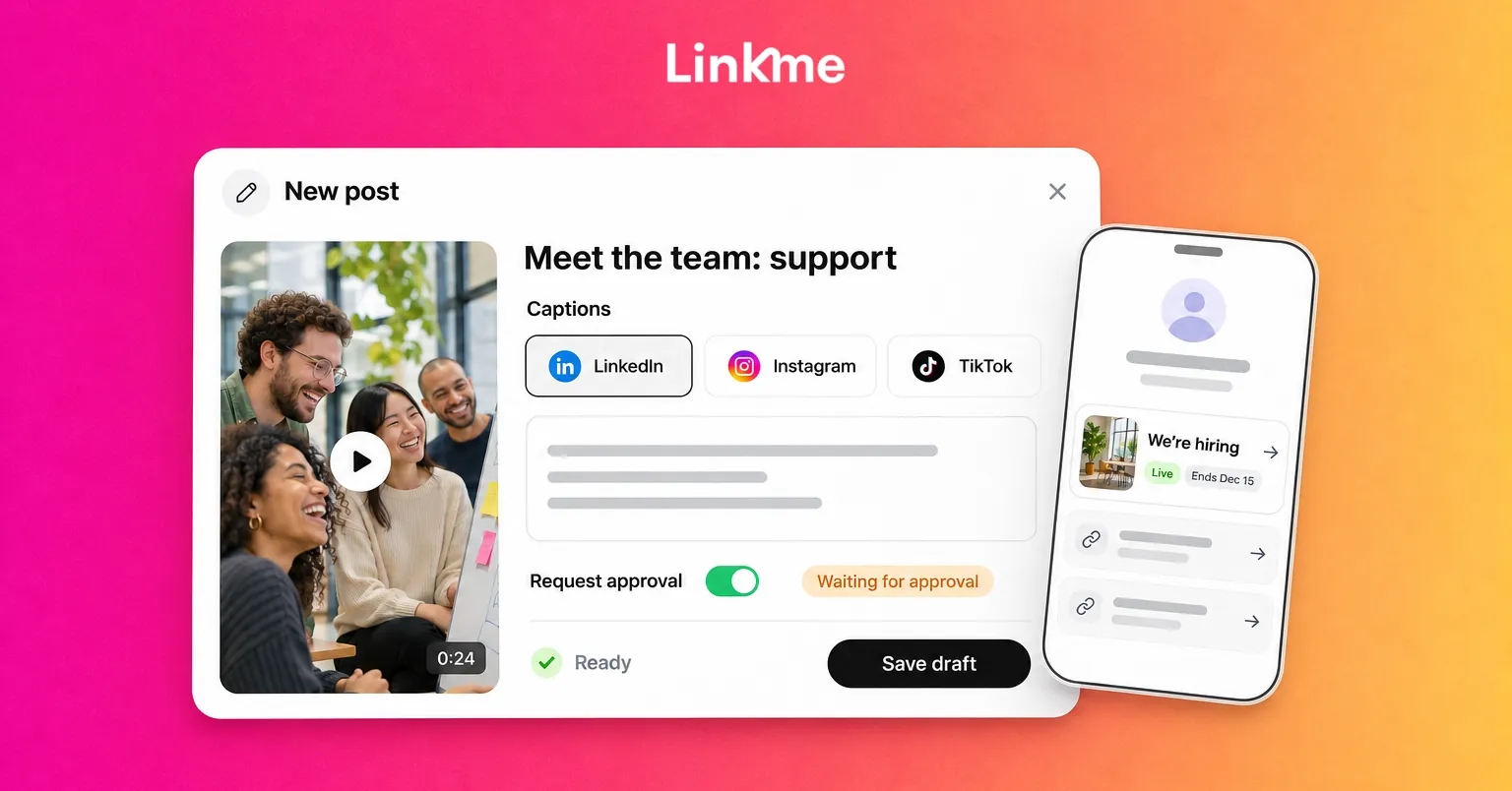
In Linkme, you can invite teammates as Managers who work on the pages you assign them, and their posts need approval from an owner or admin before they publish. Anyone can also turn on Request approval for a post. Approval keeps the scheduled time, and changing the caption or time after approval sends the post back for review. The post approvals guide walks through the steps.
Once a culture video is approved, Post to All publishes it to YouTube, Instagram, TikTok, Facebook, X, Threads and LinkedIn from one upload, with one caption or a separate caption per network. That lets you write a short caption for Instagram and a longer story for LinkedIn without uploading the video seven times.
Put a careers link where people will find it
Culture content creates interest. Without a clear next step, that interest goes nowhere. Put a careers link on the page in your bio, near the top while you are hiring.
On a Linkme page, you can add a featured link such as “We’re hiring” and give it a start and end date, so it goes live with the job ad and comes down when applications close. The page’s QR code can go on posters at events or in your office, and it always opens the live page. If you want to keep in touch with people who are not ready to apply, a simple form with name and email fields collects sign ups into Leads.
Showing culture when the team works remotely
Remote and hybrid teams have culture too; it just happens in different places. Show it honestly:
- Rituals that happen online. A weekly demo, a virtual coffee roulette, or a shared channel for pet photos, with screenshots cleaned of names and private messages.
- How async work works. A post about how you write decisions down, or how teams across time zones hand work over.
- In-person meetups. Offsites and team trips are often the best footage of the year. Plan a few shots in advance and ask permission on the day.
- Desk setups, by choice. A home-office series can be popular, but only include people who want to take part.
- Flexibility in practice. A parent describing how they arrange school runs around their work says more than a policy page.
Avoid suggesting remote staff are always on, always on camera or always available. The goal is to show a team that works well together, not a team that never logs off.
How to tell if it is working
Track a few signals over a quarter:
- Clicks on the careers link from your page.
- Applications that mention seeing your social posts.
- Comments and DMs from potential candidates.
- Staff willingness to take part in the next post.
The last one matters. If employees are happy to appear, the culture you are showing is probably real.
Frequently asked questions
How do you show company culture on social media?
Post specific, everyday moments: a day in the role, team rituals, how decisions get made, project wins and lessons. Feature employees who choose to take part, with their written consent, and give viewers a next step such as a careers link.
Do employees need to disclose when they post about their employer?
When they promote the company’s products or services, yes. The US FTC says the connection should be clear in the post itself, and that listing the employer on a profile is not enough.
Should we approve what employees post on their own accounts?
No. Approve posts on your brand accounts, and give staff clear guidelines and ready-to-share assets for their personal accounts instead. Make it easy to ask a question before posting.
How do remote companies show their culture?
Share the rituals that happen online, explain how async work and time zones are handled, post from in-person meetups, and invite, rather than require, staff to share their own setups and routines.
Company culture on social media is most convincing when the people in it chose to be there and the details are specific. Keep consent, approvals and a clear careers link in place, and the content can do its job for hiring and for your brand.