User-Generated Content: How Brands Collect, Repost and Run UGC Ads
Organic and paid UGC work differently. How to ask customers for content, get permission before reposting, run UGC as ads with the platforms' partnership tools and commission creator videos.
On this page
User-generated content is any photo, video, review or post about your brand made by someone outside your team: a customer filming an unboxing, a guest tagging your venue, a fan reviewing your product. It works because people trust other buyers more than they trust brand copy. To use it well, a brand needs a steady way to collect it, a clear permission step before reposting, and a separate plan for paid UGC made by creators to run as ads.
Organic UGC and paid UGC are not the same thing
Both are called UGC, but they come from different places and carry different obligations.
| Organic UGC | Paid UGC | |
|---|---|---|
| Who makes it | Customers, guests, fans | Creators you hire |
| Why they post | They liked the product or experience | You paid them or gave them product |
| What you control | Nothing until you ask | The brief, format and deadline |
| Permission | Ask per post before reposting | Agreed in the contract, including ad use |
| Disclosure | Needed if you incentivized the post | Always needed |
| Best use | Social proof on your feed, page and emails | Ads and product pages at volume |
Organic UGC is the most credible, but you cannot schedule it. Paid UGC is predictable and made to spec, but it reads as an ad because it is one. Most brands use both.
How to collect user-generated content
Customers rarely post about a brand unprompted. They post when the moment is good and the ask is clear. Build the ask into the moments that already exist.
Ask at the right time
- After delivery or a visit. A short follow-up email a few days after an order, or the morning after an event, asking customers to share a photo and tag you.
- On the packaging or in the venue. A card or sign with your handle, a short hashtag and a QR code. A Linkme page has its own QR code that always opens your live page, so you can change what the page asks for without reprinting.
- When someone already says something nice. A happy comment or DM is the easiest permission request you will ever make.
Make the ask specific
“Share your photos” gets little. “Show us how you style it for work, and tag us so we can feature you” gives people an idea and a reason. Give one prompt at a time, and change it with the season or the product.
Keep track of what comes in
Check your tags, mentions and branded hashtag on a schedule, weekly at least. Save the posts you would like to use in one place with the creator’s handle, the link to the original and the date. If your team answers comments and messages in one inbox, saved replies keep your permission request consistent no matter who sends it.
Get permission before you repost
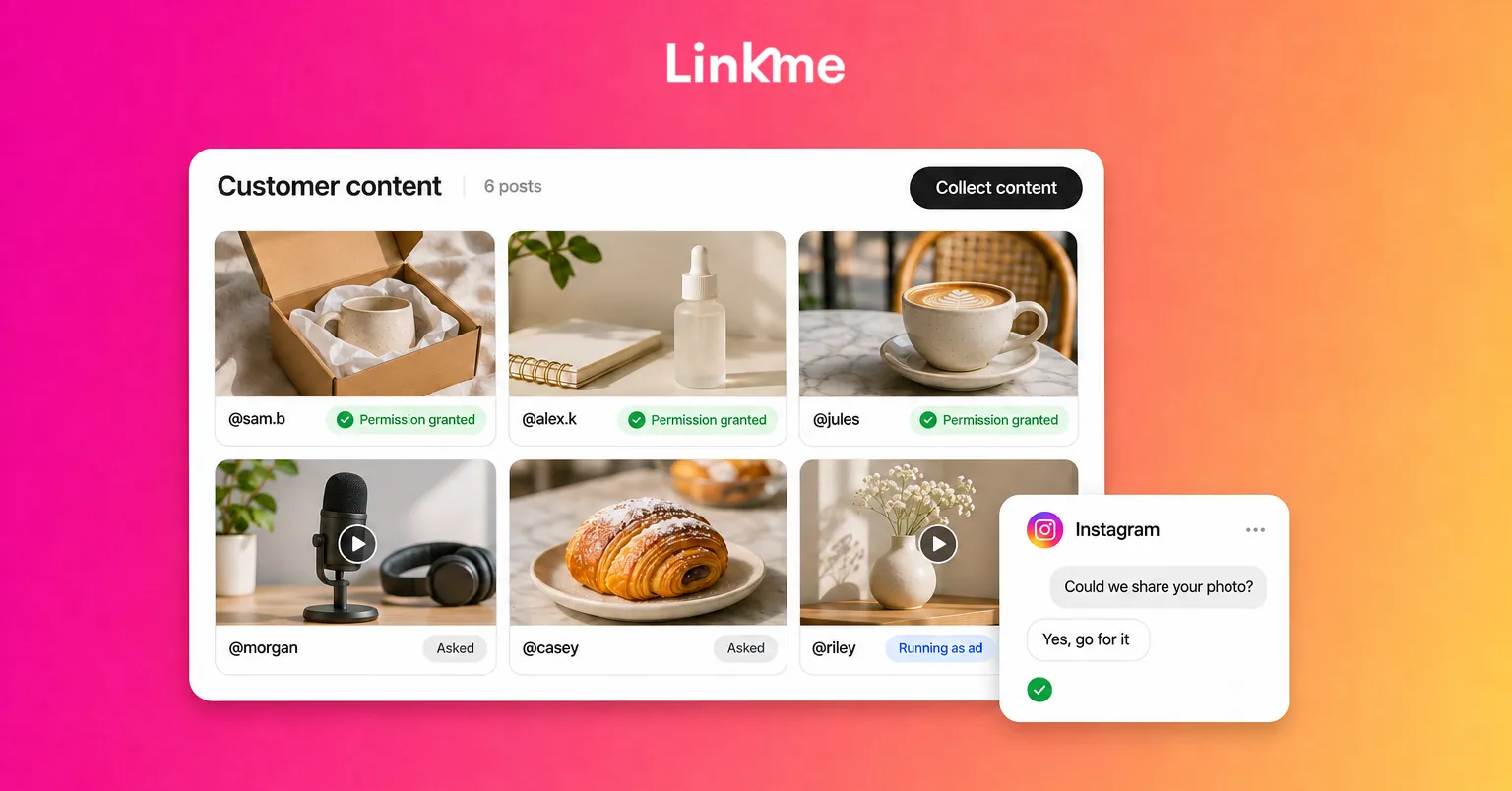
Being tagged does not give you the right to reuse someone’s photo or video. The person who made it owns it. Ask, every time.
A good permission request is short and specific:
Hi Sam, we love this photo of your new boots. Could we share it on our Instagram and website, with credit to you? Reply YES and we’ll tag you.
What to include:
- Where you will use it: your feed, Stories, website, emails.
- How you will credit them: a tag, a name, or both.
- Whether it might be used in ads. Ad use is a bigger ask; mention it separately or not at all if you only plan to repost organically.
Keep a record: a screenshot of the reply, or a simple sheet with the handle, post link, the uses agreed and the date. If someone says no or does not reply, do not use the content.
When you want to run it as an ad
Running a customer’s or creator’s post as a paid ad needs explicit permission, and the platforms have tools for it. On Instagram and Facebook, a brand needs the creator’s permission to run a partnership ad from their handle, and the creator can withdraw it. TikTok uses Spark Ads, where the creator generates an authorization code for a specific post. Use these routes rather than downloading and re-uploading a video, so the creator stays credited and in control.
Repost UGC well
- Credit the creator in the caption and tag them.
- Do not change the meaning. Cropping for format is fine; editing to imply something they did not say is not.
- Be honest about incentives. If you ran a contest, sent free product or offered a discount for posting, the post is not purely spontaneous. The FTC treats these as material connections that must be disclosed. Its guidance for influencers applies to anyone you gave something of value.
- Mix it in. UGC works best alongside your own posts, not as a replacement for them.
UGC also belongs beyond your feed. Put your best customer photos on your link in bio page, in launch emails and next to the product people are deciding on.
Commission paid UGC from creators
When you need videos on a deadline, in a specific format, for ads, commissioning creators is more reliable than waiting for customers. The difference from an influencer campaign is that you are paying mainly for the content, not for the creator’s audience, although many creators will also post it.
The Linkme creator marketplace covers this kind of work. You describe who you want to reach in one line, and Link, the AI social media manager in Linkme, proposes creators on Linkme who fit and a brief, which you approve before anything is sent. The part that matters most for UGC comes at the end: each video comes back to your dashboard, Link checks it against your brief (product in shot, marked as an ad, your link added), and you keep the ones you like. Those videos can then run as ads from the same dashboard where you manage your ad campaigns, so the content and the ad results sit in one place.
The same rules apply as for any paid partnership: agree usage rights in writing, make sure posts are marked as ads, and keep the brief focused on one product and one message.
Measure what UGC does
Compare UGC with your own content on the measures that matter to you:
- Organic reposts: saves, shares and comments compared with your usual posts.
- UGC ads: cost per result and click-through rate compared with studio creative.
- On your page or site: clicks on the products featured in customer photos.
Retire what does not work and ask for more of what does. Often the winning content is the least polished.
Frequently asked questions
Do I need permission to repost content I was tagged in?
Yes. A tag is not a license to reuse someone’s photo or video. Ask the creator directly, say where you will use it and how you will credit them, and keep a record of their reply.
Is user-generated content the same as influencer marketing?
No. Organic UGC comes from customers who were not paid. Influencer marketing pays creators to post to their own audience. Paid UGC sits in between: you pay creators mainly for the content, often to run as ads on your own accounts.
Can I use customer UGC in ads?
Only with explicit permission for ad use. Use the platform’s partnership tools, such as Instagram partnership ads or TikTok Spark Ads, so the creator approves the use and stays credited.
Should I pay customers for UGC?
You can offer a discount, free product or a feature on your account, but anything of value creates a connection that must be disclosed in the post. Many brands get enough organic UGC by asking at the right moment and featuring the best posts.