Live Streaming Engagement on Twitch, Kick, YouTube and Facebook Live
The engagement habits that work on every platform, a side-by-side look at Twitch, Kick, YouTube and Facebook Live tools and replays, what multistreaming costs, and one page for every audience.
On this page
Live streaming engagement comes from the same habits on every platform: talking to chat, giving viewers decisions to make, keeping the room safe, and making the replay worth watching. What changes between Twitch, Kick, YouTube and Facebook Live is the toolkit, from polls and predictions to moderation and how long replays stay up. This guide compares those tools, covers what to weigh before you multistream, and shows how to give every audience one place to go during the stream.
The habits that work on every platform
Tools help, but the streamers who keep viewers do a few simple things consistently.
- Never let the stream go quiet. Talk through what you are doing and why, even when chat is slow. New viewers decide in seconds whether anyone is home.
- Say names. Greet people as they arrive and answer them by name. It is the fastest way to turn a lurker into a regular.
- Ask answerable questions. “Left or right?” gets more replies than “What do you think?”
- Build recurring segments. A weekly challenge, a viewer-picks hour or a Q&A at the top of the stream gives people a reason to come back at a set time.
- Keep a schedule. Viewers return more reliably when they know when you will be live.
Platform by platform: the engagement toolkit
| Twitch | Kick | YouTube Live | Facebook Live | |
|---|---|---|---|---|
| Interactive tools | Polls, Predictions, Channel Points | Polls, Predictions, Channel Points | Live polls, live Q&A | Comments and reactions |
| Moderation | Moderators, AutoMod, chat modes | Moderators, timeouts, bans, mod action log | Moderators, blocked words, chat settings | Comment moderation and admins |
| Replays | Past broadcasts, if turned on, for a limited time | Check your channel’s VOD settings | Archived automatically for most streams, with chat replay | Kept for a limited time, then removed unless saved |
Twitch
Twitch’s built-in tools are designed for long sessions with a regular community. Polls let chat vote on what happens next, and Predictions let viewers bet Channel Points on an outcome, such as whether you beat a boss on the next try. Channel Points reward people for watching and can be redeemed for custom rewards you set, such as choosing your next game or a sound alert. These tools are generally tied to Affiliate or Partner status, so check Twitch’s help center for your account.
For moderation, appoint trusted regulars as moderators, turn on AutoMod and use chat modes such as slow mode or followers-only during busy moments. Check that storing past broadcasts is turned on in your stream settings, and highlight or download anything you want to keep, because past broadcasts are only stored for a limited time.
Kick
Kick offers polls and predictions that channel owners and moderators can run, plus Channel Points that viewers spend on predictions. Moderators can ban, time out, delete messages and change most chat modes, and the creator dashboard logs moderator actions, so you can see what your team did. Pinned messages are useful for the stream’s topic, rules or a single link.
Because Kick’s community and tools are still changing quickly, review its help center for current features before you plan a segment around one.
YouTube Live
YouTube suits streams that will also be watched later. Live polls work during a live stream or Premiere but do not show up in live chat replays, and live Q&A lets you pick questions from chat to answer for viewers (YouTube Help: Learn about live chat). Add moderators, use blocked words and set chat rules before you go live.
YouTube can archive streams automatically when they are under 12 hours, and longer streams may not be captured (YouTube Help: Archive live streams). The replay keeps the chat, so a lively chat helps the replay too. Add chapters and a strong title afterward so the archive gets found in search.
Facebook Live
Facebook Live works best for audiences who already follow your Page or are in your groups, such as local businesses, venues and community creators. Engagement happens mostly in comments and reactions, so pin a comment with the stream’s topic and reply to commenters on air.
Replays on Facebook are no longer permanent. Meta now keeps live videos on Facebook for a limited time before removing them, with options to download them or turn highlights into Reels. Save anything you want to keep soon after the stream.
What to weigh before multistreaming
Multistreaming, sending one stream to several platforms at once, can reach more people. It also has costs.
- Twitch’s rules. Twitch allows simulcasting to other services unless you have a contract that requires exclusivity. Its guidelines include keeping the Twitch stream at the same quality and not directing Twitch viewers to watch elsewhere. Rules on showing merged chat from other platforms have shifted, so read Twitch’s current simulcasting guidelines before you set it up.
- Split chat. Your community is now in several places. Without a way to read every chat, people on your second platform feel ignored.
- Double the moderation. Each platform needs its own moderators and settings.
- Features do not carry over. A Twitch prediction means nothing to someone watching on YouTube. Segments built on one platform’s tools exclude the rest.
- Bandwidth and setup. Streaming to several destinations needs either more upload bandwidth or a restreaming service.
A common approach is to keep one main platform where your community and interactive segments live, and treat the others as discovery. If the second platform’s chat stays empty after a few weeks, it may not be worth the split attention.
Give every audience one page during the stream
Whatever platform someone watches on, they eventually ask the same things: where is the merch, when is the next stream, how do I join the Discord? One link answers all of them.
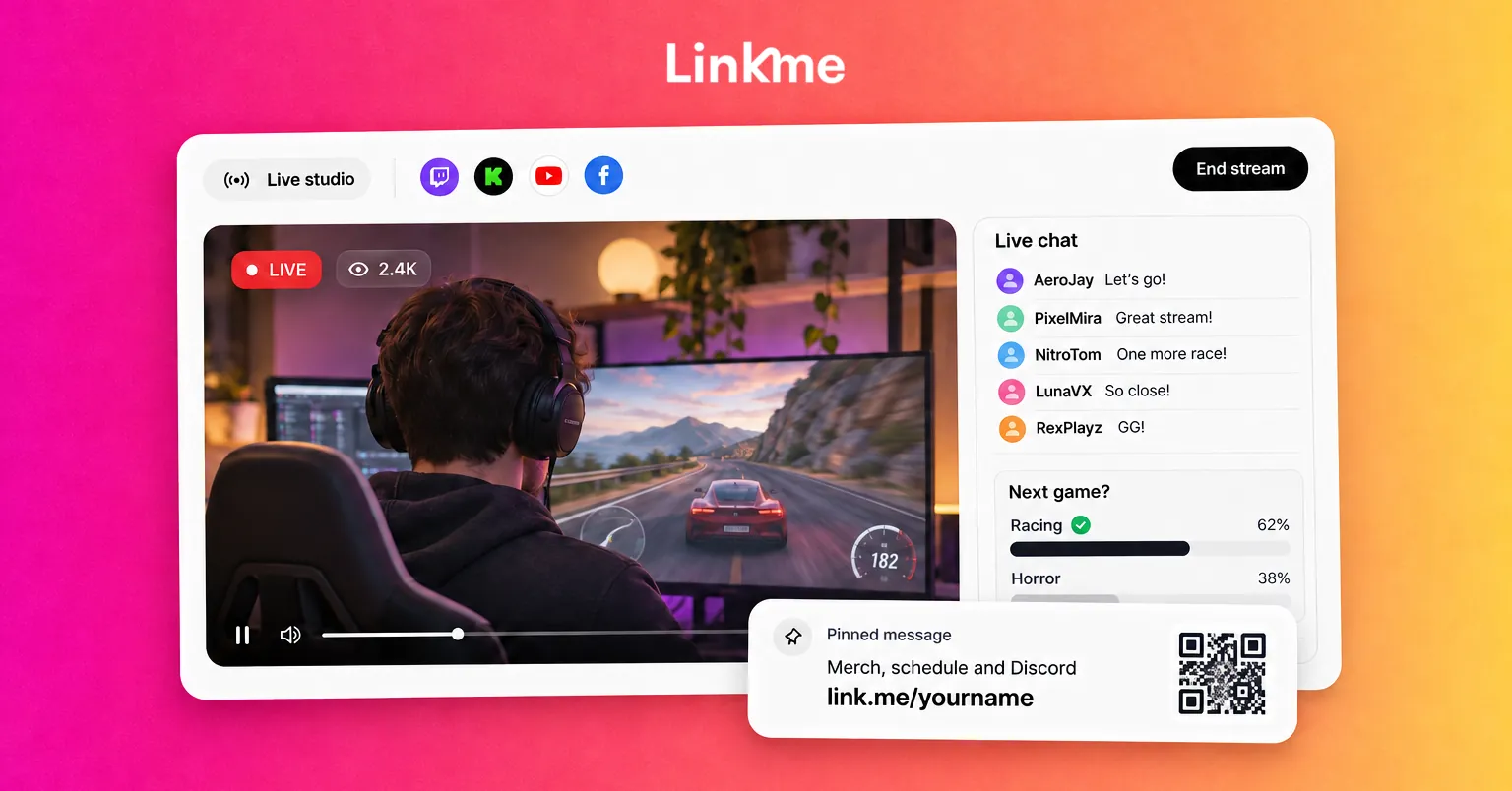
A Linkme page can hold links to your stream schedule, merch and Discord, plus an email sign up and anything you sell, with a QR code you can show on screen. With Plus or Pro, the Link Scheduler puts a link live at a set time and shows a countdown on the page, which works well for a special stream or a merch drop timed to go live mid-stream. An email sign up through lead capture gives you a way to reach viewers that does not depend on any one platform’s notifications.
On Twitch, keep the page focused on things like merch, schedule and community links rather than other streaming channels, so you stay within its guidelines. Put the link in your panels, a chat command and a pinned message, and mention it when it matters, not every five minutes.
Linkme’s page for creators and athletes shows how creators put links, videos, merch, tickets and sign ups on one page.
After the stream
The stream is not over when you go offline. Clip the best moments while they are fresh, thank people who showed up or supported you, and post the next stream time. Those clips, posted to short-form networks, are how most new viewers will find you.
Frequently asked questions
Which platform is best for live streaming engagement?
It depends on your audience. Twitch and Kick are built for long sessions with a regular community and have strong interactive tools. YouTube is better if you also want the stream to be found and watched later. Facebook Live suits audiences who already follow your Page.
Can I stream to Twitch and YouTube at the same time?
Yes, Twitch allows simulcasting unless you have an exclusivity agreement, but it sets conditions, such as matching quality on Twitch and not directing Twitch viewers to other platforms. Check its current simulcasting guidelines first.
How do I get more people to talk in chat?
Ask simple questions with one-word answers, read names out loud, and use polls or predictions where your platform offers them. Even a quiet chat grows when viewers see that you respond.
How long do live stream replays stay up?
It varies. YouTube can archive streams under 12 hours automatically, and the replay stays on your channel unless you remove it. Twitch and Facebook keep past broadcasts for a limited time, so download or clip anything you want to keep.


