One-Click Email Sign Up: Collect Emails From Your Link in Bio
How a one-tap Connect with button on your link in bio page turns social visitors into email contacts, plus where to place it and what to offer in return.
On this page
A one-click email sign up puts a single email field and button on the page your social profiles link to, so a visitor can join your list in one tap without opening a separate form. On Linkme, that button is called Connect with: it sits under your bio, carries your avatar, and every email it collects lands in your Leads list with its source. This guide covers where to place it, what to offer in return, and what to do with the list once people start joining.
Why a one-tap sign up works on social traffic
Most people reach your link in bio page from a phone, inside the Instagram or TikTok app, in the middle of scrolling. A multi-field form on another website, a page that loads slowly or a “create an account” step loses many of them.
An email sign up link in bio that asks for one thing, an email address, and confirms on the spot fits that moment. The visitor stays on your page, sees the rest of what you offer, and can keep browsing after joining.
It also changes who owns the relationship. Followers belong to the platform’s feed; an email address belongs to your list. When a post does not reach people, an email still can.
How Connect with works on a Linkme page
Turn it on
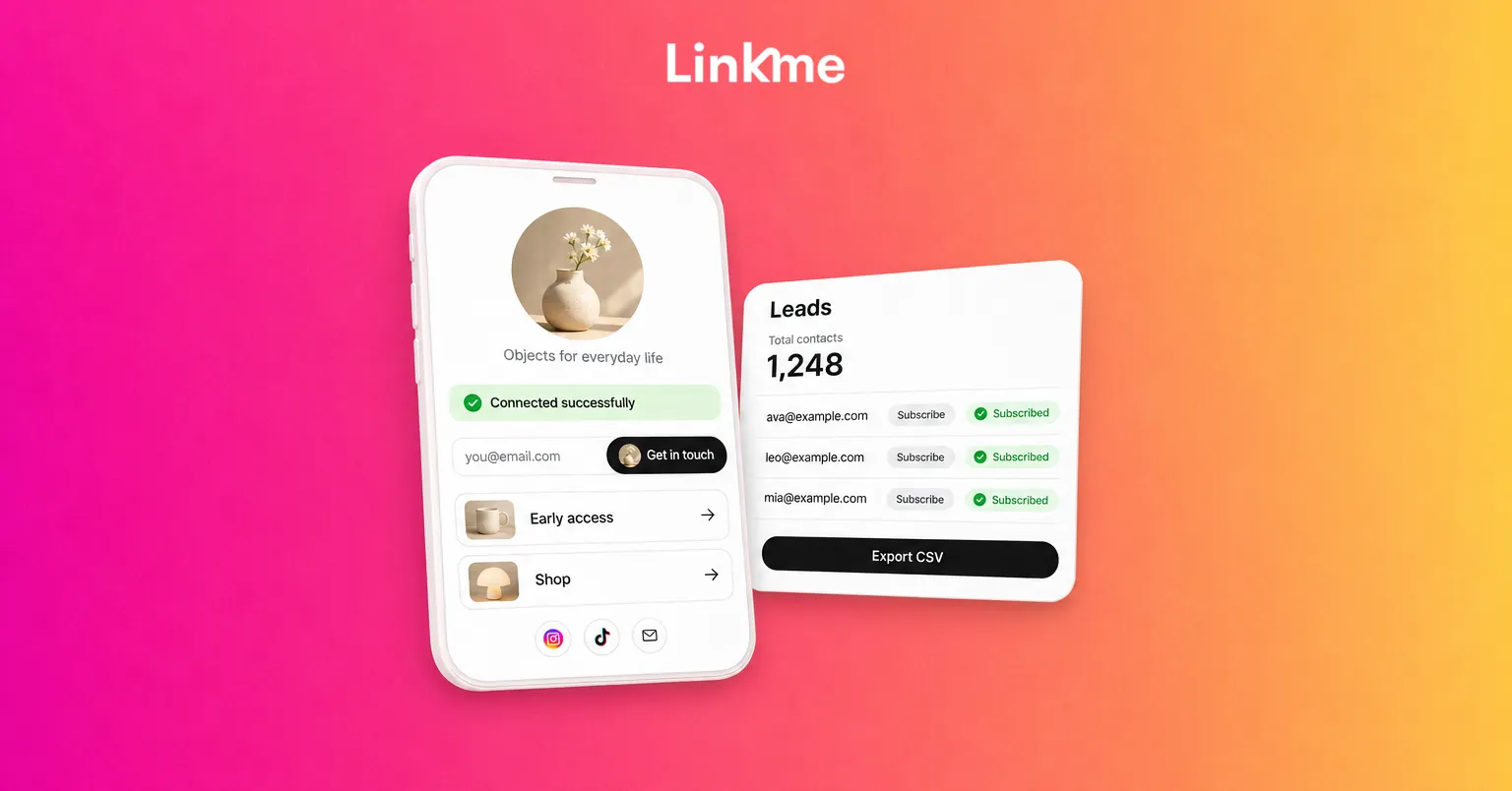
In your Linkme page’s sections, turn on Email Contact Form. Your page then shows an email field under the bio with a Connect with button that carries your avatar. A visitor types their email, taps the button and sees Connected successfully. Nothing else to build.
There is a second route on the same page. The “me” icon at the end of your social row opens a card where a visitor can share their name, email and phone number with you. Those contacts arrive with the source Add to contacts.
Where the contacts go
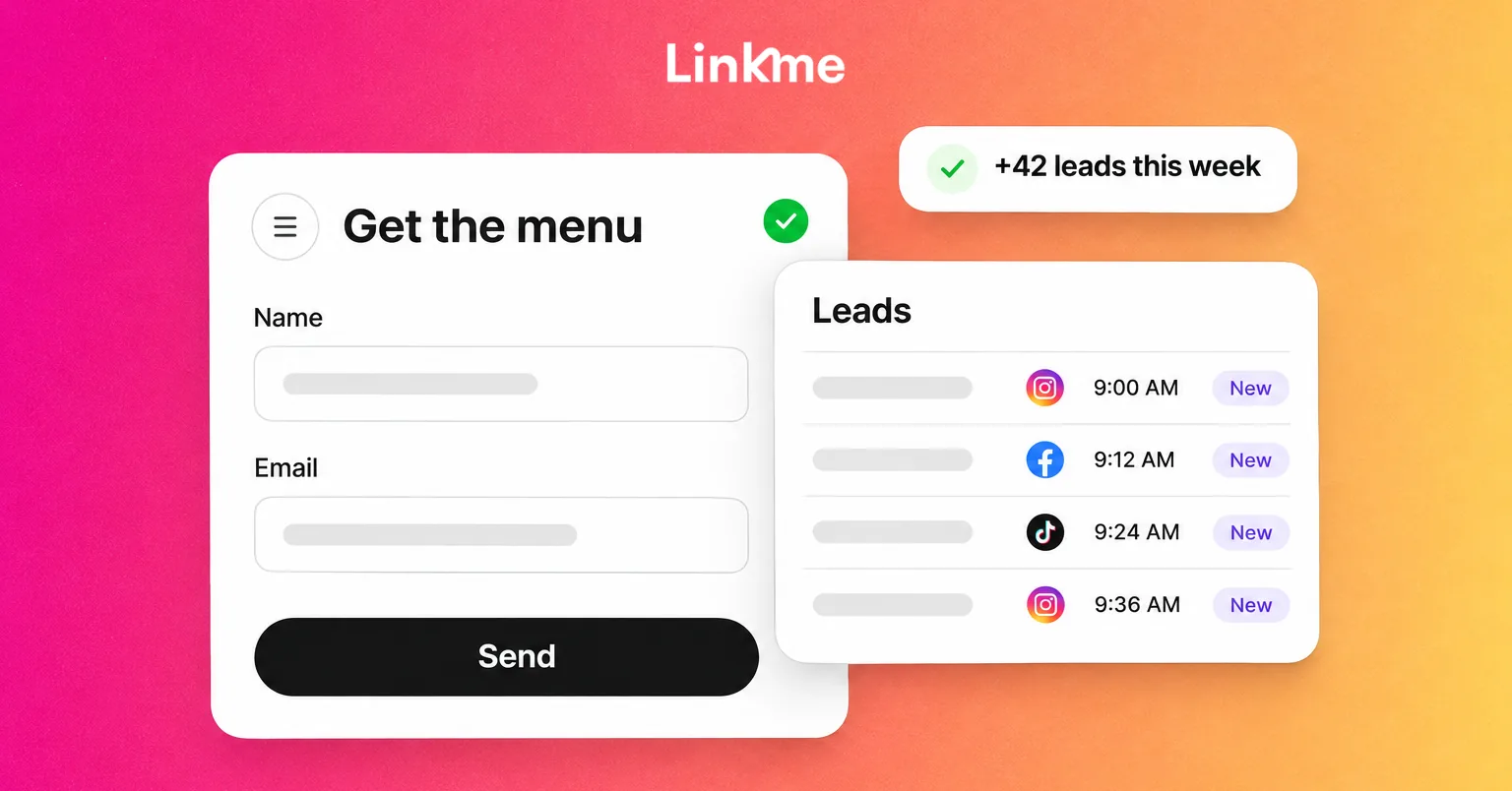
Every sign up lands in Leads, with its source, its status and the day it joined. You can see Total contacts, Subscribed and Unsubscribed, and filter by source, status, platform or date. Export CSV downloads the whole list, or exactly the contacts you filtered, to import into another email or CRM tool.
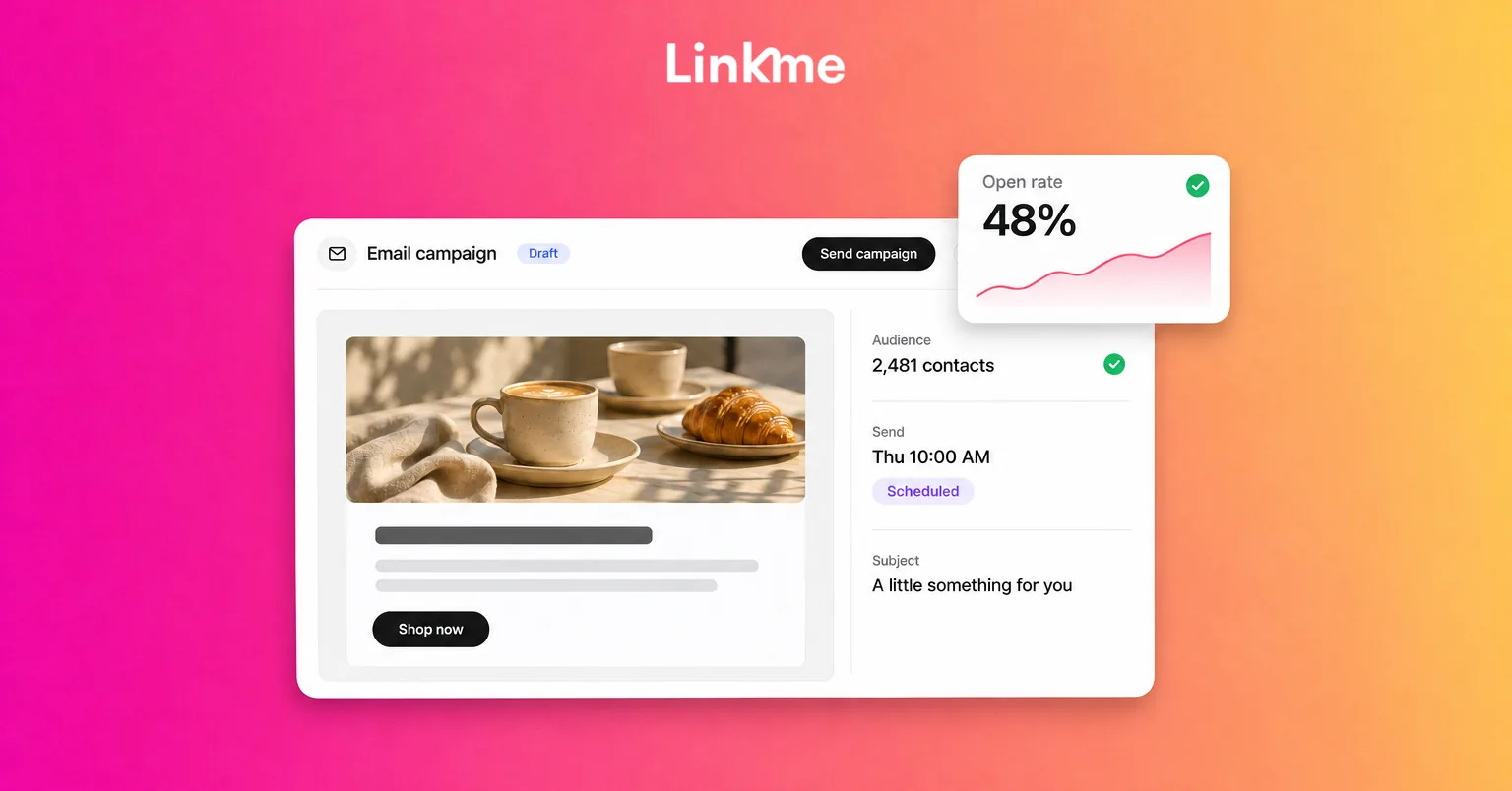
From the same list you can send an email campaign to everyone subscribed, to the contacts a filter finds, or to a single lead. Leads and sending campaigns come with Linkme Pro on People plans, and every Linkme Business plan includes lead capture, Leads and email campaigns. The Lead capture page shows the full flow.
When you need more than an email
If you need more detail, such as a phone number, company or Instagram handle, build a form instead. Forms take Text, Email and Mobile fields, each Required or not. A form with an email field and Add submitters to my leads turned on adds people to Leads as well. The lead forms guide has the steps. For most social traffic, though, start with the single field and add a form only where the extra detail is worth the extra step.
Where to place your email sign up
At the top of the page
The Connect with field sits under your bio by default, which is where most visitors look first. Linkme’s suggested layout for creators puts the email sign up first, then brands, channels, latest videos and anything you sell. Businesses can follow the same order: sign up, then the one or two actions that matter most this week.
In the content that sends people to the page
A field nobody is told about collects few emails. Mention it where your audience already is:
- Posts and captions: “Early access goes to the list first. Link in bio, tap Connect with.”
- Stories: a link sticker to your page with one line about what joining gets them.
- Video: say it out loud at the end, when the viewer has just seen what you offer.
- DMs: a DM automation can reply to a comment keyword with a link to your Linkme page, where the person can choose to share their email.
- In person: your page’s QR code on a counter card, poster or merch insert opens the same page and the same sign up.
Keep the rest of the page from competing
If the page has twenty equal links, the sign up becomes one more option. Feature the two or three links that matter, and keep the rest lower down.
What to offer in return
People share an email when they know what they will get and when. Make the offer specific and keep it honest.
| Offer | Works well for | Example line near the field |
|---|---|---|
| Early access | Drops, tickets, limited stock | “List members get the link 24 hours early.” |
| Presale or first notice | Events, venues, sports | “Presale codes go to the list first.” |
| A list-only code | Shops, restaurants, gyms | “A first-visit offer in your inbox this week.” |
| A regular roundup | Creators, publishers, coaches | “One email a month with the best of what I made.” |
| Behind the scenes | Artists, athletes, brands | “Release dates and studio notes before anyone else.” |
A few rules keep the offer credible:
- Say how often you will email. “Once a month” or “only for drops” lowers the fear of spam.
- Deliver on the timing you promised. Linkme campaigns send when you press send; there is no automatic welcome series. If you promise a code “this week,” put a weekly reminder on your calendar to send it.
- Do not invent urgency. If early access is not really earlier, people notice and unsubscribe.
What to do after people connect
Welcome new contacts on a schedule you control
Because each contact shows the day it joined, you can filter Leads by date and send a short welcome campaign to the people who signed up that week. Keep it brief: thank them, confirm what they signed up for, and give them the promised offer or the date it will arrive.
Send campaigns people expect
Write to the list when you have something worth opening: a drop, an event, a sale or the roundup you promised. Campaigns go to your active, subscribed contacts, and Linkme adds an unsubscribe footer to every email that cannot be removed. Anyone who unsubscribes keeps that status and is left out of later campaigns. For structure and copy, see how to create an email campaign.
Read the sources
Filter Leads by source to see whether the Connect with field, a form, Add to contacts or a purchase brings in the most people. If a promotion in stories drives a jump in sign ups, do it again; if a form gets few completions, cut a field.
Only email people who opted in
Contacts you add by hand are marked as not opted in, and the email composer warns about them. Send only to people who agreed to hear from you. It protects your sender reputation and keeps the list worth having.
Frequently asked questions
What is a one-click email sign up?
It is a single email field with one button, placed on the page your social profiles link to, so a visitor can join your list in one tap without opening a separate form or website. On Linkme, the button is called Connect with.
How do I collect emails from Instagram?
Put your Linkme page in your Instagram bio, turn on Email Contact Form so the Connect with field shows under your bio, and tell followers in posts, stories and DMs what they get by joining. Each email lands in Leads, where you can export it or send a campaign.
Can I export the emails I collect?
Yes. Export CSV in Leads downloads every contact or only the ones you filtered, with fields such as name, email, phone, status, sources and created date, so you can import them into another email or CRM tool.
Do people get a welcome email automatically?
No. Linkme campaigns go out when you send them. To welcome new contacts, filter Leads by the date they joined and send a short campaign to that group on a regular schedule.
An email list grows fastest when joining takes one tap and the reason to join is clear. Add Connect with to your page, tell your audience what they get, and send them something worth opening. See how Leads and email campaigns work together.