Social Media Manager Productivity: Habits and Workflows That Save Hours Each Week
Where a social media manager's week really goes, and how templates, saved replies, batch approvals, calendar moves and AI drafts take the repeat work out of it.
On this page
Social media manager productivity rarely improves because someone works faster. It improves when the same decisions stop being made twice: the caption structure, the answer to “where’s the link?”, the chase for a sign-off, the rebuild of a post that only needed a new date. This guide covers the habits and tools that remove that repeat work, from templates and saved replies to approving several posts at once, moving posts on the calendar and handing routine edits to AI.
Find where the week actually goes
Before adopting any of the productivity tips for social media managers below, log one ordinary week in 30-minute blocks. Most social media managers find the time goes to the same few places.
| Time sink | What it looks like | Fix |
|---|---|---|
| Posting app by app | The same video uploaded five times, captions retyped | One composer for every network |
| Approval chasing | Messages asking “did you see the draft?” | A single review queue checked at set times |
| Repeat questions | “Link?”, “Hours?”, “Price?” answered by hand | Saved replies and keyword DM automations |
| Rescheduling | Deleting a post and rebuilding it for a new date | Move it on the calendar |
| Small page edits | Logging in to swap the top link before each campaign | Ask AI to make the edit, then approve it |
| Reporting | Screenshots from every app pasted into a deck | One report per brand, exported once |
Rank the rows by hours spent and fix the top two first. Changing everything at once usually means none of it sticks.
Work in blocks, not in notifications
Context switching is the quiet cost of social work. Writing a caption, answering a complaint and checking yesterday’s numbers use different kinds of attention, so group them.
- Create: one or two long blocks a week for writing and editing posts.
- Schedule and review: a short daily block to submit drafts, approve what is waiting and fix anything that failed.
- Engage: two or three fixed windows a day for comments and DMs, plus a clear rule for what counts as urgent.
- Report: one block a week, at the same time, for the numbers.
Then turn off the alerts that do not need you right away. Keep the ones that do, such as a failed publish or a review request with a deadline.
Templates that remove repeat decisions
Caption and brief templates
Most accounts publish a handful of post types: a product feature, an event reminder, a customer question, a behind-the-scenes clip. Write a short template for each with the hook, the key detail, the call to action and the destination link. Keep them in a shared document with names your team will recognize, such as “Event reminder, 48 hours before.”
A brief template helps even more. Before anyone writes, fill in: audience, single message, offer or date, destination, networks and approver. Most rewrites happen because one of those was missing.
Saved replies for repeat questions
If you answer the same question more than twice a week, it should be a saved reply. Give each one a title, the answer in your brand’s voice and the link it should point to. Review them monthly, because an outdated saved reply spreads a wrong answer quickly.
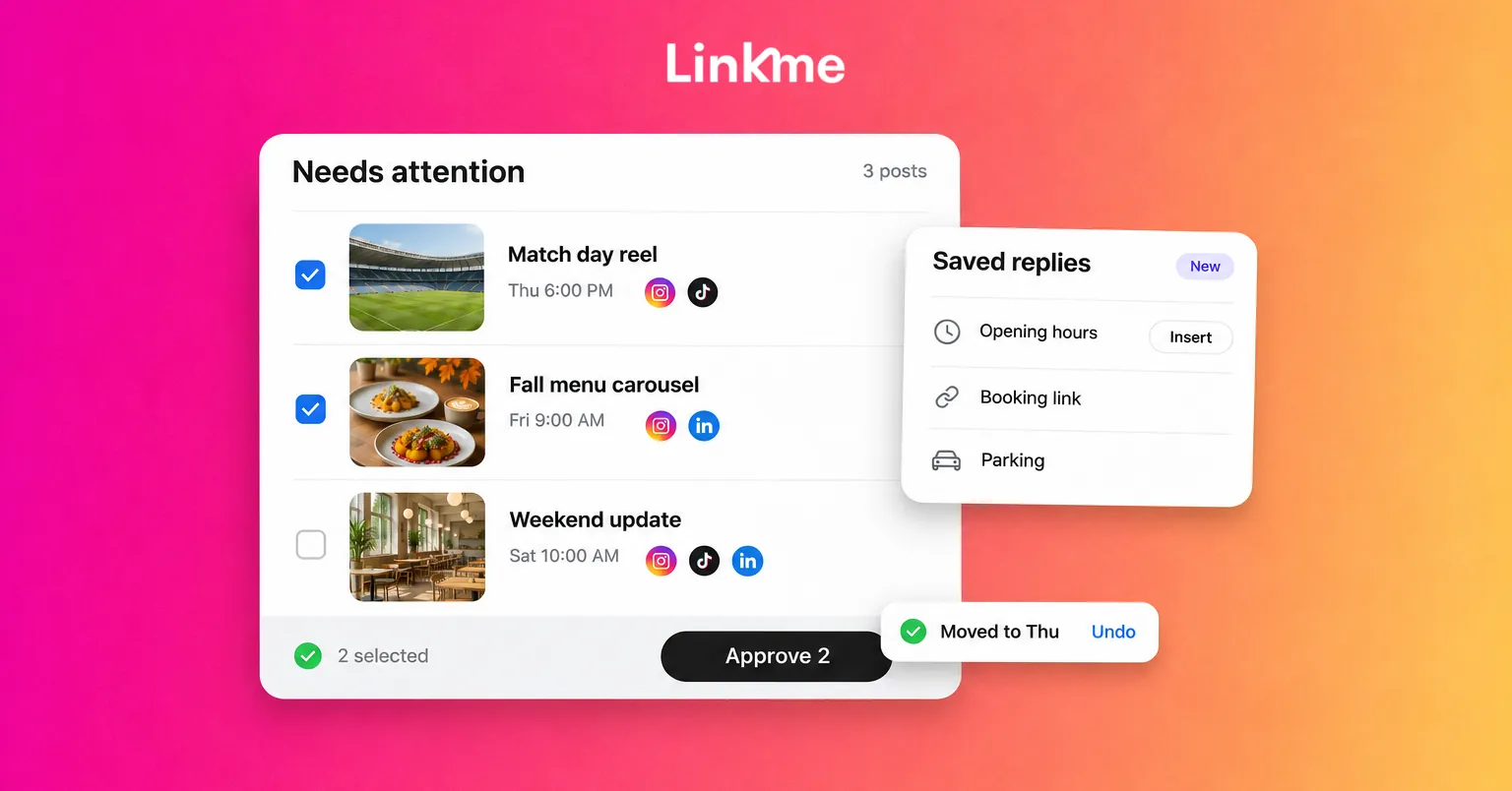
In Linkme’s Social Inbox, Instagram and Facebook comments and DMs land in one list. Saved replies have a title and are ready to insert, internal notes stay inside Linkme and are never sent to the customer, and a conversation you resolve leaves the Open list for everyone.
Email templates for recurring sends
Event invites, newsletters and early-access announcements follow the same shape every time. Linkme’s email campaigns start from 27 starter templates, and you can save an email that worked as your own template for next time.
Approvals without the chase
Approval delays are a process problem more than a people problem. Fix the process.
Review in one queue, at set times
Agree on two review windows a day. Drafts submitted before a window are reviewed in it. Reviewers check one place, not their messages.
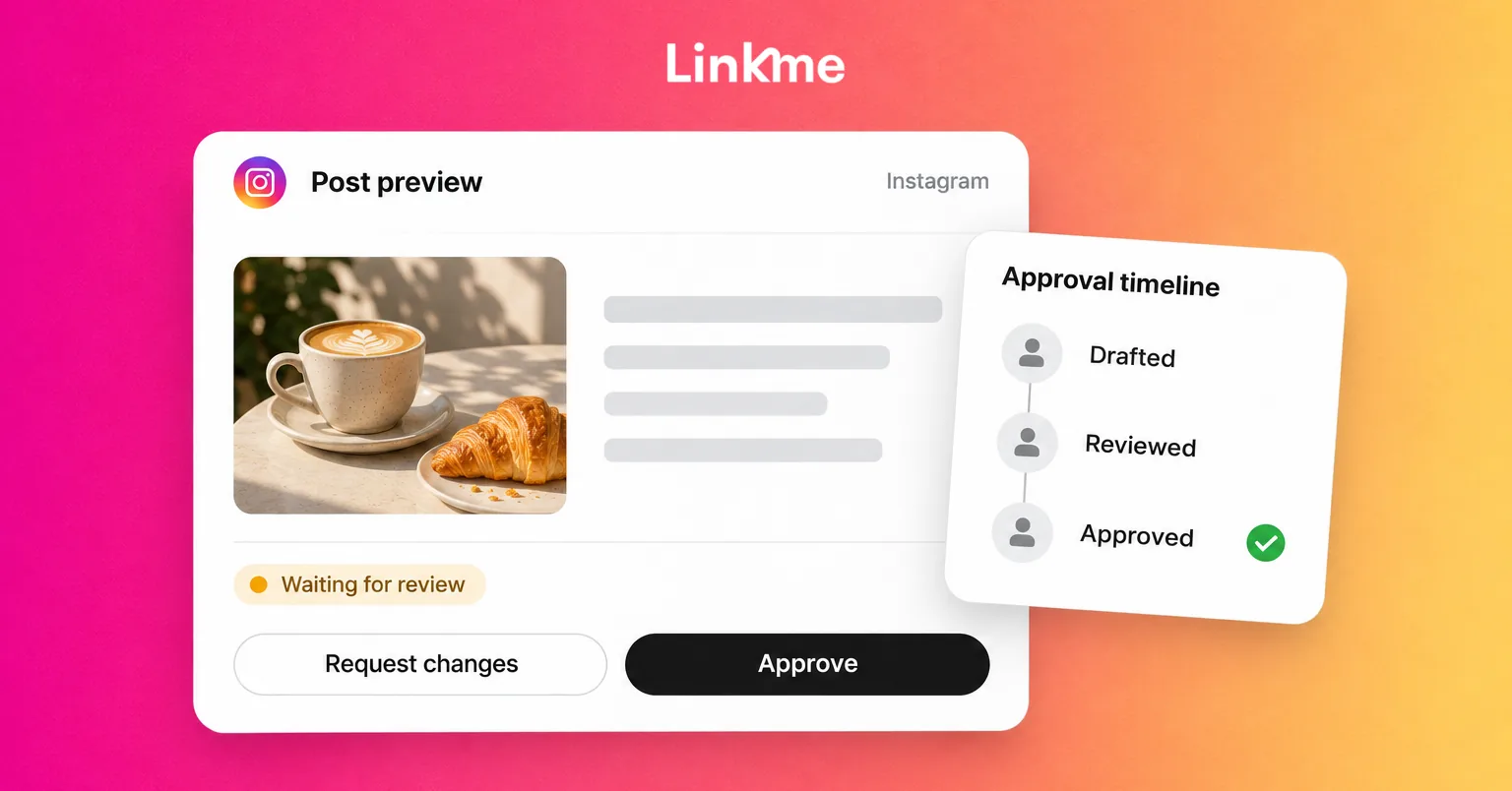
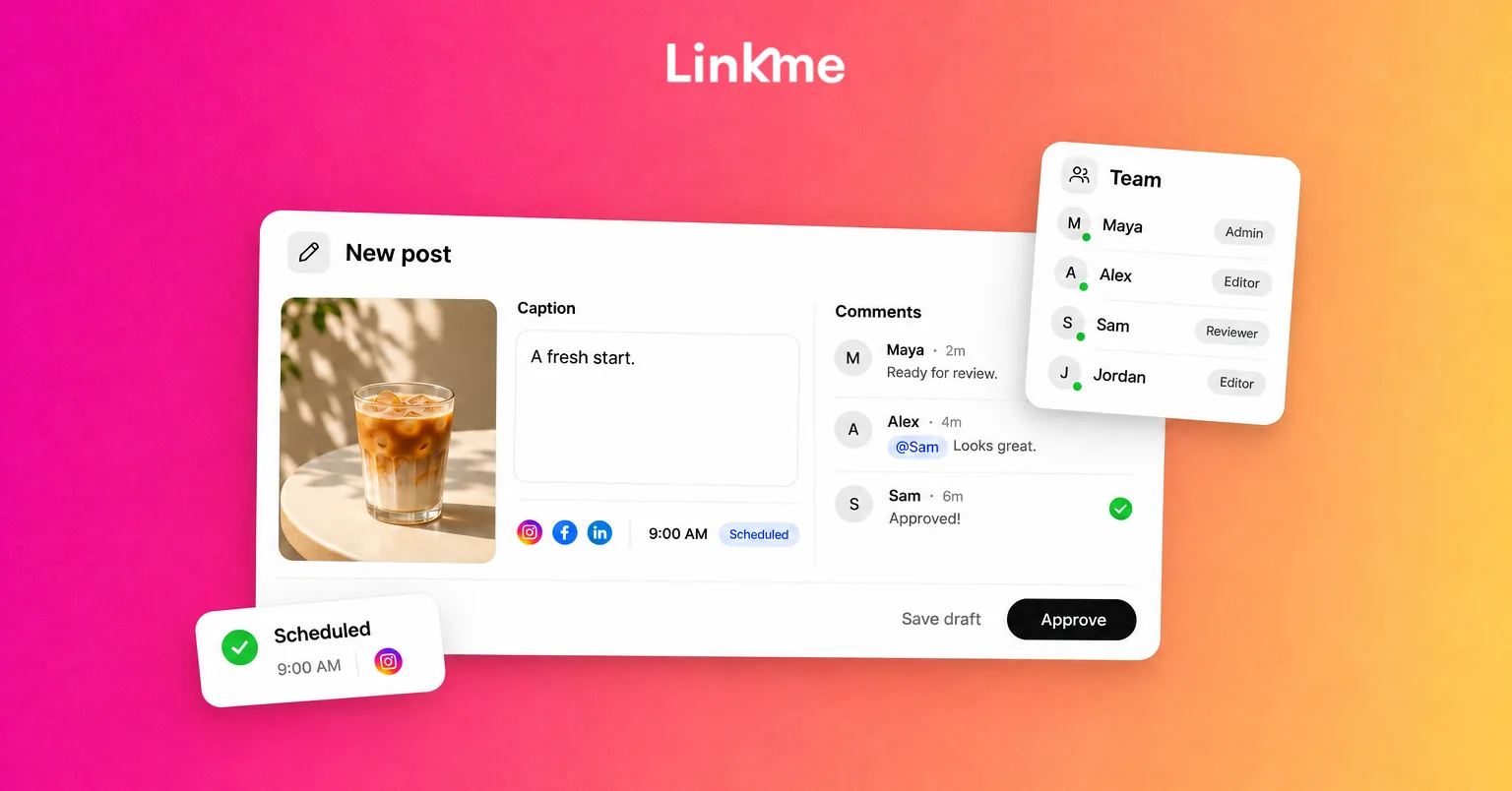
In Linkme, posts that need sign-off wait in Needs attention in Plan. An owner or admin can approve one post or select several and approve them at once, and Team Activity records who submitted, approved and published what. Approval keeps the scheduled time, so a post signed off in time goes out when it was planned. The post approvals guide walks through the steps.
Know what sends a post back
In Linkme, changing an approved post’s caption or time sends it back for approval. That is a safeguard, but it surprises people who make a “small” edit at 4:55 PM. Make caption tweaks before you submit, and when a date must move, tell the approver it is coming.
When a reviewer taps Request changes, the post shows Changes requested. Fix it and resubmit, and it shows Resubmitted for review. Ask reviewers to say exactly what needs to change in one message, rather than a thread of partial notes.
Move posts instead of rebuilding them
Plans change: a launch slips, a match is rescheduled, a better slot opens up. Rebuilding the post wastes time and risks losing the approved version.
On the Linkme calendar you can drag a post from one day to another, and a moved post can be undone. Before you move one, check three things:
- Does the new time still make sense for every network the post goes to?
- Does anything in the caption mention a day or date that is now wrong?
- Will the change need a new approval, and is the approver available?
Afterwards, check the status. Linkme shows Published, Scheduled, Failed or Cancelled for each network, marks a post Partially posted when one network misses, and lets you retry only the failed networks instead of reposting everywhere.
Hand routine edits and first drafts to AI
Link, Linkme’s AI social media manager, can draft captions to start from, make images and videos, and answer questions from your page’s analytics, such as which link got the most clicks last week. It can also make routine page edits, like moving this weekend’s event link to the top. Every change arrives as a card, and nothing moves until you press Approve.
Good jobs to hand over:
- A first caption draft from your brief, which you then edit for voice and accuracy.
- Swapping the top link on a page before a campaign.
- A quick answer to “which city tapped most this month?” before a meeting.
Keep people on anything that needs judgment: complaints, sensitive replies, claims about prices or availability, and final approval. Link never replies to comments or DMs itself.
A weekly rhythm that holds up
- Monday: fill gaps in the calendar, submit the week’s drafts for review, check saved replies are current.
- Tuesday to Thursday: morning review window, two engagement windows, fix anything Failed or Partially posted.
- Friday: move or cancel anything affected by changed plans, draft next week’s briefs and save a report for each brand.
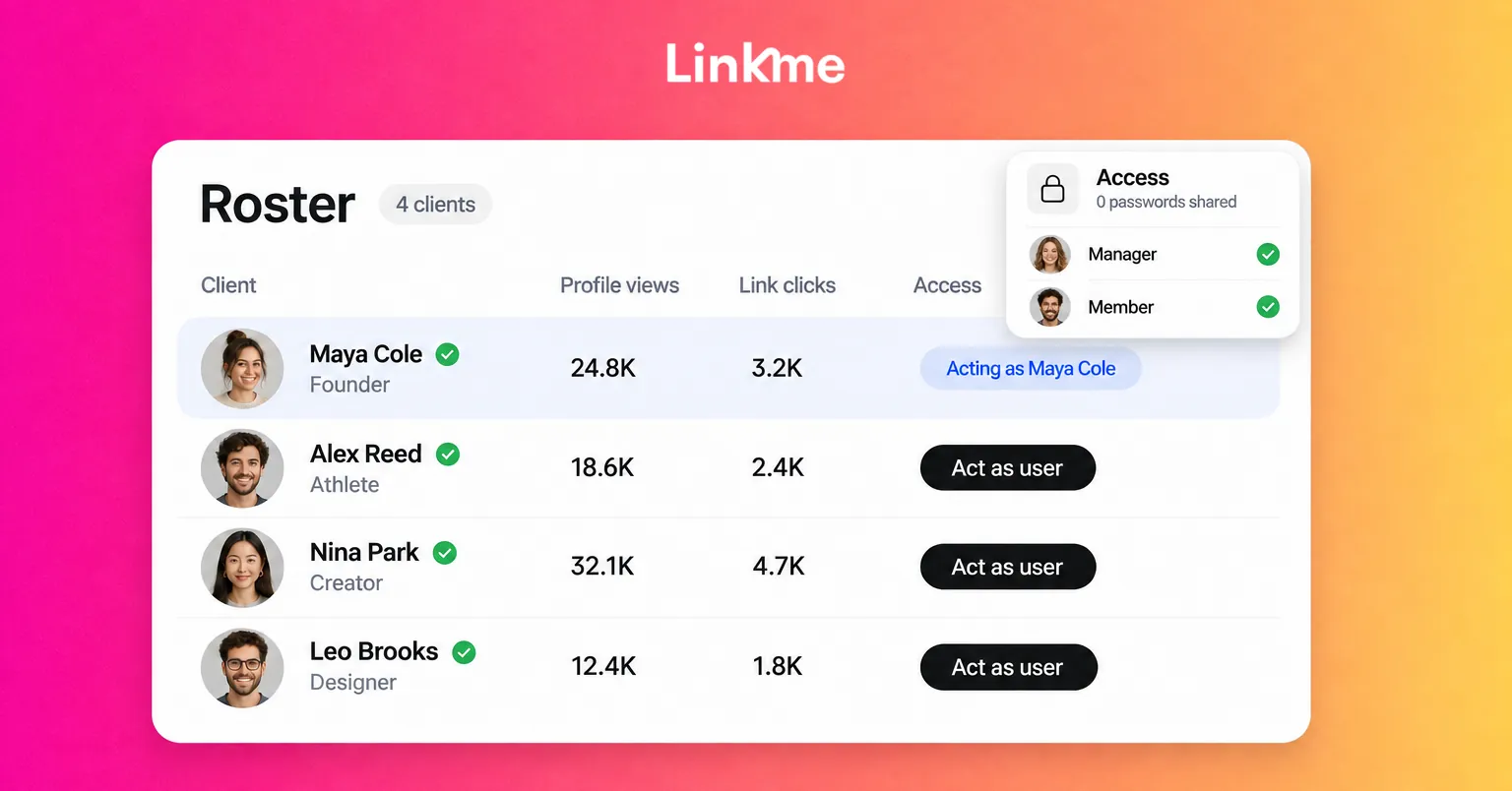
The social media teams page shows how plan, review, publish, answer and report fit together on Linkme when one team runs several brands.
Frequently asked questions
What are the best social media productivity tools?
The best social media productivity tools remove repeated work: one composer that publishes to several networks, a shared inbox with saved replies, an approval queue and reporting that does not need screenshots. Pick tools that cover the tasks at the top of your time log, not the longest feature list.
How many hours a week should a social media manager spend on engagement?
It depends on volume and the number of accounts, so measure it rather than guess. Fixed engagement windows, saved replies and automations for repeat questions usually cut the time without slowing response times for the conversations that need a person.
How do I stop approvals from delaying posts?
Use one review queue, set review windows and give reviewers enough lead time before each post’s scheduled time. Batch approvals so a reviewer can clear several posts at once, and avoid late edits that send approved posts back for review.
Should social media managers use AI for captions?
Yes, for first drafts and variations, as long as a person edits for accuracy and voice and approves the final version. Give the AI a specific brief rather than a topic, and never let it publish or reply without review.
If your week is spent juggling apps, approvals and repeat questions, Linkme puts publishing, approvals, the inbox and reports in one account. Book a demo to see it on your own brands.