How to Earn $500 Fast With a Digital Product: A Realistic Two-Week Plan
Linkme's old cash-for-invites offer has ended. Here is an honest two-week sprint instead: pick a product people ask for, run a presale, promote it with a keyword DM and email your list.
On this page
- Key takeaways
- First, a reality check
- Step 1: Pick a product people already ask for (days 1-2)
- Step 2: Decide between a presale and a ready product (day 2)
- Step 3: Set it up on your page (days 3-5)
- Step 4: Promote it for a full week (days 6-12)
- Step 5: Email the people who opted in (days 7 and 12)
- Step 6: Review and decide what’s next (days 13-14)
- Frequently asked questions
If you want to earn $500 fast as a creator, the most realistic route is to sell something small that your audience already asks for, run a short presale and promote it hard for two weeks. That might be a guide, a preset pack or a template, sold from your link in bio and promoted with posts, a keyword DM and an email to people who opted in. Nothing here is guaranteed: the result depends on your audience, your offer and how well you promote it. This guide gives you the reality check and a two-week sprint plan.
First, a reality check
This page once promoted cash rewards for inviting friends to Linkme. That offer has ended. Linkme’s ambassador program is invite only, with applications at ambassador.link.me, and it is not a way to earn quick money.
Be wary of any “earn $500 today” offer that asks you to recruit people, pay an upfront fee, buy followers or share account logins. Real fast creator income comes from selling something people value to people who already trust you.
Do the math before you start
| Price | Sales needed for $500 (before fees) |
|---|---|
| $5 | 100 |
| $10 | 50 |
| $15 | 34 |
| $25 | 20 |
| $49 | 11 |
Now look at your numbers honestly. How many people click your bio link in a normal week? How many reply to your stories? If your link gets a few dozen clicks a week, 50 sales in two weeks is unlikely at any price. In that case, aim for your first 10 sales and treat this as a test you can repeat.
Step 1: Pick a product people already ask for (days 1-2)
The fastest products to sell answer a question you get in your comments every week. Look through your DMs and comments for patterns:
- “What preset do you use?” → a preset pack.
- “Can you share your workout plan?” → a four-week plan as a PDF.
- “How do you plan your content?” → a template or checklist.
- “What’s in your bag?” → a guide with your picks and why.
Keep the scope small. A few focused days can produce a useful 10-page guide or a set of templates; it cannot produce a full course. Write one sentence that says who it is for and what they get: “A 20-recipe meal prep guide for people who cook once a week.”
Step 2: Decide between a presale and a ready product (day 2)
A presale lets people pay now and receive the product on release day. It tests demand before you spend days building, and it gives early buyers a reason to act: they get it first.
Run a presale when the idea is solid but the product is not finished. Sell a ready product when you already have the file. Either way, state the release date plainly and keep it.
Step 3: Set it up on your page (days 3-5)
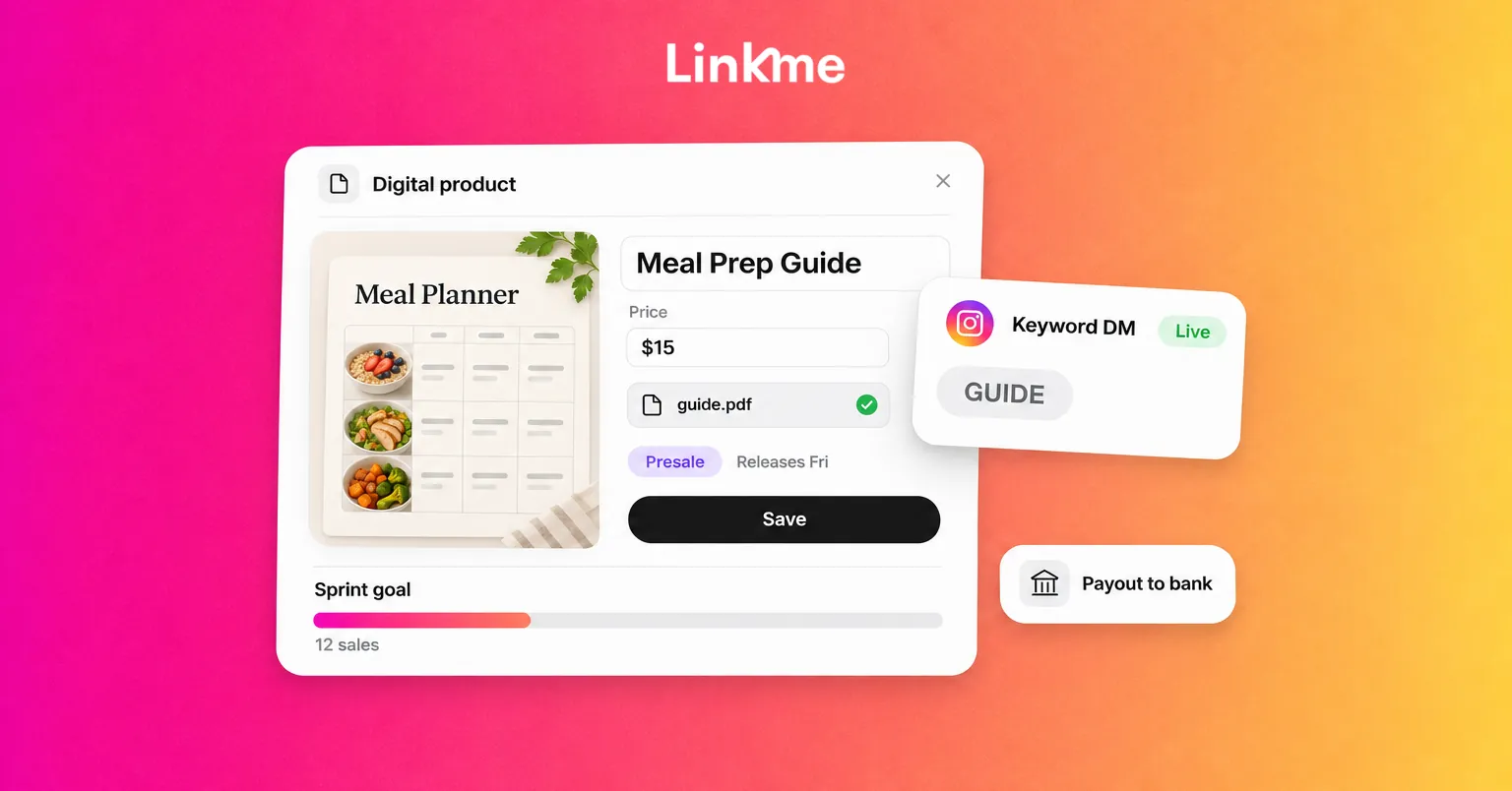
You can sell digital products from your Linkme page on Linkme Plus and Linkme Pro. The setup:
- Open Edit Profile in your Linkme dashboard, then Products.
- Add a digital product with a title, description, price and cover image.
- Upload the file buyers receive: a guide, presets, templates, an ebook, music or another download.
- Connect your payout method and go live. Paid products need a verified Stripe account.
Buyers get the download the moment they pay. For a presale, schedule the release and buyers can pay now; the product reaches them automatically on release day, and Linkme can email them when it releases.
Write the description like a short sales page: who it is for, what is inside, the format and what they can do after reading it. Use a clear cover that reads at thumbnail size.
Know the fees
Linkme takes a platform fee set by your plan, and Stripe takes its processing fee. Transaction Fees & Earnings shows what you earn on a sale before you publish, and each order shows its split. Stripe pays out to your bank on the schedule it sets for your country. More detail is on the Sell & Monetize page.
Step 4: Promote it for a full week (days 6-12)
Most first launches fail from too little promotion, not a bad product. Plan one promotional touch a day.
Posts on every network
Make three or four short videos: the problem the product solves, a peek inside, a result or before-and-after, and a last-call reminder. Publishing the same video to Instagram, TikTok, YouTube, Facebook, X, Threads and LinkedIn takes one upload with Post to All, so the work goes into the content, not the reposting. Linkme Plus, which you need for digital products anyway, includes unlimited posts with Post to All.
A keyword DM that sends the link
End each post with one instruction: “Comment GUIDE and I’ll send you the link.” A DM automation replies under the comment and sends a DM with the link to your product. Every plan, the free plan included, can run DM automations within its own limits, and each automation counts activations and clicks, so you can see which post is driving interest.
Keep the DM short: one line about what they are getting and the link.
Your story and bio
Put the product at the top of your Linkme page for the sprint and point your story link sticker at it. Repeat the release date in every story during a presale.
Step 5: Email the people who opted in (days 7 and 12)
Your email list is usually your best converting audience, because those people asked to hear from you. Send two emails: one at launch and one a day or two before release day or the end of your sprint.
If you collect emails on Linkme, data capture forms come with Plus, and Leads with email campaigns come with Linkme Pro. If you already use another email tool, send from there. Only email people who signed up to hear from you.
Step 6: Review and decide what’s next (days 13-14)
Look at what happened: product page clicks, sales, which post brought the most DM activations and which email got clicks. If you reached $500, deliver well and ask buyers what they would want next. If you did not, the numbers show where the gap is: too few people saw it, too few clicked, or too few bought once they arrived.
Frequently asked questions
Can you really earn 500 dollars fast online?
Some creators can, usually by selling a product to an audience that already trusts them. It is not guaranteed, and anyone promising a fixed amount in a fixed time is selling something. Start with the math and a realistic goal for your audience size.
Does Linkme still pay $500 for invites?
No. The old cash-for-invites offer has ended, and there is no fixed reward for signing people up. The ambassador program is invite only, and you can apply at ambassador.link.me.
What digital products sell best for beginners?
Simple, specific products that answer a question your audience already asks: preset packs, templates, checklists, short guides and plans. Specific beats broad, so “a 4-week beginner running plan” sells better than “fitness tips.”
How quickly do I get paid after a sale?
On Linkme, sales go through Stripe, which pays out to your bank on the schedule it sets for your country. Buyers get their download straight away, but the money reaches your bank on Stripe’s schedule.
When you are ready to run your sprint, Linkme gives you the product page, the checkout, the keyword DM and one upload for the networks you choose, in one place.