Interactive Video Content: Formats That Get Your Audience Involved
Seven interactive video formats that turn views into decisions, from story polls and live Q&A to choose-your-path series and comment prompts that send a link by DM.
On this page
Interactive video content asks viewers to do something while or after they watch: vote in a poll, ask a question, choose what happens next or comment a keyword to get a link. It works because it turns a passive view into a small decision, and those decisions tell you what your audience wants. This guide covers the interactive formats that hold up across Instagram, TikTok, YouTube and Facebook, how to plan them so they are easy to answer, and how to measure whether they did more than collect likes.
Why interactive video works
A regular video asks for attention. An interactive one asks for a decision, and decisions create investment: someone who voted on the next episode wants to see whether their option won. Interaction also gives you information you cannot get from a view count, including what people want to learn, which product they prefer and which questions block a purchase.
The trap is asking for interaction for its own sake. A bare “Comment below” with no reason gets ignored. “Comment A or B and I’ll film the winner next week” gets answers, because the viewer knows what their comment does.
Seven interactive formats that work
| Format | Where it works | What the viewer does | Best for |
|---|---|---|---|
| Poll and quiz stickers | Instagram Stories, Facebook Stories | Taps an answer | Quick preference checks, light education |
| Question sticker or comment, answered on video | Stories, Reels, TikTok | Asks, then watches your reply | FAQs, building a backlog of ideas |
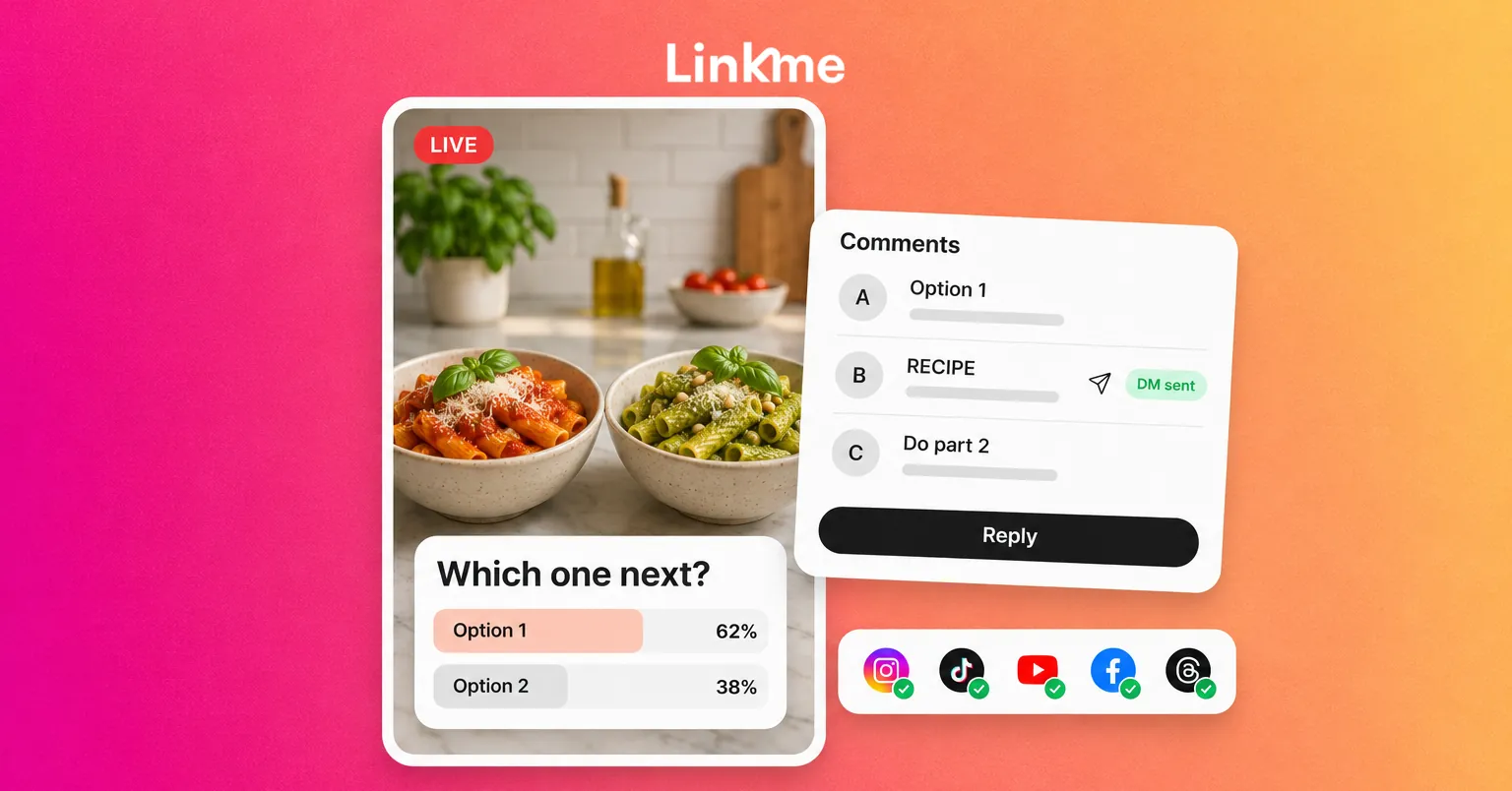
| Live video with Q&A | Instagram, TikTok, YouTube, Facebook | Comments in real time | Launches, behind the scenes, expert sessions |
| Choose-your-path series | Any short-video network, YouTube | Votes on what happens next | Recurring series, product tests |
| Comment-to-DM prompt | Instagram, Facebook | Comments a keyword, gets a link | Guides, menus, tickets, products |
| Duet, stitch and remix | TikTok, Instagram | Adds their own take | Challenges, reactions, tutorials |
| Follow-along tutorial | Any video network | Tries a step and reports back | How-tos, fitness, recipes, software |
1. Polls and quiz stickers
Story polls are the lowest-effort interaction there is: one tap. Use them to make real decisions (“Which color should we restock?”) or to set up the next piece of content (“Do you rinse rice? Answer before tomorrow’s video”). Share the results in a follow-up story so voters see their input mattered.
2. Questions answered on video
Collect questions with a question sticker in Stories or a prompt in your caption, then answer the best ones in short videos. TikTok and Instagram both let you reply to a comment with a video that shows the original comment on screen. Each reply is its own piece of content, and the person who asked usually shares it.
3. Live video
Live video is the most interactive format because you respond in real time. Check each network’s live requirements first, since some set an age or follower minimum before you can go live from the app. Plan it like a short show: a topic, three talking points, a moment for questions and a clear ending. Announce it a day ahead and again an hour before, pin the main question or link in the comments, and save or repost the best moments as short clips afterward.
4. Choose-your-path series
End each episode with a choice: “Should I try the budget version or the expensive one next? Comment 1 or 2.” Count the comments, film the winner and say in the next episode that the audience chose it. This works for cooking, renovation, fitness, travel, product testing and B2B explainers (“Which mistake should I break down next?”).
On YouTube, videos that run at least 25 seconds can add an end screen in their last 5 to 20 seconds that points viewers to the next part, so a multi-part tutorial can work like a menu.
5. Comment prompts that trigger a DM
A comment-to-DM prompt turns a viewer into a click: “Comment RECIPE and I’ll send you the full list.” It works best when the reward is specific and the video shows a preview of it. On Instagram and Facebook, a keyword automation can post a public reply and send the DM with the link automatically, so nobody waits. Keep the keyword short, put it on screen and in the caption, and use a different keyword for each offer so you know which video drove the clicks.
6. Duets, stitches and remixes
Inviting people to respond with their own video extends a post’s life. Give them something easy to respond to: a question with a pause, a “show me yours” prompt or a challenge with simple rules. Check your post settings, because TikTok lets you choose whether others can duet or stitch each video.
7. Interactive tutorials
Ask viewers to follow along and report back: “Try step two and comment how long it took.” It moves people from watching to doing, and their comments become proof that the method works.
Plan interaction into the video, not just the caption
Most people watch short video with the caption collapsed, so the ask has to be in the video itself.
- State the action out loud and on screen, ideally twice: once early and once at the end.
- Give a reason: what happens when they vote, comment or ask.
- Make it easy: one word, one number or one tap.
- Close the loop: reply, share results or film the follow-up, so the next ask gets more answers.
Publish once, add the interactive layer natively
The base video can go everywhere at once, while the interactive tools live in each app. With Post to All, you upload a video once and publish it to Instagram, TikTok, YouTube, Facebook, X, Threads and LinkedIn, now or on a schedule, with one caption or a different one per network. That matters here, because the prompt should change by network: “Comment RECIPE” fits Instagram, where an automation can send the DM, while YouTube viewers might be pointed to the next video instead.
Stickers, polls and live sessions are added in each network’s own app. Plan them on your calendar alongside the post, so the story poll goes up the same day as the video it supports.
For comment prompts, Linkme’s DM automations watch the posts you choose, answer keywords or emoji, and send a DM with your link. Each automation shows its activations, clicks and click-through rate.
Measure what the interaction produced
Views tell you a video was shown. For interactive video, track the action you asked for:
- Polls: response count compared with story views.
- Questions: how many arrived and how many became videos.
- Choose-your-path: votes per episode and whether the next episode’s views went up.
- Comment-to-DM: activations, link clicks and what people did on the page they landed on.
- Live: peak viewers, comments per minute and replays.
Keep the formats that produce useful answers or clicks and drop the ones that only add noise. The guide to cross-posting on social media covers adapting one video for each network in more detail.
Frequently asked questions
What is interactive video content?
It is video that asks the viewer to take an action, such as voting, asking a question, choosing the next episode or commenting to receive a link. The interaction can happen inside the video player, in stickers or in the comments.
Which interactive video format gets the most engagement?
It depends on your audience, but low-effort actions such as one-tap polls and one-word comment prompts usually get the most responses. Live video and choose-your-path series take more effort but tend to build the strongest repeat audience.
Can I add polls to videos I post to several networks at once?
Polls and stickers are added natively in each app, so publish the base video to every network and then add the interactive layer where the network supports it. Use a per-network caption so each audience gets a prompt that works there.
How do I turn video engagement into sales or sign-ups?
Ask for a specific action that leads to a page, such as “comment GUIDE for the link”, and send the link automatically by DM. Then measure clicks and what happened on the page, not just comments.
Linkme handles the parts that repeat: one upload to the networks you choose, a per-network caption and the DM that sends commenters your link.