Networking Tips for Events: Share Your Details and Follow Up Fast
How to prepare one page with your work and contact details, share it with a QR code, let people share their details back, and follow up within a day.
On this page
The best networking tips for events are less about charm and more about logistics. Make it easy for people to remember what you do, make it easy for them to reach you, and follow up before the conversation fades. This guide covers how to prepare one page that holds your work and contact details, share it in seconds with a QR code, collect people’s details in return, and follow up within a day.
Before the event: prepare what people will see
Set a goal for the day
Look at the speaker list, the exhibitors and the attendee app if there is one. Pick a few people or companies you most want to meet and write down why. A goal such as “talk to two people who hire freelance designers” makes it much easier to decide which sessions to attend and when to move on from a conversation.
Prepare a two-sentence introduction: what you do and who you do it for, then one detail that invites a question. “I edit short video for restaurants. Most of my clients came to me because their Reels were getting views but no bookings.” It is easier to listen well when you are not improvising your own pitch.
Build one page that holds everything
A business card holds a name and an email address. A page can hold the reason someone should remember you. Before the event, make sure the page you will share includes:
- A one-line description of what you do, in the words you use out loud.
- Two or three examples of your work: a portfolio piece, a recent project, a short video.
- Contact details: email, phone if you want calls, and a booking link if you take meetings.
- Your socials, limited to the accounts you actually keep up.
- A sign up, so people can leave their details without having to message you first.
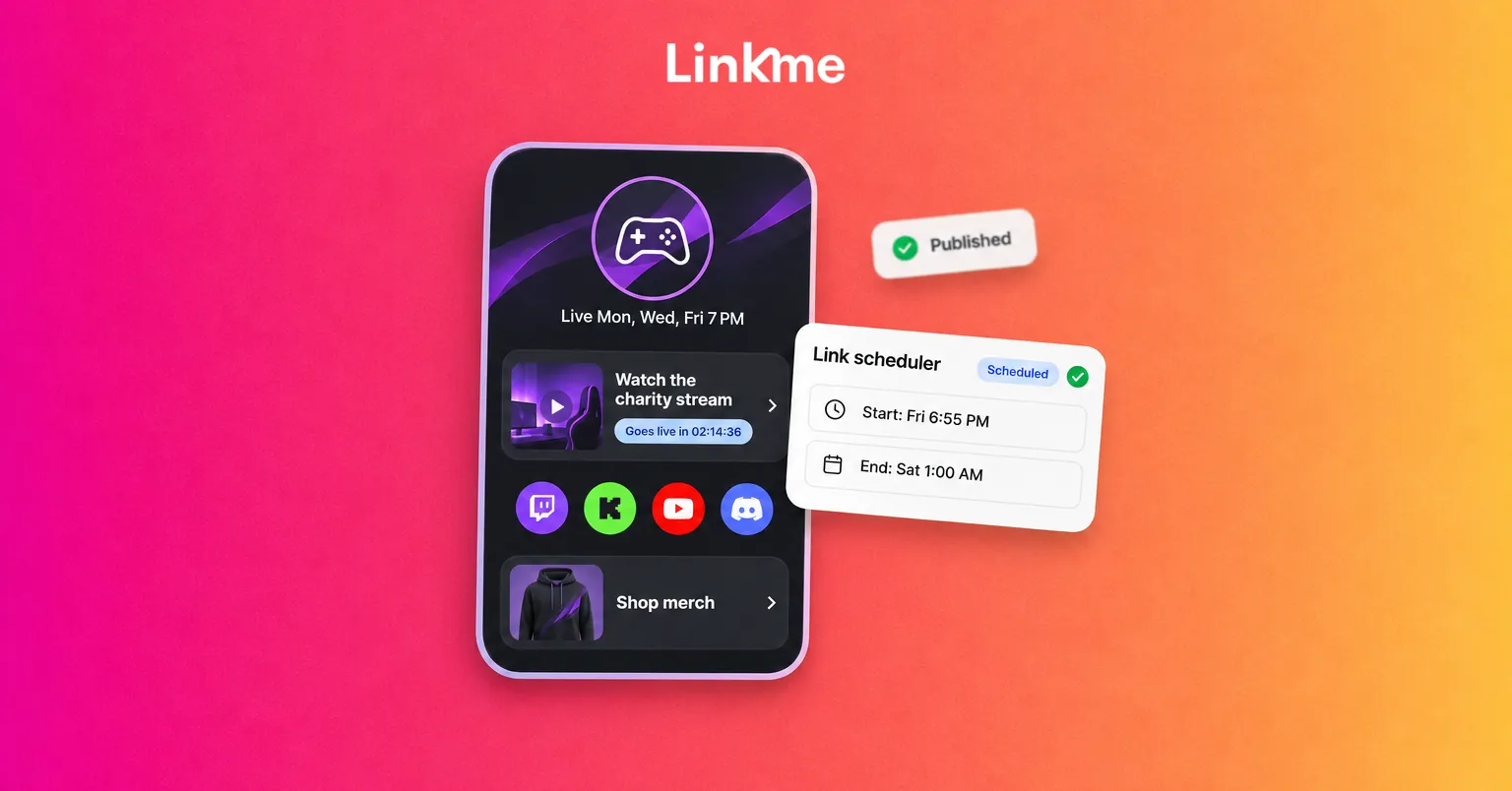
A Linkme page with its own QR code covers all of this at link.me/yourname: featured links in different sizes, a gallery, video feeds from Instagram, TikTok and YouTube, contact info and an email sign up. You can reorder sections so the most relevant thing for this event sits at the top. On Linkme Plus and Pro you can also schedule a link with a start and end time, for example a “Met me at the expo?” link that goes live on the first morning and comes off when the event ends.
Test the code
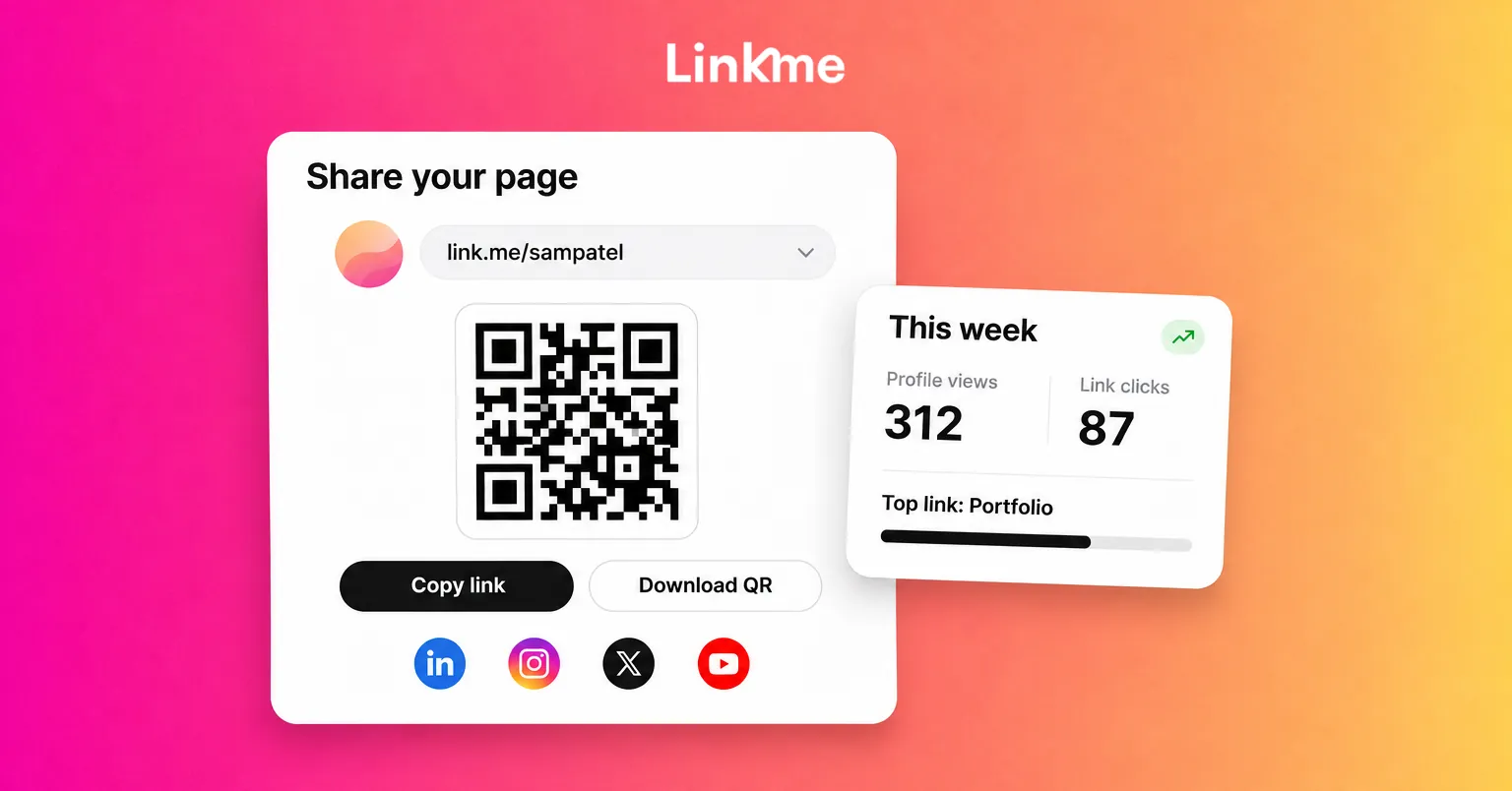
Download the QR code as a PNG and save it to your phone’s photos, then scan it from another phone to check it opens the right page. Because the code always opens your live page, you can keep editing the page after you print it, and the printed code still works.
At the event: share contact info in seconds
Keep the code where your hands already are
The fastest exchange is the one that does not need you to search for anything. A few options that work:
| Where | How to use it |
|---|---|
| Phone | Keep the QR image in a favorites album, or as a lock screen image for the day. |
| Badge | Print a small sticker with the code and stick it to the back of your badge holder. |
| Business card | If you still carry cards, add the code to the back so the card leads somewhere current. |
| Table or booth | A small printed stand with the code and one line about what people get. |
When someone scans, they land on your page with everything you would otherwise have to explain.
Let people share their details back
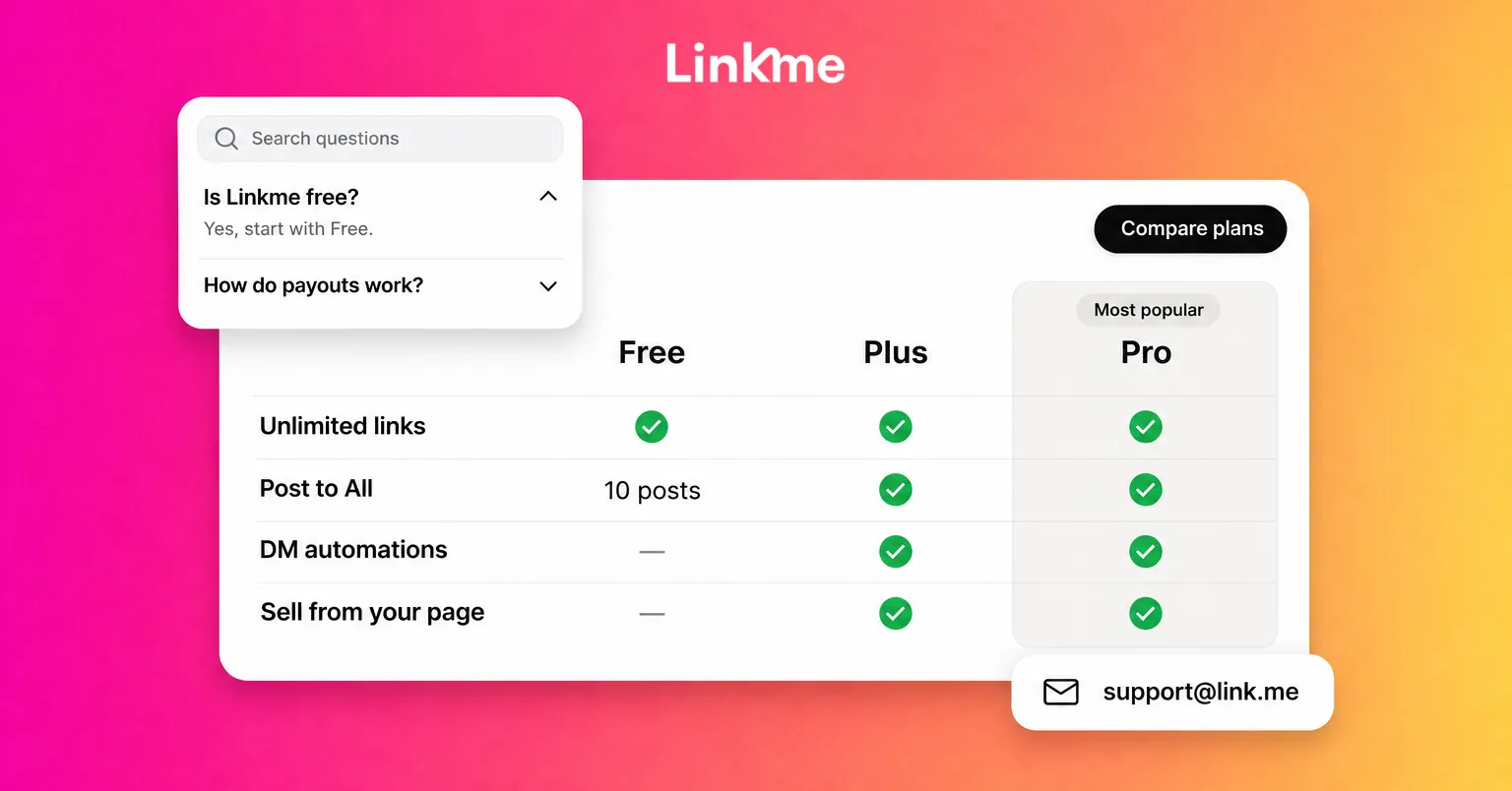
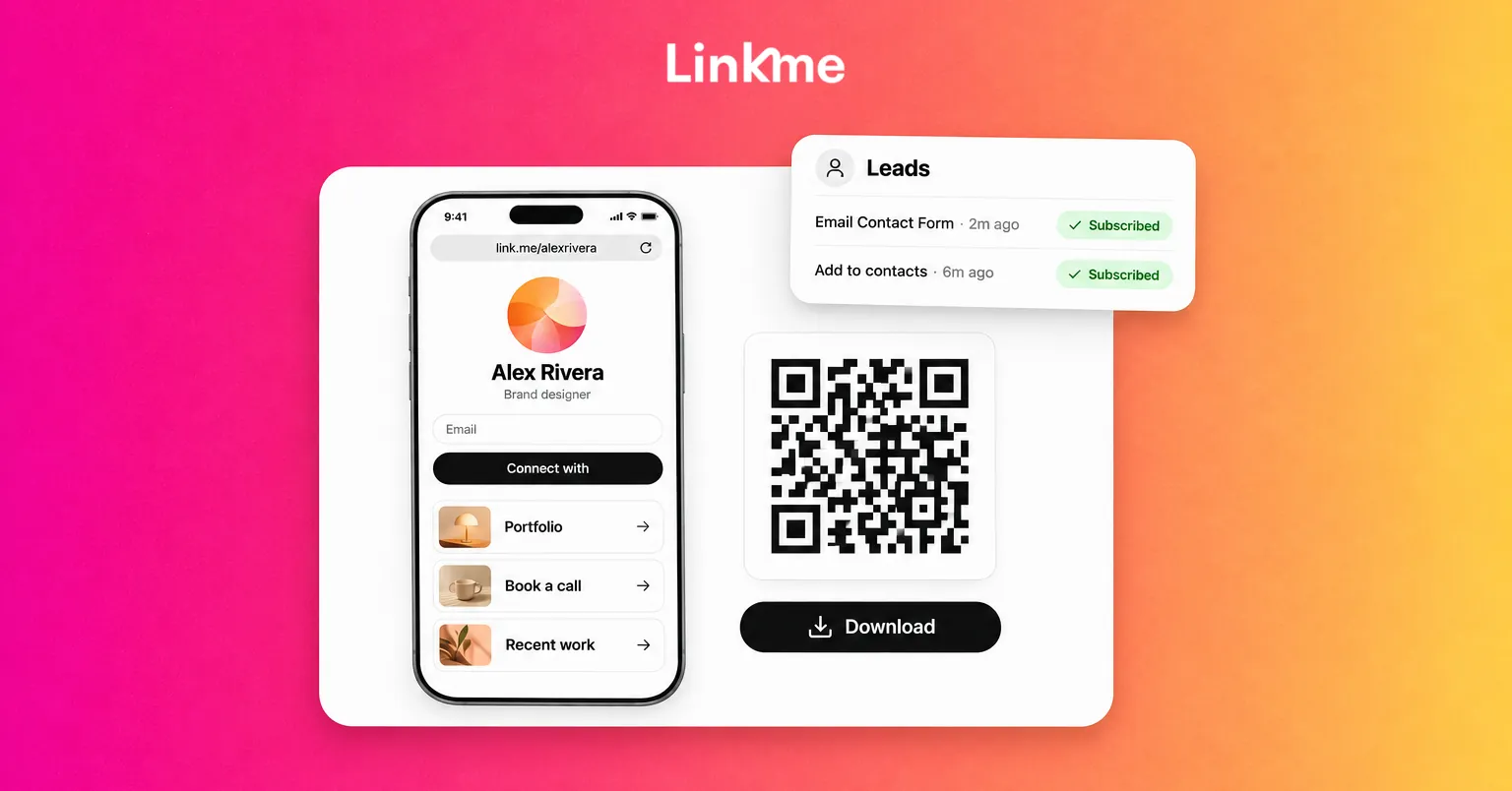
Networking often stalls because only one side has the other’s details. Two parts of a Linkme page help here. The email field under your bio, shown with a “Connect with” button, lets a visitor leave their email in one step. The me icon at the end of your social links lets them share their name, email and phone number with you. Both land in Leads with their source, so after the event you know who came from where. Leads with email campaigns are on Linkme Pro and every Business plan; data capture forms start on Plus.
Ask before you assume. “Want to drop your email on there so I can send you that case study?” is a fair request and gives the person a reason to say yes.
Make the conversation worth following up
A few habits make follow-up much easier:
- Ask a question that reveals a need. “What are you trying to get done this quarter?” tells you more than “What do you do?”
- Listen for a reason to follow up. An article, an introduction or an answer you promised.
- Write a note right after. Name, company, what you talked about and what you promised. Thirty seconds in your phone’s notes app saves a lot of guessing the next day.
- End cleanly. “I’ll send you that link tomorrow” is a better close than lingering.
Conference networking tips for long days
Multi-day conferences reward a steady approach more than a frantic one.
- Arrive early to sessions. The few minutes before a talk starts are the easiest time to talk to the person next to you.
- Ask a question during Q&A. People who speak up are easier to approach afterward, and the speaker now knows your name.
- Use meals and coffee lines. Shared tables are built for introductions.
- Pace yourself. Five real conversations beat thirty quick scans. Take a break between sessions so you are not running on empty by the afternoon.
Follow up after networking, within a day
The value of a conversation drops fast. Send your follow-up within a day, while the person still connects your name with the conversation.
A simple structure:
- Where you met: “Great to meet you at the expo on Tuesday.”
- One specific detail: “You mentioned your team is rebuilding its Reels workflow.”
- What you promised: “Here is the case study I mentioned.”
- One next step: “Would a 20-minute call next week be useful?”
Keep it short and do not attach a full sales pitch. If they gave you their email through your page, you can write to them individually from Leads with Email this lead. If several people asked for the same thing, such as slides from your talk, an email campaign to the contacts who signed up sends it once. Only email people who chose to leave their details, and only about what they asked for.
Connect on LinkedIn or the network where they are most active too, so you stay in each other’s feeds after the email.
Check what the event brought in
A few days later, look at what happened. On Linkme, each QR scan opens your page, so scans count as profile views rather than a separate number, and the links people tapped show up as link clicks. Compare the days of the event with a normal week, and check how many new contacts arrived in Leads and from which source. That tells you whether the next event is worth the trip and what to change on your page before it.
If you go to events regularly, one Linkme page and one printed code can do most of the work above: your details in one place, a way for people to share theirs, and a list you can follow up with the next morning.
Frequently asked questions
What should I bring to a networking event?
A charged phone with your QR code saved, a short introduction you have practiced, a few questions to ask, and a way to take notes. Business cards are optional. If you bring them, put a QR code on the back so they lead to something current.
How do I share my contact info at an event without business cards?
Let people scan a QR code that opens a page with your work, contact details and socials. It is faster than typing a phone number, and you can update the page later without reprinting anything.
How soon should I follow up after networking?
Within a day. Mention where you met and one specific detail, deliver anything you promised, and suggest one clear next step. A short, specific message gets more replies than a long general one.
Can I see how many people scanned my QR code?
On Linkme, not as a separate number. Each scan opens your live page, so it counts as a profile view, and any link a visitor taps counts as a link click. Comparing the event days with a normal week gives you a good picture of what the event brought in.