Linkme for Business: What It Does for Your Brand and Social Team
What Linkme for Business does: a page and QR code for every brand or location, posting to 13 networks, DM automations and an inbox, leads and email, owner reports and team approvals.
On this page
- Key takeaways
- What Linkme for Business covers
- A page and a QR code for every brand or location
- Publishing to 13 networks from one composer
- Answering comments and DMs
- Turning visitors into leads and email
- Reporting to owners and running ads
- Roles, approvals and security
- Who it suits
- How to get started
- Frequently asked questions
Linkme for Business is a social media platform for brands, venues and the teams that run their accounts. It gives every brand or location a page and QR code, publishes one post to up to 13 networks, answers repeat questions in comments and DMs, collects leads you can email, and reports results to the people you answer to. This overview explains what each part does, who does what on a team and how to decide whether it fits.
What Linkme for Business covers
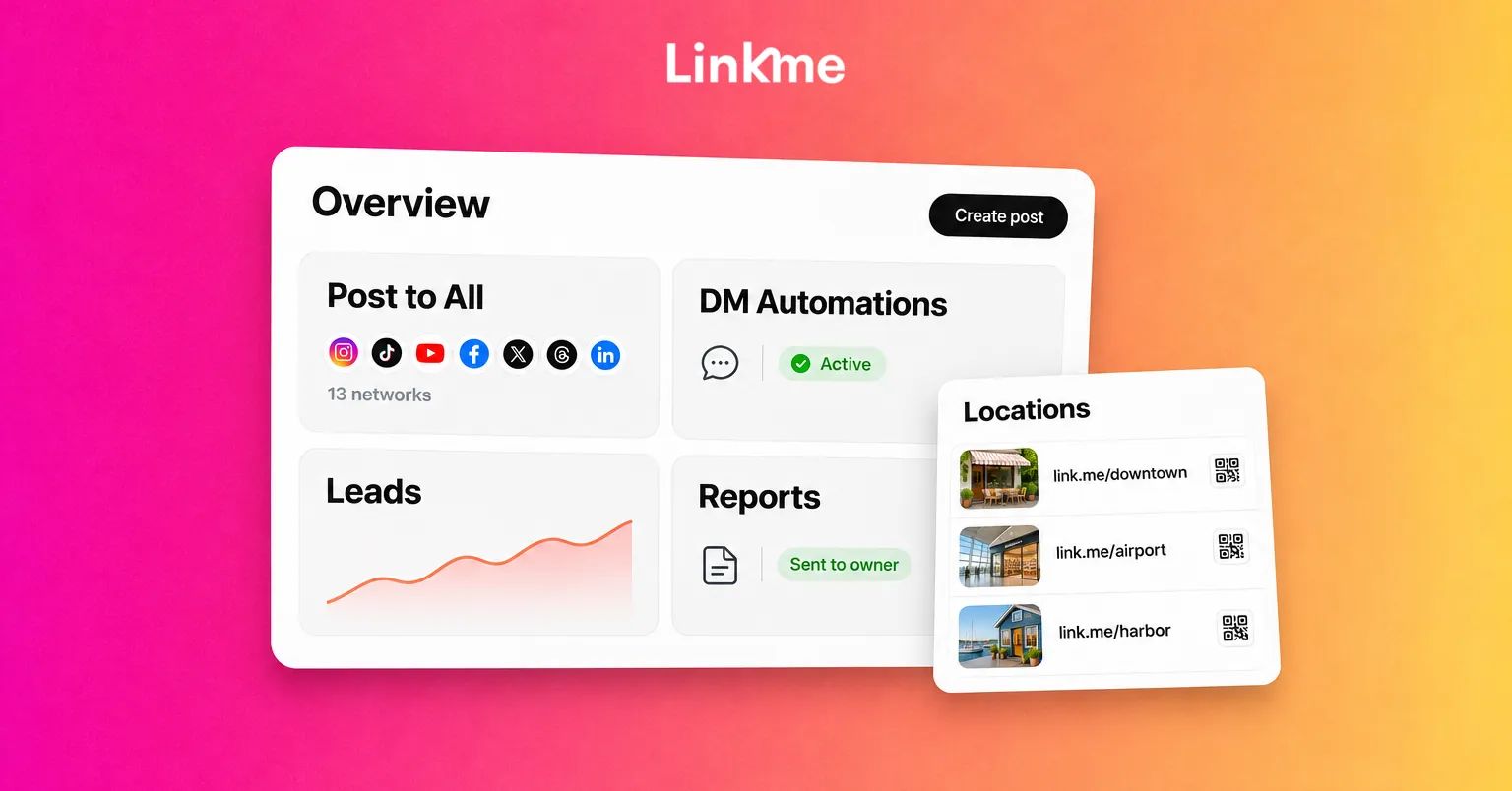
Most businesses repeat the same handful of social jobs every week. Here is where each one lives in Linkme:
| The job | Linkme feature | What it does |
|---|---|---|
| Give people one place to go | Pages & QR | A page and QR code for every brand or location |
| Publish everywhere | Post to All | One post to up to 13 networks, now or scheduled |
| Answer the common questions | DM Automations | Replies to matching comments and DMs with your link |
| Answer the rest | Social Inbox | Instagram and Facebook comments and DMs in one inbox |
| Grow a list | Lead capture and Email campaigns | Sign-ups land in Leads, ready to email |
| Run paid ads | Ads, Team & Security | Build an ad or boost a post; ads that need sign-off wait for it |
| Show results | Analytics & Reports | Page views, link clicks and total followers, by page |
Link, Linkme’s AI, can do much of this work for you: plan the week, draft captions and replies, set up automations and summarize your analytics. Every change it proposes waits for your approval.
A page and a QR code for every brand or location
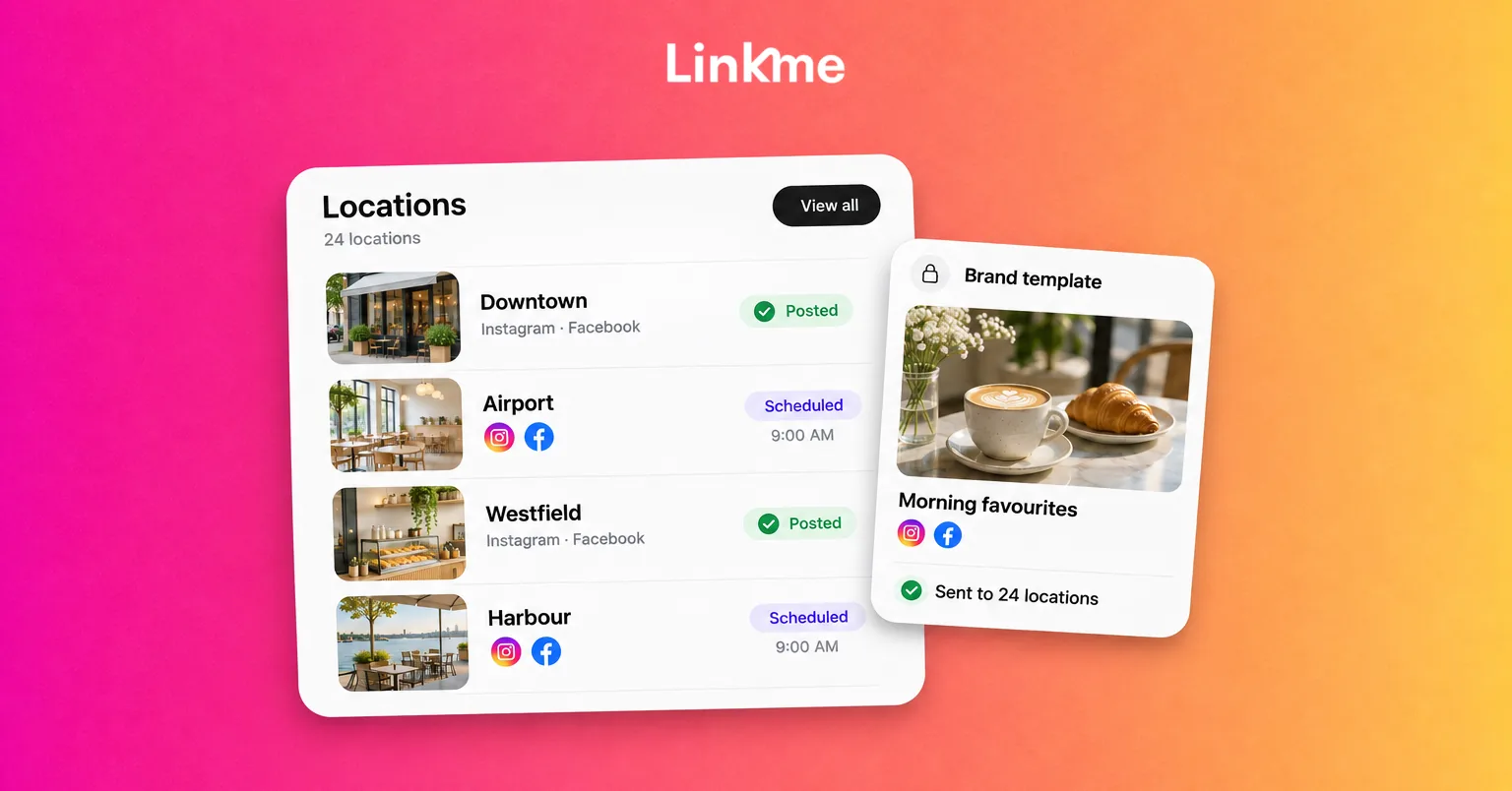
Each location or brand runs its own Linkme page with its own link, QR code, leads and analytics, and one account holds them all. Every Business package includes unlimited location pages. A page can carry platform links, featured links, video feeds, events, a gallery, contact details, an email contact form, merch and products.
The QR code always opens the live page, so a code printed on a table tent, a directory sign or a receipt keeps working after you change the page. Scans count as page visits in analytics. If you run several venues, Multi-location lets the group compare pages and lets each location manager work only on the pages they are given.
Publishing to 13 networks from one composer
On Linkme Business, Post to All publishes to YouTube, Instagram, TikTok, Facebook, X, Threads and LinkedIn, plus Pinterest, Reddit, Bluesky, Telegram, Discord and Google Business Profile.
- Upload once: a video, an image or a carousel, used for every network you pick.
- Fit each network: one caption for all, or a caption per network, checked against each limit as you type.
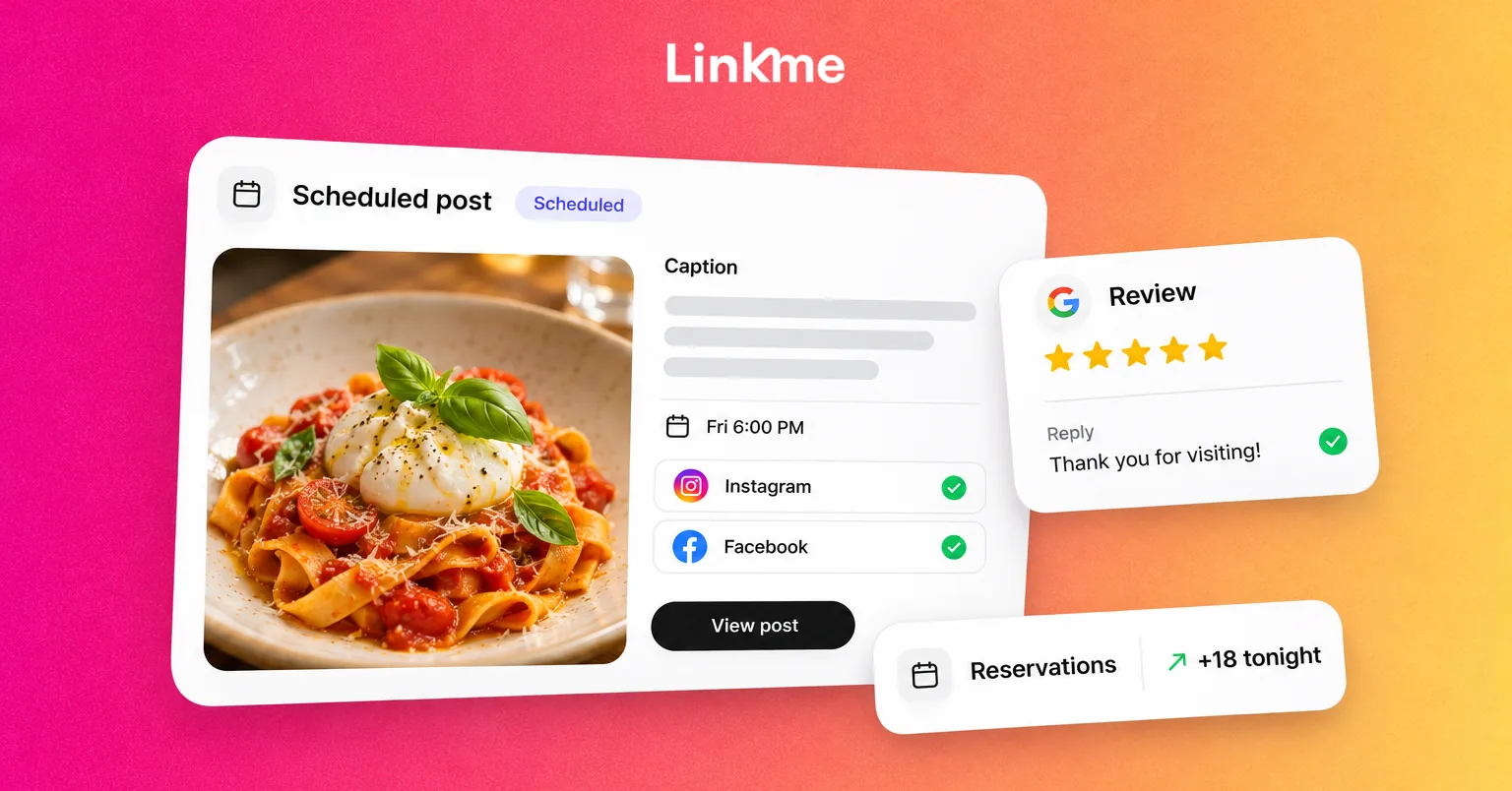
- Schedule: pick a date and time or publish now; the calendar shows every post by day, week or month.
- Know it went out: every network gets its own status. If one misses, the post is marked Partially posted and you can retry just that network.
You can connect several accounts per network and choose them post by post, within the limits of your package.
Answering comments and DMs
DM automations for the predictable questions
Pick a post and a keyword, or answer every comment, and Linkme posts a public reply and sends a DM with your text and link. Automations run on Instagram business and creator accounts and on Facebook Pages, and they can answer messages people send you as well as comments. You set delays so replies read like a person answered, and each automation shows its activations, clicks and click-through rate.
Social Inbox for everything that needs a person
Instagram and Facebook comments and DMs land in one inbox, with the post behind each comment, internal notes the customer never sees, saved replies and Resolve. When someone needs a human answer, you can pause the automation for that one conversation and resume it afterward. The Linkme Business inbox adds conversation assignment and Google reviews.
Turning visitors into leads and email
A business link in bio is most useful when it captures people who are ready to hear from you. Visitors can tap Connect with on your page or fill in one of your forms, and they land in Leads with the place they signed up. Fields can be text, email or mobile, each with its own Required switch.
From Leads you can send an email campaign to everyone subscribed, a filtered group or a single contact, from a domain you have verified. Campaigns send when you press send; there are no automated sequences. Every email carries an unsubscribe footer, and anyone who unsubscribes is left out of later campaigns. You can export contacts as a CSV at any time.
Reporting to owners and running ads
Analytics are first-party: every visit to your Linkme page and every tap on a link, with top links, traffic sources, countries and cities. Unified analytics ranks every page you manage by profile views, link clicks and average click rate over 7, 30 or 90 days. Owners can get scheduled weekly or monthly emails, a monthly close-out report or a saved PDF.
If you run paid campaigns, Linkme can manage them on Meta, Google, TikTok, LinkedIn, X, Pinterest, Reddit and ChatGPT, with each network supporting its own set of actions. You can build a new ad or boost a post you already published. Ads that need a sign-off wait in Needs attention, and the owner decides who can launch without approval, up to a monthly limit.
Roles, approvals and security
A team needs to know who can publish and who signed off. Ads, Team & Security covers that:
- Roles: the owner controls everything, including billing, ad accounts and spending. Admins invite managers, approve posts and edit the business. Managers work on the pages assigned to them, and their posts need approval.
- Approvals: a post can request approval or require it. It waits in Needs attention, keeps its scheduled time and records who approved it in Team Activity.
- Security: everyone has their own login. Owners and admins can see who has two-factor turned on and read the audit log of who changed what.
- Alerts: each person chooses alerts such as review requests, failed publishes and ad approvals, in the app and by email.
Who it suits
Linkme for Business fits organizations where more than one person touches social media, or where there is more than one page to run: venues and hospitality groups, sports teams, malls and retailers, franchises, events businesses and in-house social teams. Agencies managing client pages have their own setup in Linkme for Agencies, and larger groups can set up every brand under one account with Linkme Enterprise.
How to get started
Linkme Business comes in three packages: AI Standard, AI Power Maxed and Enterprise, each priced on a demo. A typical setup takes three steps:
- Connect each brand’s networks so one post reaches every account you choose.
- Give each manager the brands or locations they run.
- Turn on DM automations for the posts that always get asked for the link.
If your team is juggling separate tools for posting, replying, collecting sign-ups and reporting, see Linkme for Business on your own brands. Book a demo and the Linkme team will walk you through the setup.
Frequently asked questions
What is Linkme for Business?
It is Linkme’s platform for brands and social teams. It combines pages and QR codes, publishing to 13 networks, DM automations, a social inbox, lead capture, email campaigns, analytics and team controls under one login.
How many networks can Linkme for Business post to?
Thirteen: YouTube, Instagram, TikTok, Facebook, X, Threads, LinkedIn, Pinterest, Reddit, Bluesky, Telegram, Discord and Google Business Profile.
Can several people on our team use one account?
Yes. Each person gets their own login and a role. Managers can be limited to the pages they run, and their posts go through approval before publishing.
How much does Linkme for Business cost?
Each package, AI Standard, AI Power Maxed and Enterprise, includes unlimited users and unlimited brands, and its price is agreed on a demo with the Linkme team.