Social Media Manager Well-Being: A Plan for an Always-On Job
A coverage plan for social media managers whose job never switches off: staffed hours, scheduled posts, automated replies, an inbox on-call rota, approval deadlines and handover notes.
On this page
- Key takeaways
- Why the job feels always on
- Write down your coverage hours
- Schedule the posts, not your evenings
- Let automations answer the predictable questions
- An on-call rule for the inbox
- Approval deadlines that protect the evening
- Handover notes that let you switch off
- Habits that make the plan stick
- Frequently asked questions
Social networks never close, so a social media job can feel like it never does either. Comments arrive at 11 p.m., a scheduled post needs a last-minute change on Saturday, and an approval lands just as you are leaving. Social media manager well-being depends less on willpower than on a written plan for who covers what outside working hours, so that switching off is part of the job rather than a risk to it.
Why the job feels always on
Most of the pressure comes from a handful of situations:
- Posts go live in the evening or at weekends, and nobody is sure who checks them.
- Customers message at all hours and expect a quick reply.
- Approvals arrive late in the day, pushing scheduling into the evening.
- One person knows the logins, the campaign details or the reply to a tricky question.
- Notifications from every network land on a personal phone.
Each of these is a process gap, not a personal failing. A coverage plan fixes them one by one.
Write down your coverage hours
Start by agreeing, with your manager or client, when the account is staffed and what happens outside those hours. Put it in writing and share it with everyone who touches the accounts.
| Situation | During staffed hours | Outside staffed hours |
|---|---|---|
| Routine question in DMs | Answered in the inbox | Automated reply with the link; a person follows up next working day |
| Complaint or negative comment | Answered or escalated the same day | Checked by the on-call person; answered next working day unless urgent |
| Safety, legal or security issue | Escalated straight away | On-call person escalates straight away |
| Scheduled post fails | Retried after checking the account | Retried by on-call only if it is time-sensitive |
| Post with a factual error | Corrected or removed | On-call person removes or edits it, then notes it for the team |
Define “urgent” narrowly. A safety concern, a security problem with the account, a legal issue or a published mistake usually qualifies. A slow day of comments does not.
Schedule the posts, not your evenings
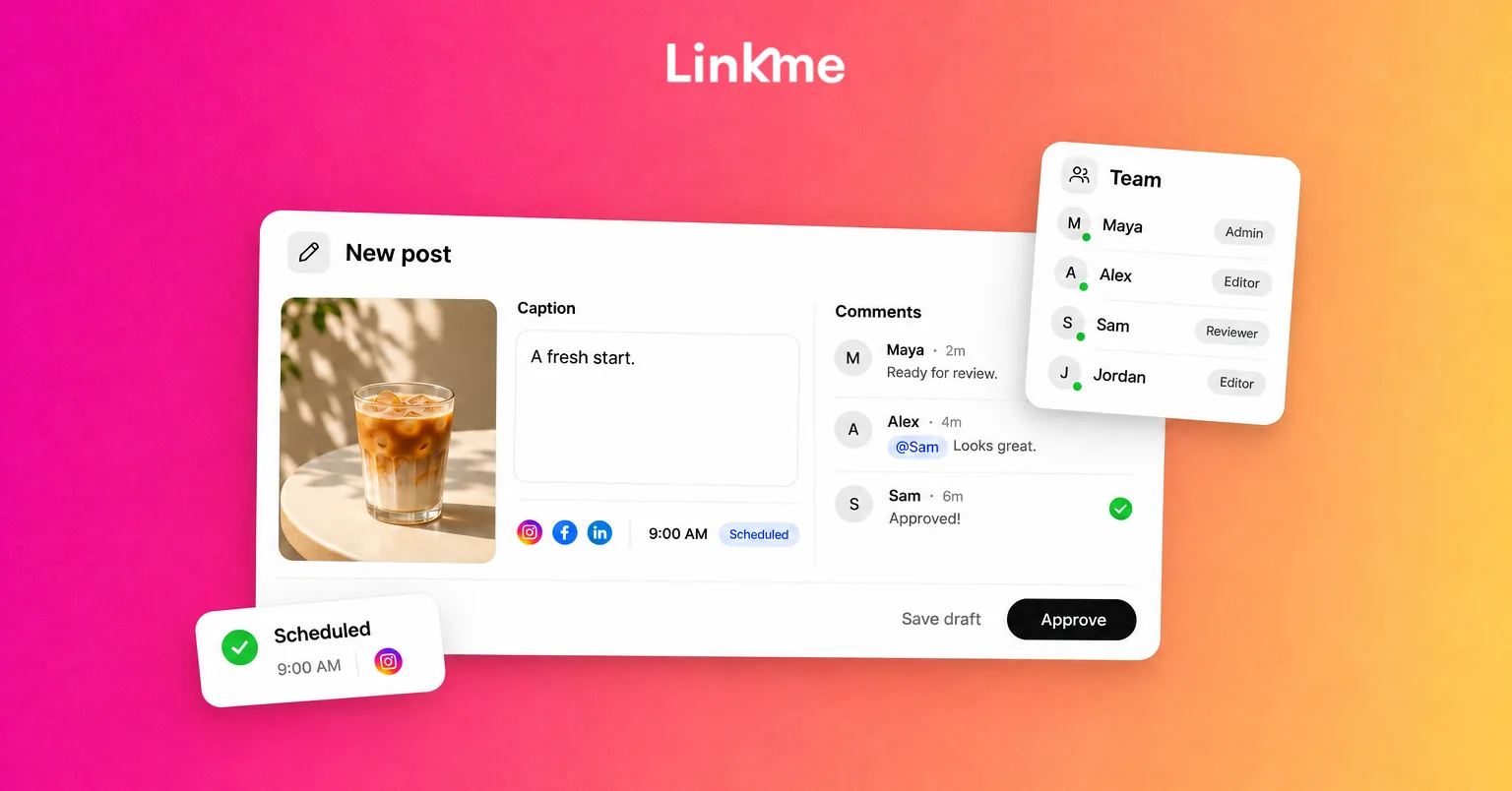
Publishing is the easiest part of after-hours coverage to take off your plate. Prepare and schedule weekend and evening posts during the working week, then let them go out on time.
With Post to All, a post can be scheduled for a date and time on every network you choose, and each network shows its own status. On Linkme Business, people can choose alerts for failed publishes, so the on-call person learns about a problem without opening every app. If a post fails, decide using your coverage table: retry it if the timing matters, or leave it for the morning if it does not.
Avoid scheduling time-sensitive posts, such as a same-day offer, for times when nobody is available to deal with questions they create.
Let automations answer the predictable questions
Most after-hours messages ask the same few things: opening hours, prices, links, bookings, where to buy. DM automations can answer those on Instagram and Facebook. Pick a post and a keyword, or answer every comment, and Linkme sends a DM with your text and link. An automation can also answer messages people send you, on keywords or on any message. With Any message, each person gets the reply at most once every 24 hours.
Set office hours for DMs in your own words
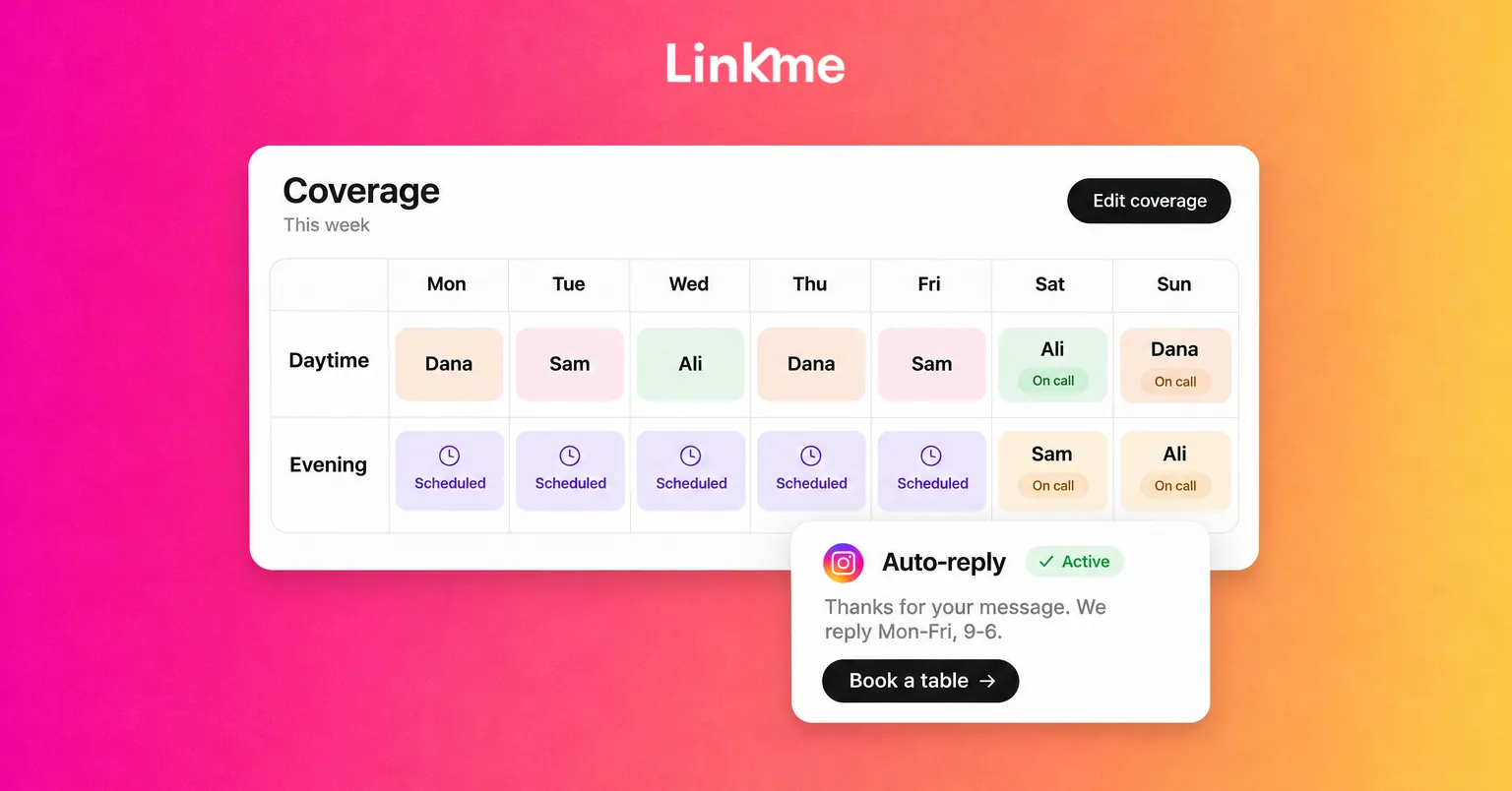
Use the automated reply to set expectations. For example: “Thanks for getting in touch. Here is the booking page. Our team reads every message Monday to Friday, 9 a.m. to 6 p.m., and will reply then.” People who get the link and a clear reply time are less likely to send three more messages.
Keep reply delays natural. Linkme lets you set a delay of between 1 second and 15 minutes for the public reply and the DM.
An on-call rule for the inbox
When everyone half-watches the inbox, nobody actually rests. Use a rota instead: one person covers evenings or a weekend, everyone else turns off work notifications.
The Social Inbox helps the on-call person work quickly. Instagram and Facebook comments and DMs sit in one list with Open, Unread and Resolved tabs. Saved replies cover common answers, and internal notes, which the customer never sees, tell the next person what happened. When a conversation needs a person, the on-call person can pause the automation for that one conversation and resume it afterward.
The standard Social Inbox does not assign conversations, so use notes to say who is handling a thread. Teams on the Linkme Business inbox can assign conversations.
A short on-call checklist:
- Check Open and Unread at agreed times, such as once in the evening and twice a day at weekends.
- Answer anything urgent; leave a note on anything that can wait.
- Resolve only what is truly finished.
- Escalate safety, legal or security issues using the agreed contact.
- Write a short handover before going off call.
Approval deadlines that protect the evening
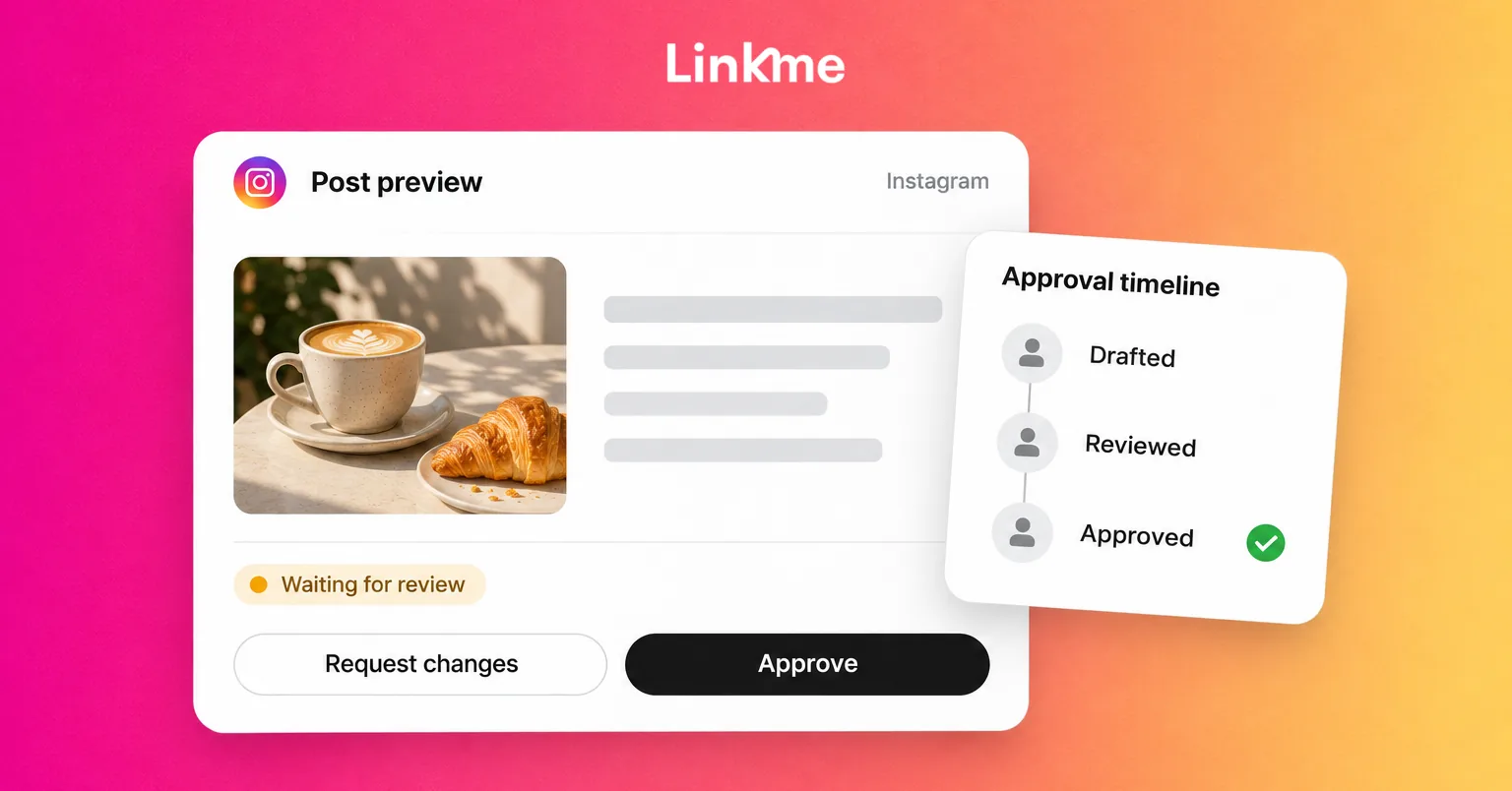
Late approvals are one of the main reasons social media work spills into personal time. Agree two deadlines: when posts must be ready for review, and when reviewers must decide. Set the review deadline early enough in the working day to leave time for changes.
On Linkme, a post can require approval from an owner or admin before it publishes. It keeps its scheduled time, and a post that passes its time can still publish once approved. That means an overdue approval can send something out at an awkward hour, so check whether it is still relevant before approving. Reviewers can turn on alerts for review requests. For a fuller process, see how to build a social media approval workflow.
Handover notes that let you switch off
A good handover means nobody has to message you on your day off. Keep it short and in one shared place:
- What is scheduled until you are back, and anything time-sensitive.
- Open conversations that need a follow-up, with notes in the inbox.
- Automations that are running and what they send.
- Who to contact for urgent decisions.
- Anything you would want to know if you were picking it up.
Habits that make the plan stick
- Keep work notifications off outside your on-call shifts.
- Swap on-call fairly, and take the time back after a busy weekend.
- Review the plan monthly: which after-hours messages could an automation have answered?
- Raise workload problems early with your manager, with examples from the inbox.
A coverage plan does not remove every late message, but it turns “always on” into a defined shift. For more on how teams plan, publish, answer and report together, see Linkme for social media teams.
Frequently asked questions
How do social media managers keep a work-life balance?
Agree staffed hours, schedule posts ahead, automate replies to common questions and share on-call duty for the inbox. A written definition of what is urgent outside hours stops every message from feeling like an emergency.
Should a social media manager answer DMs at weekends?
Only if it is part of an agreed rota. Automated replies can send the most requested links and tell people when a person will reply, and the on-call person handles anything genuinely urgent.
What should an after-hours social media plan include?
Staffed hours, a definition of urgent, an on-call rota, scheduled posts, automated replies for common questions, an escalation contact and handover notes.
How can a team share on-call for social media?
Give one person the inbox for each evening or weekend, keep everyone else’s notifications off, and use internal notes so the next person knows what was handled and what is still open.