Social Media Agency Growth: An Illustrative Playbook for Running More Clients
An illustrative scenario of a three-person agency growing from four clients to ten: clear service packages, one roster with no shared passwords and a standard client report.
On this page
- Key takeaways
- The starting point: a small agency at its limit
- Step 1: Package services before adding clients
- Step 2: Move every client into one workspace
- Step 3: Publish for every client without repeating uploads
- Step 4: Standardize client reporting
- Step 5: Know your tool cost per client
- What the agency should track as it grows
- Frequently asked questions
Social media agency growth usually stalls in the same place: the agency can win more clients, but every new account adds logins to share, posts to publish by hand and reports to build from scratch. Growing well means packaging services clearly, running every client from one setup and reporting results in a way clients understand. This article walks through an illustrative scenario, a small agency moving from four clients to ten, built on what Linkme for Agencies actually includes today.
About this scenario: the agency, its clients and its workload are invented to show a workflow. They are not a customer story, and no results are claimed. The product details and prices come from Linkme’s published agency information.
The starting point: a small agency at its limit
Picture a three-person agency: a founder who sells and manages accounts, a content creator and a part-time community manager. It runs social media for four clients, a mix of creators and local brands.
The problems will sound familiar:
- Passwords everywhere. Each client’s logins live in a shared document. When someone leaves, every password has to change.
- Posting by hand. The content creator uploads each post to every network separately.
- Reports take a day a month. Numbers come from several dashboards, pasted into slides.
- No clear packages. Each client pays for a slightly different mix of work, so quoting a new client takes days.
The agency wants to grow to ten clients over the next year without hiring two more people.
Step 1: Package services before adding clients
Growth is easier when each new client fits a known package. The agency defines three tiers:
| Package | What the client gets | Work for the agency |
|---|---|---|
| Foundation | A link-in-bio page built and maintained, monthly report | Page setup once, small monthly updates |
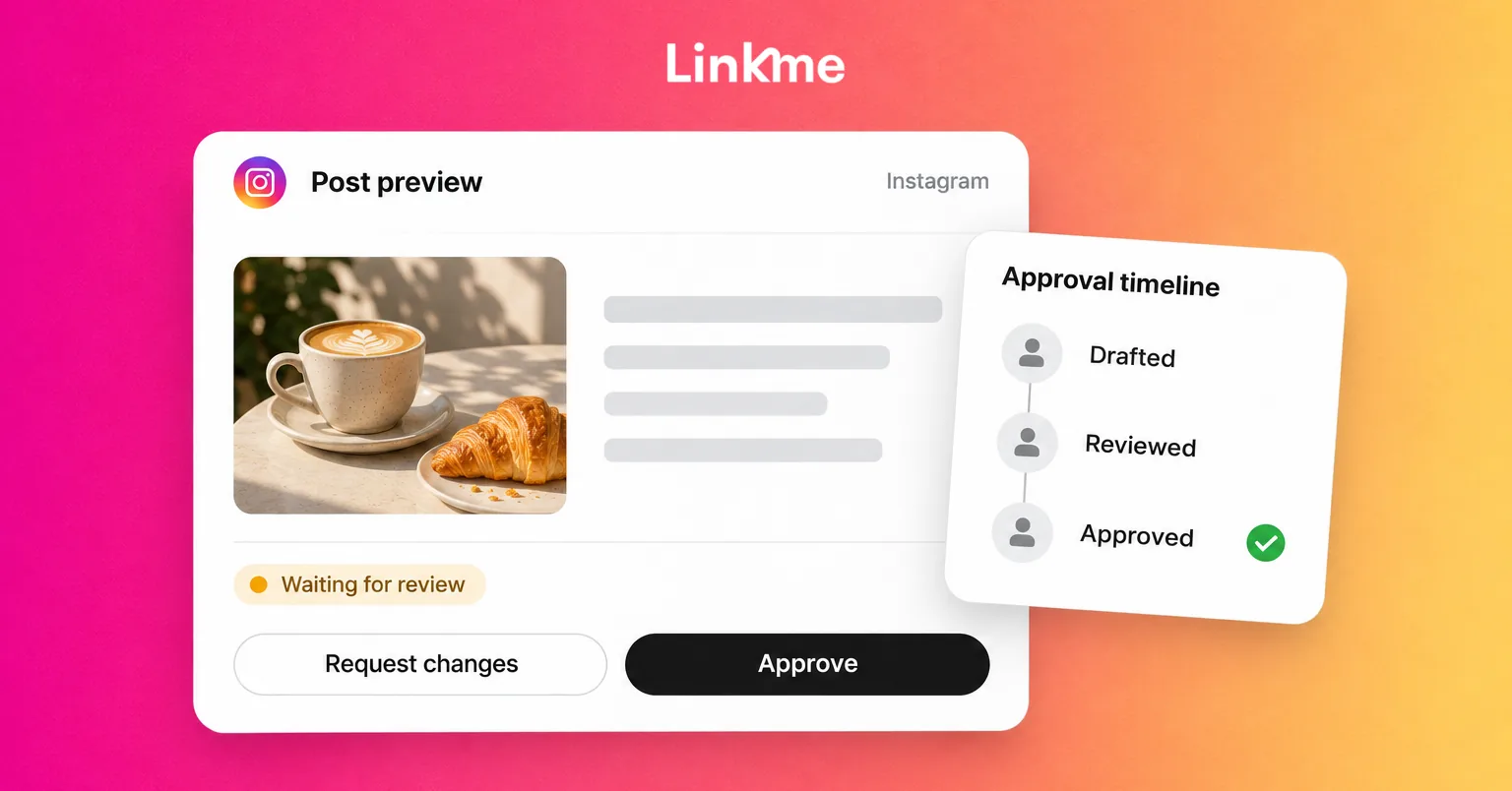
| Publishing | Foundation, plus a set number of posts a week scheduled to the client’s networks | Content creation, scheduling, approvals |
| Growth | Publishing, plus comment-to-DM automations, lead capture and a monthly strategy call | Automation setup, contact list management, analysis |
Each tier has a fixed scope, a monthly fee and a clear list of what is extra. That makes proposals faster and protects the team from scope creep.
Step 2: Move every client into one workspace
Linkme for Agencies is built for running many client profiles from one login. The details that matter for this agency:
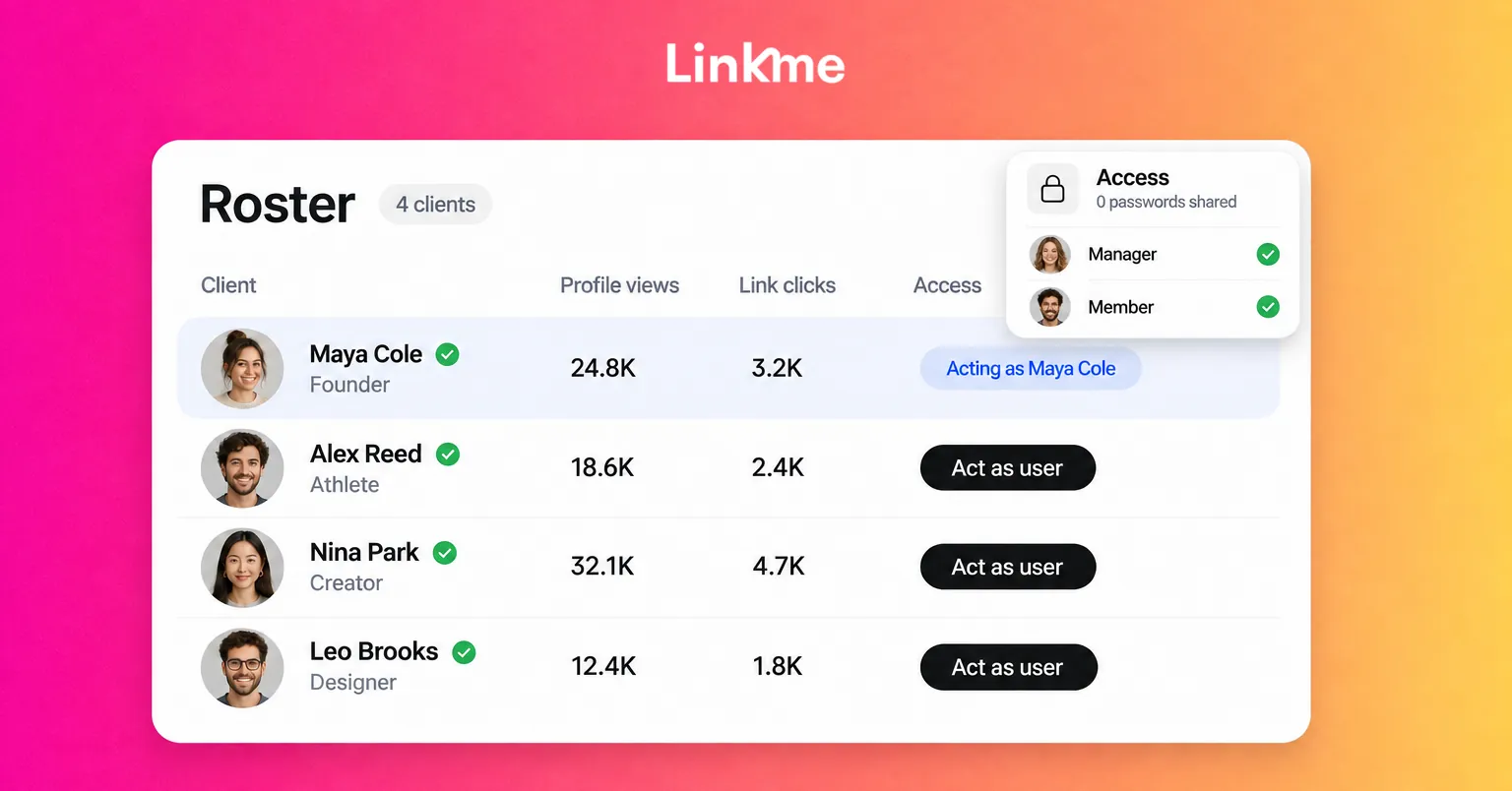
- One roster. Each client is a profile on the agency’s roster. The agency invites clients who already have a Linkme page by username, or creates a managed account for them.
- Act as user, without passwords. A manager opens a client from the roster with Edit / Act as user and works inside that client’s account: the page, Post to All, automations and leads. Nobody on the team needs the client’s password.
- Clients keep their own login. Each client controls their own profile, and the agency controls access from its side.
- Every seat gets Pro. Every client profile on the Agency plan runs Linkme Pro, including animated links, scheduled links, tracking pixels and Link, the AI Social Media Manager.
Roles for a growing team
The workspace has four roles: Owner, Super Manager, Manager and Member. In the scenario:
- The founder is the Owner. The owner holds the subscription, adds or removes clients and appoints managers.
- The content creator is a Manager with access to every client.
- The part-time community manager is a Manager with access to only the three clients they support.
- Clients are Members with their own login.
Managers get full access to the profiles, Post to All, automations and leads of the accounts they are assigned. Agency settings, billing and seats stay with the owner. When a team member leaves, the owner removes their access in one place, and no client passwords need changing.
Step 3: Publish for every client without repeating uploads
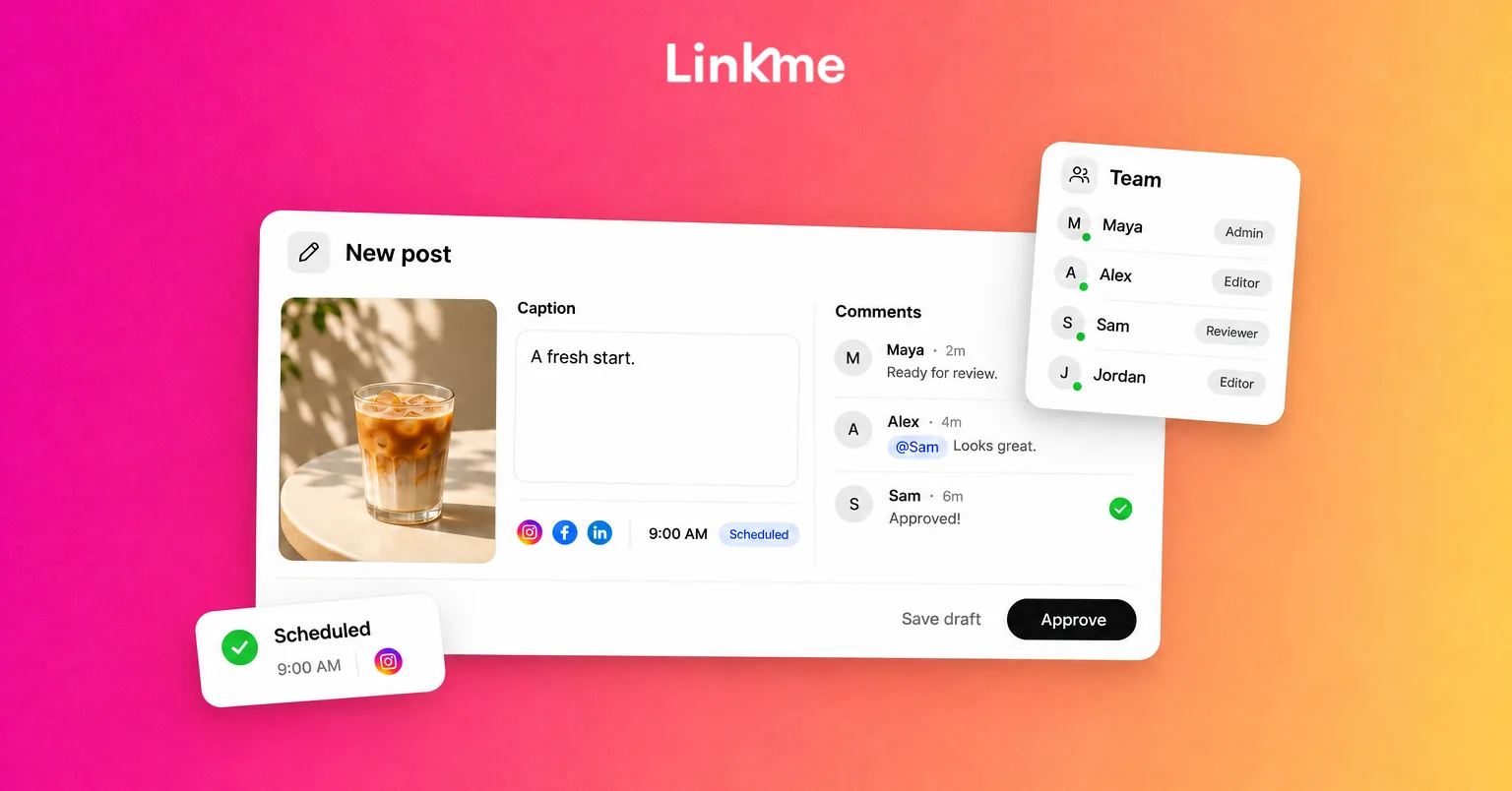
Post to All works per client. The manager acts as a client, uploads a post once, writes one caption or a separate one for each network and publishes or schedules it to that client’s connected YouTube, Instagram, TikTok, Facebook, X, Threads and LinkedIn accounts. Each network shows a status, and a failed network can be retried on its own.
There is no single button that posts for every client at once, and that is usually what an agency wants: each client’s content goes only to that client’s accounts. The content creator plans the week for the whole roster from one login, moving from one client to the next.
For Growth-tier clients, the agency also sets up DM automations on Instagram and Facebook: when someone comments a keyword on a post, Linkme replies and sends them a DM with a link, and each automation reports activations, clicks and click-through rate.
Step 4: Standardize client reporting
Reporting is where many agencies lose the most time. The scenario agency replaces custom slide decks with one standard monthly report.
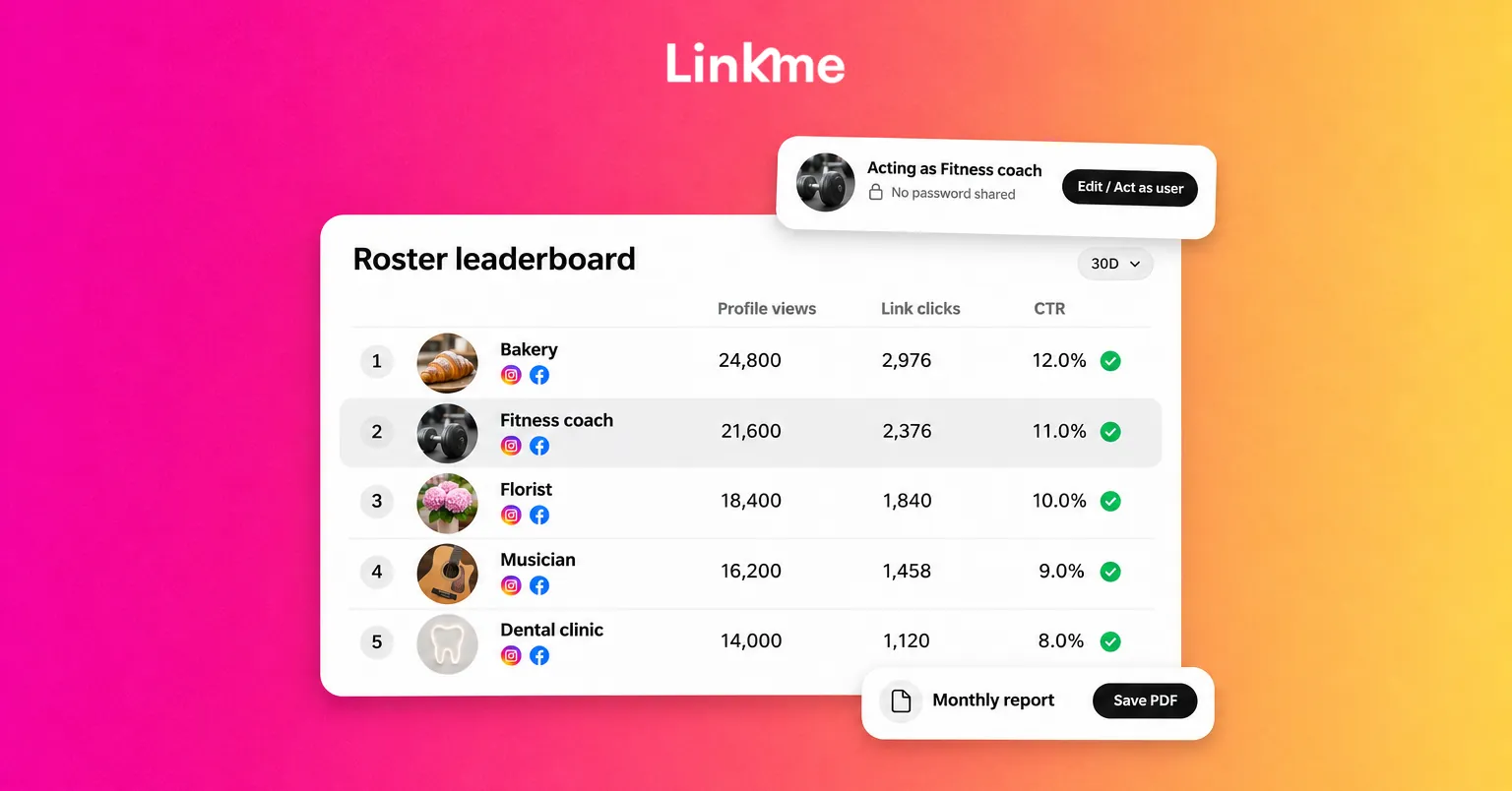
From the roster view, the agency sees profile views, link clicks, average click-through rate and sales for 7, 30 or 90 days, compared with the period before. A roster leaderboard ranks every client, which makes it easy to spot an account that is slipping before the client notices.
For each client report, the manager picks the client and the date range in Analytics and gets profile views, link clicks, total interactions and engagement rate, plus top links, traffic sources and a country and city breakdown. The report can be saved as a PDF.
A simple report structure for every client:
- What we did: posts published, automations running, page changes.
- What happened: profile views, link clicks and engagement against last month.
- What worked: the top links and the posts that drove them.
- What we will change next month: one or two specific actions.
Contacts collected through a client’s page stay with that client and can be exported as a CSV, which keeps ownership clear if the relationship ends.
For more on choosing and presenting metrics, see social media reporting.
Step 5: Know your tool cost per client
Linkme’s published agency pricing is $100 a month for the Agency plan, which includes five client profiles, plus $20 a month for each additional profile. The plan is 20 percent off when paid yearly, and larger rosters can use a custom Enterprise agreement.
In the scenario, ten client profiles would come to $100 for the first five and $100 for the other five, or $200 a month on monthly billing, before the yearly discount. Dividing the tool cost by the number of clients gives the agency a number to build into each package’s price. Check the current terms on the agency page before you quote.
A note on sales: if clients sell merch, downloads, courses or tips through their page, each client is paid out to their own Stripe account. The agency sees every client’s sales in the roster view but cannot take its commission through Linkme, so commission is settled separately.
What the agency should track as it grows
Because this scenario is illustrative, it does not claim outcomes. A real agency following the same steps should track:
- Hours per client per month, before and after moving to one workspace
- Time to onboard a new client, from signed proposal to first scheduled post
- Time to produce the monthly report
- Client retention after six and twelve months
- Margin per package, including tool costs
Those numbers show whether the new setup actually lets the team take on more clients.
Frequently asked questions
How can a small social media agency grow without hiring?
Standardize what you sell, centralize where you work and automate repetitive reporting. Clear packages, one workspace with role-based access and a standard monthly report free up hours that can go to new clients.
How should an agency manage client social media accounts securely?
Avoid shared password documents. Use a tool where team members get their own login and access only the clients they work on, and where the owner can remove access in one place when someone leaves.
What should a monthly social media report for clients include?
Keep it short: what you did, what happened against last month, what worked and what you will change. Use the same structure for every client so it is fast to produce and easy to compare.
Is Linkme for Agencies only for influencer agencies?
No. Talent agencies, sports agents, music managers and brand partnership teams all use the same workspace. Agencies running social for many brands or locations can also look at Linkme for social media teams.
If you run social for several clients, book an agency demo to see the roster, Act as user and client reports with your own accounts.