Digital Nomad Content Creator: Run Your Socials and Sales on the Move
How to run content and a creator business from anywhere: post on your audience's clock, batch on good Wi-Fi, let automations answer DMs and get paid to your bank.
On this page
A digital nomad content creator has the same job as any other creator: publish consistently, answer the people who reach out and get paid for the work. The difference is that the work happens from airports, rented rooms and cafés in different time zones, often with patchy Wi-Fi. The practical answer is a setup that runs from your phone, publishes on your audience’s clock rather than yours, answers routine messages while you are offline and pays out to a bank account that does not care where you slept last night.
What changes when you create content on the move
Travel usually gives you more to film than you can use. What breaks is the operations around the content, usually in three places:
- Timing. You post at 9 a.m. local time and your audience is asleep. Or you set a reminder to post and forget that you crossed two time zones overnight.
- Responsiveness. A brand asks about a collaboration, a follower asks where to buy your preset, and you are on a 14-hour bus ride. By the time you reply, the interest has cooled.
- Payments. Income comes from several places, and the payout setup depends on where your business is registered, which may not match where you live most of the year.
Run your socials from your phone and the web
Most digital nomads alternate between a laptop day and phone-only days. Pick tools that work on both.
The Linkme app for iPhone and Android takes your page with you, and the same account runs on the web.
A simple split: edit video, write the week’s captions and upload media on the laptop with a good connection. Use the phone for quick status checks, answering messages and updating your link in bio for a new offer.
Upload on good Wi-Fi, not on travel day
Uploading video over hotel or airport Wi-Fi is where most travel-day posting fails. Treat uploads as a task for your best connection of the week. If you know you will be in transit on Thursday, upload and schedule Thursday’s post on Tuesday.
With Post to All, you upload a video, image or carousel once, write one caption or one per network, and publish or schedule it to YouTube, Instagram, TikTok, Facebook, X, Threads and LinkedIn. You can leave the page after scheduling, and the status updates when the post is live. If one network misses, the post is marked Partially posted and Retry failed platforms sends it again to just that network.
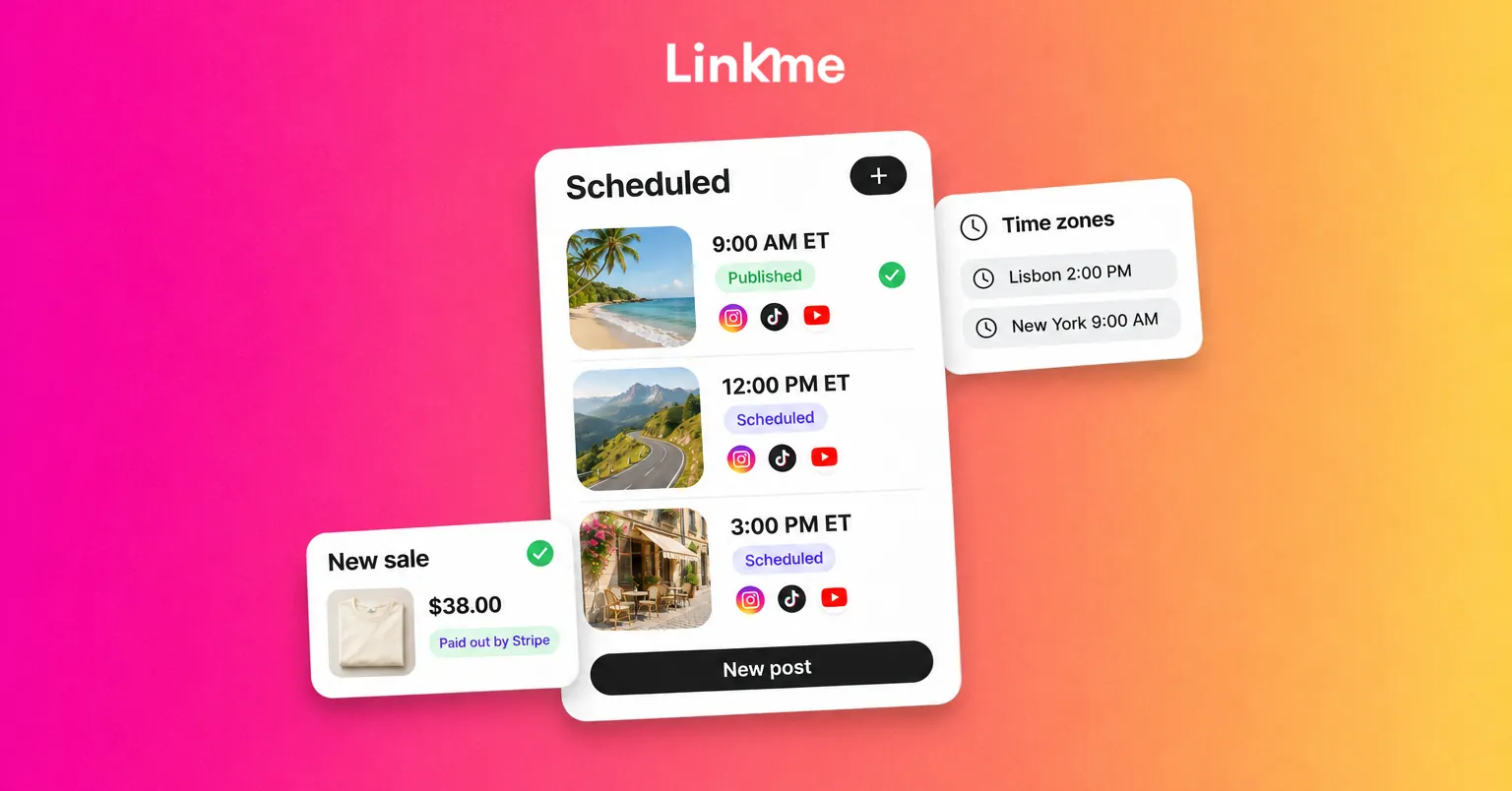
Schedule posts across time zones
The core rule: your audience’s time zone decides when you post. Yours does not.
Find out where your audience is
Before you change anything, look at where your followers and visitors actually are. Each network’s own insights show audience location for business and creator accounts. Your link-in-bio analytics can add another view: on Linkme, analytics show the countries and cities your visitors tap from, and each link shows the hours it is tapped most.
If most of your audience is in one region, anchor your schedule there. If it is split, for example between the US East Coast and Western Europe, choose posting windows that overlap their afternoons and evenings and test both.
Set one “home” time zone for planning
Pick one time zone for your content calendar and write every time in it, with the time zone labeled. Many nomads use their largest audience’s time zone. When you plan in that zone, a change of country does not change the plan.
Then, before you schedule anything:
- Check which time zone your scheduling tool is using.
- Convert the planned time if the tool uses a different zone.
- Double-check posts scheduled around daylight saving changes, which shift on different dates in different countries.
Batch, then leave slack
A two-week buffer of scheduled posts covers a sick day, a broken laptop or a week with no signal. Fill it on your best working days.
Let automations answer while you are offline
Time zones also work against you on replies. A comment at 2 p.m. in New York lands at 3 a.m. in Bali. Some questions need you, but many are the same question asked a hundred times: where to buy, what preset you used, how to book you.
DM automations handle that layer. On an Instagram business or creator account or a Facebook Page, you pick posts, choose a keyword, an emoji or any comment as the trigger, and Linkme posts a public reply and sends the commenter a DM with your link. A DM automation can also answer the messages people send you on Instagram or in Messenger, and on Instagram it can add up to three links as buttons. Every plan, the free one included, can run DM automations.
Useful automations for a traveling creator:
- “PRESET” or “GUIDE” on a post sends the link to the product page.
- “COLLAB” in a DM sends your media kit or a contact form and says when you usually reply.
- Any comment on a travel-guide post sends the full guide link.
Keep brand negotiations and anything sensitive for when you are online.
Sell from one page and get paid to your bank
A nomad income usually mixes brand deals, digital products, maybe merch and the occasional tip. Sending each buyer to a different site leaks sales. One page that holds your products and links makes the path from post to purchase shorter.
On Linkme, you can sell digital downloads, pay to unlock content, print-on-demand merch, courses and tips from your page, with checkout through Stripe. Linkme prints and ships merch, so you do not carry stock across borders. Stripe pays out to the bank account you connect. Linkme takes a platform fee set by your plan, and Stripe takes its processing fee; both are shown before you publish. The free plan covers tips, merch and links to products you sell elsewhere, while digital products and courses come with Plus and Pro.
Check Stripe availability for where your business is based
Payment processors care where your business is registered, not where you are traveling. Stripe’s global availability list shows the countries and regions where a business can use it, and once you are supported you can sell to customers anywhere. Check that list for the country your business or legal residence is in before you plan around it, and keep your bank details and tax setup tied to that country.
A travel-day checklist
Run through this the day before a long journey:
- Are the next seven days of posts scheduled, and is every time correct for your audience’s time zone?
- Did every scheduled post upload successfully, with no network showing a failure?
- Do your automations still point to live pages and current offers?
- Is your link in bio showing what you are promoting this week?
- Have you replied to anything that needs a person, or told them when you will?
Frequently asked questions
Can I run all my social media from my phone while traveling?
You can handle most daily tasks from a phone: checking post status, answering messages and updating your link in bio. Editing and uploading longer video is still easier on a laptop with a stable connection, so batch those tasks for your best working days and use the phone for the rest.
What time should a digital nomad post?
Post when your audience is active, not when you are. Use your network insights to find where your followers are, plan in their time zone, and confirm the time zone your scheduler uses before setting a time. Test two or three windows and keep the ones that perform.
How do I answer DMs when I am offline for days?
Set up automations for the questions you get most often, such as where to buy something or how to book you, so people get the link right away. For anything that needs a real conversation, an automated reply can say when you usually respond, and you can follow up when you are back online.
Can I get paid if I live in a different country every few months?
Usually yes, as long as your business is registered in a country your payment processor supports. Stripe availability depends on where the business is based, not where you are staying. Keep your payout account and tax setup tied to that home country.
Linkme brings the pieces a traveling creator needs into one account: posting to your networks, automated replies, a page that sells and payouts through Stripe. Get the app and start free on the web.


