Creativity for Social Media: Techniques for Fresh Content Ideas
Four repeatable ways to generate social content ideas: constraints, format remixes, a swipe file and customer questions, plus a weekly routine and where AI helps.
On this page
Creativity for social media is less about waiting for inspiration and more about having a repeatable way to produce good ideas on a deadline. The most reliable methods are surprisingly practical: set constraints, remix formats that already work, keep a swipe file and mine the questions your customers ask every week. AI can speed up the drafting and the variations, as long as a person still chooses what is worth posting.
This guide covers idea-generation techniques that work for social teams and solo creators, a weekly routine to run them and how to use AI without losing your voice.
Why social content runs out of ideas
Creative block on social media rarely means a lack of talent. It usually comes from one of three problems:
- The brief is too open. “Post something about our brand” gives your brain nothing to push against.
- The inputs are stale. If you only look at your own feed and your competitors’, every idea starts to look the same.
- There is no system. Ideas arrive in the shower or in a meeting, then disappear because nobody wrote them down.
Each technique below fixes one of these.
Technique 1: Brainstorm with constraints
Open-ended brainstorming feels creative but tends to produce vague ideas. Constraints force specific ones.
Try writing ten ideas against a narrow brief:
- Format constraint: “A 20-second video with no talking.”
- Audience constraint: “For someone who has never been to our restaurant.”
- Material constraint: “Using only photos we already have in the library.”
- Message constraint: “Explain one thing customers get wrong about our product.”
Then combine them. “A 20-second video with no talking, for a first-time visitor, explaining what to order” is a post you can make this week.
A useful rule: aim for quantity first. Most of the first ten ideas will be obvious. The interesting ones tend to appear after the obvious ones are on paper.
Technique 2: Remix formats that already work
Most successful social content is a familiar format with a new subject. Instead of inventing a new format, take one that your audience already understands and apply it to your world.
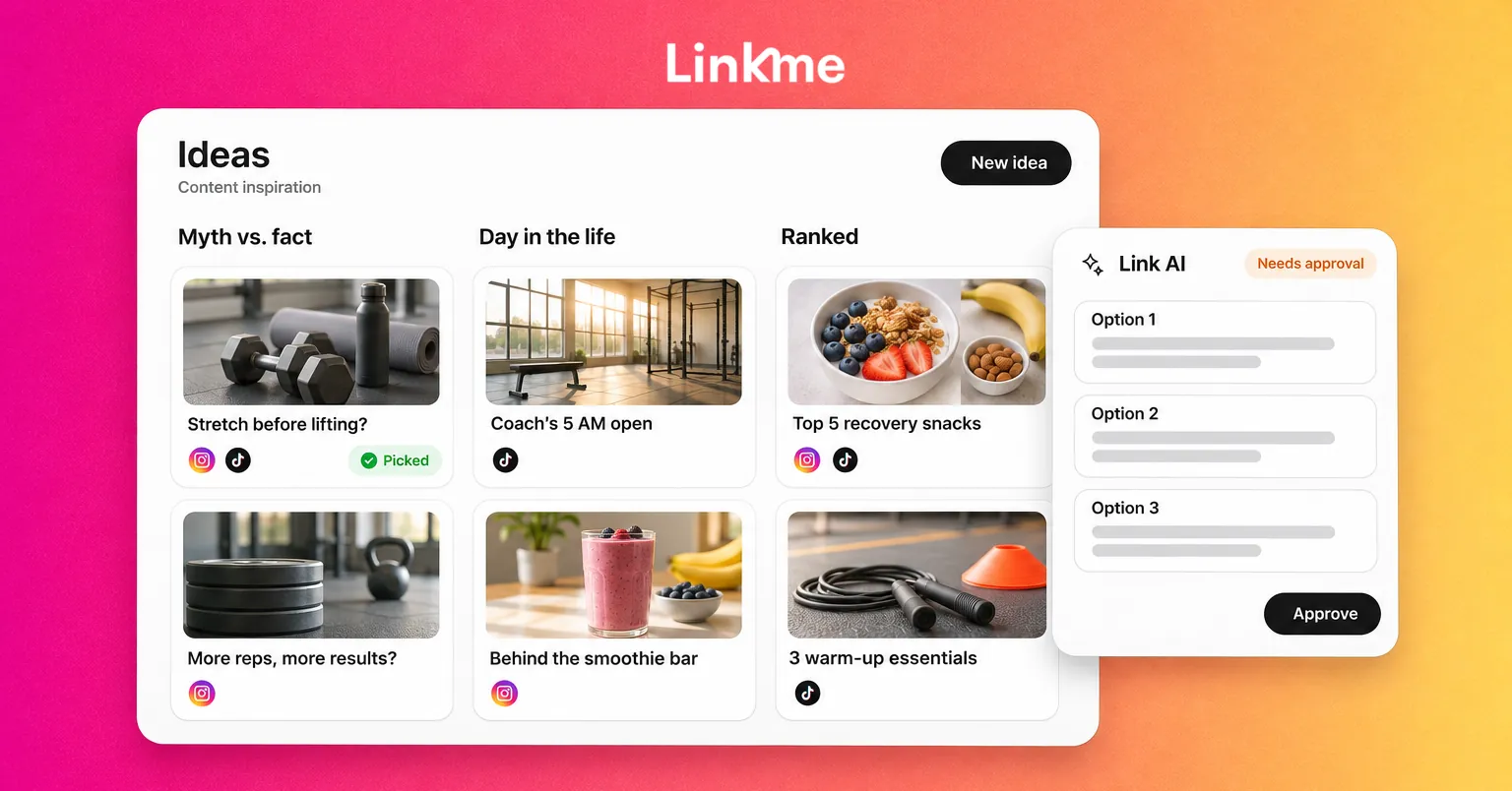
| Format | How to remix it | Example (a gym) |
|---|---|---|
| Before and after | Show a change over time | A member’s first class versus month three |
| Myth vs. fact | Correct a common misconception | “You need to stretch before lifting” |
| Day in the life | Follow one person through a day | A coach from 5 a.m. opening to the last class |
| Ranking or tier list | Rank options your audience argues about | Post-workout snacks, ranked by the coaches |
| Ask an expert | Put one question to someone knowledgeable | “What is the most common form mistake?” |
| Step by step | Break a process into short steps | Setting up a squat rack safely |
Pick three formats, then generate three subjects for each. Nine ideas in a few minutes, all in shapes people already know how to watch.
When a format performs well, do not abandon it after one post. Turn it into a series. Recurring formats lower the creative load and teach your audience what to expect.
Technique 3: Keep a swipe file
A swipe file is a saved collection of posts, hooks, captions and ideas that caught your attention. It turns passive scrolling into research.
What to save:
- Hooks that made you stop scrolling
- Posts outside your industry that use an interesting format
- Comments that were funnier or more insightful than the post
- Your own posts that performed better than expected
How to keep it useful:
- Save in one place, with a short note on why each item worked.
- Tag items by format or theme so you can find them later.
- Review it once a week during planning, not only when you are stuck.
The point is not to copy. It is to notice patterns: a type of opening line, a pacing choice or a structure you can adapt to your own subject.
Technique 4: Mine customer questions
The best content ideas often arrive in your inbox. Every question a customer or follower asks is a topic someone wants covered, and probably not the only person.
Where to look:
- Direct messages and comments. Note the questions that repeat.
- Reviews. Both praise and complaints show what people notice.
- Sales and support conversations. Ask the people who talk to customers what they hear most.
- Search suggestions. Type your product category into a network’s search bar and see what autocompletes.
Turn each question into a post: the answer as a short video, a carousel or a myth-vs-fact. If the same question keeps arriving, that post may be worth pinning or adding to your Highlights.
If your team answers Instagram and Facebook messages in Linkme’s Social Inbox, your saved replies double as a list of recurring questions: each answer your team saved is a content topic waiting to be made.
Use AI for variations, not for judgment
AI is good at the part of creativity that is mostly volume: twenty hook variations, five caption lengths, a rough storyboard or an image concept to react to. It is less good at knowing what is true about your business, what your audience finds funny or what you should not say.
A practical split:
| AI does well | A person should own |
|---|---|
| Drafting variations of a hook or caption | Choosing which one sounds like you |
| Turning a long answer into a short script | Checking facts, prices and dates |
| Suggesting format ideas for a topic | Deciding what is worth posting at all |
| Producing images or video concepts to react to | Approving what goes out under your name |
Give the AI the same constraints you would give a person: the format, the audience, the goal and what to avoid. Our guide to AI prompts for social media has examples you can adapt.
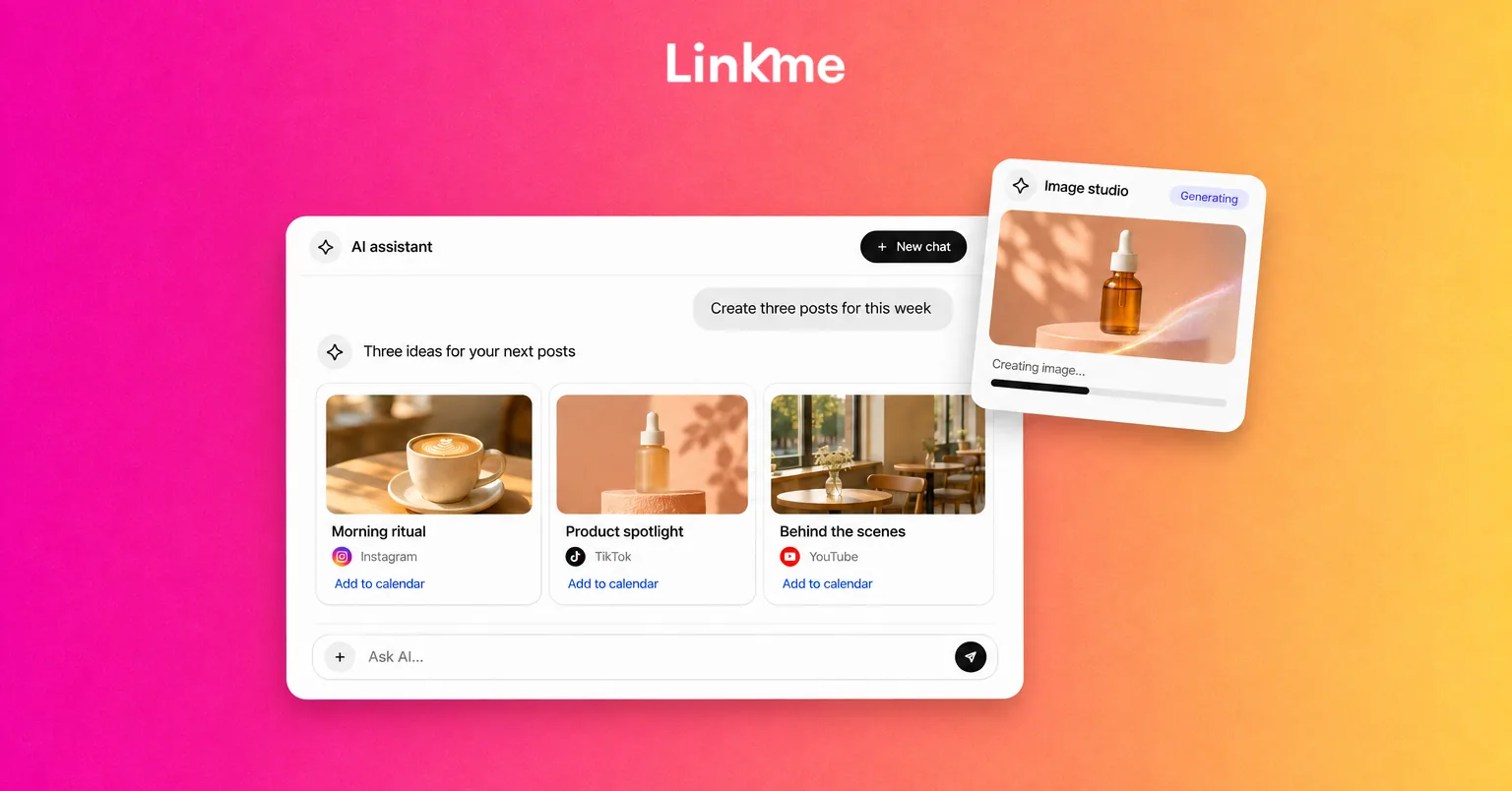
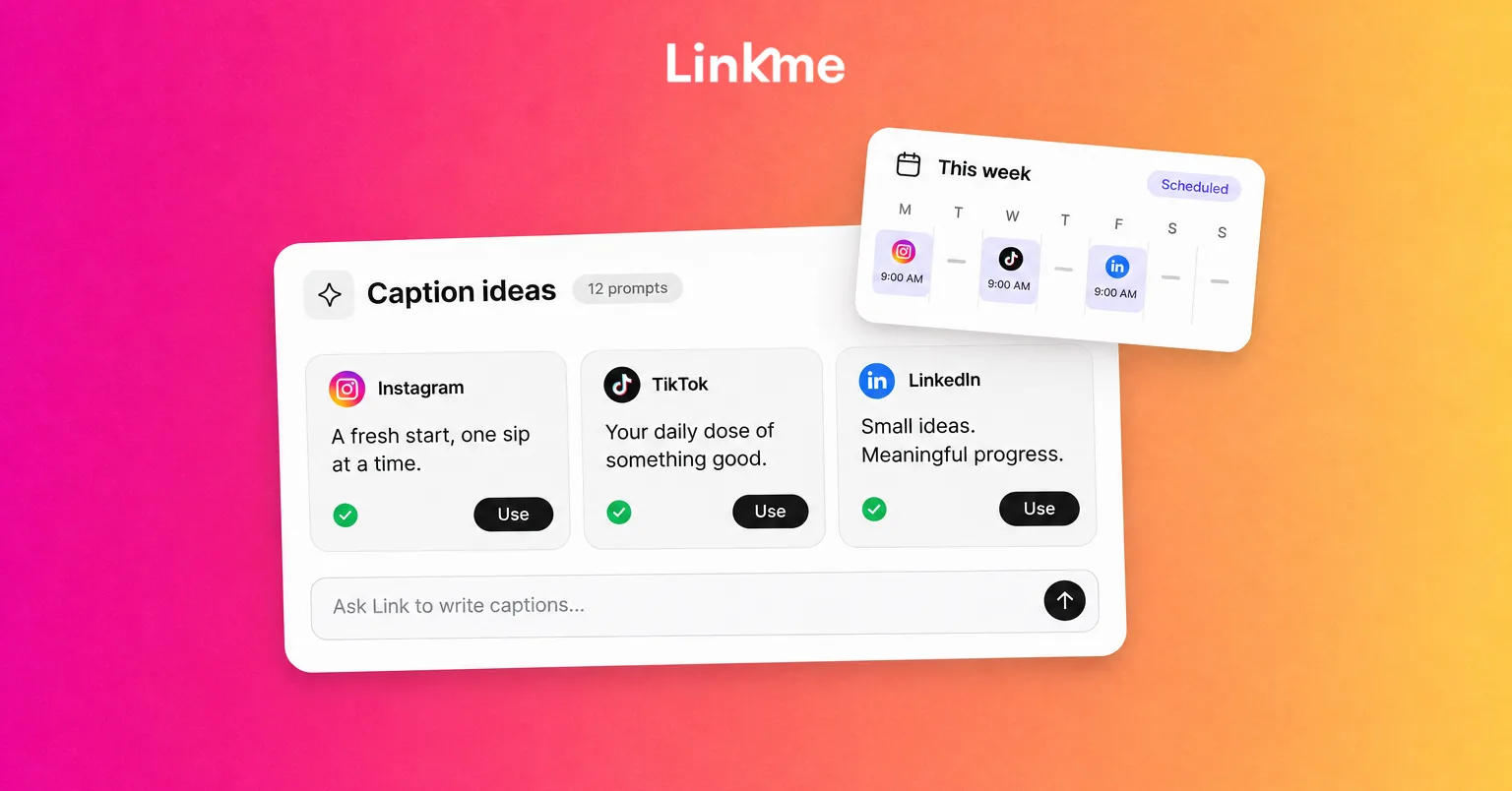
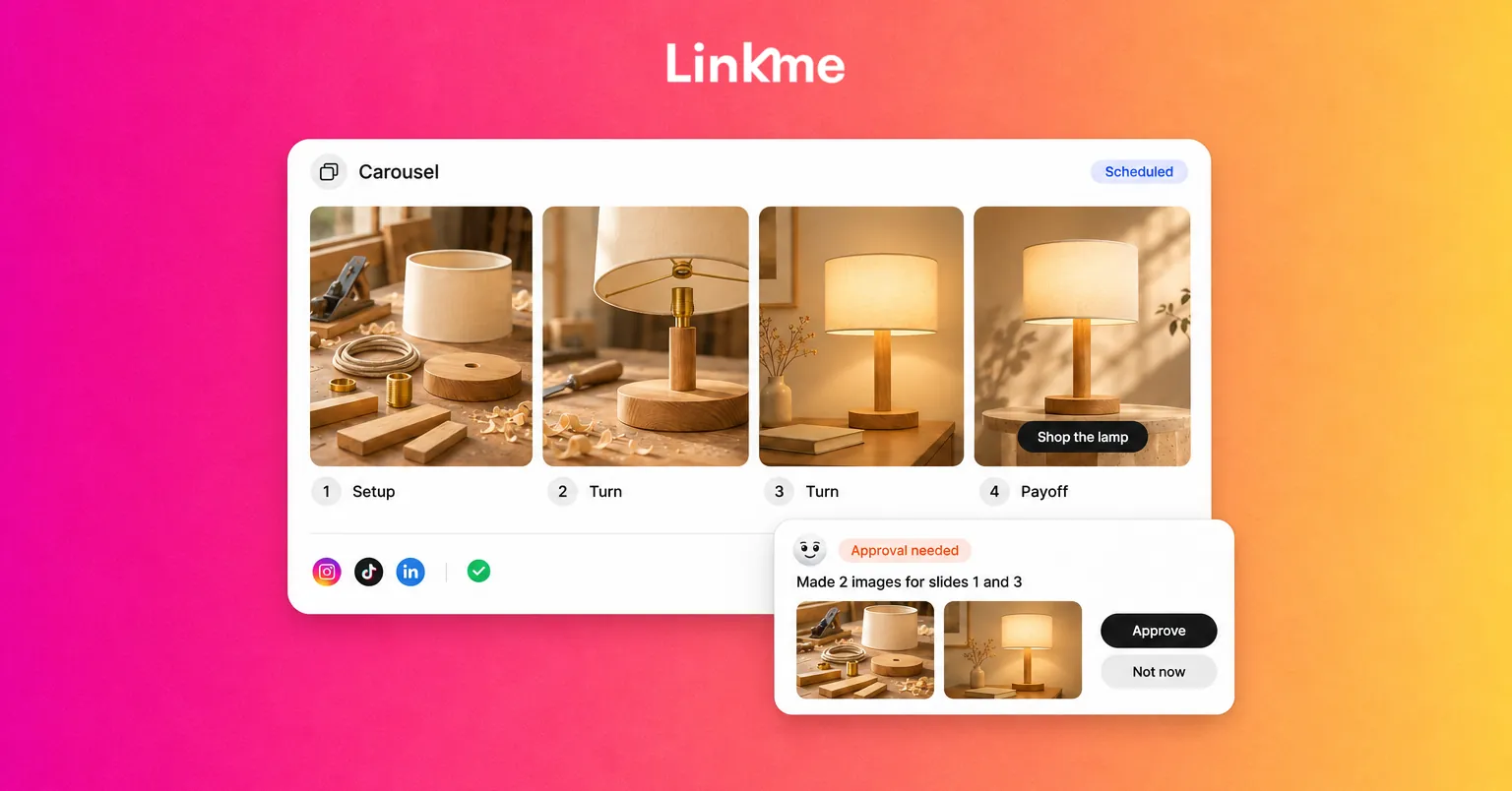
In Linkme, Link, the AI social media manager, drafts posts and makes images, videos and voiceovers, and nothing goes live until you approve it. After you approve each step, it can schedule posts. Link can also answer questions from your page analytics, which helps when you want to know which links people tapped most before planning more content on that topic. Link is part of every Business package, comes with Linkme Pro on People plans and runs on AI credits.
A weekly creativity routine
Ideas need a schedule as much as posts do. A 60-minute weekly session is enough for most small teams:
- 10 minutes: Review last week’s posts. What got shares, saves or replies?
- 10 minutes: Go through the swipe file and saved customer questions.
- 20 minutes: Run one constraint brainstorm and one format remix. Aim for 20 rough ideas.
- 10 minutes: Use AI to generate variations of the strongest three or four.
- 10 minutes: Pick what you will actually make this week and assign it.
Keep the rejected ideas. An idea that does not fit this week may be the right one next month.
Frequently asked questions
How do I come up with social media content ideas every week?
Use a system rather than waiting for inspiration. Keep a swipe file, collect customer questions as they arrive and hold a short weekly session where you brainstorm against specific constraints. Recurring formats also reduce how many new ideas you need.
How do I get past creative block?
Narrow the brief. Pick one format, one audience and one message, then write ten quick ideas without judging them. Switching your inputs helps too: look at content from a completely different industry for an hour.
Can AI replace creativity for social media?
No. AI is useful for drafting variations and speeding up production, but a person still needs to decide what is true, what fits the brand and what is worth posting. Treat AI output as a first draft and keep approval with a person.
How many content ideas should I generate before choosing one?
More than feels necessary. Ten rough ideas per brief is a practical minimum, because the first few are usually the most obvious. The strongest options tend to appear once the obvious ones are written down.
Creative ideas get easier when the process around them is simple. Linkme’s Link can turn your best idea into drafts and variations for you to review, so more of your time goes into choosing what is worth posting.