Social Media Cybersecurity for Businesses: Threats and Controls
Brand accounts get taken over through phishing DMs, fake copyright notices, old connected apps and shared passwords. Here is each threat and the control that stops it.
On this page
- Key takeaways
- Why brand accounts are worth attacking
- The threats brand accounts face most
- Match each threat to a control
- Give everyone the least access they need
- Put approvals between a draft and the public
- Keep an audit trail and alerts
- Put limits on ad spend
- Write a one-page social media security policy
- How Linkme supports these controls
- Frequently asked questions
Social media cybersecurity for a business comes down to two things: knowing how brand accounts actually get taken over, and putting controls in place so that a single click or a single person cannot cause the damage alone. Most takeovers involve no sophisticated hacking: they start with a convincing message, an old app that still has access, or a password five people know.
This guide pairs the threats that hit brand accounts most often with controls your team can set up this week.
Why brand accounts are worth attacking
A business account is worth more to an attacker than a personal one. It has an audience that trusts it, a DM inbox full of customers and often a connected ad account with a saved payment method. A hijacked account can run scams aimed at your followers or spend on ads you never approved.
That is why social media security risks belong next to your website, payments and email, not only with whoever posts.
The threats brand accounts face most
Phishing DMs and fake partnership offers
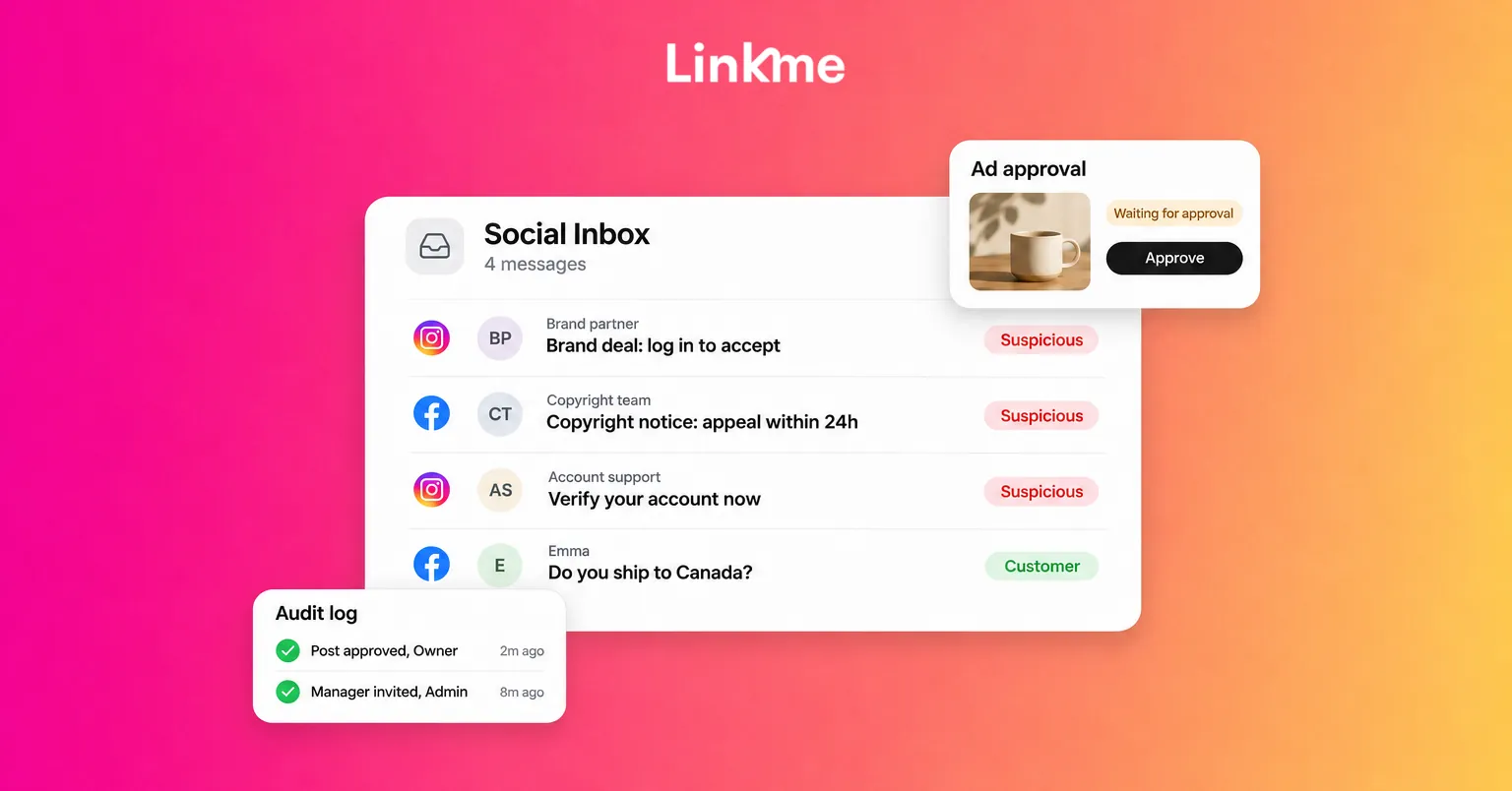
The most common entry point is a direct message. It might look like a brand collaboration (“we’d love to send you product, just log in to our creator portal”), a media request, or a message from “Meta Support” or “Instagram Help.” The link opens a page that looks like a real login screen. Some go further and ask for your two-factor code “to confirm it’s you,” then use it in real time.
Phishing on Instagram and other networks works because the messages arrive where your team already works, and because the sender often has a believable profile.
Fake copyright and policy-violation notices
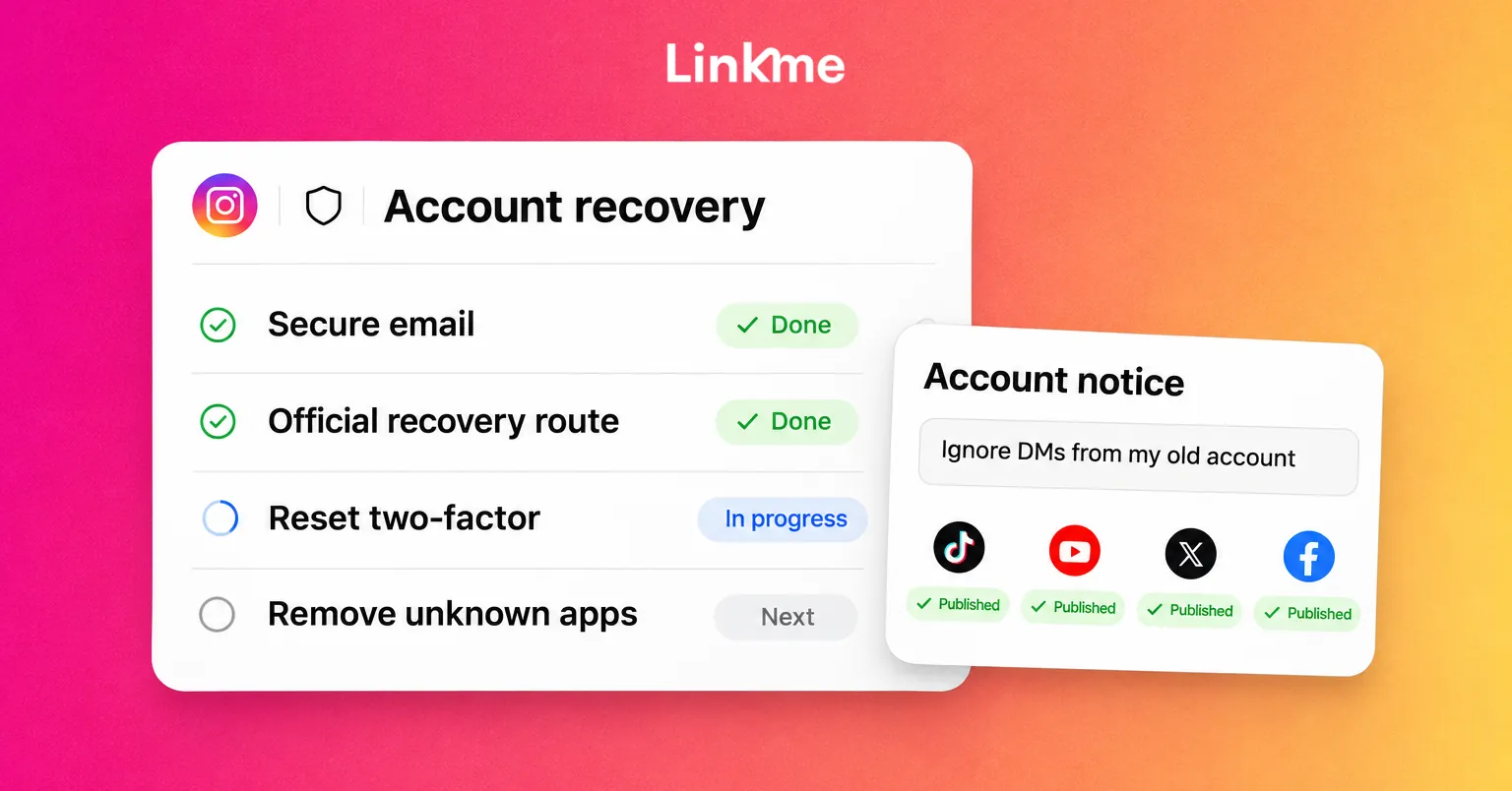
A close cousin of the phishing DM: an email or message saying your account will be disabled within 24 or 48 hours because of a copyright complaint, unless you “appeal” through a link. The urgency is the tell. Real enforcement shows up inside the app itself, and Instagram keeps a list of the security emails it has recently sent you in Accounts Center, under Password and security. If the notice is in neither place, treat it as fake.
Risky connected apps and leftover access
Every scheduling tool, analytics dashboard, contest app or quiz you have ever connected may still hold a token for your account. Some of those tools are no longer maintained. Some were never trustworthy. The same applies to people: a freelancer from two years ago, a former intern, an agency you stopped working with.
Insider risk, mostly by accident
Insider risk is rarely malicious. It is a shared password in a group chat, a post on the wrong account, a boost with the wrong budget, or a former employee still signed in. Shared credentials make all of these worse, because you cannot tell who did what and you cannot remove one person without changing the password for everyone.
Match each threat to a control
| Threat | What it looks like | Control that limits it |
|---|---|---|
| Phishing DM | “Log in to accept this deal” | Never log in from a link; 2FA on every account; verify through the app |
| Fake copyright notice | “Appeal within 24 hours or lose your account” | Check the platform’s own record of emails and notices |
| Old connected apps | Tools nobody remembers adding | Quarterly review of connected apps and revoke what you don’t use |
| Shared passwords | One login, many people | Individual logins with roles |
| Wrong post, wrong account | An honest mistake goes live | Required approval before publishing |
| Unapproved ad spend | A campaign nobody signed off on | Approval on ads, with spend limits per person |
| Former staff access | Ex-team member still signed in | Remove people on their last day; review sessions |
Give everyone the least access they need
Least privilege means each person can do their job and nothing more. In practice:
- One login per person. Nobody shares a password. When someone leaves, you remove them and nobody else is affected.
- Roles, not full access. A community manager who answers comments does not need billing access. A freelancer creating content for one location does not need every location.
- A small number of owners. Keep owner or admin rights to the people who are accountable for the accounts and the budget.
- Turn on two-factor authentication for every person, on every network and on every tool connected to your accounts.
- Review access on a schedule, for example every quarter and whenever someone joins, changes role or leaves.
Put approvals between a draft and the public
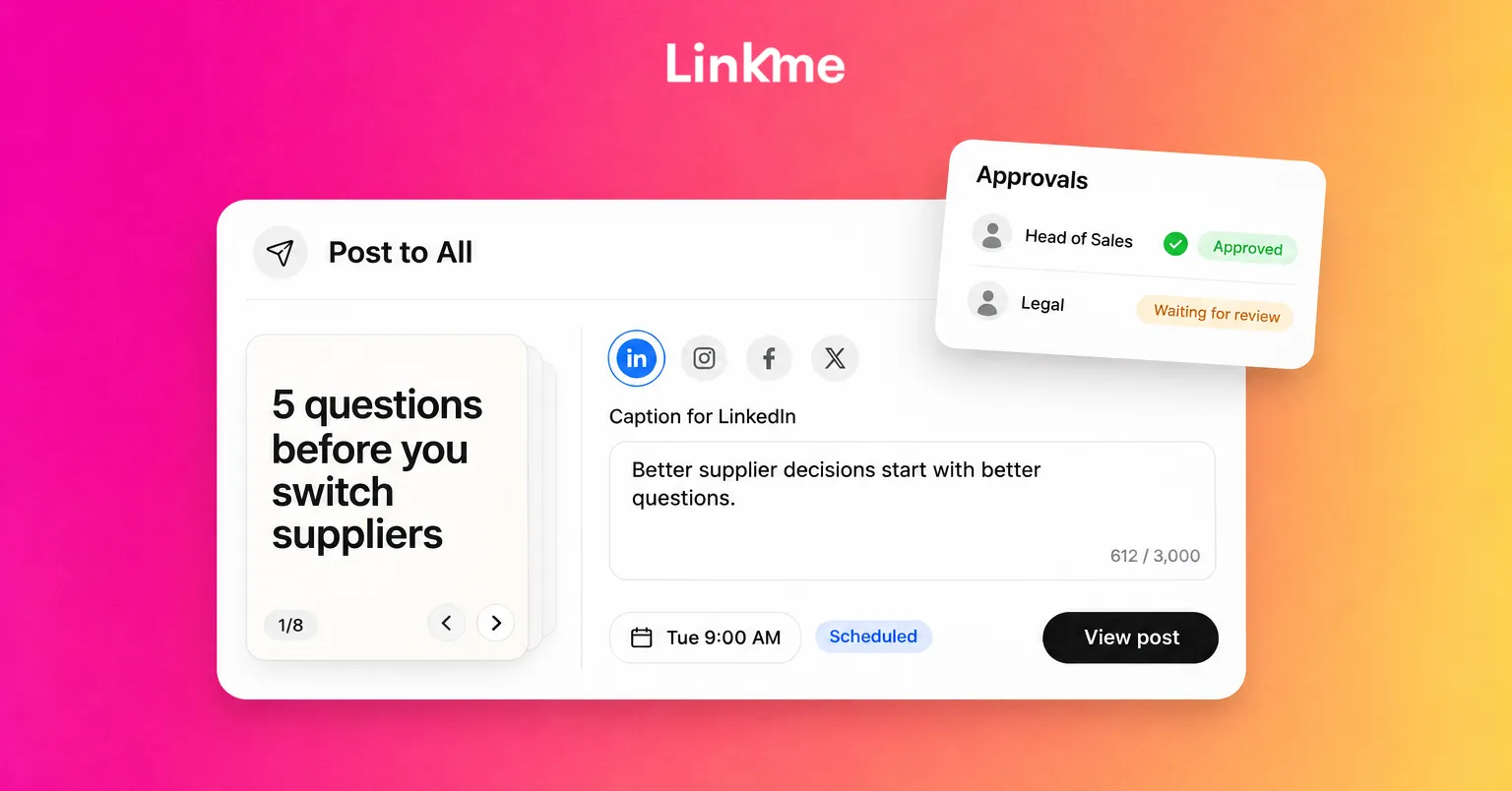
An approval step is a security control as much as a quality control. If a compromised or careless login cannot publish without a second person’s sign-off, a hijacked account inside your tool can only create drafts.
Decide which posts need approval (often everything from managers, freelancers and agencies) and who approves. Our guide to building a social media approval workflow covers how to set this up in detail.
Keep an audit trail and alerts
When something goes wrong, the first question is “who did this, and when?” You can only answer it if every action is tied to a named person. Pair the audit trail with alerts that reach the right person, such as a review request, a failed publish or an ad waiting for approval, so problems surface in minutes rather than at the weekly check.
Put limits on ad spend
Treat your ad accounts like a company card:
- Only the owner connects ad accounts and payment methods.
- Teammates can draft ads, but launching needs approval.
- If someone needs to move quickly, give them a monthly limit they can launch within, and require approval above it.
- Review active campaigns every week, including who launched each one.
Write a one-page social media security policy
A policy does not need to be long to be useful. Cover these points and share them with everyone who touches your accounts, including agencies and freelancers:
- Every person uses their own login, with two-factor turned on.
- Nobody logs in from a link in a DM or email. Open the app or type the address.
- Brand deals and “urgent” notices are verified through the platform or a known contact before anyone acts.
- New connected apps need an owner’s approval, and the list is reviewed every quarter.
- Posts from managers, freelancers and agencies are approved before they publish.
- Ads above an agreed limit need approval.
- Who to tell, and how fast, if something looks wrong.
How Linkme supports these controls
If your team plans, publishes and runs ads through Linkme, several of these controls are built in. Ads, Team & Security gives every teammate their own Linkme login, so nobody shares a password, and social and ad accounts connect through each network’s own sign-in.
Roles follow least privilege: the owner controls billing, ad accounts and spending; admins invite managers, approve posts and edit the business; managers work on the pages assigned to them, and their posts need approval. The team roles guide shows how to invite people and set permissions per person.
For ads, admins and managers need approval to launch unless the owner allows it, and the owner can let a teammate launch without approval up to a monthly limit. Owners and admins can see who has two-factor turned on, review the audit log of who changed what, and each person chooses alerts such as review requests, failed publishes and ad approvals. Each person can also see the devices signed in to their own login and sign out of any of them.
Frequently asked questions
What are the biggest social media security risks for a business?
Phishing messages that steal logins, fake copyright or policy notices, connected apps that still hold access, shared passwords, and ad accounts that can spend without approval. Most incidents start with a person being tricked or with access that should have been removed.
How do I protect business social accounts from phishing on Instagram?
Turn on two-factor authentication, never log in from a link in a DM or email, and verify any notice inside the Instagram app or in the list of emails Instagram has sent you. Treat urgent deadlines and requests for codes as warning signs.
What should a social media security policy include?
Individual logins with two-factor turned on, a rule against logging in from links, how to verify brand deals and urgent notices, who approves new connected apps, which posts and ads need approval, and who to tell if something looks wrong. One page is enough.
How often should we review account access?
At least every quarter, and immediately when someone joins, changes role or leaves. Check people, connected apps, active sessions and ad permissions in the same review.
If you want individual logins, approvals and an audit log in one place, see how Linkme handles ads, team and security or book a demo.