Social Media Manager Burnout: Signs, Causes and Fixes That Last
How burnout shows up in social media roles, why the work causes it, and the workload fixes (scheduling, approval deadlines, automations, saved replies) that make recovery last.
On this page
Social media manager burnout rarely comes from one bad week. It builds when the work depends on one person being online: every post waits for their final check, every repeat question waits for their reply, and every report waits for them to pull the numbers. Rest helps, but if the workload stays the same, burnout comes back.
This guide covers how to recognize burnout in social media roles, why the work causes it, and the practical changes that take repeat work off one person: scheduling ahead, approval deadlines, automations for repetitive DMs, saved replies and reports that do not need a late night. Creators working alone will find a section for them too.
What burnout looks like in social media roles
The World Health Organization describes burnout as an occupational phenomenon caused by chronic workplace stress that has not been successfully managed. It has three dimensions: exhaustion, increased mental distance from your job or cynicism about it, and reduced professional efficacy.
In social media work, those three dimensions tend to look like this:
| Dimension | How it shows up in social roles |
|---|---|
| Exhaustion | Dread before opening the inbox, checking notifications at dinner, tired even after a weekend |
| Distance or cynicism | Comments feel like attacks, trends feel pointless, you stop caring how a post performs |
| Reduced efficacy | Ideas dry up, captions take three times as long, small mistakes slip into published posts |
Creator burnout has the same shape, with an extra twist: the account is often tied to your identity and income, so stepping back feels risky.
Why social media work burns people out
The work never closes
Networks run every hour of every day, and audiences expect fast answers. Without a clear plan for when you are not working, the default becomes “always slightly on.”
Approvals arrive late
A post is ready on Tuesday, but feedback arrives Thursday evening for a Friday morning slot. The social media manager absorbs the squeeze by working late, and the same thing happens next week.
The same questions, all day
“What time do you open?” “Where’s the link?” “Are tickets still available?” Answering the same question by hand dozens of times is draining, and it crowds out the work that needs judgment.
One person holds everything
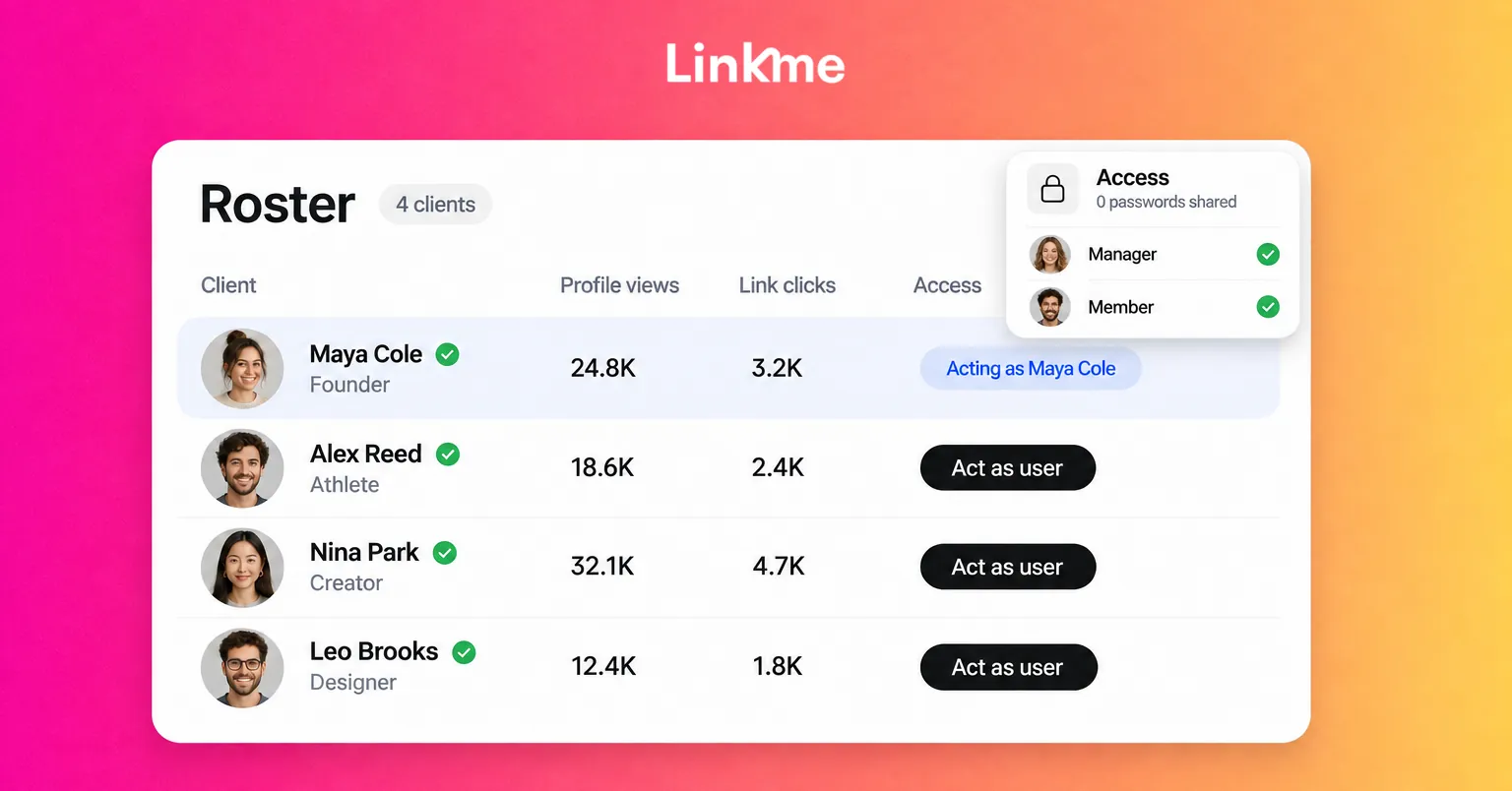
When only one person knows the passwords, the posting schedule and the answers to common questions, they cannot take a real day off. This is the single biggest structural cause of social media manager burnout.
Results are judged by the day
Daily likes and views swing for reasons outside your control. If success is judged post by post, every dip feels personal.
Fixes that reduce the social media workload
The goal is simple: make the work keep moving when you step away.
Batch content and schedule it ahead
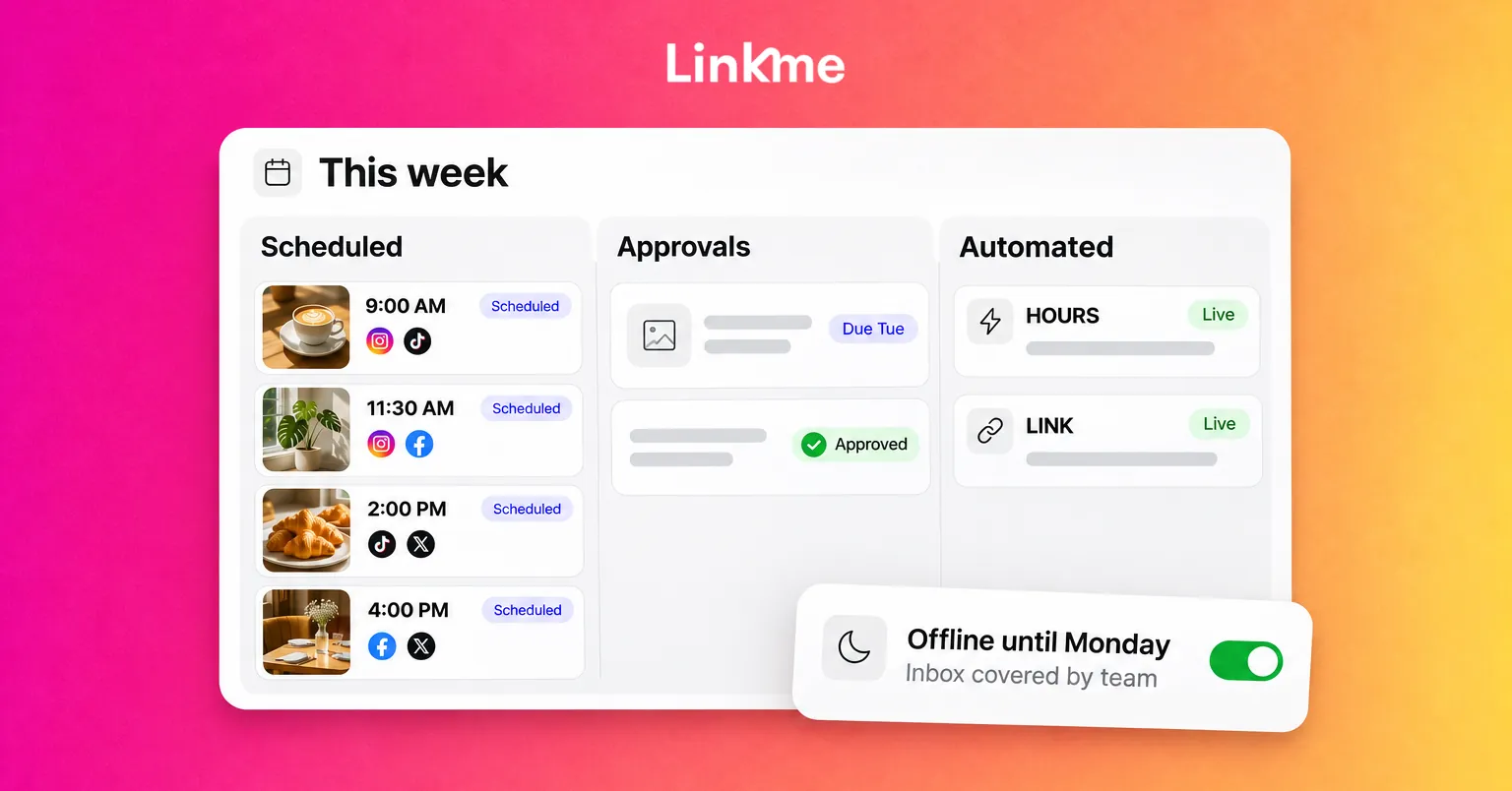
Plan and write a week or two of posts in one or two focused blocks, then schedule them. Batching cuts the context-switching that makes social work feel endless, and a full queue means one sick day does not leave the accounts silent. Keep a small bank of evergreen posts for weeks when production falls behind.
Put approvals on a deadline
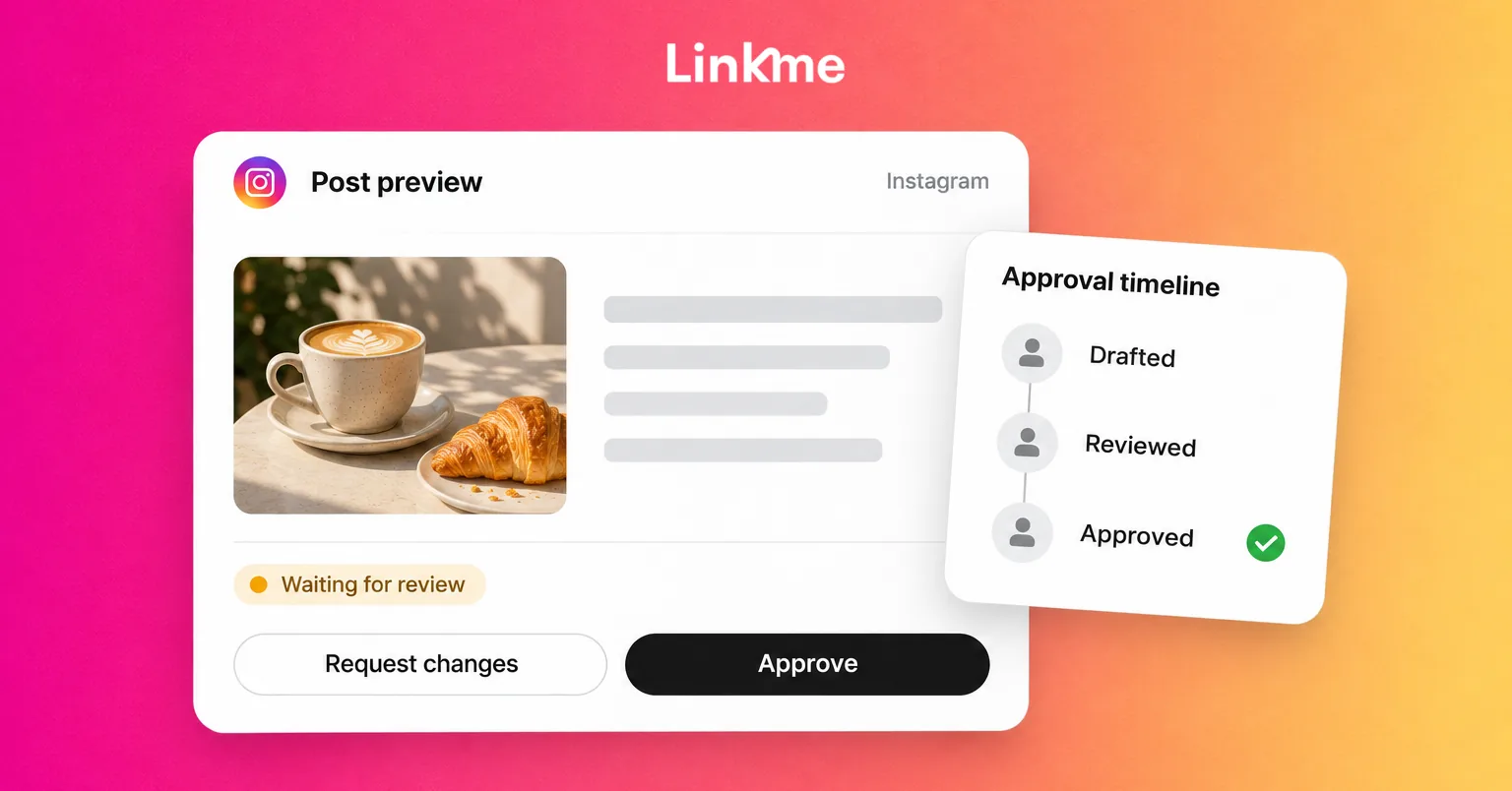
Agree when content must be ready for review and when reviewers must respond, with time for changes before the post goes live. Write it down and share it. If a deadline is missed, the post moves to the next slot instead of landing on someone’s evening. Our guide to building a social media approval workflow covers how to set this up.
Automate the repetitive DMs
List the five questions you answer most and the link that answers each one. Most of them can be handled by a keyword automation on the post that triggers them, so the answer goes out while you are offline. Keep people for the questions that need judgment.
Write saved replies and leave notes
For the questions that still need a person, write the answer once and reuse it. Internal notes on a conversation let the next person pick it up without asking you what happened.
Let reports run without you
If you spend the first morning of every month exporting numbers, standardize the report: the same few metrics, the same format and a shared file leadership can open themselves.
A two-week burnout recovery plan
Workload fixes stop burnout from returning. You still need recovery time.
- Day 1: write down the load. List every recurring task, how often it happens and who else could do it.
- Days 2-3: talk to your manager. Bring the list and ask for two things: a cut or delay to lower-priority work and agreed time fully offline.
- Days 3-5: set up the system fixes. Schedule the next two weeks of posts, publish approval deadlines and automate the top repeat questions.
- Week 2: protect real time off. Turn off notifications outside agreed hours and hand inbox cover to someone else, with saved replies and notes ready.
- End of week 2: review. What went out without you? What still needed you, and why?
Movement, sleep and time with people outside work all help recovery. If you are struggling to function, feel hopeless or symptoms persist for weeks, talk to a doctor or a mental health professional.
Creator burnout: when there is no team
Creators often have nobody to hand work to, so the system matters even more:
- Set a pace you can keep for a year, not one you can manage for a month.
- Film in batches and keep a backlog of finished posts for weeks off.
- Repurpose one piece of content across networks instead of making something new for each.
- Automate the link requests, so “link?” comments get answered while you sleep.
- Announce breaks. Audiences handle a planned week off far better than a sudden silence.
How Linkme takes repeat work off one person
Linkme splits this work into steps that different people can own. For social media teams, a week runs plan, review, publish, answer and report, with a different person able to own each step.
- Plan and publish. Post to All sends one post to the networks you choose, now or at a scheduled time, and the calendar shows every post by day, week or month. Link can draft captions to start from.
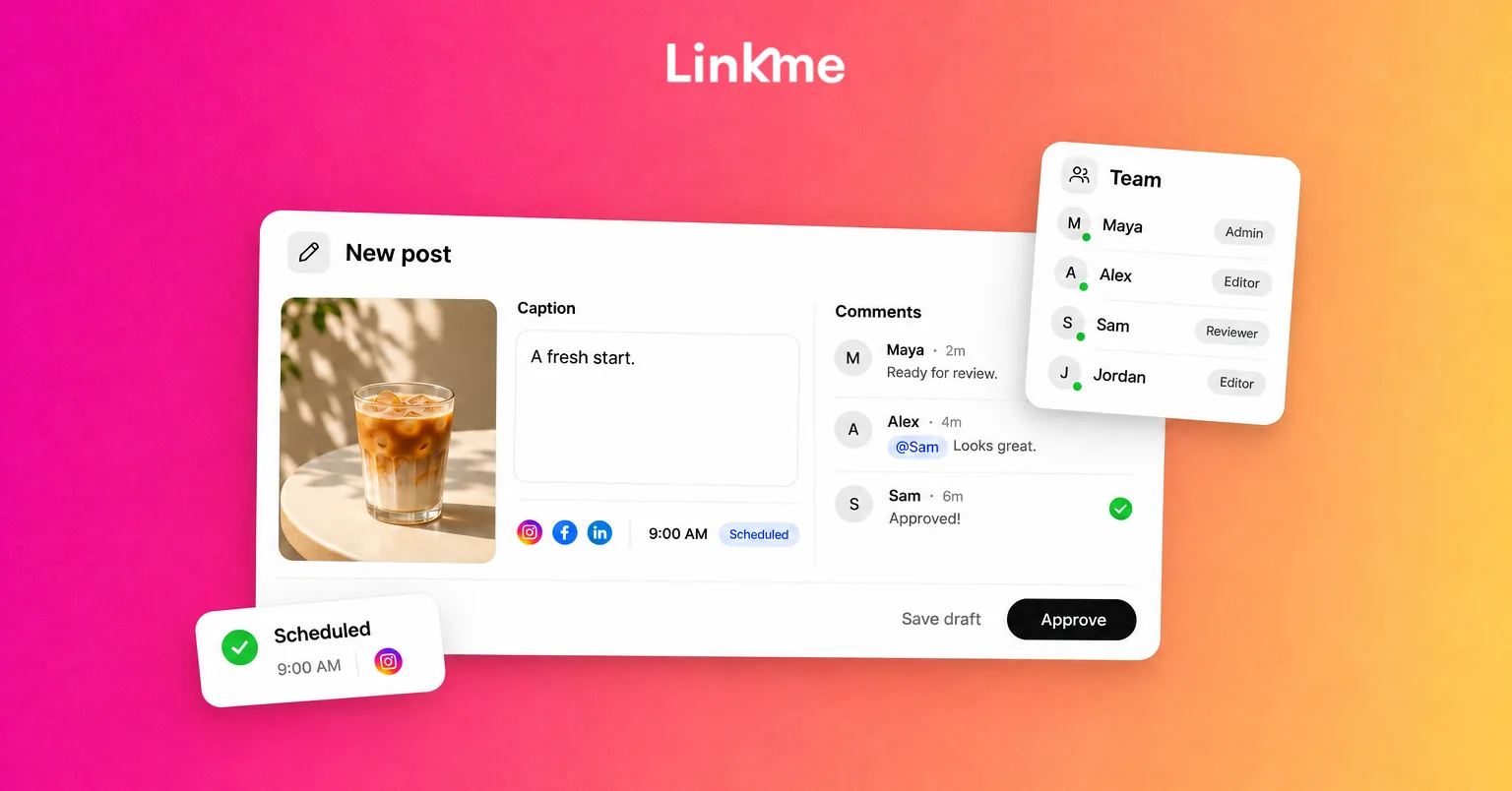
- Review. When approval is required, an owner or assigned admin approves a post before it publishes, and the post keeps its scheduled time. A post that passed its time can still publish once it is approved, as the post approvals guide explains.
- Answer. DM automations reply to keyword comments or any comment with a DM and your link, with reply delays you set. In the Social Inbox, saved replies, internal notes and Resolve let anyone signed in pick up where you left off.
- Report. Analytics shows profile views, link clicks and engagement for every brand’s page, and reports save as a PDF for leadership.
Frequently asked questions
What are the signs of social media manager burnout?
Common signs are dreading the inbox, checking notifications outside work hours, feeling cynical about comments and results, losing ideas and making more small mistakes. The WHO groups burnout into exhaustion, mental distance from the job and reduced professional efficacy.
How do you reduce social media workload without posting less?
Batch content and schedule it ahead, set approval deadlines, automate answers to repeat DM questions, write saved replies for the rest and standardize reports. These changes keep the same output while removing tasks that depend on one person being online.
How long does burnout recovery take?
It varies by person and by how long the stress has lasted. Recovery usually needs both time off and a change in workload. If symptoms are severe or do not improve after several weeks, speak to a doctor or mental health professional.
Is creator burnout different from burnout in a job?
The pattern is the same, but creators often lack a team to share work and tie the account to their income and identity. A sustainable posting pace, batching, repurposing and automating link requests matter even more.