Habits to Avoid Getting Hacked: A Daily Routine for Creators and Social Teams
Most accounts are lost to a convincing message, not clever hacking. Here are the daily and monthly habits that keep creators and social teams out of trouble.
On this page
Most social accounts are not lost to clever hacking. They are lost when someone logs in through a link in a convincing message, opens a “contract” that a fake brand sent, or leaves an old app connected for years. The habits to avoid getting hacked are mostly small routines: check every brand-deal DM before acting on it, never sign in from a link, review connected apps on a schedule and keep a separate business email for your accounts.
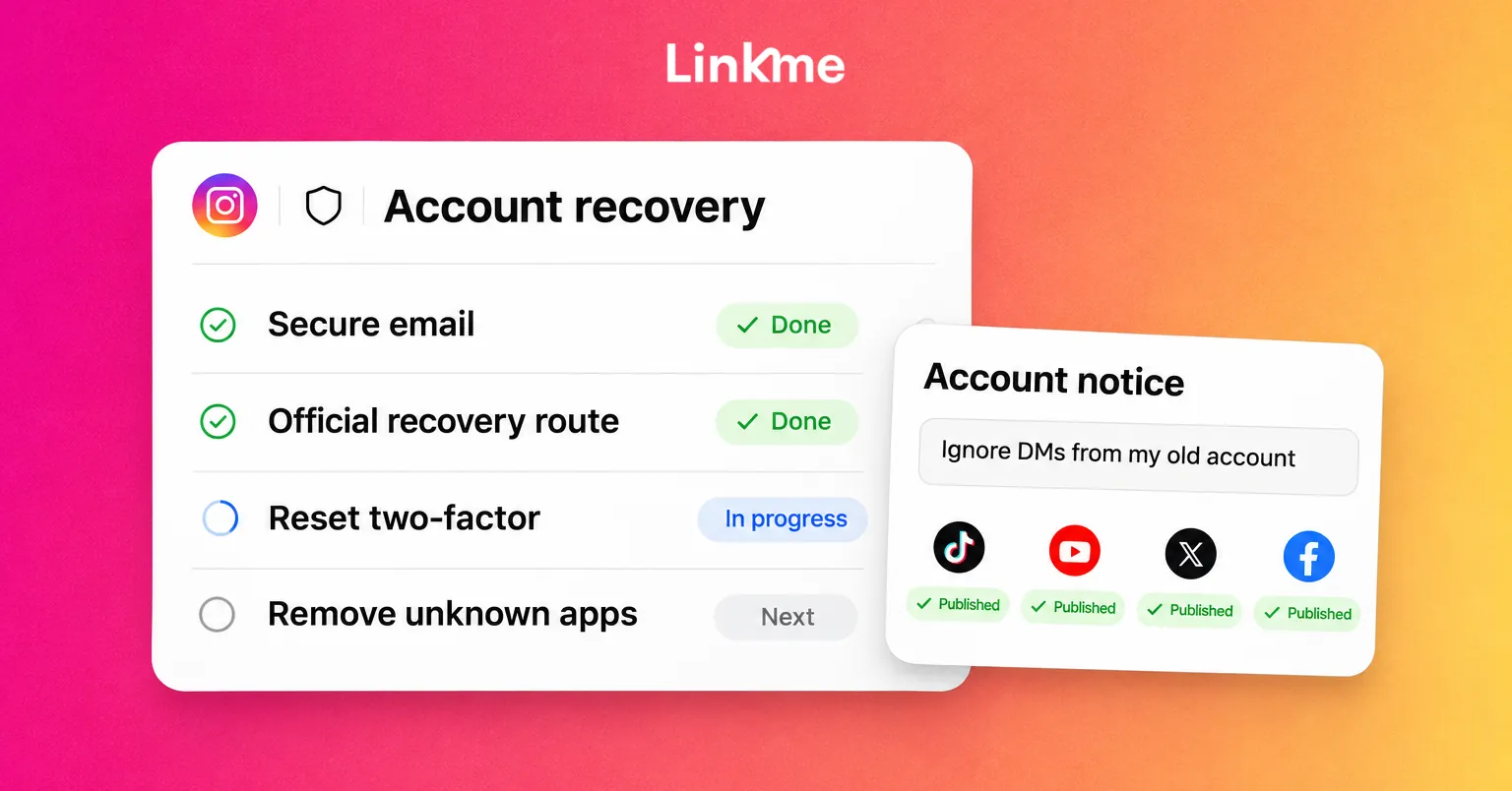
This guide covers those habits for creators and social media teams. If you have already lost access, recover the account first, then come back here.
Check every brand-deal message before you act on it
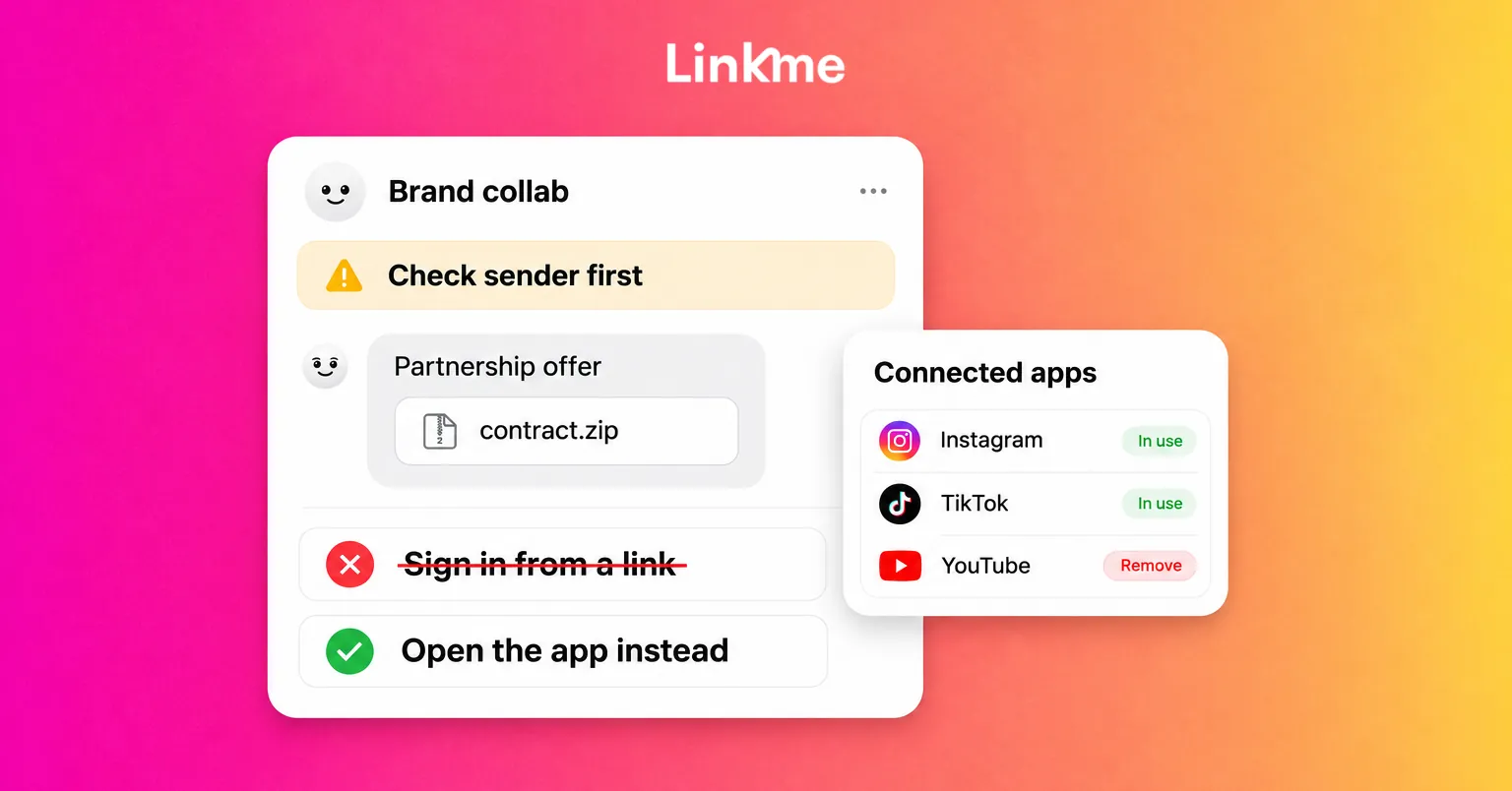
Fake sponsorship offers are one of the most common ways creators get phished. Security researchers have repeatedly reported campaigns that send personalized “collaboration” emails and DMs to creators, referencing their real videos, then push them to sign in on a fake partnership platform or open a file that installs malware. The goal is your session, your password or your recovery email.
Warning signs of a fake brand deal scam
- Urgency. “We need your answer today” or “the budget closes tonight.”
- A sign-in step. A real brand does not need your Instagram, Google or TikTok password to send a brief.
- A file you must open. Contracts sent as compressed archives, downloadable “media kits” or anything that asks you to install software or enable macros.
- A slightly wrong address. A domain with an extra word, a swapped letter or a free email provider for a large brand.
- A fee or a deposit. Legitimate partners pay you; they do not ask you to pay to join a campaign.
A two-minute verification routine
- Do not reply from the message yet. Find the brand’s official website yourself.
- Check whether the person sending the offer exists on the brand’s site or on a professional profile linked from it.
- Contact the brand through an address you found independently and ask them to confirm the offer.
- Ask for the brief in the body of an email or as a document in a viewer that does not require your social login.
- If anything still feels off, decline. A real partner will be fine with a delay while you check.
Make this a rule, not a judgment call.
Never sign in from a link
Phishing works because the fake login page looks exactly like the real one. The habit that defeats it is simple: when a message says you need to sign in, close it and open the app or type the site’s address yourself. If the warning was real, you will see it there.
A few habits that support this:
- Let a password manager fill your logins. It matches the saved login to the real domain, so it will not offer your password on a look-alike page. That hesitation is a useful warning.
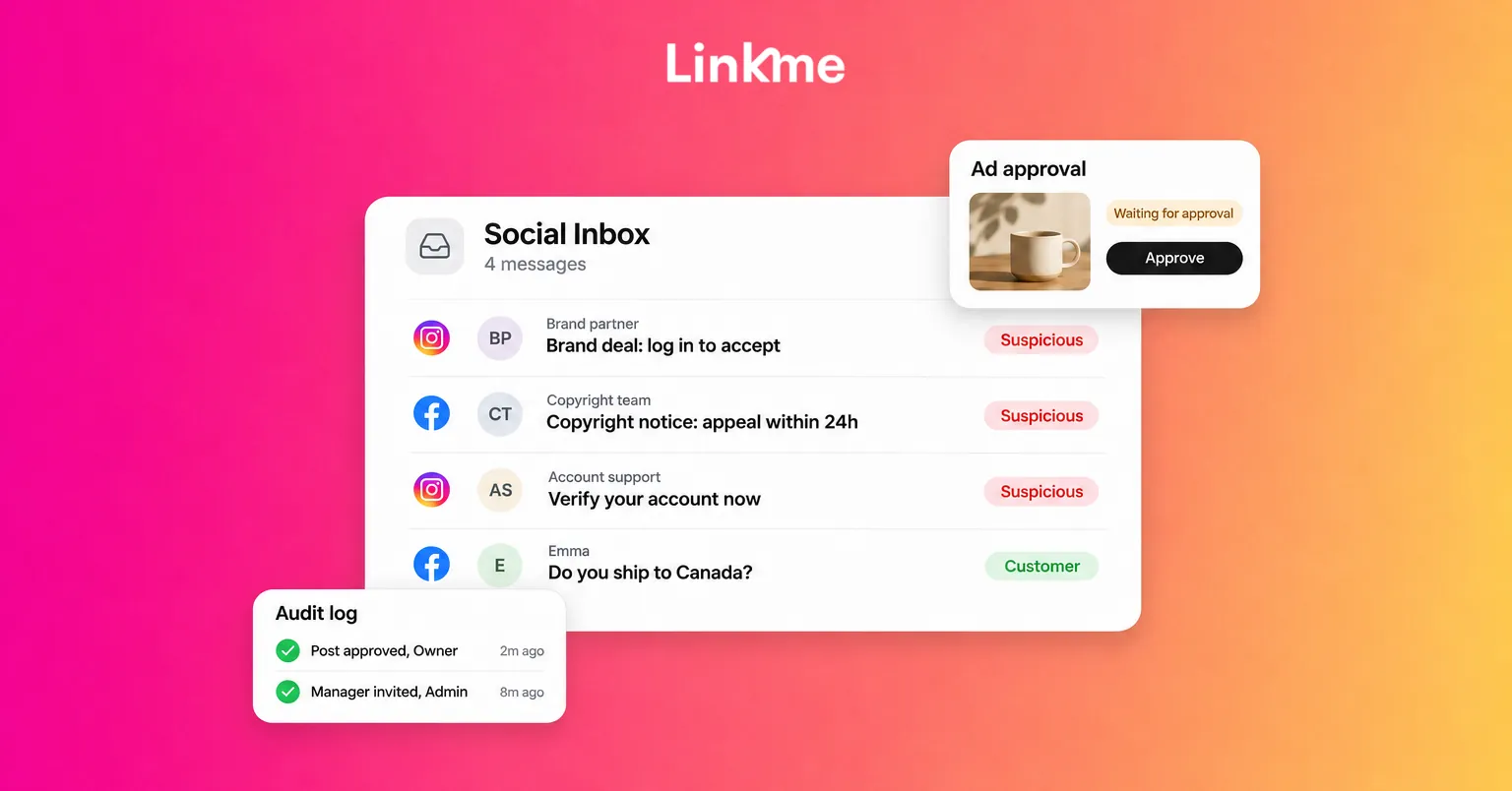
- Check security emails inside the app. Instagram, for example, lets you see recent emails it has sent you from its security settings. If a “copyright strike” or “suspicious login” email is not listed there, treat it as a scam, even when the sender address looks genuine.
- Ignore copyright and verification threats in DMs. Networks deliver policy notices in their own apps and help centers, not through a stranger’s DM with a form to fill in.
- Use two-factor authentication with an authenticator app or a passkey. It will not stop every phishing attempt, but it blocks most attacks that rely on a stolen password alone.
Review connected apps every month
Every scheduling tool, analytics app, giveaway tool or quiz you ever connected may still have some level of access to your account. Leftover connections are a quiet risk: if one of those services is breached or abandoned, your account is exposed with it.
Set a monthly reminder and check each network:
| Network | Where to look | What to remove |
|---|---|---|
| Settings, under the apps and websites you have connected | Tools you no longer use or do not recognize | |
| TikTok | Settings and privacy, then Security, then app permissions | Old editing, analytics or growth apps |
| YouTube | Your Google Account’s third-party connections | Anything with access to your YouTube or Gmail you did not set up on purpose |
| X | Settings, under security and account access, then connected apps | Apps you no longer recognize |
| Facebook and LinkedIn | Settings, under apps and websites or permitted services | Old games, quizzes and tools |
Menu names change often, so search for “apps” in settings if a path has moved. Also check the list of devices that are signed in and sign out of any you do not recognize.
Keep a separate business email
Your email account is the master key: whoever controls it can reset almost every social login you have. A few rules make it much harder to take.
- Use one dedicated address for social logins. Do not use it for newsletters, shopping or public contact. The fewer places it appears, the fewer phishing emails it receives.
- Publish a different address for business inquiries. Put a contact or booking address on your profiles and keep the login address private.
- Protect the login email with two-factor authentication and recovery options you control, such as a phone number that is not shared with anyone else.
- Check its forwarding rules now and then. An attacker who briefly gets into an inbox often adds a silent forwarding rule to catch future reset codes.
Make security part of how the team works
On a team, the riskiest habit is a shared password passed around in a chat. Once it is shared, you cannot tell who used it, and you cannot remove one person’s access without changing it for everyone.
The better pattern is one login per person, each with its own role. In Linkme’s ads, team and security tools, every teammate signs in with their own Linkme login, so there is no shared password to hand around. Social and ad accounts connect through each network’s own sign-in. Owners and admins can see how many people have two-factor turned on, each person can review the devices signed in to their login and sign out of any of them, and the audit log shows who changed what, newest first. Alerts for review requests, failed publishes and ad approvals arrive in the app and by email.
When someone leaves, the owner can remove them from the business and admins can remove managers. Because each person had their own login, there is no shared password to change. The team roles guide explains who can do what.
A simple security routine
Habits stick when they have a time slot:
| When | Habit |
|---|---|
| Every message | Verify brand offers independently; never sign in from a link |
| Weekly | Check signed-in devices on your main accounts and your login email |
| Monthly | Review connected apps on every network and remove what you do not use |
| Quarterly | Review who has access to each account, and update recovery phone numbers and backup codes |
| When someone leaves | Remove their access the same day |
Frequently asked questions
How do I avoid getting hacked on Instagram?
Turn on two-factor authentication with an authenticator app, never sign in from a link in a DM or email, check that security emails appear in Instagram’s own record of recent emails, and remove connected apps you no longer use. Protect the email address your account uses, because it can reset your password.
How can I tell if a brand deal is a scam?
Be suspicious of offers that ask you to sign in, open a downloaded file, pay a fee or decide immediately. Find the brand’s official website yourself and confirm the offer through a contact you found there. Real partners will wait while you check.
How often should I review connected apps?
Once a month is a practical rhythm for active creators and teams. Also review them after you stop using any tool, after a teammate leaves and whenever a network warns you about unusual activity.
Is it safe for a team to share one social media password?
No. A shared password cannot show who did what and cannot be revoked for one person. Give each teammate their own login and role in a management tool, and keep the network password with the account owner.
Security does not need to take much time once it is routine. If your team runs several accounts, Linkme gives each person their own login, shows two-factor status and keeps an audit log of changes. Book a demo to see how it works for your team.