Hacked Social Media Account? A Recovery Toolkit, Network by Network
Lost access to a social account? Secure your email first, use each network's official recovery route, warn followers, then lock the account down and close the gaps.
On this page
If you have a hacked social media account, speed matters more than anything else. Secure the email address behind the account first, then use the network’s own recovery route, sign out every session you do not recognize, warn your followers from a channel you still control and only then start cleaning up. This toolkit walks through each step, lists the official recovery route on the major networks and ends with a checklist to stop it from happening again.
First 30 minutes: contain the damage
Work through these in order. Do them from a device you trust, not one that might be infected.
- Check your email account. If the attacker has your inbox, they can undo every fix you make. Change its password, sign out other sessions, turn on two-factor authentication and remove any forwarding rules you did not create.
- Look for a security email from the network. When a login email or phone number changes, most networks send a message to the old address. These messages often include a link to reverse the change. To be sure it is genuine, go to the network’s help center yourself rather than trusting a link in an unexpected email.
- If you can still log in, change the password right away, sign out of all other sessions and check that the email, phone number and two-factor method are still yours.
- If you cannot log in, go straight to the network’s hacked-account route below.
- Tell your team if you work with one, so nobody approves, posts or pays for anything from the account until it is secure.
The recovery route on each network
Always type the address or open the app’s help menu yourself. Recovery pages are a favorite target for fake look-alikes.
| Network | Official route | Notes |
|---|---|---|
| instagram.com/hacked | Walks you through recovery whether or not you can still log in. You may be asked to confirm your identity. | |
| facebook.com/hacked | Use a device you have logged in from before if possible. | |
| TikTok | In the app: Settings and privacy, then Report a problem, and the hacked account topic | If the email was changed, contact TikTok support through the app with your username and what changed. |
| YouTube | Recover the Google Account first, then undo the changes on the channel | YouTube’s help center also has a hacked channel assistant. |
| X | The “Account is hacked or compromised” option in X’s help center | Submit it from the email address linked to the account. |
| Report a compromised account in LinkedIn Help | Use the email you sign in with so LinkedIn can verify you. |
Instagram’s help center points everyone to its hacked account page, and YouTube’s guide to recovering a hacked channel explains why the Google Account comes first. Expect identity checks. Keep proof that the account is yours, such as original photos or videos from the account, the date you last logged in and any emails about the account changes.
Warn your followers
An attacker with your account will often message your followers: fake giveaways, crypto offers, “vote for me” links or requests for login codes. A clear warning limits the damage.
- Post from the accounts you still control. Say which account was compromised, that you are working on recovery and that you will never ask anyone for codes, passwords or payment by DM.
- Ask friends, collaborators or your team to share it if the hacked account was your main channel.
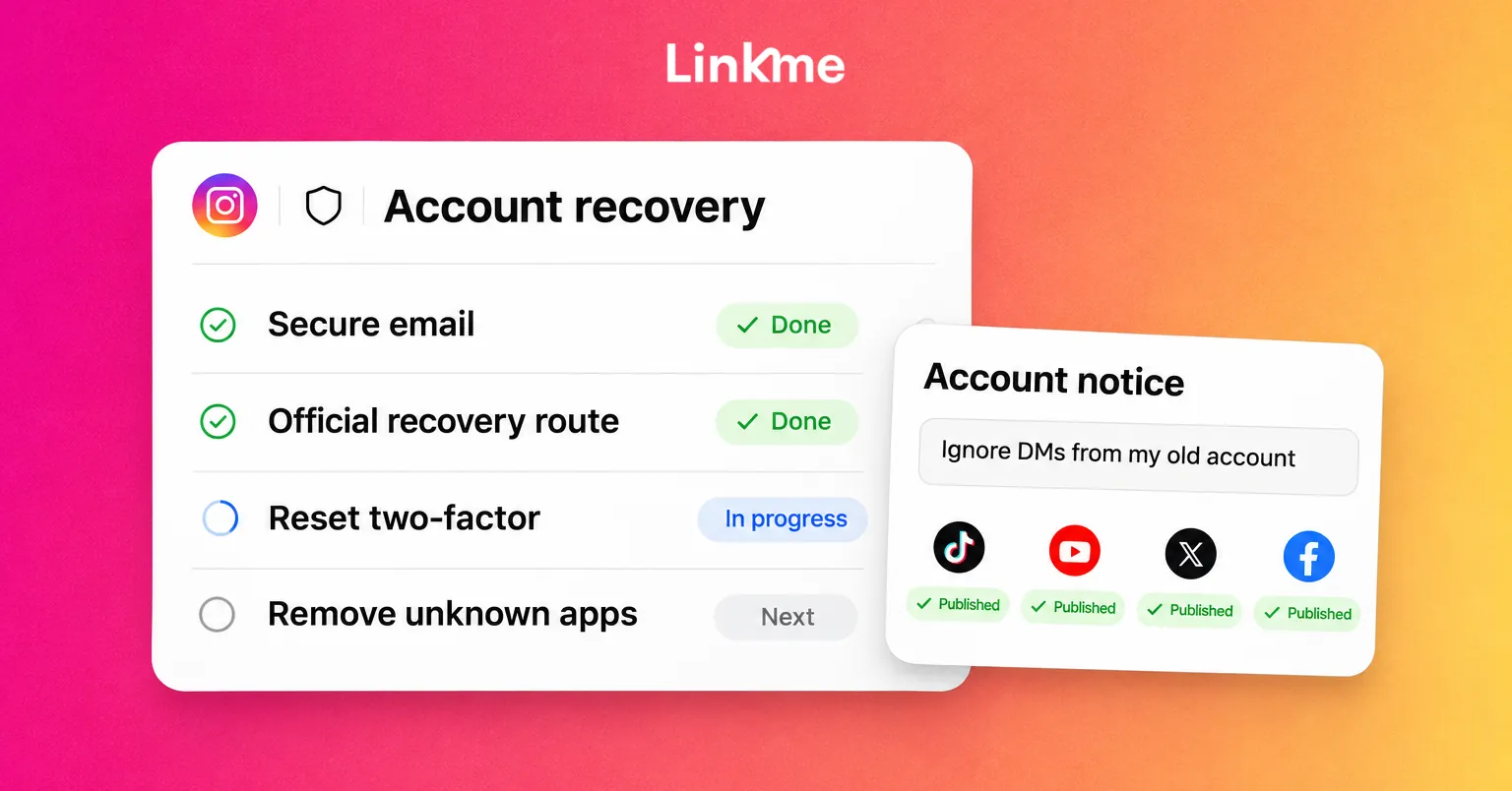
- Update your link in bio page. Your link in bio page is separate from the hacked account, so you can still edit it. Add a short notice at the top saying which account to ignore for now.
- Report the impersonation. If the attacker creates look-alike accounts, report them through each network’s impersonation form.
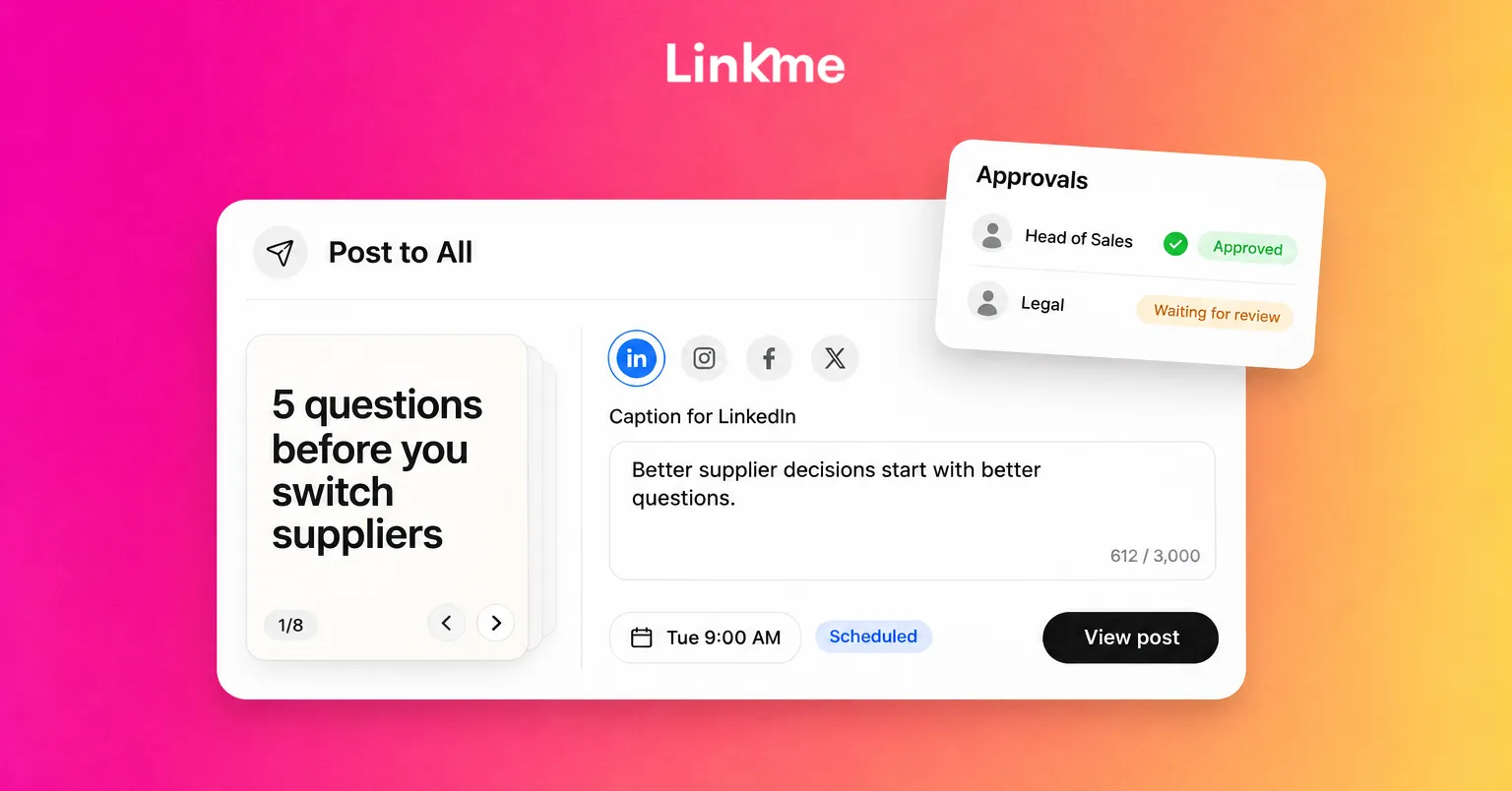
If you use a publishing tool, a single post sent to every account you still control gets the warning out fastest. Post to All sends one post to several networks at once, so you do not have to copy the warning into each app.
Lock down the account once you are back in
Recovery is not finished when you can log in again. The attacker may have left a way back.
- Sign out of all sessions and check the list of logged-in devices.
- Change the password to a long, unique one you have never used anywhere else.
- Reset two-factor authentication. Remove any phone number or authenticator the attacker added, set it up again with an authenticator app or passkey, and save new backup codes.
- Check the recovery email and phone number.
- Remove connected apps you do not recognize, and any you no longer use.
- Check admins and partner access. On business pages and ad accounts, look for new people, partners or payment methods.
- Undo the attacker’s changes. Look at the bio, profile link, name, recent posts, stories, comments and sent DMs. Delete anything you did not publish, especially links.
- Reconnect the account in your tools. Third-party tools may lose the connection after a password reset. Reconnect through the network’s own sign-in.
When a business account is hit
A hacked brand account needs a team response, not just a password change.
Check who has access
Start by listing everyone with access to the account and the tools around it. In Linkme’s ads, team and security tools, every teammate signs in with their own Linkme login. The owner can remove anyone from the business, and admins can remove managers. Because each person has their own login, there is no shared password to change. The audit log shows who changed what, newest first, which helps you tell the attacker’s changes apart from the team’s.
Watch the ad accounts
Attackers often target linked ad accounts. Review recent campaigns, budgets and payment methods on each network. Going forward, approval limits help: in Linkme, the owner can let a teammate launch ads without approval only up to a monthly limit, and anything above it waits for approval.
Turn on the right alerts
Each person can choose the alerts that reach them in the app and by email, including review requests, failed publishes and ad approvals. A failed publish after a password change is often the first sign that an account was signed out.
Prevention checklist
Once the account is secure, close the gaps that let the attacker in.
| Area | Check |
|---|---|
| Logins | Unique passwords in a password manager; two-factor with an authenticator app or passkey on every account and on your email |
| Recovery | Up-to-date recovery email and phone; backup codes stored somewhere safe and offline |
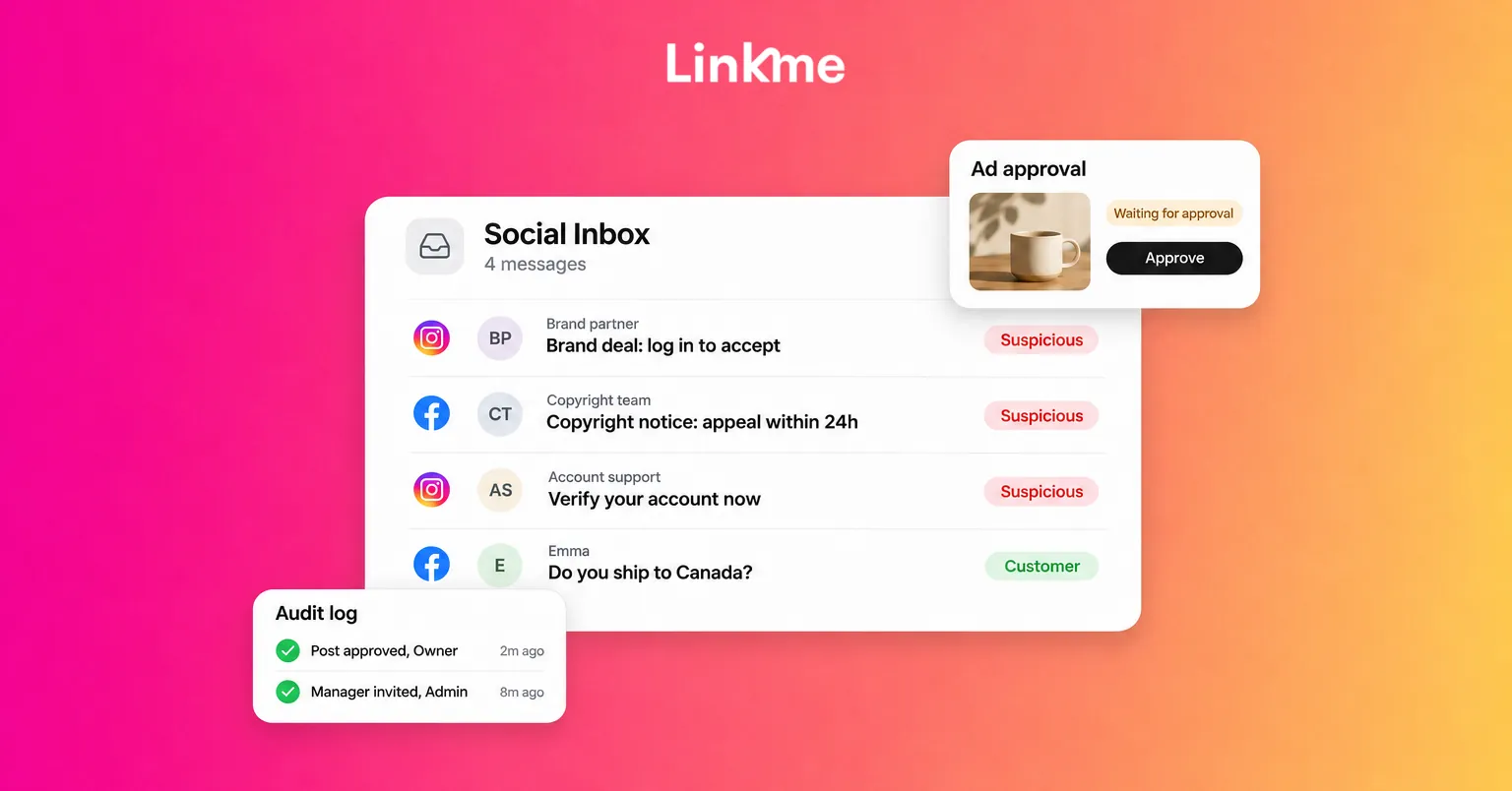
| Messages | Never sign in from a link; verify brand offers and “copyright” notices through the network itself |
| Connected apps | Monthly review on every network |
| Team access | One login per person, roles instead of shared passwords, access removed the day someone leaves |
| Ads | Spending limits and approvals on every ad account |
Frequently asked questions
What should I do first if my social media account is hacked?
Secure the email address linked to the account: change its password, sign out other sessions and turn on two-factor authentication. Then use the network’s official recovery route, such as instagram.com/hacked or facebook.com/hacked, from a device you trust.
How do I recover a hacked Instagram account if the email was changed?
Look for Instagram’s security email at your original address, which may let you reverse the change. If that does not work, go to instagram.com/hacked and follow the steps there. You may be asked to confirm your identity before you get access back.
Can a hacked TikTok account be recovered?
Often, yes. Use the Report a problem option in the TikTok app and choose the hacked account topic, or contact TikTok support with your username and what was changed. Act quickly, and do not pay anyone who offers to recover it for you.
Should I pay someone to recover my hacked account?
No. Networks do not charge for recovery, and people offering recovery services in comments, DMs or ads are commonly running a second scam. Use only the network’s own help center and in-app forms.
A hacked account is stressful, but most can be recovered with the official routes and a calm order of steps. If your team shares logins today, Linkme gives each person their own login, role and audit trail. Book a demo to see it on your accounts.