Kick vs Twitch: Pay, Audience and Multistreaming Compared
Kick pays streamers a bigger share of each sub and Twitch has the bigger audience. Here is how the splits, thresholds, rules and multistreaming compare, and how to keep one home page.

On this page
Kick vs Twitch mostly comes down to share of revenue versus size of audience. Kick gives streamers 95% of subscription revenue and lets you turn on subscriptions after 5 hours of streaming. Twitch has the bigger, more established audience and tooling, with a standard 50/50 subscription split that rises for streamers who hit its Plus Program targets. You also don’t have to choose only one, as long as you understand each platform’s multistreaming rules. The terms below were checked against official Kick and Twitch sources in November 2026. Both platforms change them often, so recheck before you sign anything.
Kick vs Twitch at a glance
| Kick | Twitch | |
|---|---|---|
| Subscription split | 95% to the streamer, 5% to Kick | 50/50 standard, 60/40 or 70/30 through the Plus Program |
| First monetization step | KICK Streamer after 5 cumulative hours streamed | Affiliate, now with lower follower and streaming-time requirements |
| Next tiers | Verified Streamer, then the KICK Partner Program | Twitch Partner, by application |
| Multistreaming | Allowed. Partners must turn on the multistreaming toggle for Twitch or YouTube, which halves their Partner Program earnings for that session | Allowed on other live services, under Twitch’s simulcasting terms |
| Audience | Smaller and growing | Larger and more established |
Audience and discoverability
Twitch has had years to build habits. Viewers open it to browse categories, follow raids and watch the streamers they already know. That brings more potential viewers, but popular categories are crowded, so a small stream can sit far down a busy directory.
Kick’s audience is smaller, which helps and hurts. Fewer people are browsing, but in many categories a new stream ranks higher on the page because there are fewer live channels to compete with.
In practice, most new streamers on either platform don’t grow through browsing alone. They grow from clips posted on short-form networks, collaborations and people who already follow them elsewhere. Your plan for bringing in viewers matters more than which directory you’re listed in.
Monetization: what you keep
Kick
Kick’s help center says subscriptions are a flat $5 a month. The streamer gets $4.75 (95%) and $0.25 (5%) covers payment processing. KICKs, which viewers send as on-channel support, also pay out 95% of their value. Kick sets no minimum payout. Non-verified streamers are paid monthly, and verified streamers can ask support for weekly or monthly payouts. In some countries, local rules set the payout schedule.
Twitch
Twitch’s standard subscription split for monetized streamers is 50/50. Through its Plus Program, Affiliates and Partners who meet monthly Plus Points targets for three consecutive months move to a 60/40 or 70/30 split. Twitch has changed those targets more than once, so check the current numbers in your Creator Dashboard.
Twitch also opened Bits, subs, emotes, badges and Channel Points to all streamers in its Monetization for All update. You still need Affiliate or Partner status to receive a payout.
The takeaway on revenue: for each subscription, Kick pays more. Your total income still depends on how many people subscribe, how often brands book you and whether your audience follows you there. A higher share of a smaller audience can come to less money overall.
Getting monetized: the first thresholds
Kick: you become a KICK Streamer and can turn on subscriptions after 5 hours of streaming in total. The hours can be spread across several shorter streams. Verification and the KICK Partner Program ask for much more, including average viewers, unique chatters, active subscriptions and recent VODs. Kick lists the current figures in its help center.
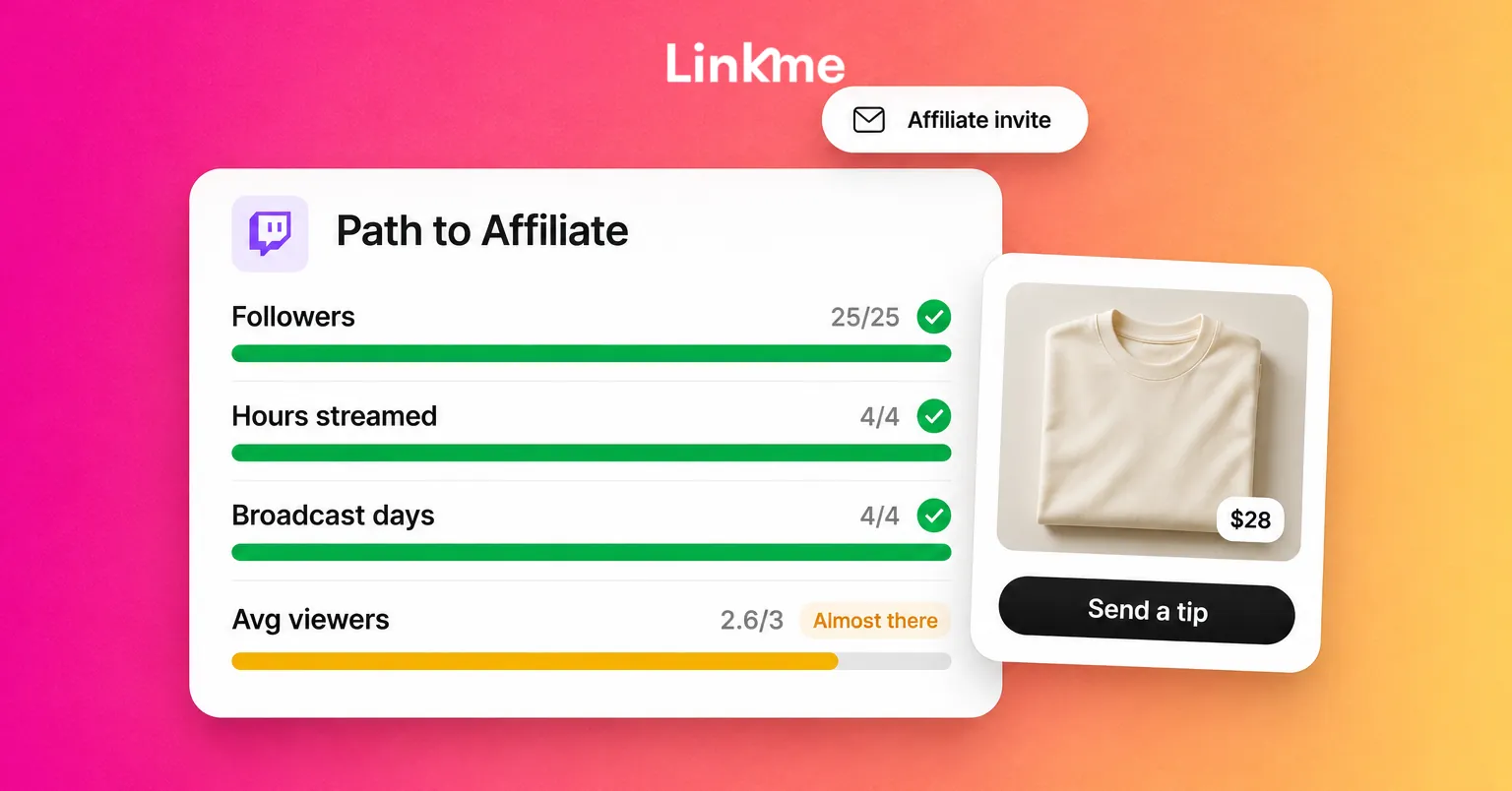
Twitch: according to the same Twitch update, the Affiliate criteria are now 25 followers, 4 hours of streaming across 4 different days and at least 3 average concurrent viewers. Previously they were 50 followers, 8 hours and 7 days. Partner status needs a larger, steady audience and an application.
Meeting a threshold on either platform makes you eligible. It doesn’t guarantee approval.
Moderation and community rules
Both platforms publish community guidelines and enforce them, and both expect you to moderate your own chat. Kick built part of its early reputation on looser rules, and some creators still pick it for that reason. Think about what that means for your channel, though. Brands that sponsor streams look closely at the content and chat they will be next to, and a channel with an unmoderated chat is harder to sponsor on any platform.
Whichever you choose:
- Read the guidelines for your category, especially if you stream mature games, IRL content or anything involving gambling or giveaways.
- Recruit moderators early and give them written rules.
- Use chat tools such as slow mode, follower-only chat and blocked terms from the start.
Multistreaming: do you have to choose?
Not necessarily.
Twitch now allows simulcasting to any live streaming service, subject to the conditions in its terms of service. Read the current version before you set up a restream.
Kick lets you multistream. For members of the KICK Partner Program, its multistreaming rules say you must turn on the multistreaming toggle whenever you also stream to a horizontal platform such as Twitch or YouTube. That halves your Partner Program earnings for the session. Subscription revenue isn’t affected, and streaming to vertical platforms such as TikTok Live or Instagram Live has no earnings impact.
A common approach is to treat one platform as home, where you build chat, subs and moderators, and use the other for reach. Exclusive deals override all of this, so read any contract carefully.
Which should you choose?
- You already have an audience elsewhere (YouTube, TikTok or Instagram): Kick’s split and low first threshold let you earn from that audience sooner.
- You’re starting from zero and rely on being found: Twitch has more people browsing. Pick a smaller category and stream on a fixed schedule.
- You depend on sponsors: choose the platform where your audience and your chat culture suit the brands you want to work with, then show them clean numbers.
- You’re unsure: stream on one platform for a few months, clip to every short-form network and look at where viewers actually stay and chat.
Keep one home page, whichever you pick
Platforms change their terms, and streamers move. Your followers shouldn’t have to search for you when that happens. A link in bio page gives them one address that holds your Kick and Twitch channels, your schedule, your Discord, your clips and your merch.
On Linkme, a creator page can hold every channel, take tips and sell print-on-demand merch. On Plus and Pro, analytics show which countries and cities your fans tap from. Post to All sends a clip to Instagram, TikTok, Facebook, YouTube, X, Threads and LinkedIn in one go. On Plus and Pro, the Link Scheduler can show a link only for the hours you want, such as a “Live now” link during a stream. If you change platforms, you update one link instead of every bio. The Pages & QR features cover the page tools in detail.
Frequently asked questions
Does Kick pay more than Twitch?
Per subscription, yes. Kick gives streamers 95% of the $5 subscription, while Twitch’s standard split is 50/50, rising to 60/40 or 70/30 for streamers in its Plus Program. Total income still depends on audience size, sponsorships and how many viewers subscribe.
Can I stream on Kick and Twitch at the same time?
Yes. Twitch allows simulcasting to other live services under its terms. Kick allows multistreaming, but KICK Partners must turn on the multistreaming toggle when they also stream to Twitch or YouTube, which halves their Partner Program earnings for that session.
Is Kick bigger than Twitch?
No. Twitch still has the larger and more established audience. Kick is smaller, which can make a new stream easier to find in some categories.
How long does it take to get paid on Kick?
You can turn on subscriptions after 5 cumulative hours of streaming. Kick has no minimum payout. Non-verified streamers are paid monthly, and verified streamers can ask for weekly or monthly payouts.